Raycast
Mac launcher with window commands and an extension store. Not an AI tool.
Use it if
- You are on a Mac and Spotlight search annoys you
- You occasionally want to drop a window into a fixed position
- You want small utilities without installing a menu bar app for each one
Skip it if
- You are not on a Mac, because everything here is Mac-only
- You are happy with Spotlight and do not want another launcher
- You would rather not grant accessibility and file permissions to a launcher
- You are looking for an AI assistant, because this is not one
Raycast is a Mac launcher. You press a shortcut, type a few letters, and it opens an app, runs a command, searches a file or does a small job in place. It is not an AI tool, and it does not run any of the agents in my setup. It is a convenience I happen to use constantly.
What I use it for
Better search than the Mac default. That is the whole reason I switched. The results were better for me, consistently enough that I took Command-Space over and pointed it at Raycast instead of Spotlight. That single change is most of the value.
Occasional window positioning. Raycast has commands for moving the focused window into a position, and they read like instructions rather than shortcuts: I type something close to “bottom right corner” and the window goes there. My layout is fixed, so rebuilding it is three of those commands. It is a repeatable layout rather than a saved one, and it depends on the display arrangement I have today: change the monitor and “bottom right corner” means something different.
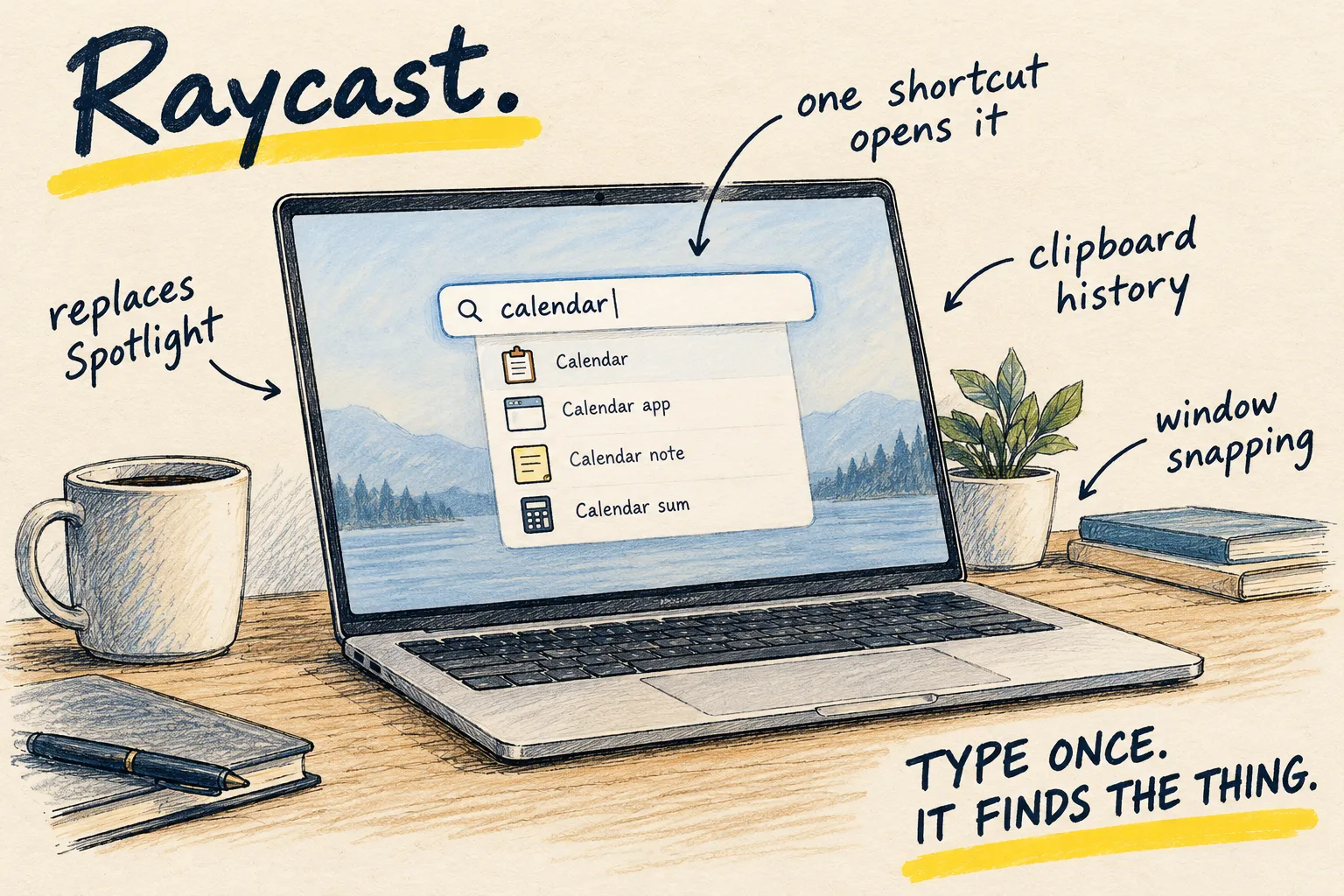
Two extensions. Extensions install from inside the launcher. Caffeinate keeps the Mac awake, which matters because my scheduled jobs run on this machine and a sleeping laptop is a skipped job. System Monitor is how I keep an eye on disk, which coding agents fill faster than you expect: a git worktree is a full copy of a repository, and they create them constantly.
Honest limitations
It is Mac only. Everything above assumes macOS, and I have no experience with it anywhere else.
It wants permissions. A launcher that moves your windows and searches your files needs accessibility and file access to do it. That is a reasonable ask for what it does, and it is still a lot of access to hand one application. Decide that on purpose.
Extensions are other people’s code. An extension runs on your machine with your permissions. I install few of them, and I look at who wrote the ones I do.
Taking Command-Space has a cost. It is the shortcut everything else on the Mac assumes is the system search, so occasionally something fights it, and other people cannot drive my laptop.
Free covers this. There is a paid tier with AI features built in. I do not use it, and nothing on this page needs it.
Guides that use this
Setups
My current AI setup
Related reading
Setups
My current AI setup