Will a scheduled AI task run if my computer is asleep?
It depends where the task runs. ChatGPT tasks and Claude's cloud tasks do not need your computer. Claude Desktop tasks and /loop do, and a sleeping laptop skips them.

By Nick
On this page
Before you start
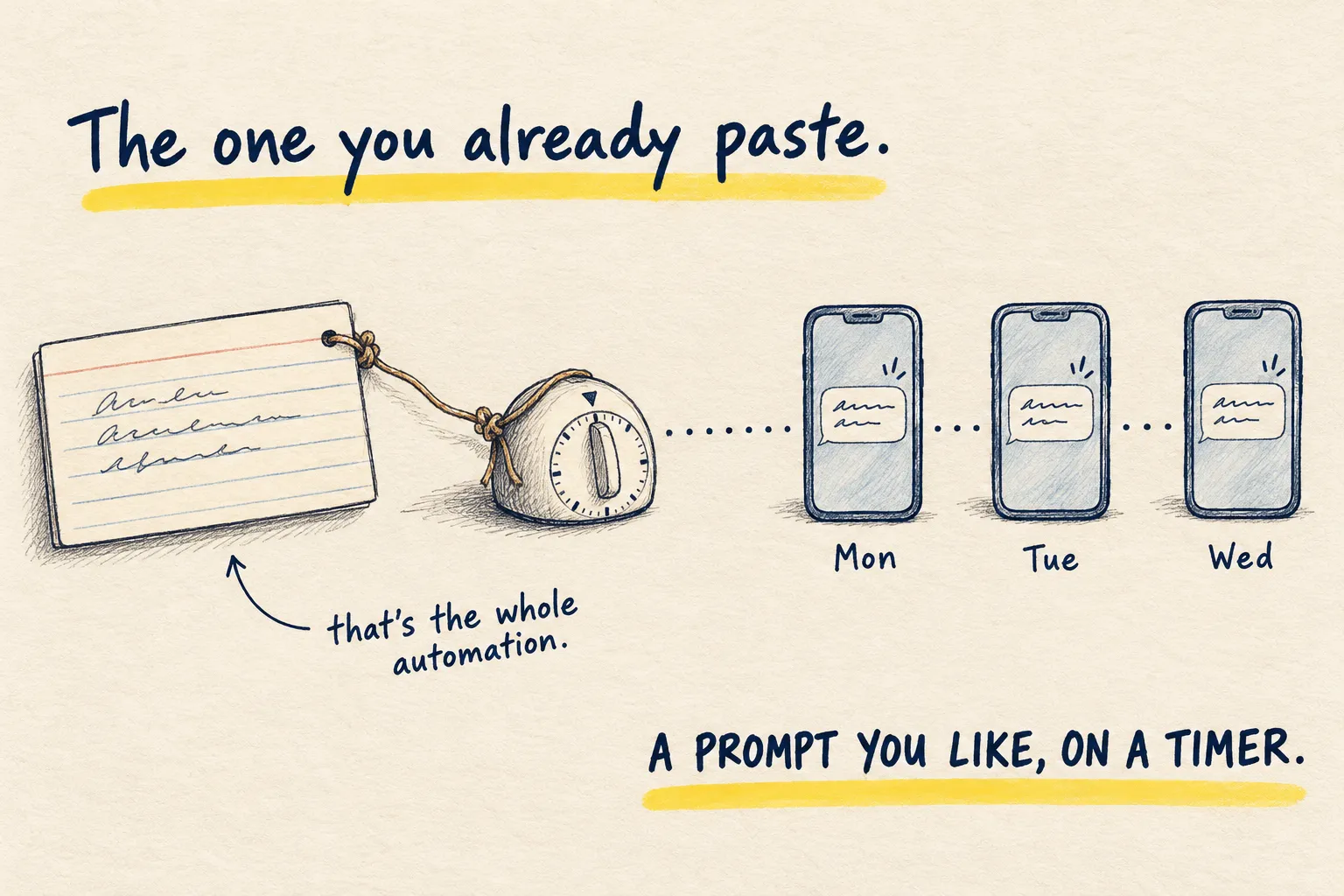
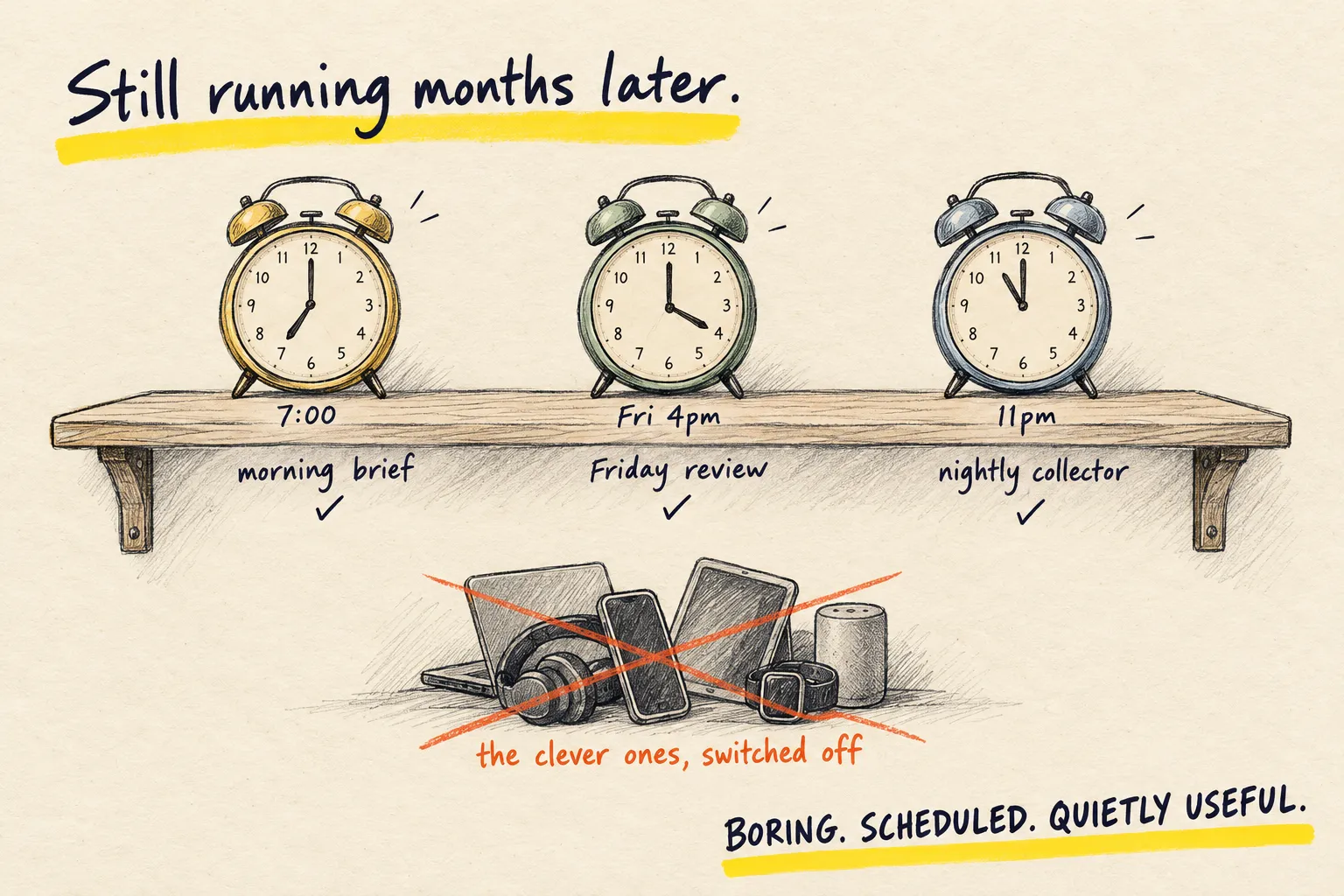
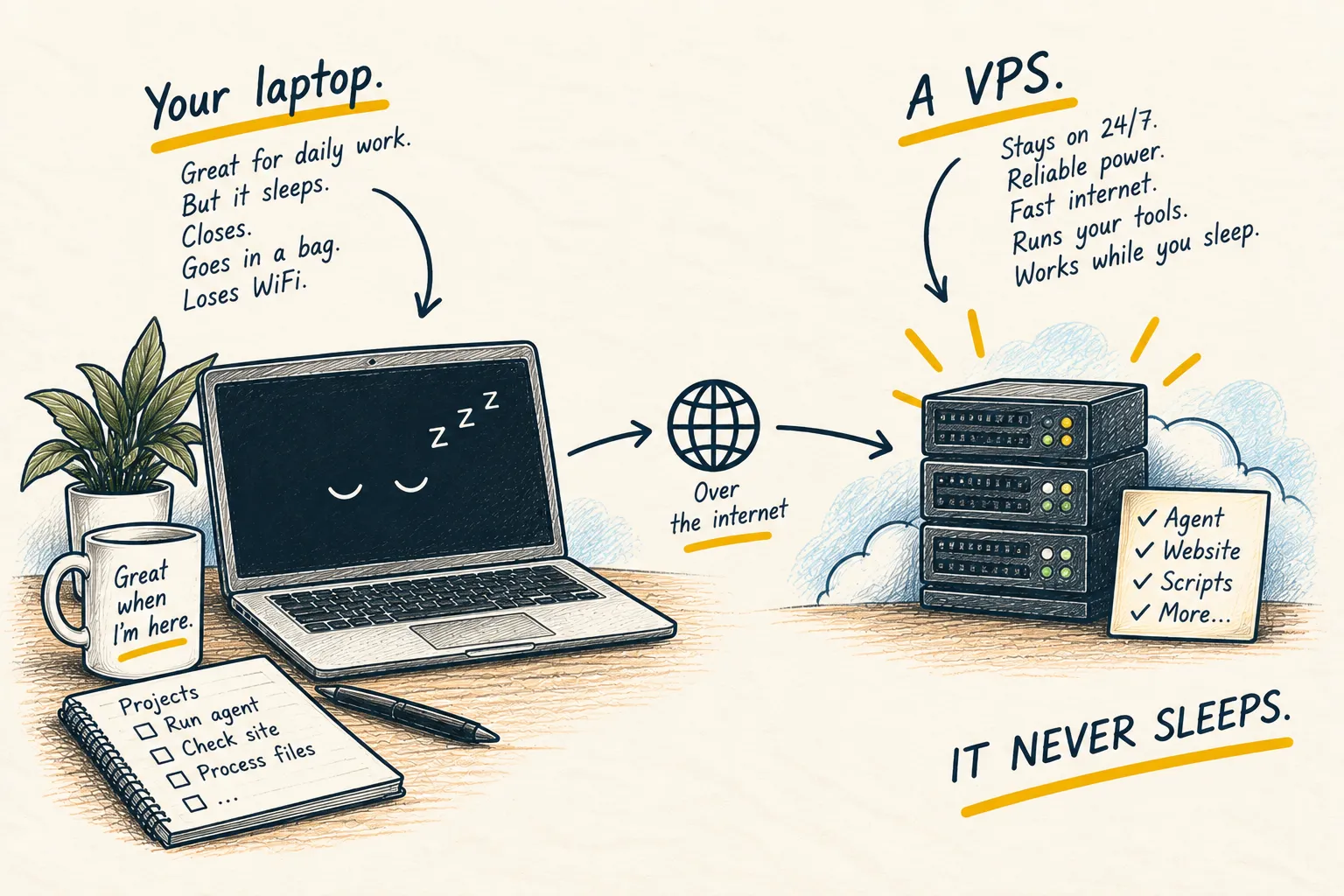
A scheduled task is an alarm clock that does a job when it rings. The question that matters is where the clock lives. If it lives in the company’s cloud, your laptop can be shut in a drawer. If it lives on your laptop, the laptop has to be awake when it rings.
“Scheduled” sounds the same in every app. It is not.
The short answer
| Where you set it up | Runs on | Computer must be awake? | Can it read files on your computer? |
|---|---|---|---|
| ChatGPT scheduled task | ChatGPT, online | No | No |
| Claude Code cloud task | Anthropic’s cloud | No | No, it works from a fresh copy of your project online |
| Claude Desktop scheduled task | Your computer | Yes, and the app must be open | Yes |
/loop in Claude Code | Your computer | Yes, and that session must stay open | Yes |
Checked against OpenAI’s and Anthropic’s help pages on 21 October 2026. These products change often; the help pages are the final word.
What a sleeping laptop actually does
Claude Desktop tasks skip the run. When the computer wakes, it runs once to catch up on the most recent missed time and drops anything older. So a 9am task can turn up at 11pm if the laptop slept all day. There is a “Keep computer awake” setting, but closing the lid still puts it to sleep.
/loop is for watching something while you work (“check the build every five minutes”).
It only runs while that Claude Code session is open and idle, it does not catch up on missed
runs, and recurring loops delete themselves after seven days.
Cloud tasks, in ChatGPT or Claude, do not care. They run whether your computer is on, off or in a bag.
How to choose
- It only needs the internet or connected apps (a morning news summary, a weekly email digest): use a cloud task. This is what your first automation sets up.
- It needs a file or program on your computer: use a Claude Desktop task, and accept that it runs when the computer is awake, not on the dot.
- It is a temporary check during work: use
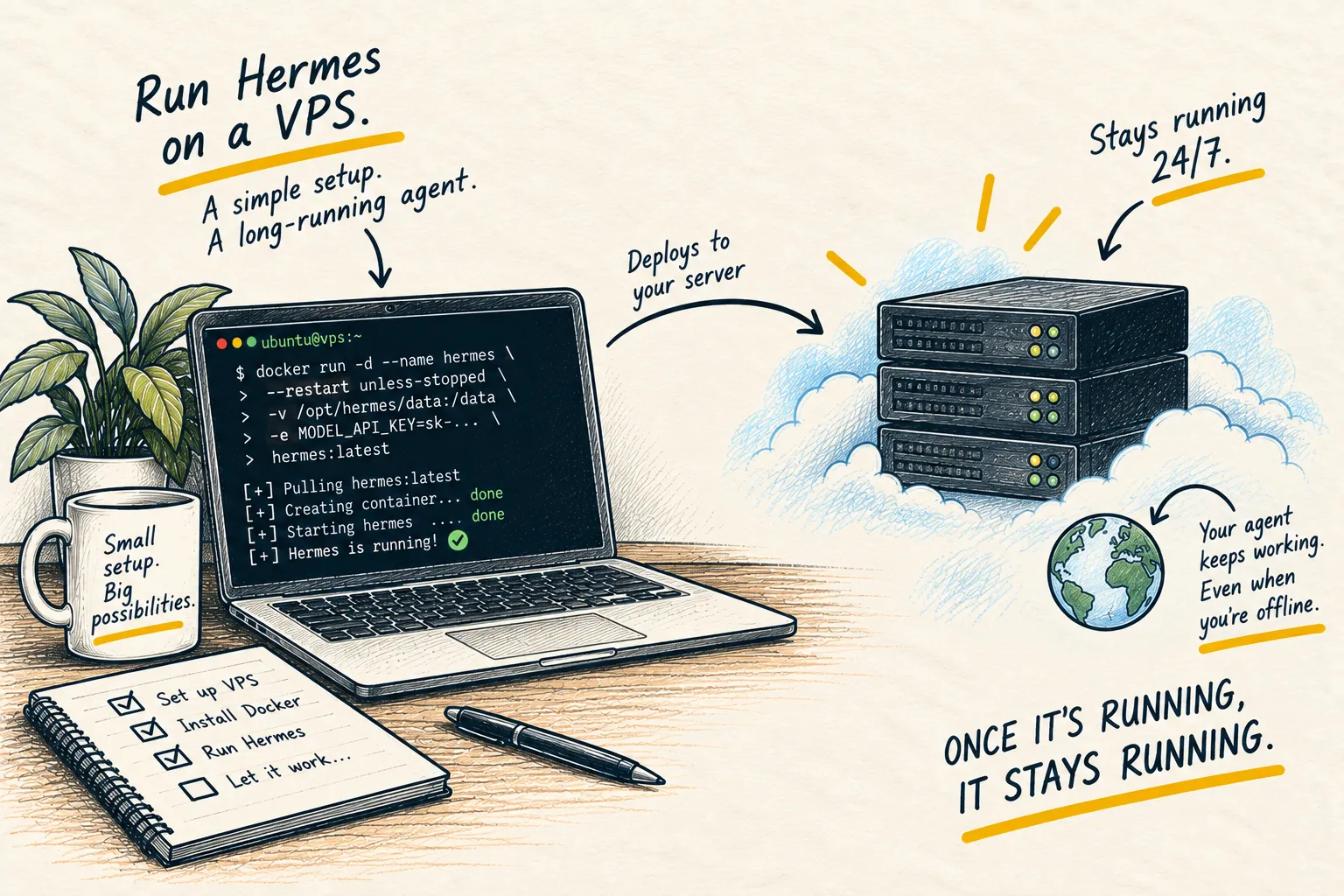
/loop. - It needs your files and must run on time, every time: you have outgrown a laptop. That is what a small always-on server is for; running Hermes on a VPS is the long version.
A safe first test
Make one harmless task, such as “send me the word hello at 3pm”, in the tool you plan to use. Do not test with anything that sends, deletes or buys. Then check the result where the product keeps its history: ChatGPT’s scheduled list, or the task history in Claude, which marks skipped runs and shows why when you hover.
What working looks like. The hello arrives at the time you expect, through the channel you expect (in ChatGPT, push, email or both, set under Settings, then Notifications). If it arrives late or not at all, check the table above before you blame the prompt.
Common questions
Does a ChatGPT task need my computer on?
My Claude Desktop task ran hours late. Why?
Why did my /loop task stop after a week?
How many tasks can I have in ChatGPT?
What to do next
Related reading
Learn
What is a VPS?