Three automations that actually save time
Not the impressive ones. Three boring, scheduled jobs that quietly changed how my week runs, what each one does, and the prompt to set it up.

By Nick
On this page
- Ten minutes each
- Nothing on top of what you pay
- Beginner
Before you start
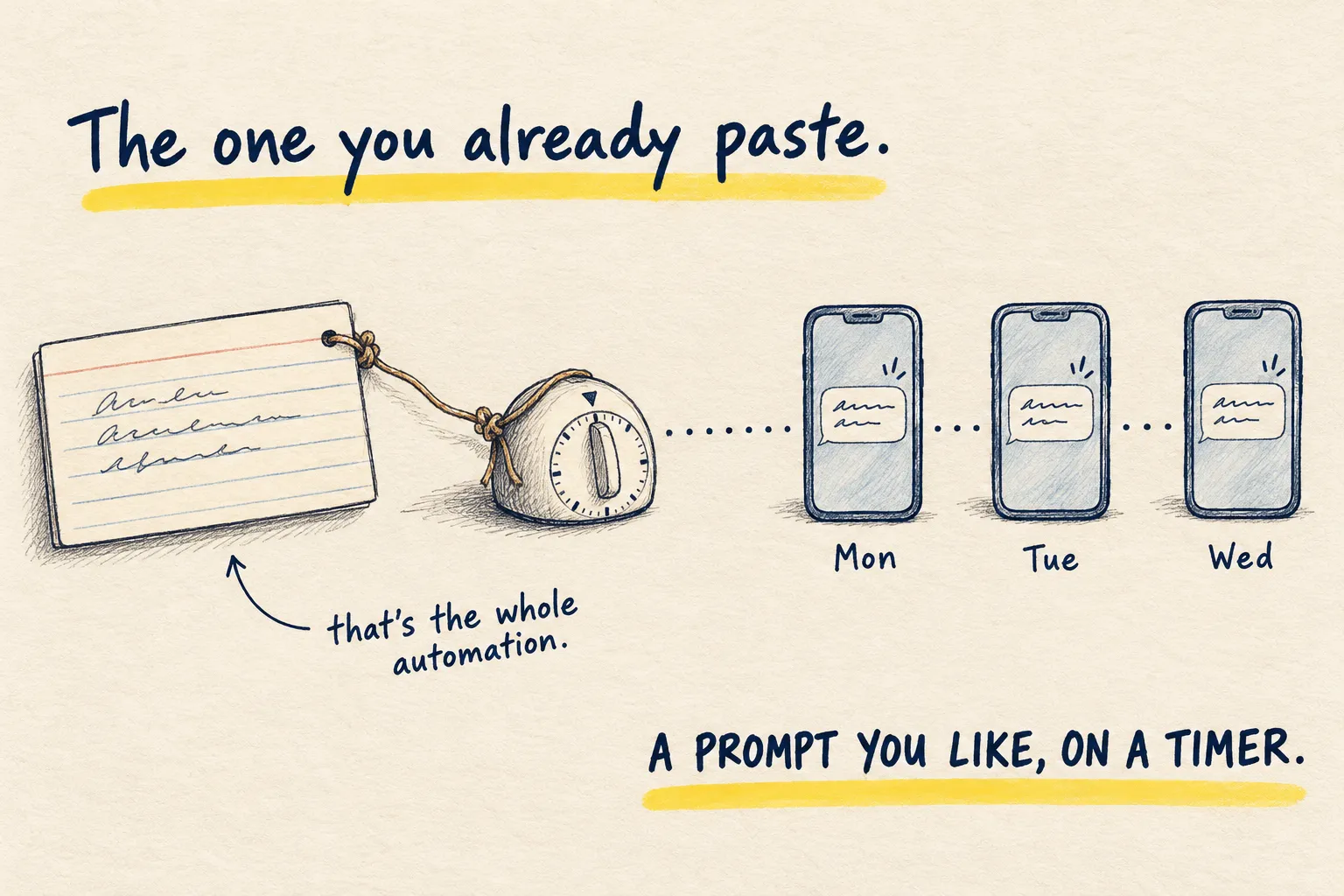
New to scheduled prompts? Your first automation is the ten-minute version: one prompt on a timer. The first two jobs below each have their own page with the full prompt.
1. The morning brief
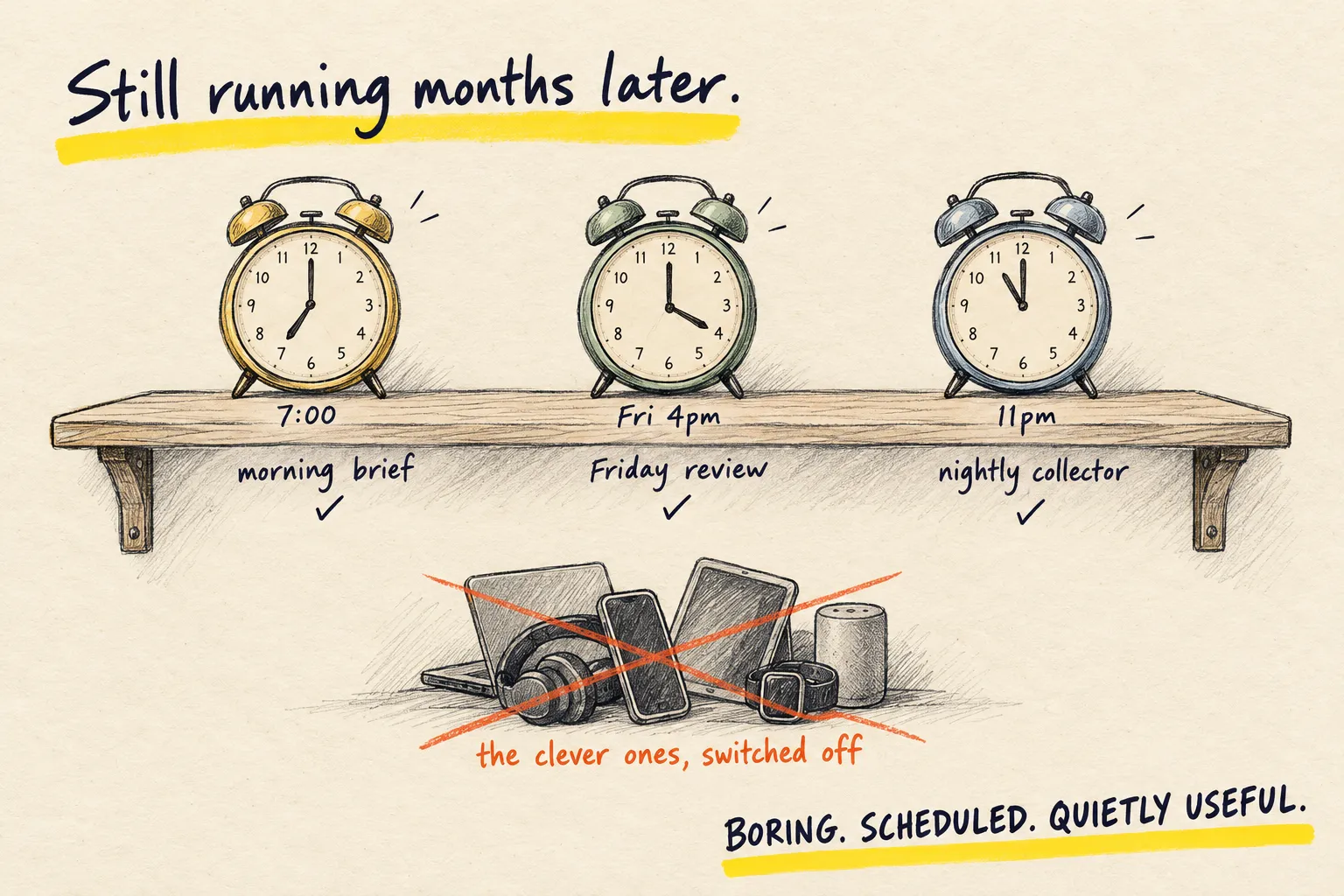
Three lines at 7am: the day’s shape, the thing I am avoiding, one thing worth knowing. It replaced opening email first. The morning brief page has the prompt; put it on a timer and it is done.
Trigger: a daily timer, 7am. Input: the day’s calendar and to-do list. Output: three lines, nothing else. Failure signal: it arrives and says nothing you did not already know. Stop rule: if you stop reading it for a week, switch it off rather than let it run unread.
2. The Friday review
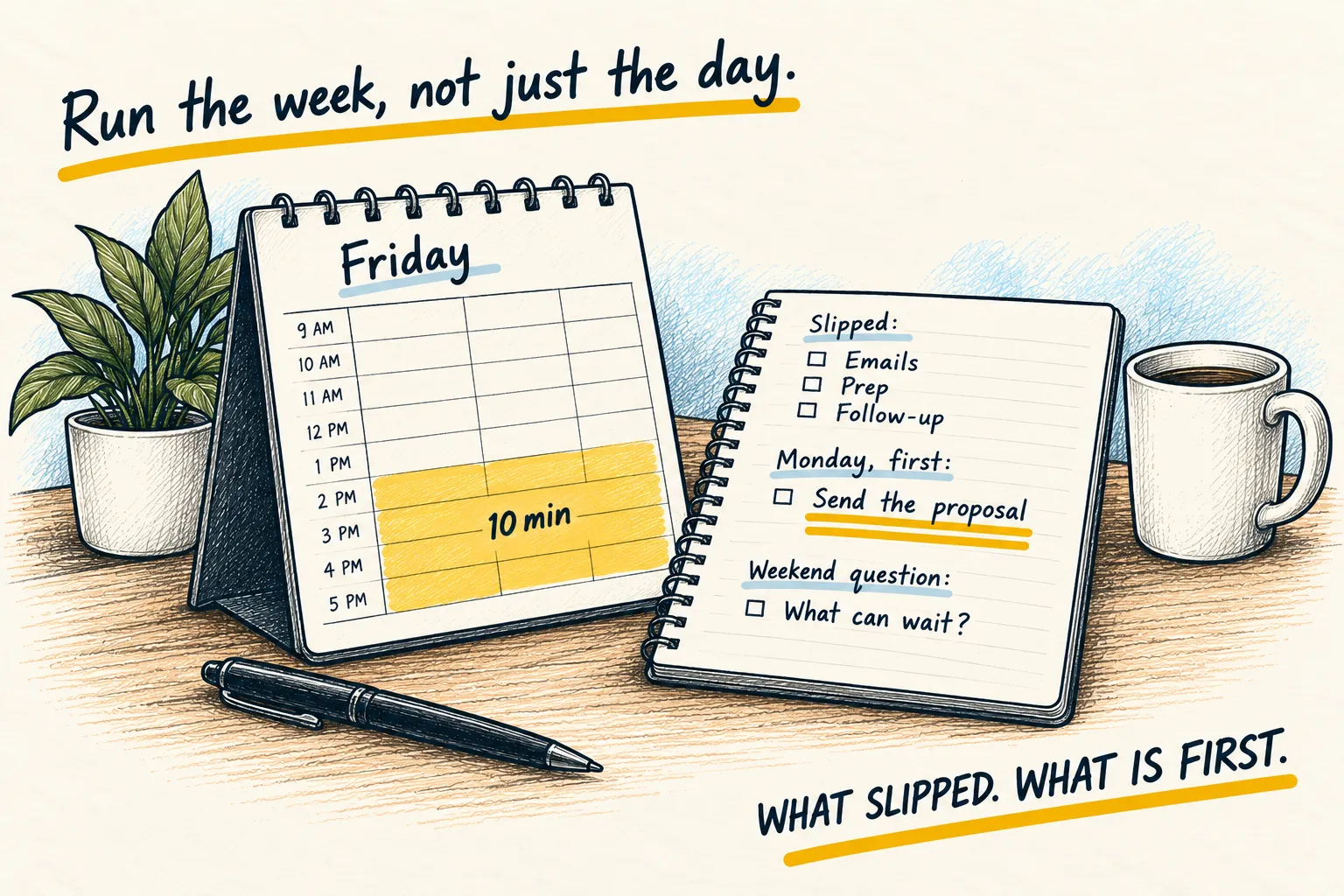
What I planned, what happened, what slipped, what is first on Monday. Ten minutes, and the Monday line feeds the next morning brief. The weekly review is the prompt. Same timer trick.
Trigger: a weekly timer, Friday afternoon. Input: last Friday’s plan, the week’s calendar, the to-do list, next week’s calendar. Output: what slipped, what to do first Monday, one question for the weekend. Failure signal: the same thing slips three weeks running without the review changing anything. Stop rule: if Monday’s line never gets acted on, the loop is decorative, not useful.
3. The nightly collector
This one needs an agent, because it reads rather than reminds. Every night it looks through the day’s notes, chats and bookmarks for anything worth turning into a post, and leaves a short list. Most mornings the list is empty. Once a week it has the thing this site runs on.
Trigger: a nightly timer, 11pm. Input: the day’s notes, chats and bookmarks. Output: a
dated one-line entry in ideas.md, or “nothing tonight”. Failure signal: the file fills
with entries nobody turns into anything. Stop rule: this is the one that needs an agent
with real read access, not a plain chat prompt; if you only have a chat app, skip it until
you have one.
Every night at 11pm, look through [the folder / the notes app / today's chats] for
anything that could become a short guide: a problem I solved, a prompt that worked, a
thing I had to explain twice. Write each one as a single line with the source, in a file
called ideas.md, newest at the top. Do not write the guide. If there is nothing, write
"nothing tonight" and stop.
Why boring wins
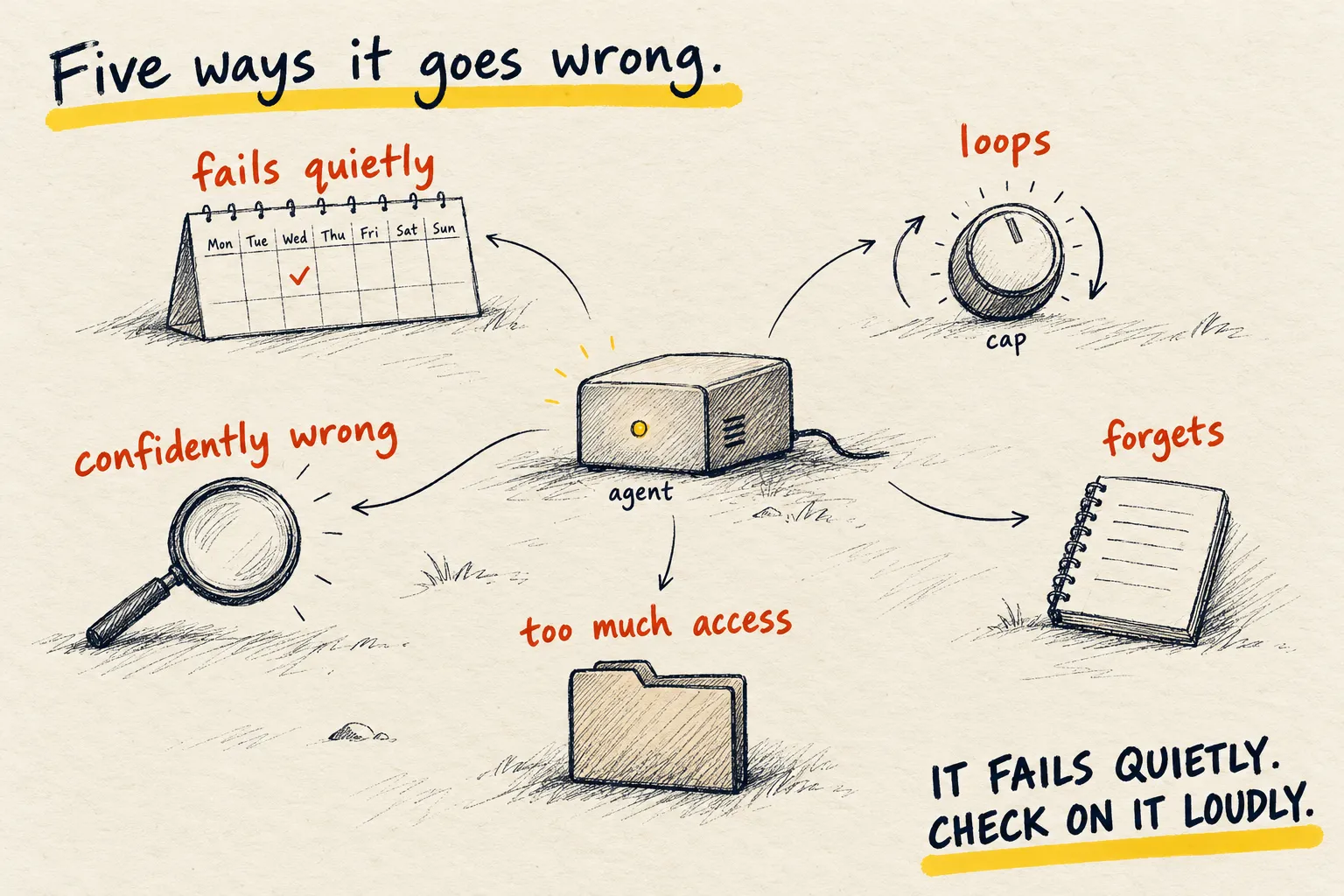
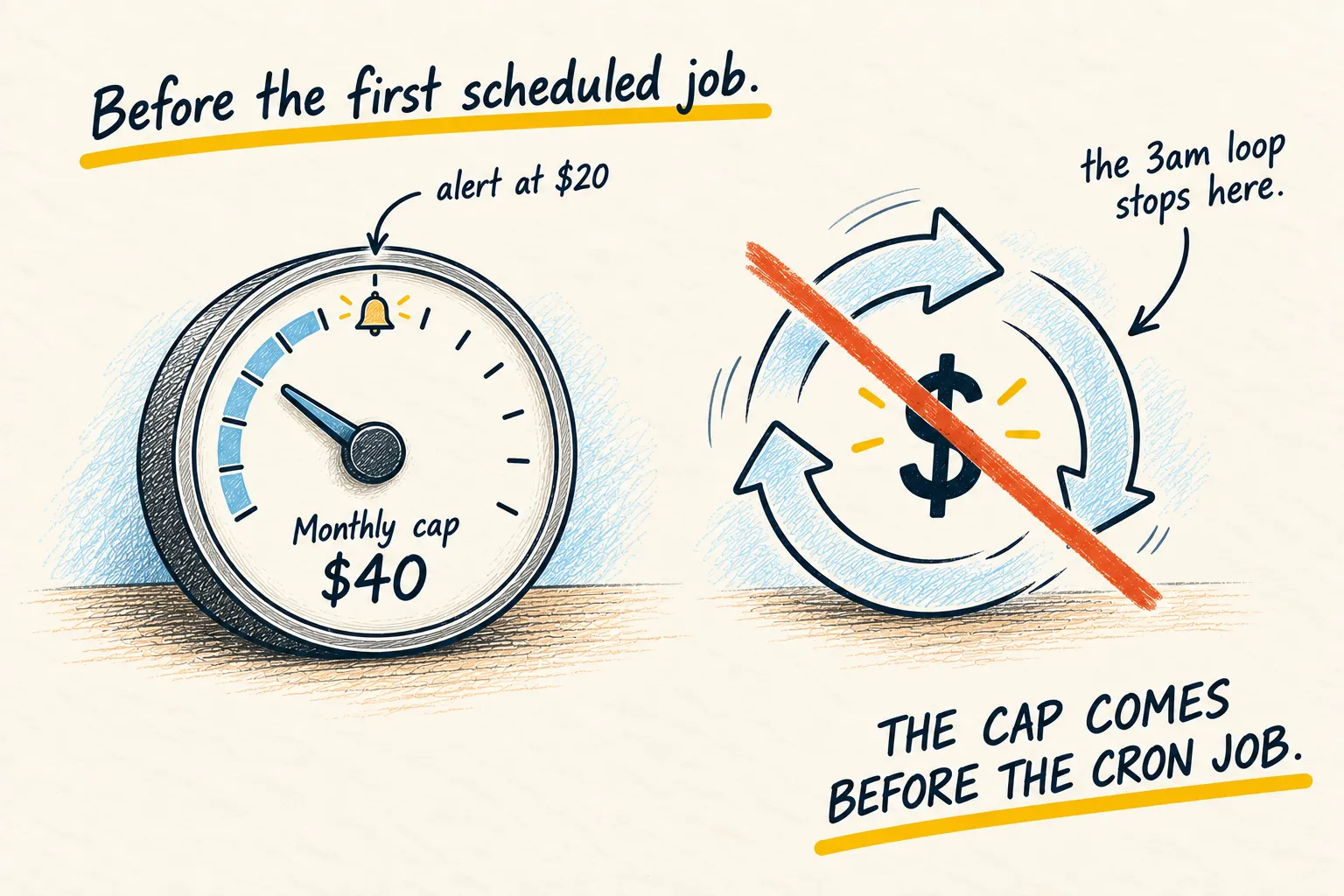
The impressive automations I built are all switched off. They needed watching, they broke when a model changed, they produced things I did not read. The three above survive because each one is small enough to ignore when it is wrong and useful enough to miss when it stops. What goes wrong with an always-on agent is the list of ways the clever ones died.
How you know it worked. Three messages a week you actually read, and an ideas file that is sometimes not empty. Start with one and add the next after a month.
Common questions
Why these three?
Do I need an agent?
What should the fourth be?
What to do next

Related reading
Setups
My current AI setup