The weekly review: ten minutes on Friday that fixes Monday
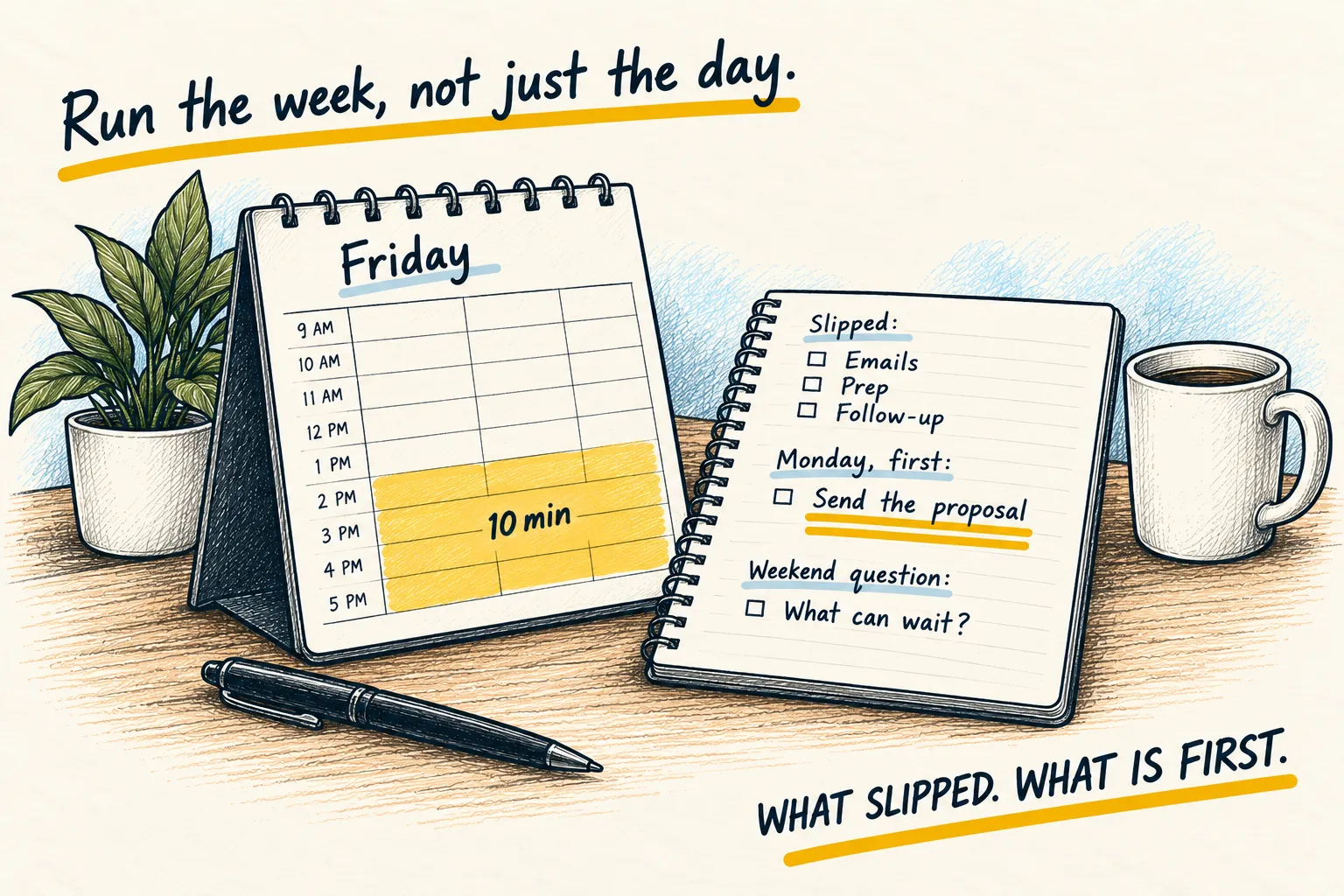
Paste what you did, what you said you would do, and what is coming. Get back the three things that slipped and the one thing to do first next week.

By Nick
On this page
- Ten minutes a week
- Nothing
- Beginner
Before you start
1. Collect the week in two minutes
Last Friday’s plan, if you made one. Your calendar for the week just gone. Your to-do list as it stands. Next week’s calendar. Paste them raw; tidying is its job.
2. Paste this above them
This is my weekly review. Below is what I planned, what actually happened, and what is
coming next week. Give me, and nothing else:

1. Three things I said I would do and did not, with your best guess at why.
2. One thing I did that was not on the plan and should have been.
3. The single most important thing to do first on Monday, and why.
4. One question I should think about over the weekend.

Plain and brief. Do not praise me and do not pad it.
3. Write line 3 on Monday’s brief
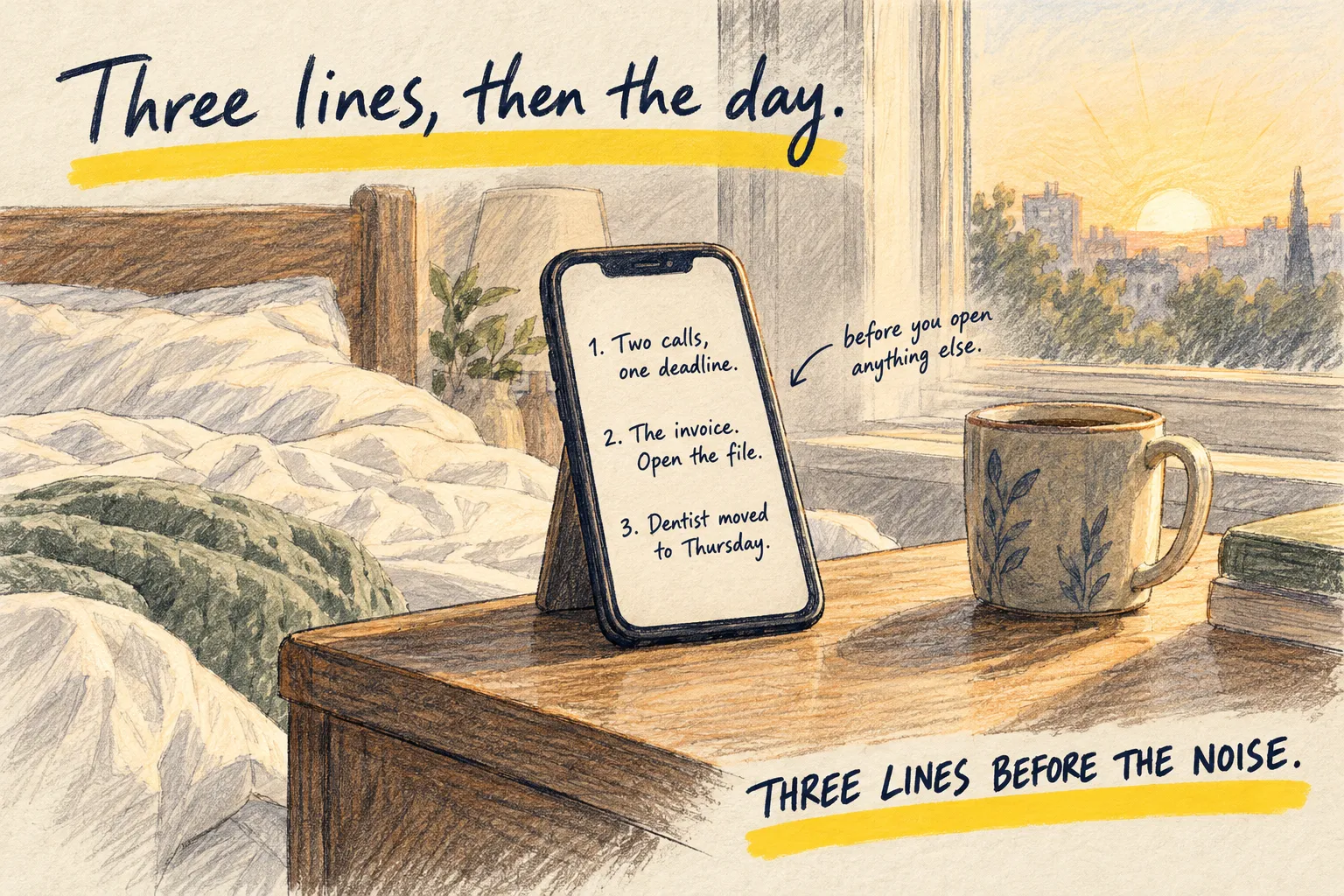
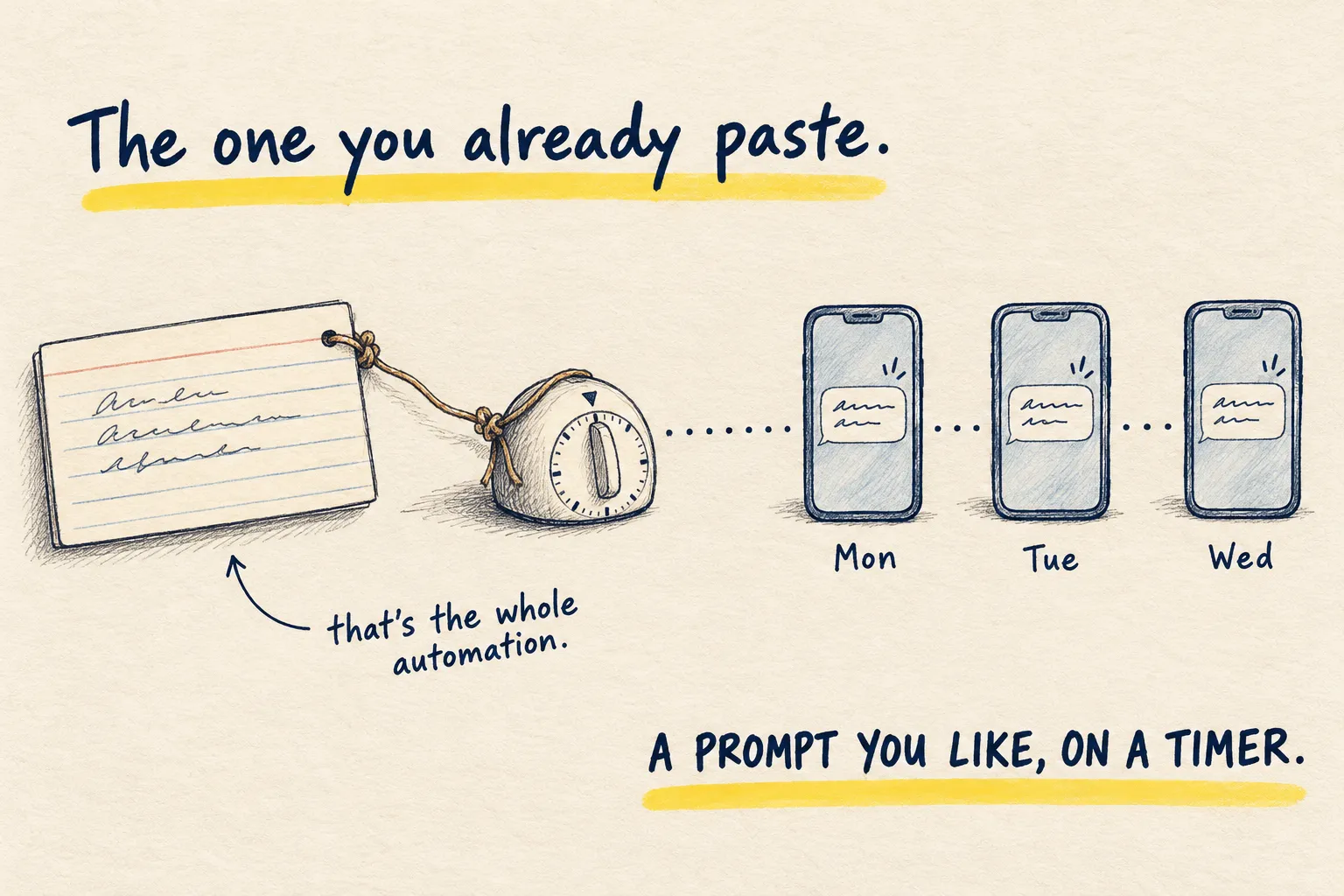
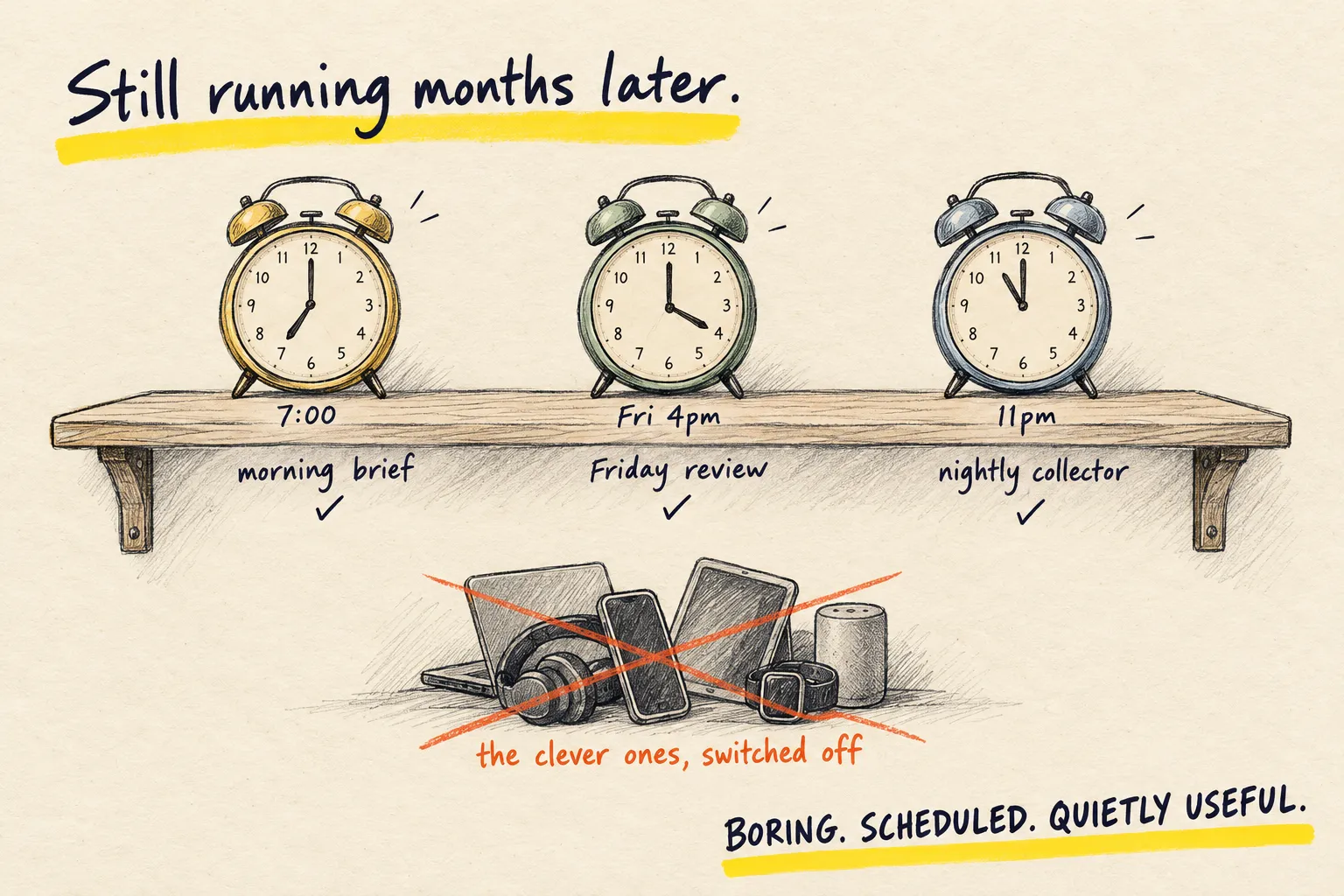
That is the whole loop. The thing to do first goes into Monday’s morning brief, and next Friday you paste this week’s plan back in and see whether it happened. This review is the second of three automations worth setting up.
My week running a market stall, pasted raw, plus the prompt above
- Slipped: reorder the jars, call the venue about Saturday, send the newsletter. Each was waiting on someone else’s reply, so they probably felt out of your hands.
- You spent Wednesday fixing the card reader. That should have been on the plan: it cost half a day of prep.
- First thing Monday: ring the venue. Everything else next week depends on knowing your Saturday pitch.
- Over the weekend: which job do you keep putting off because it is waiting on someone else?
Line 4 should be slightly annoying. That means it is the right question.
If the whole thing is bland, your pasted notes were too tidy; give it the messy version.