How to check an AI answer before you trust it
AI answers sound sure even when they're guessing. Three prompts to check one in two minutes, find what you missed, and spot the slant in anything it summarises.

By Nick
On this page
- Two minutes
- Nothing
- Beginner
Before you start
The first is for any answer you’re about to rely on. The second is for your own plans and drafts. The third is for anything you’ve been asked to read and trust.
1. The two-minute check before you trust an answer
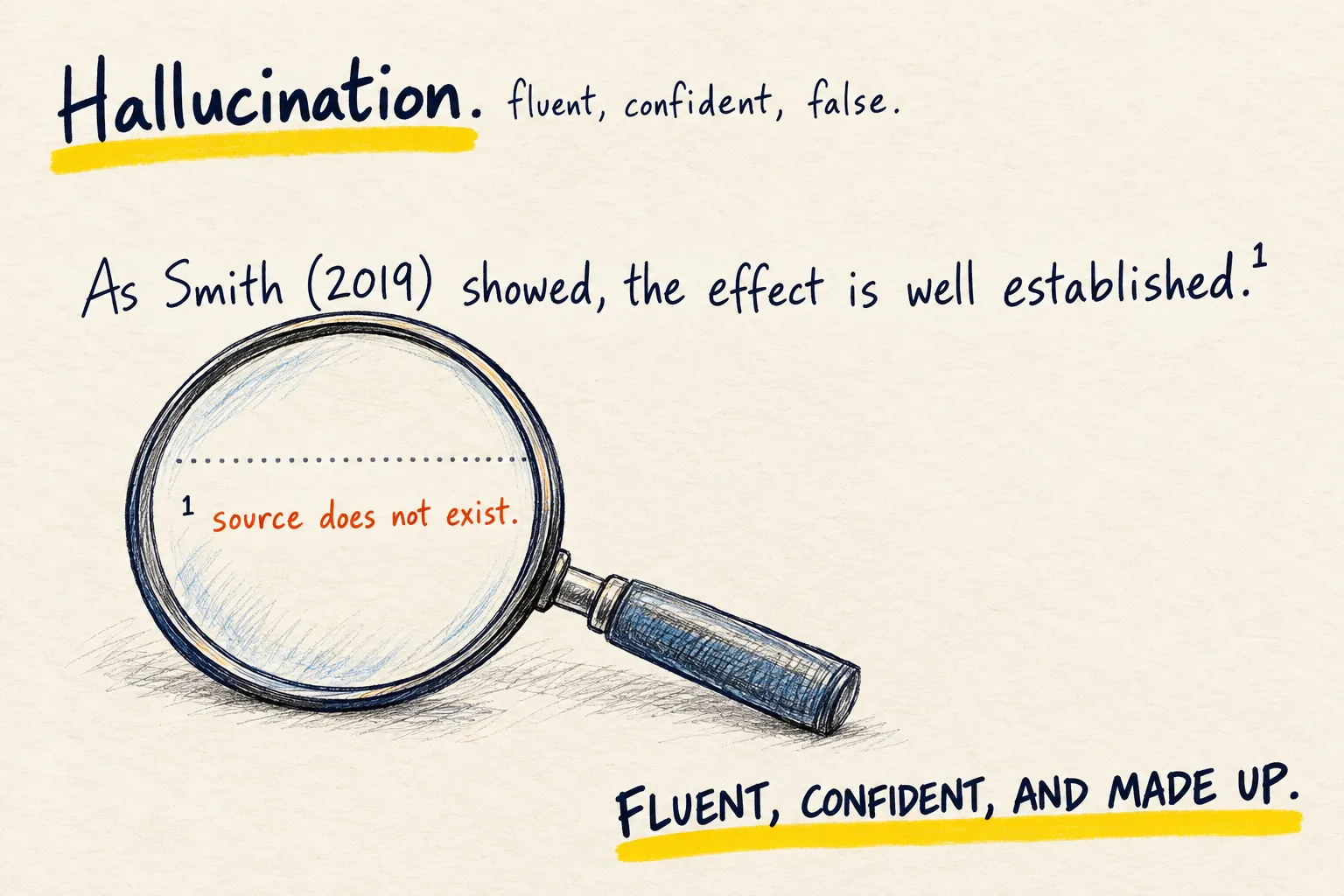
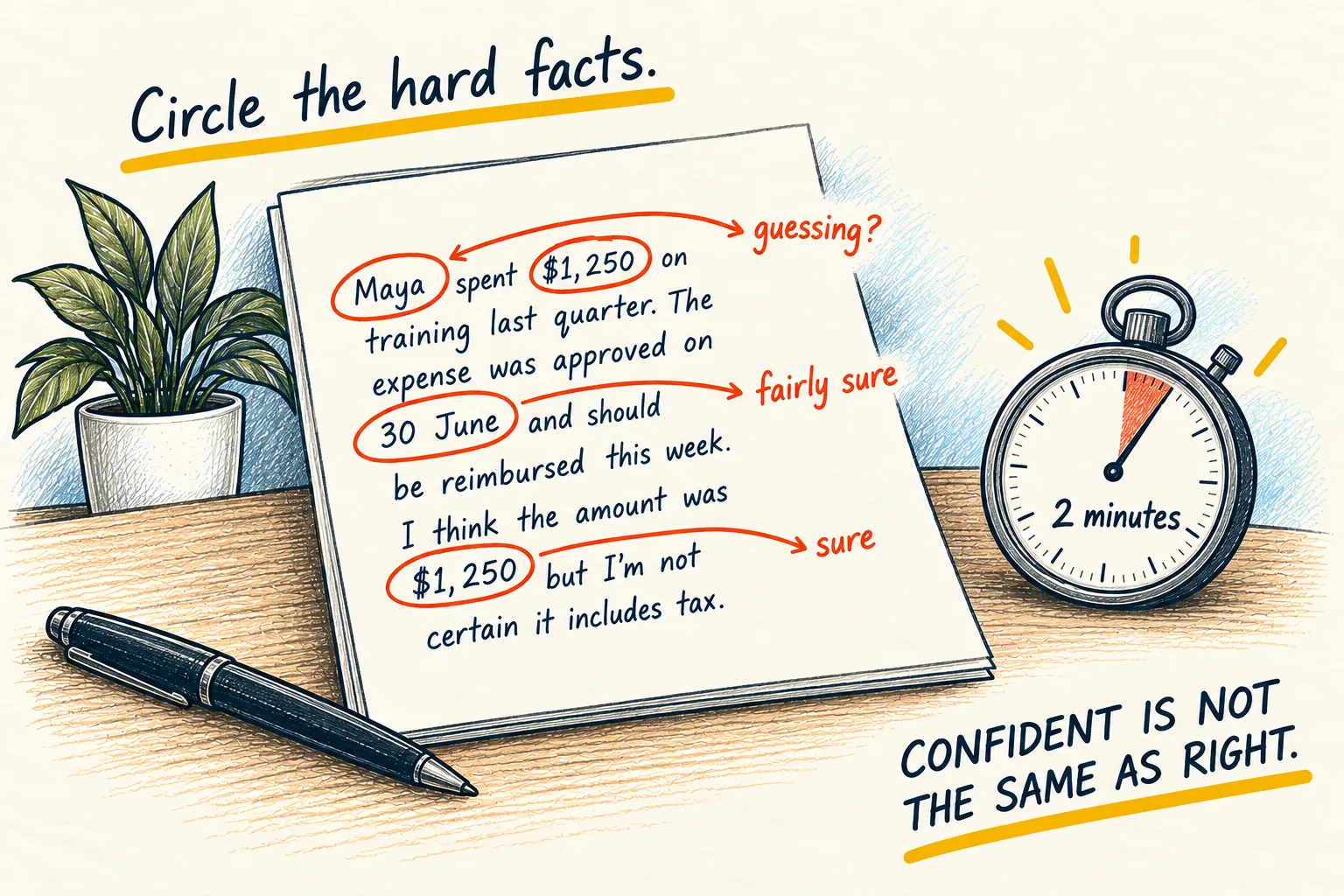
Before you act on an answer: circle every number, date, name and link in it, then paste the prompt below. Then ask yourself one question. Two minutes, and it catches most of the damage.
Circle the hard facts
Numbers, dates, names, prices, quotes, links. Those are where it slips, because they have one right value and it is guessing from patterns. Opinions and explanations are usually sound; the specific figure in the middle of them is the risk.
Ask it to audit itself
Go back over your last answer. For every number, date, name, price, quote or link in it,
tell me whether you are sure, fairly sure, or guessing, and why. If anything was a guess,
say what I should check and where. Do not rewrite the answer.
It will downgrade things. That is the useful part. “Fairly sure” on a tax threshold means look it up before you file.
Ask yourself one question
What happens if this is wrong?
Wrong recipe: nothing. Wrong dose, wrong deadline, wrong clause in a contract: you check with the real source or a real person before you move. The check scales with the cost of being wrong, not with how confident the answer sounded.
Earlier answer about planting tomatoes, plus the prompt above
- Sow indoors in March: fairly sure. It is common advice, but it depends on your climate.
- Plant out after the last frost: sure.
- The 85-day variety from Dobbs Seeds: guessing. I may have invented that name. Check the seed packet.
- The link to the growing guide: guessing. I cannot confirm it exists. Click it before you rely on it.
Anything marked guessing is your to-do list. Check those first.
If it insists everything is certain, be more suspicious, not less.
2. Ask it what you missed (the most useful prompt I know)
Finish the thing yourself first. Then paste it in and ask what you missed. It is far better at spotting the hole in your plan than at writing a plan you would actually follow.
Why this beats “do it for me”
The things you know are easy. The things you know you do not know, you look up. The dangerous category is what you do not know you do not know, and that is exactly what a well-read second pair of eyes is for.
Give it a finished draft and it has something concrete to push against. Give it a blank page and it gives you the generic version.
Paste this under whatever you have
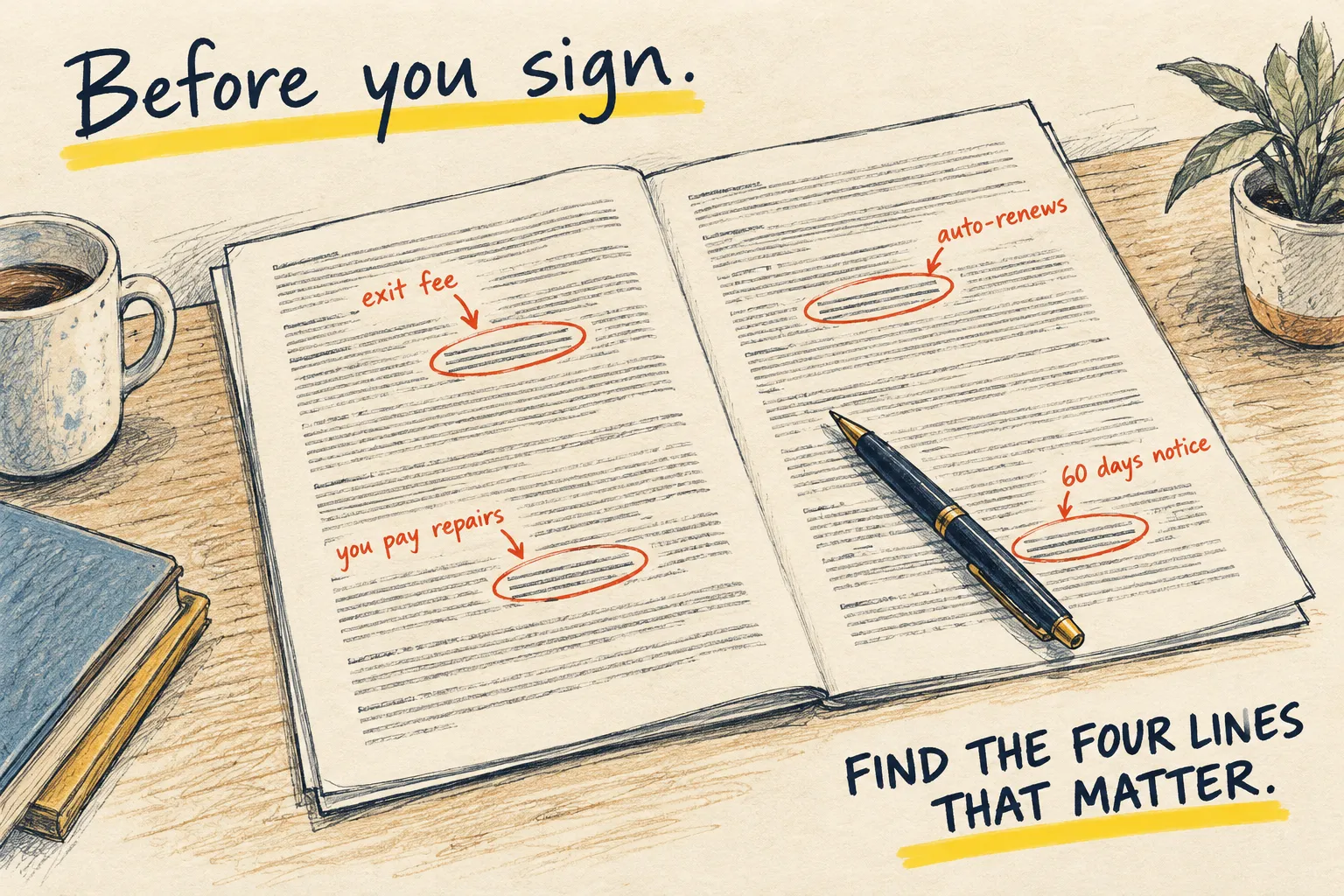
Works on a project plan, an email before you send it, a packing list, a budget, a speech, a piece of code, a contract you are about to sign.
Below is something I have already written. Do not rewrite it and do not praise it.

Read it like an experienced [project manager / editor / accountant / developer / lawyer:
pick the one that fits] and tell me:

- what is missing that someone in that role would expect to see
- any assumption I am making without saying so
- the single most likely way this goes wrong

Be specific and short. If the answer is "nothing, this is fine", say that.
Swap the role for whatever fits. That one word changes the answer more than anything else in the prompt.
Pick, do not obey
Read the list once. Cross out what does not apply. Fix the one or two that make you wince. Ignore the rest. The point is not to satisfy the AI, it is to catch the thing you would have been annoyed about next week.
My packing list for a week's camping trip, plus the prompt above
Missing: a torch or head torch, something to cook with if it rains, and a first-aid kit.
Assumption: you have not said how many people the tent sleeps, so you may be one sleeping bag short.
Most likely way it goes wrong: the weather turns, and nothing on the list keeps you dry or warm after dark.
At least one item should make you say 'oh, yes'. If not, change the role and ask again.
If it starts rewriting your work instead of reviewing it, say “I asked for gaps, not a rewrite” and it will stop.
3. Summarise this, and tell me where it is biased
Do not ask for a summary. Ask for the summary, the slant, what is missing, and who benefits. It takes the same two minutes and you come out knowing what you just read.
Get the text in
Paste the article. If you paste a link instead, add “confirm you have actually read the page before answering”, because some apps cannot fetch and will not tell you.
Paste this above it
Read the article below and give me, in this order, each under 60 words:

1. What it says: the plain summary.
2. The slant: what it wants me to feel or conclude, and how it does that (word choice,
   what it leads with, what it buries).
3. What is missing: the obvious counter-point, context or number it does not mention.
4. Who benefits: who is quoted, who is not, and who paid for or published it, if you can
   tell.

Keep your own opinion out of parts 1 to 4. Then, in one line, say how much I should trust
it and why.
Read part 3 twice
The summary you could have got anywhere. “What is missing” is the part you cannot see from inside the article, and it is where most of the value is.
A news article about a new shopping centre, plus the prompt above
- What it says: The council has approved a shopping centre on the old mill site, with 200 shops and 1,500 jobs, opening in 2028.
- The slant: It leads with jobs and growth, and quotes the developer’s figures as fact. Objections get one line, near the end.
- What is missing: Traffic, the cost to the council, and how many local shops might close.
- Who benefits: Only the developer and the council are quoted. No residents or shopkeepers are.
Trust: moderately. The facts are probably right, but the story is one-sided.
Part 3 is the one to read twice. It names what the article left out.
Then check the facts it relied on with the two-minute check; an article can be slanted and accurate, or balanced and wrong.