How to get better answers from ChatGPT, Claude or Gemini
Five habits that fix most bad AI answers: tell it who you are, give it the real thing, let it ask questions, ask for three options, and start fresh when a chat gets long.

By Nick
On this page
- A minute or two per habit
- Nothing
- Beginner
Before you start
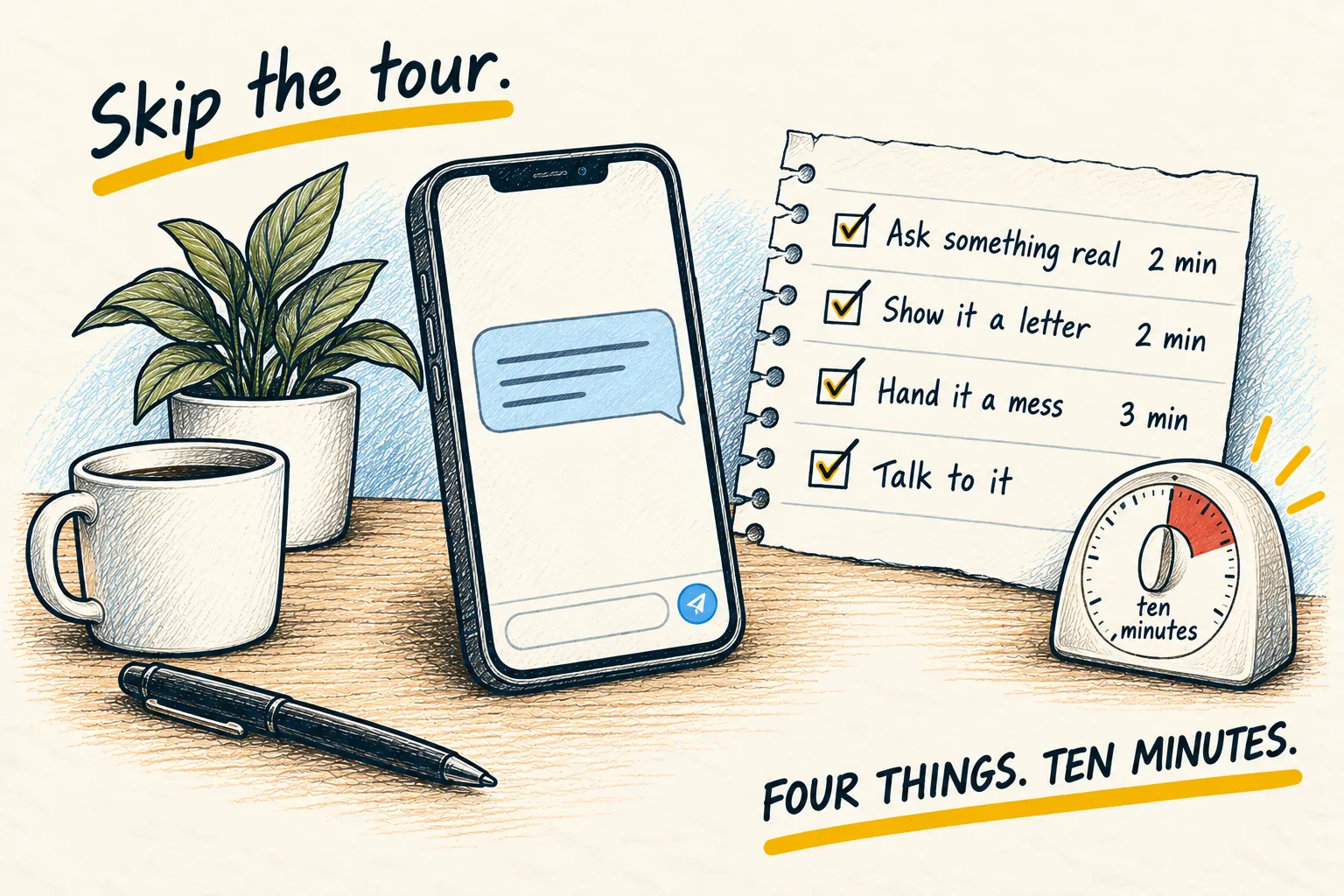
Start with the first one: it fixes every chat after it. Then use the others as the job needs them. Each section has a prompt you can copy as it is.
1. Tell it who you are first (one paragraph that fixes every chat)
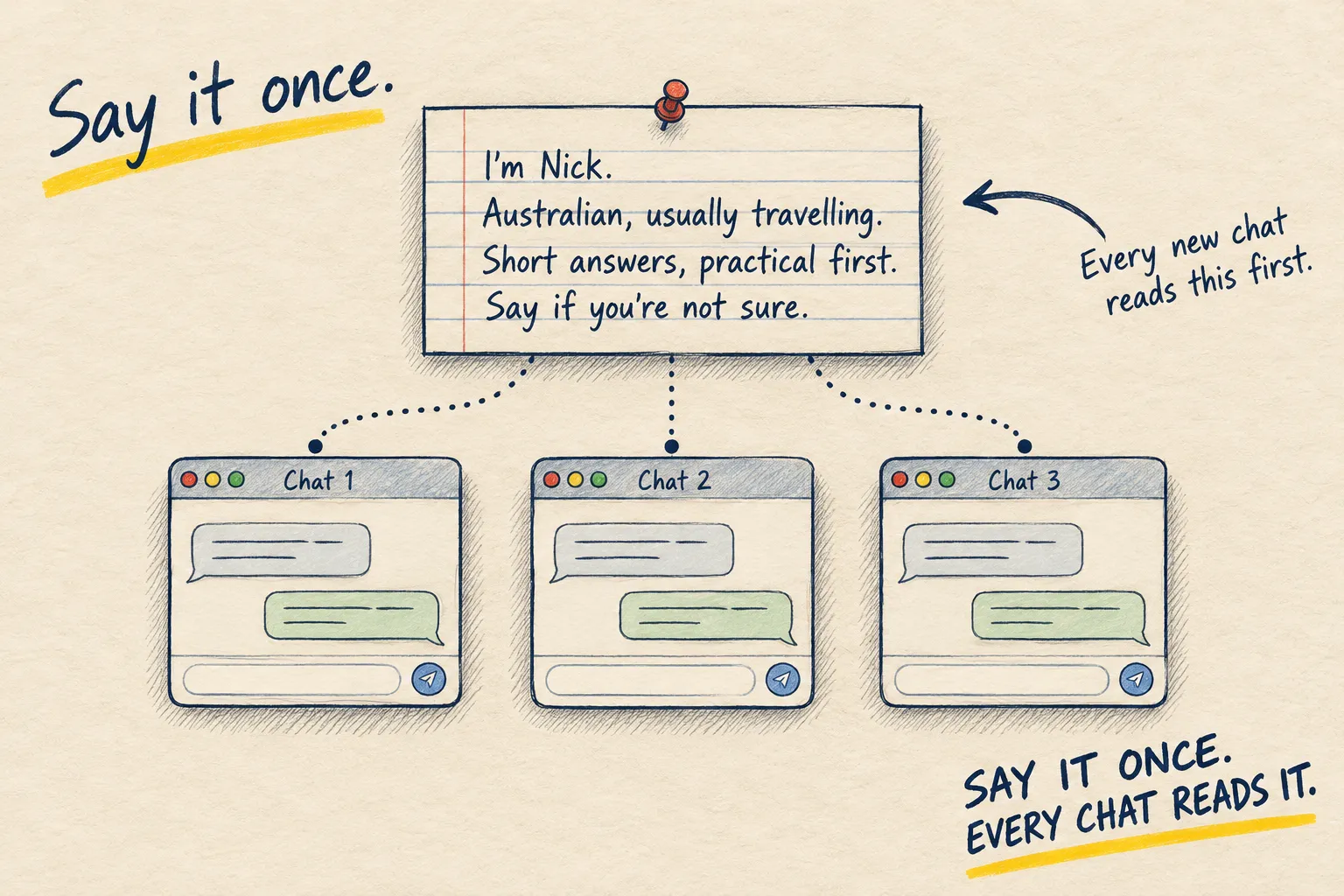
Write one paragraph about who you are and how you like answers. Put it in the app’s standing instructions box. Every chat from now on starts already knowing you.
Why this matters more than any clever prompt
The AI starts every chat knowing nothing about you. So it hedges, over-explains, assumes you are American, and answers a slightly different question from the one you meant. People fix that by typing the same three sentences of background into every chat, or by not bothering.
The box fixes it once.
Let it write the paragraph for you
You could write it yourself. Faster to have it interview you. Paste this into a normal chat.
I want to write a short standing instruction so you always know who I am and how I like
answers. Ask me, one at a time, about: what I do, where I live, what I mostly use you for,
how I like answers written (length, tone, bullet points or prose), and anything I always
want you to avoid. Keep it to five questions. Then write the instruction as one plain
paragraph, in the first person, under 120 words, and show it to me.
Answer honestly. Short answers are fine.
Put it in the box
Copy the paragraph into the standing instructions setting of whichever app you use. The FAQ below says where the box is in each one.
Mine, roughly, says what I do, that I am Australian and usually in a different country every few months, that I want short answers with the practical thing first, and that I would rather be told “I am not sure” than given a confident guess. Yours will be different, and that is the point.
Asking a small question in a new chat: how long do I roast a chicken?
Practical first: 1.8 kg, 200 degrees Celsius, about 1 hour 20 minutes. It is done when the juices run clear.
Rest it 15 minutes before carving.
No explaining who you are, and no extra background. That is the box working.
If it still explains things you already know, the box is empty or the app did not save it. Check and paste again.
2. Give it the thing, not a description of the thing
When you describe a thing to the AI, you leave out what you did not notice, and that is usually the bit that matters. Attach the thing itself. It reads better than you summarise.
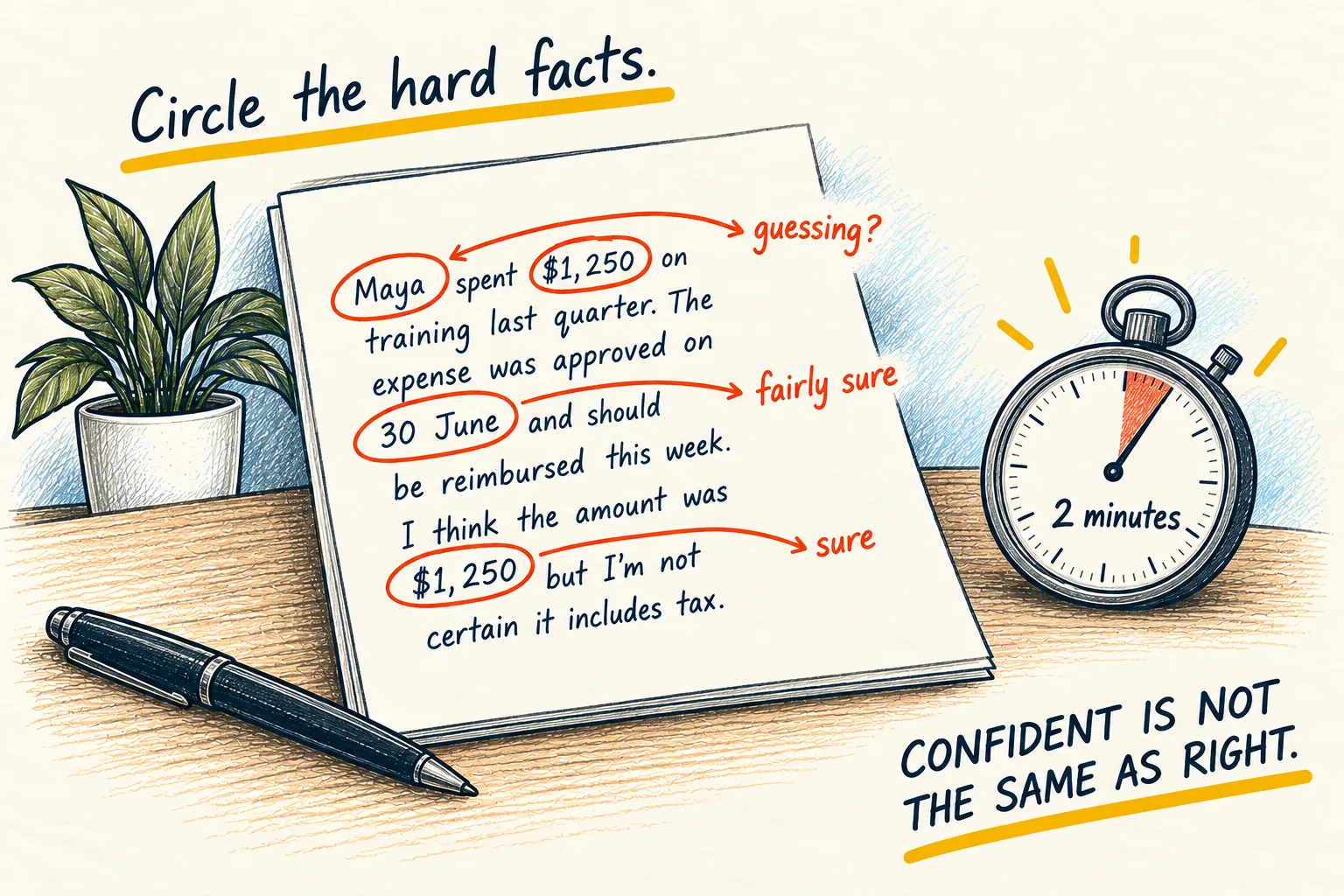
Notice when you are retelling
“I got an email from the bank saying something about a change to my account.” “The error mentions a token or something.” “The contract has a clause about leaving early, I think.” Every one of those is a retelling, and every one has lost the detail the answer depends on.
Give it the real thing instead
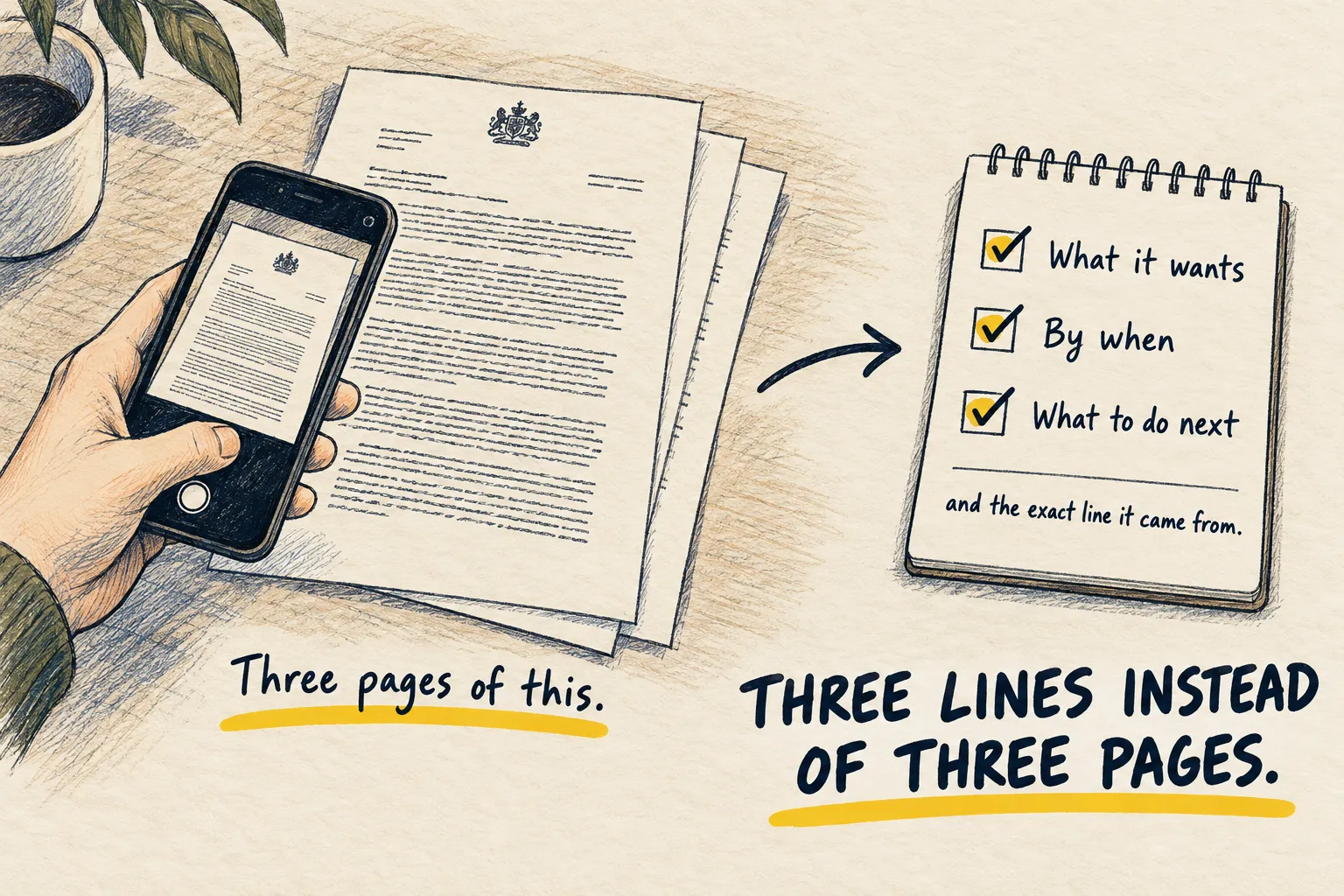
Paste the email. Photograph the letter. Copy the exact error. Attach the PDF. Then say what you want in one line.
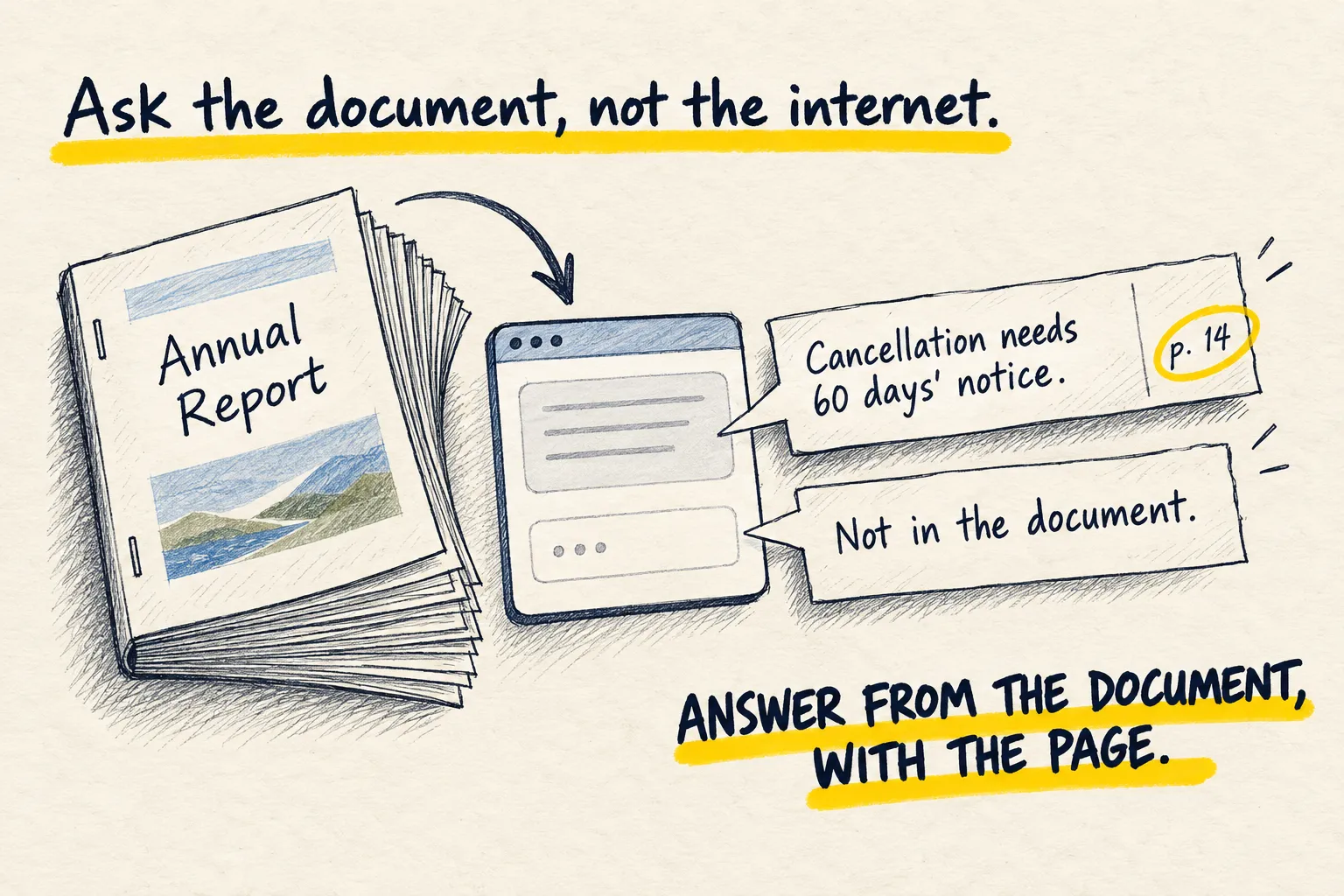
Here is the actual thing, attached or pasted below. Read it before answering. What I want
to know is: [one line]. If the answer depends on something I have not given you, say what.
Send the relevant part, not all of it
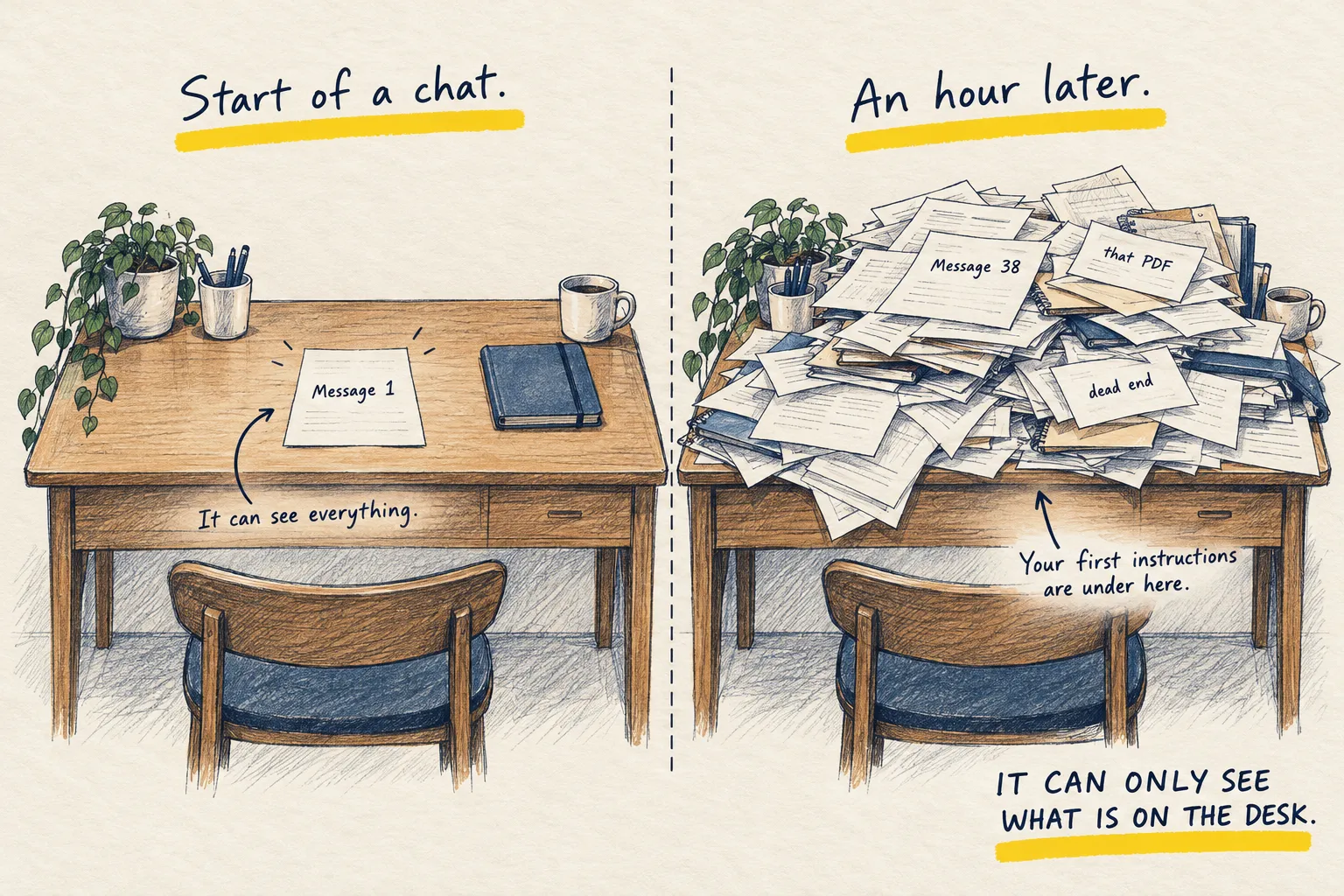
Three pages of the sixty-page document, the one email in the thread, the section of the screen with the error on it. The AI works on a desk of fixed size; the real thing, trimmed, is the best use of it.
Pasted email from Harbour Bank, asking 'Do I need to do anything?'
- No, not unless you want to avoid a new fee. The email says the monthly fee on your Everyday account goes from $0 to $4 on 1 December.
- The fee is waived if you keep $1,500 or more in the account: “Customers holding a balance of $1,500 or more will not be charged.”
- The email does not say what your balance is, so I can’t tell whether it applies to you. Check your balance, or switch to a no-fee account.
Notice the date and the $1,500 limit. You never typed them, it read them from the email.
If it still asks you what the document says, the upload failed. Try again.
3. Make it ask you questions before it starts
Before any job that matters, add one line: ask me questions first. It spends a minute finding out what you actually want, then does it right the first time.
Why your first draft is always generic
You type “write a speech for my dad’s 70th” and get something that could be anyone’s dad. Not because the AI is bad, but because you told it nothing. You knew the stories, the in-jokes, how long it should be, that your uncle will heckle. All of that stayed in your head.
A good human would ask. So make it ask.
Paste this in front of any job
I want you to [describe the job in one line]. Before you do anything, ask me the questions
you need answered to do this well, one at a time, up to five. Short questions. When you have
enough, say "got it" and do the job. Do not start until then.
Then answer like you are texting a friend. Short, honest, specific.
Notice what it asked
The questions are the useful part. “Who is the audience?” “How long?” “Formal or not?” “What must be in it?” Next time, you will put those in the first message without being asked, and you will never need this prompt again. That is the trick: it teaches you what you were leaving out.
I want you to write a speech for my dad's 70th, plus the prompt above
Happy to. First question: how long should the speech be, in minutes?
(You answer: about three.)
Who will be in the room, and are they mostly family?
(You answer: 30 people, family and his golf mates.)
…
Got it. Here is your draft, with the caravan story and the golf joke in it…
Short questions, one at a time, then 'got it'. Answer like you are texting a friend.
If the draft still feels generic, one of your answers was vague. Fix that one and ask it to redo.
4. Ask for three options, then pick
Never ask for “the” answer. Ask for three genuinely different ones, pick, then say what to change. You are much better at recognising what you want than at describing it in advance.
Why one answer is always the average
Ask for a subject line and you get the most likely subject line, which is the one everyone gets. Ask for three different ones and you get a safe one, a bold one and an odd one, and suddenly you know which you wanted. Choosing is a skill you have. Describing in advance is not.
Paste this in front of anything
Give me three genuinely different versions of this, not three variations on one idea:
one safe, one bold, one you think I will not expect. Label them 1, 2 and 3, keep each
short, and do not tell me which you prefer.

The job: [describe it]
Names, subject lines, opening paragraphs, plans for a Saturday, ways to phrase a refusal, layouts for a page. Anything.
Point, then refine
“2, but shorter.” “1’s tone with 3’s ending.” “None of these, they are all too polite; go again.” Two rounds is normal. Three means the brief was wrong, so say what you learned and restart.
Subject line for a bakery newsletter, plus the prompt above
- Fresh bread, Saturday morning
- We sell out of sourdough by 10. Here is how to get yours
- The loaf nobody ordered last week (and why we are making it again)
If all three feel the same, tell it to make them genuinely different. For pictures, the website design guide is this method with a sheet of six.
5. The handover prompt: move a long chat into a fresh one
Ask the tired chat to write a handover note. Read it. Start a new chat, paste the note in, carry on. You lose the clutter and keep the decisions.
Spot the moment
The chat is long. It has started repeating itself, or it has forgotten something you said near the start, or every answer has got a little vaguer. That is the desk filling up, and the context page explains why. Adding more messages makes it worse.
Ask for the handover
Paste this as the last message in the old chat.
We are going to continue this in a fresh chat. Write me a handover note I can paste into it.

Include, as short bullet points: the goal, the decisions we have made, any facts or
preferences I told you that still matter, where we got to, and what the next step is.
Leave out anything we tried and abandoned. Under 150 words. No preamble.
Read it, then move
Read the note. If a fact is wrong or missing, fix it by hand. Then open a new chat and start with:
Here is a handover note from a previous conversation. Read it, confirm in one line that you
understand where we are, then wait for my next message.
Paste the note underneath. Carry on from the next step.
A long chat about a birthday party, plus the prompt above
- Goal: Plan a birthday party for Maya, who turns 7.
- Decided: Saturday 16 November, 2pm, at home. Twelve children. Dinosaur theme.
- Still matters: One guest has a nut allergy. Budget is $150. No bouncy castle.
- Where we got to: Invitations are drafted. The cake is not chosen.
- Next step: Pick a cake and write the food list.
Read it before you paste it. If a fact is wrong or missing, fix it by hand.
If you find yourself re-explaining something, add it to the note for next time rather than to the chat.
One more thing. If the note contains things that are true every time, like who you are or how you like answers written, they do not belong in a handover. Put them where every chat can see them: tell it who you are.