Upload a PDF and ask it questions
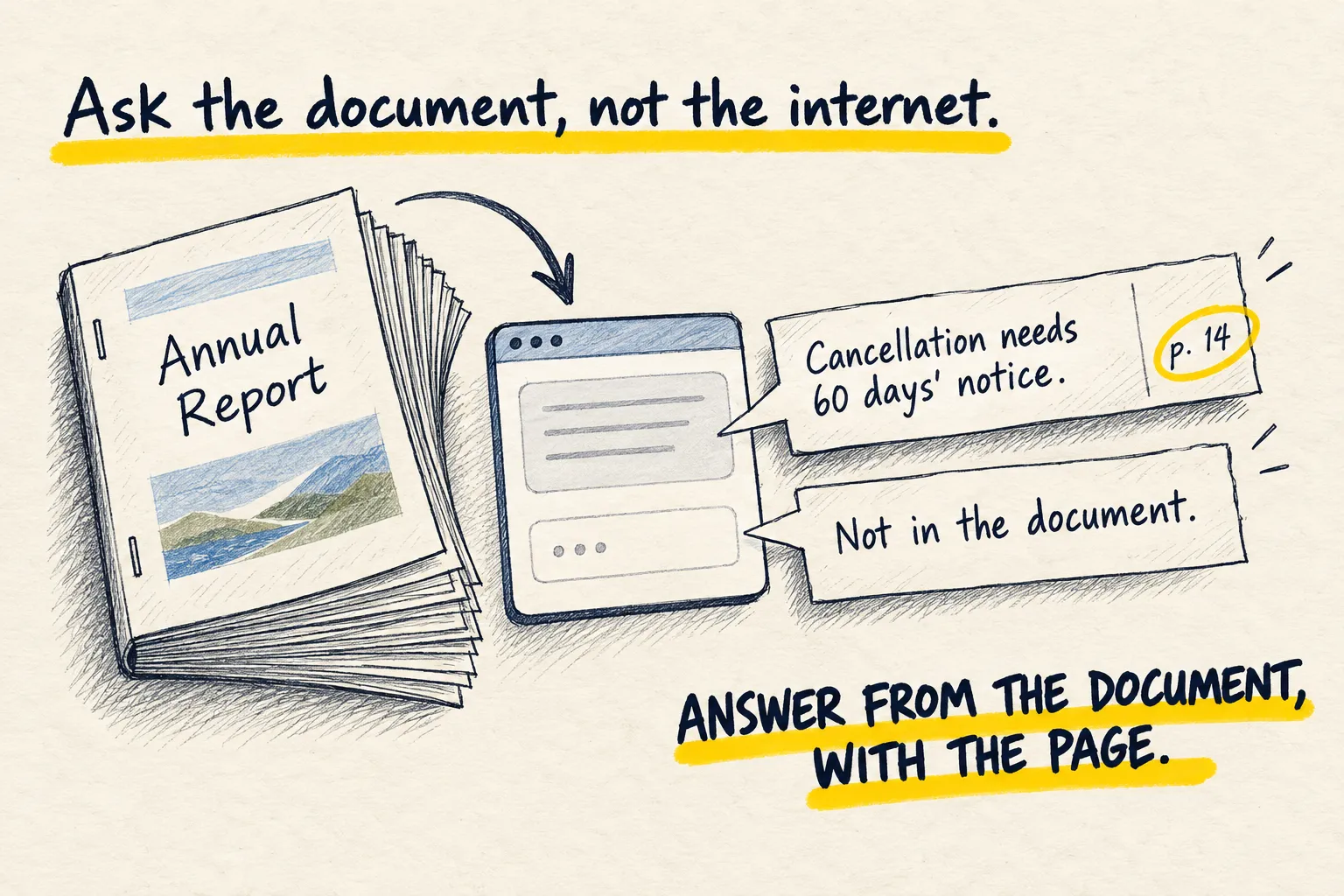
Upload a PDF to ChatGPT, Claude or Gemini and ask what you want to know, with page numbers so you can check, plus the rule that stops it guessing.

By Nick
On this page
- Two minutes
- Nothing for most PDFs
- Beginner
Before you start
1. Attach it
Tap the plus or paperclip and choose the file. Wait for it to finish uploading before you type; the apps tell you when it is ready.
2. Paste this, then ask
Answer my questions using only the attached document. For every answer, give the page
number it comes from. If the document does not contain the answer, say "not in the
document" rather than guessing or using general knowledge. If something is only partly
covered, say which part.

First question: [ask it]
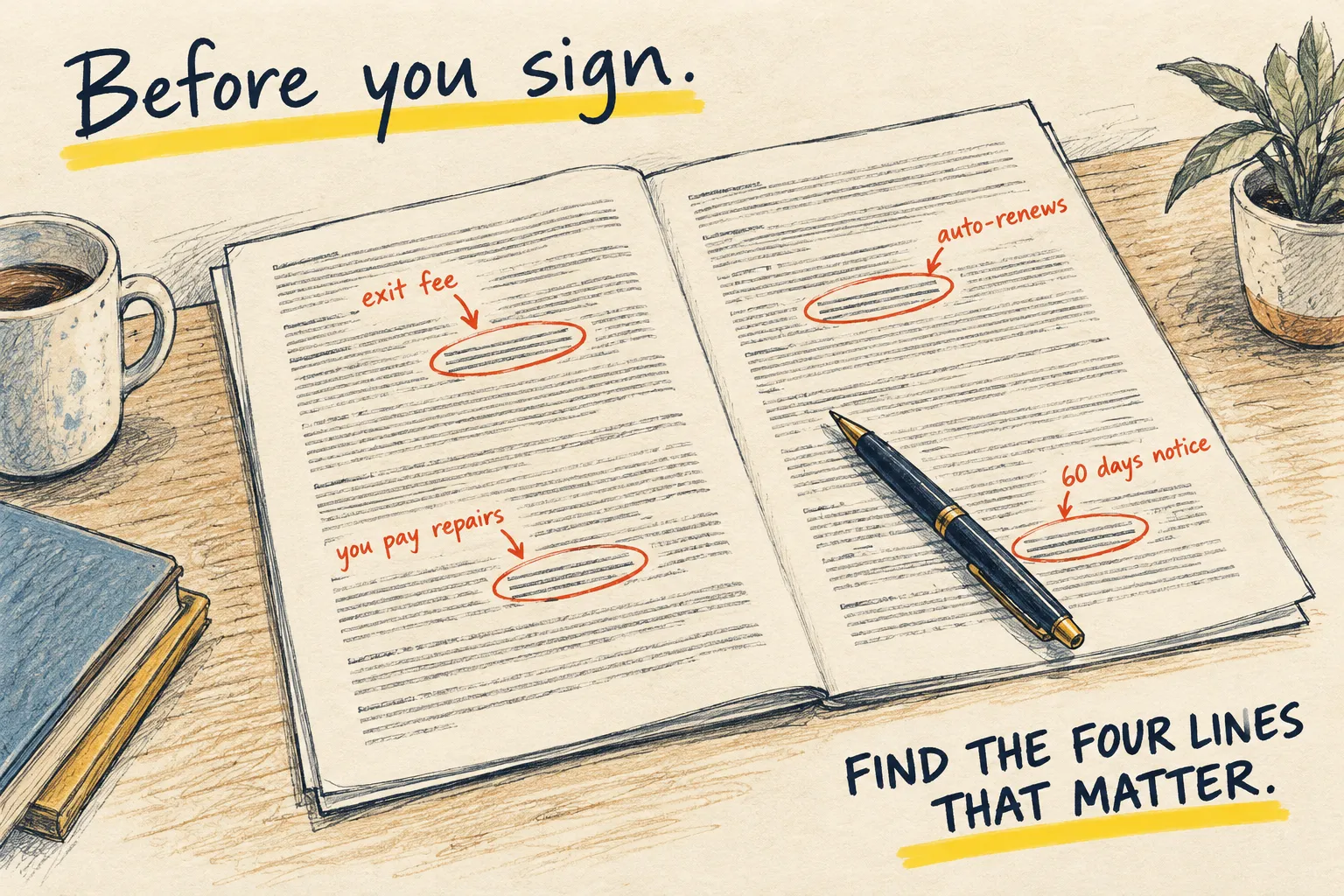
Then keep asking. “Where does it say what happens if I cancel?” “Summarise section 4 in three lines.” “What does it not cover that I would expect?”
3. Open the page it cites
For anything you will act on, open the PDF at that page. Ten seconds. If the page does not say what it claimed, the document is probably scanned badly or the question was ambiguous; rephrase and ask again.
Gym contract PDF: 'What happens if I cancel, and can I freeze it?'
- You must give 30 days’ written notice to cancel (page 4).
- Cancel in the first 14 days and you get a full refund (page 4).
- Partly covered: the joining fee is not refundable (page 5), but it does not say what happens to a month already paid for.
- Freezing your membership: not in the document.
Open page 4 and check the 30 days. The page numbers are what make this checkable.
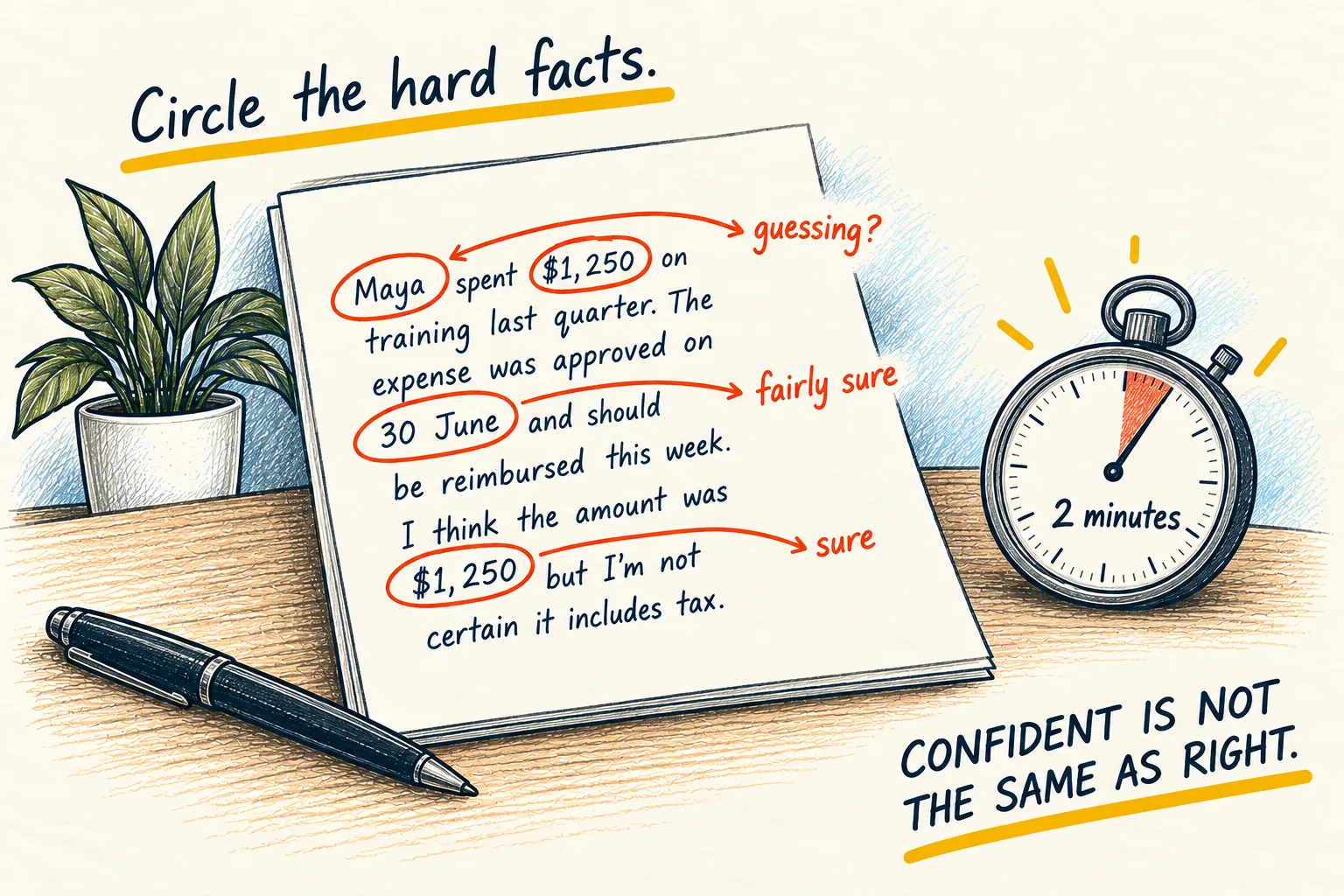
If it never says “not in the document”, it is filling gaps from memory.
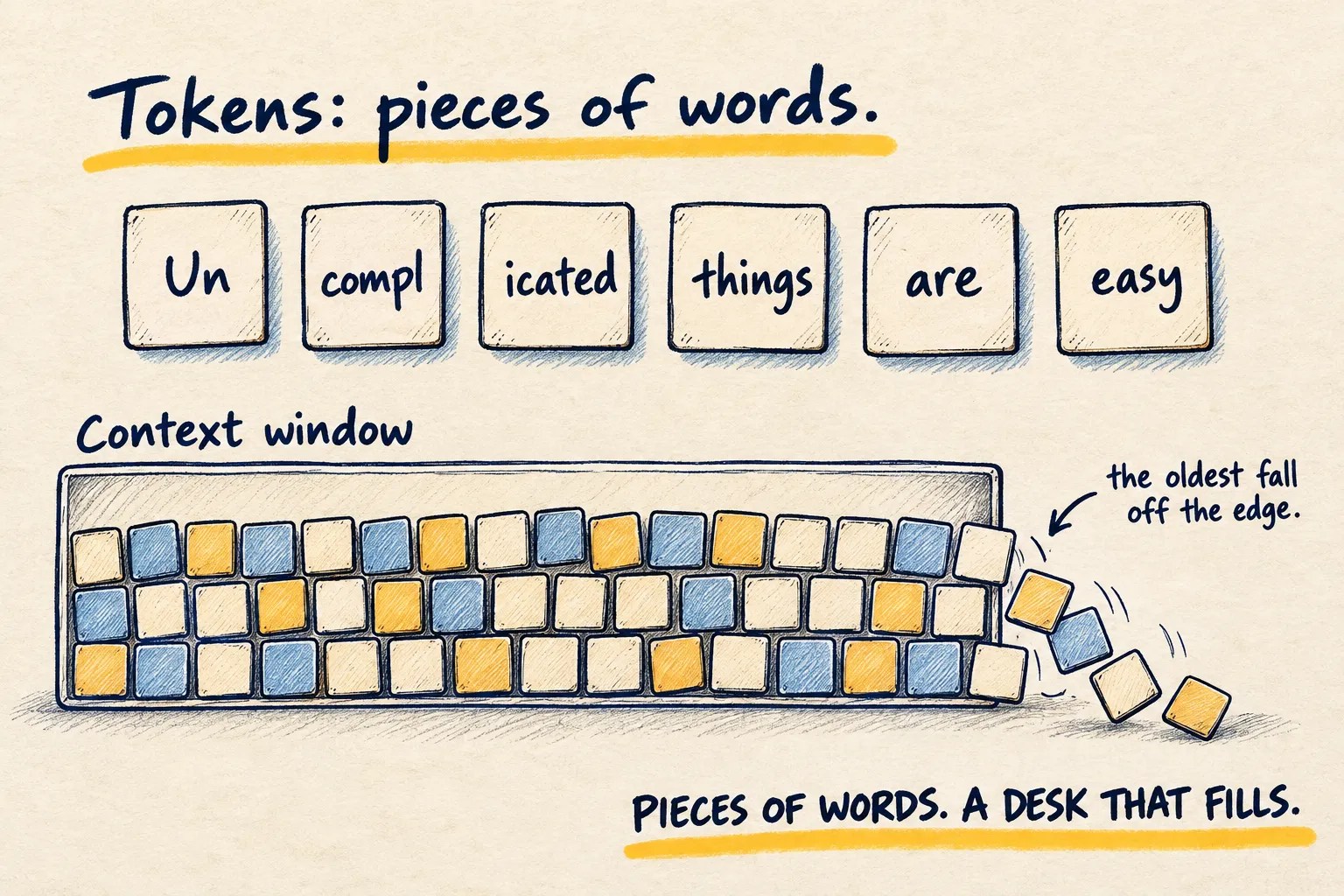
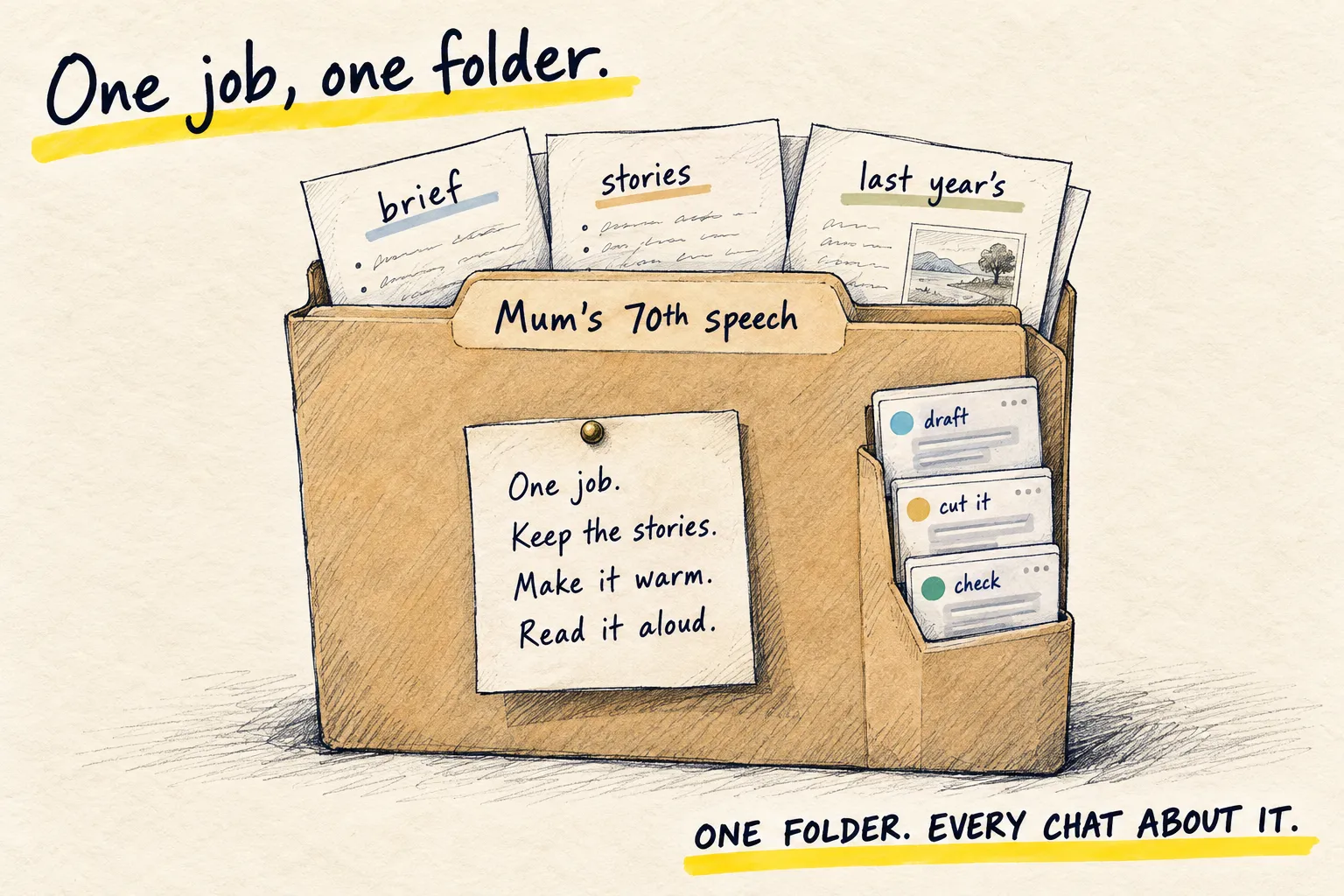
For something you will come back to, put the PDF in a Project so every chat about it starts with the file already loaded. And if the file is enormous, the tokens page explains why sending the three relevant pages beats sending all sixty.