Projects: keep a long job in one place
ChatGPT Projects and Claude Projects, explained. If a job lasts longer than one chat, it belongs in a Project: the files, instructions and every chat about it.

By Nick
On this page
- Two minutes
- Needs a paid plan in some apps
- Beginner
Before you start
1. Make the folder
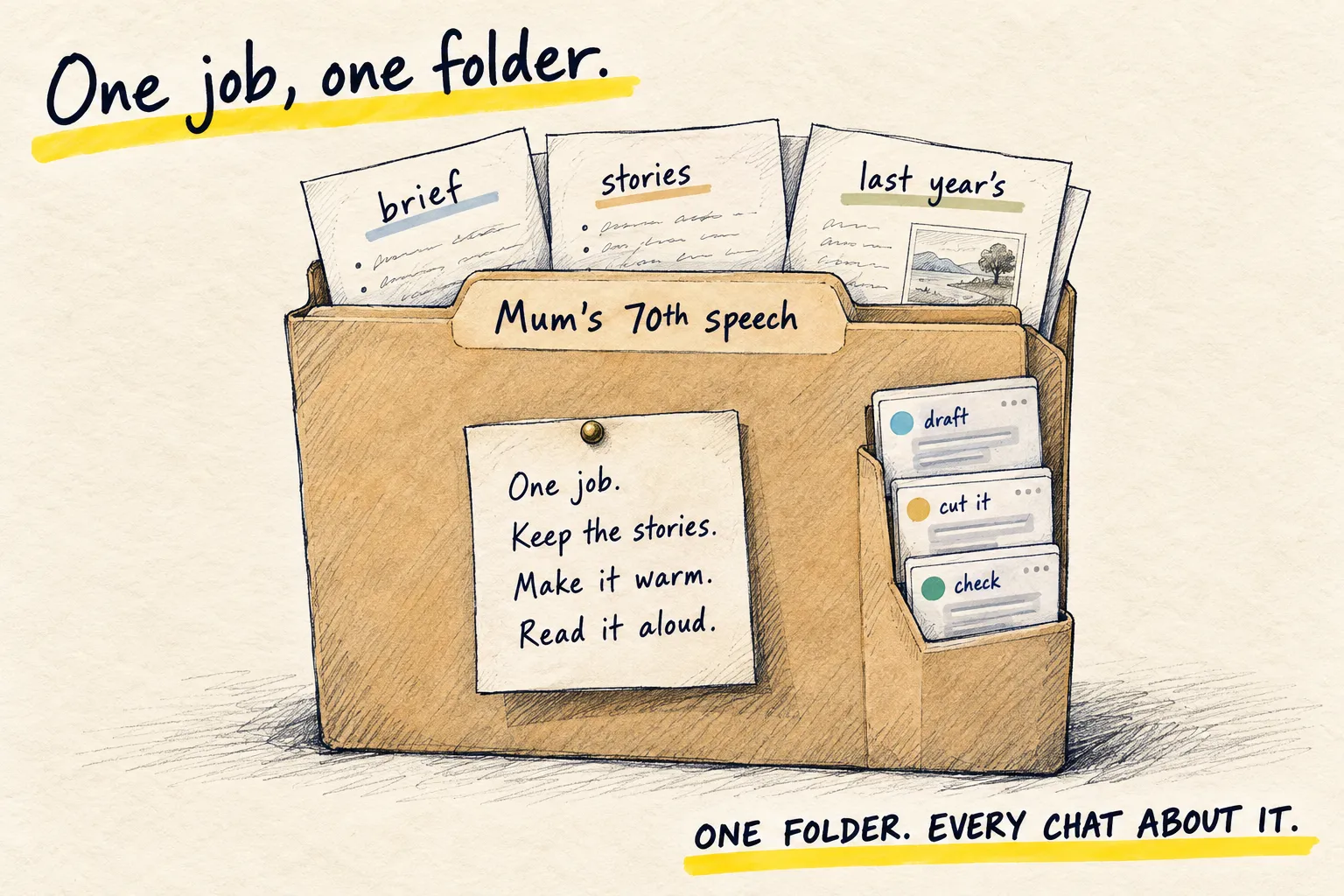
In ChatGPT or Claude, find Projects in the sidebar and create one. Name it for the job, not the topic: “Mum’s 70th speech”, not “Writing”.
2. Put in the two things that matter
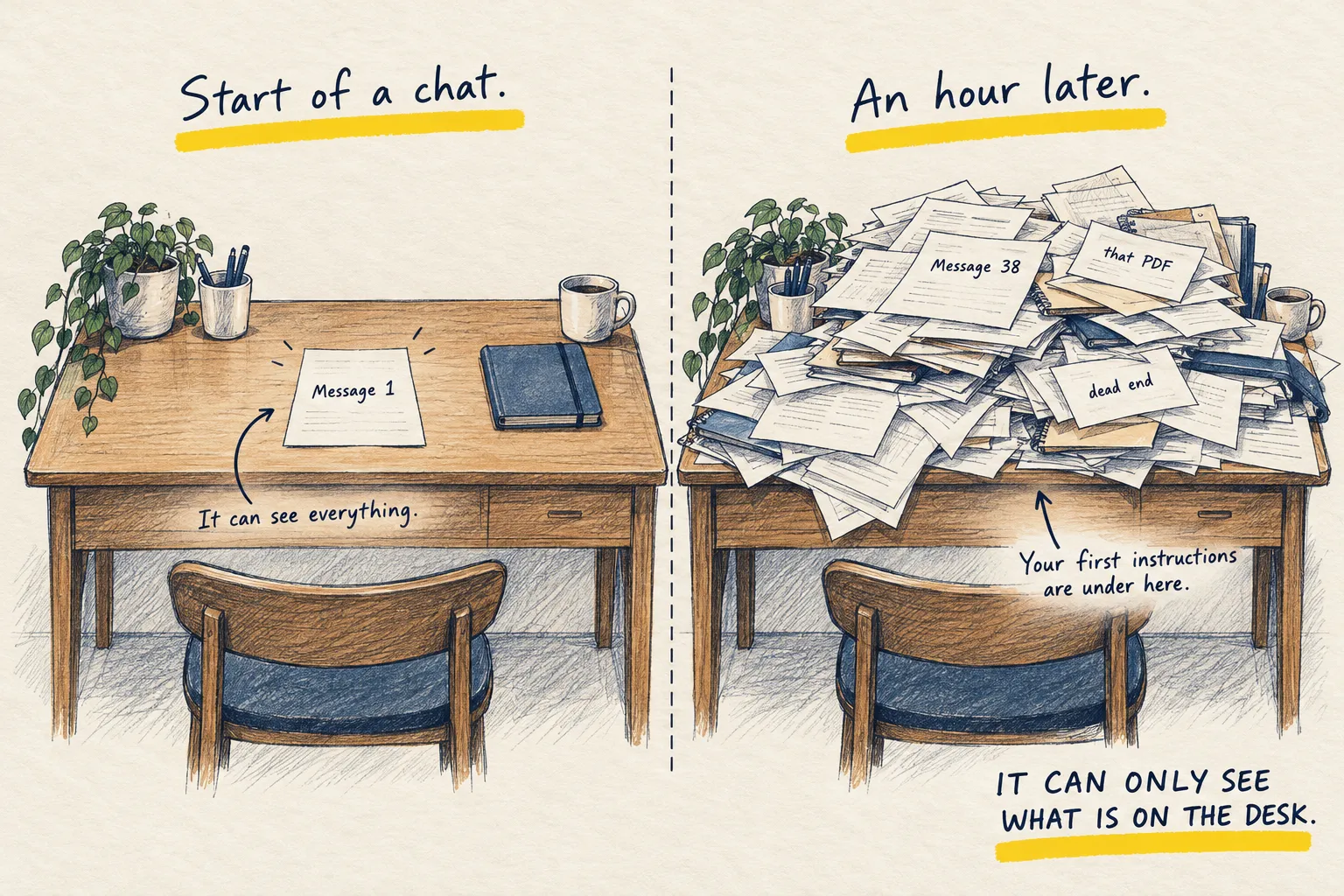
Files. The brief, the source material, the thing you are editing. Three or four, not thirty. Each file sits on the desk of every chat you start here, so keep it light.
Instructions. What this job is, who it is for, what done looks like. Paste this into the Project instructions box and fill in the brackets.
This project is: [one line on the job].
It is for: [who will read or use the result].
Done means: [what the finished thing looks like, in one line].
Always: [one or two rules, e.g. British spelling, under 500 words, never invent quotes].
Never: [one or two things to avoid].
If you are unsure about something in the files, ask rather than guess.
3. Start every chat about this job inside it
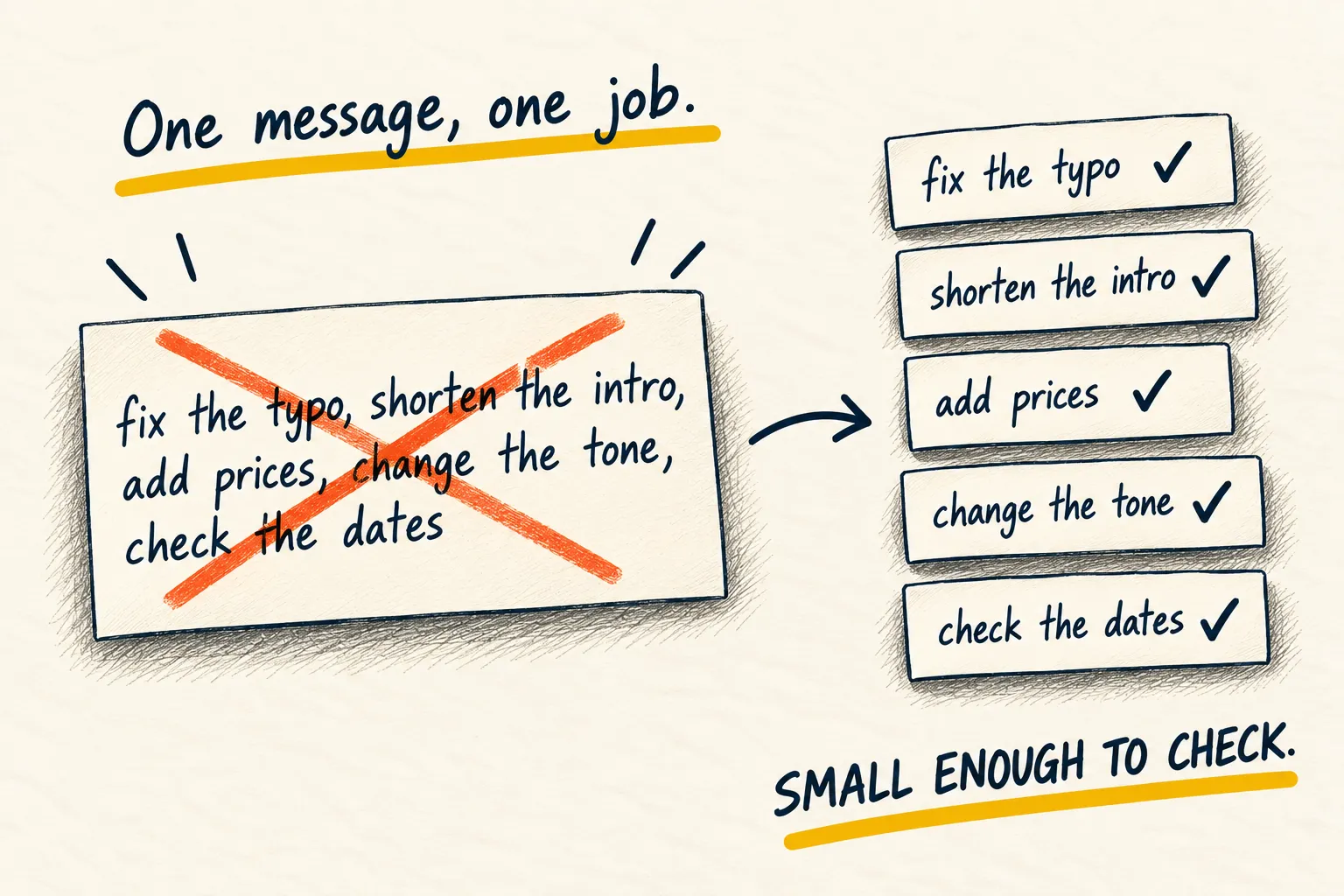
One chat per task: “draft the opening”, “cut it to 400 words”, “check it against the brief”. Each starts clean but already briefed. When one runs long, the handover prompt moves it on.
In the project 'Mum's 70th speech': Draft the opening, 100 words
Good evening, everyone. For those who don’t know me, I’m Jess, Margaret’s eldest.
Mum turned seventy last month, and she has asked me to keep this short. So I’ll do my best to ignore her.
Seventy years is a lot of kettles, a lot of gardens and a great many people who left her house better fed than they arrived…
Notice it already knows the audience, the length and the spelling, without you saying so.
If you find yourself pasting the brief into a chat, it belongs in the Project instead.