Send one message at 7am so your AI limit resets at lunch
Claude and Codex limit use in windows of a few hours that start with your first message. Start the clock early and get two full windows in a working day.

By Nick
On this page
- Ten seconds a morning
- Nothing extra
- Beginner
1. What the window actually is
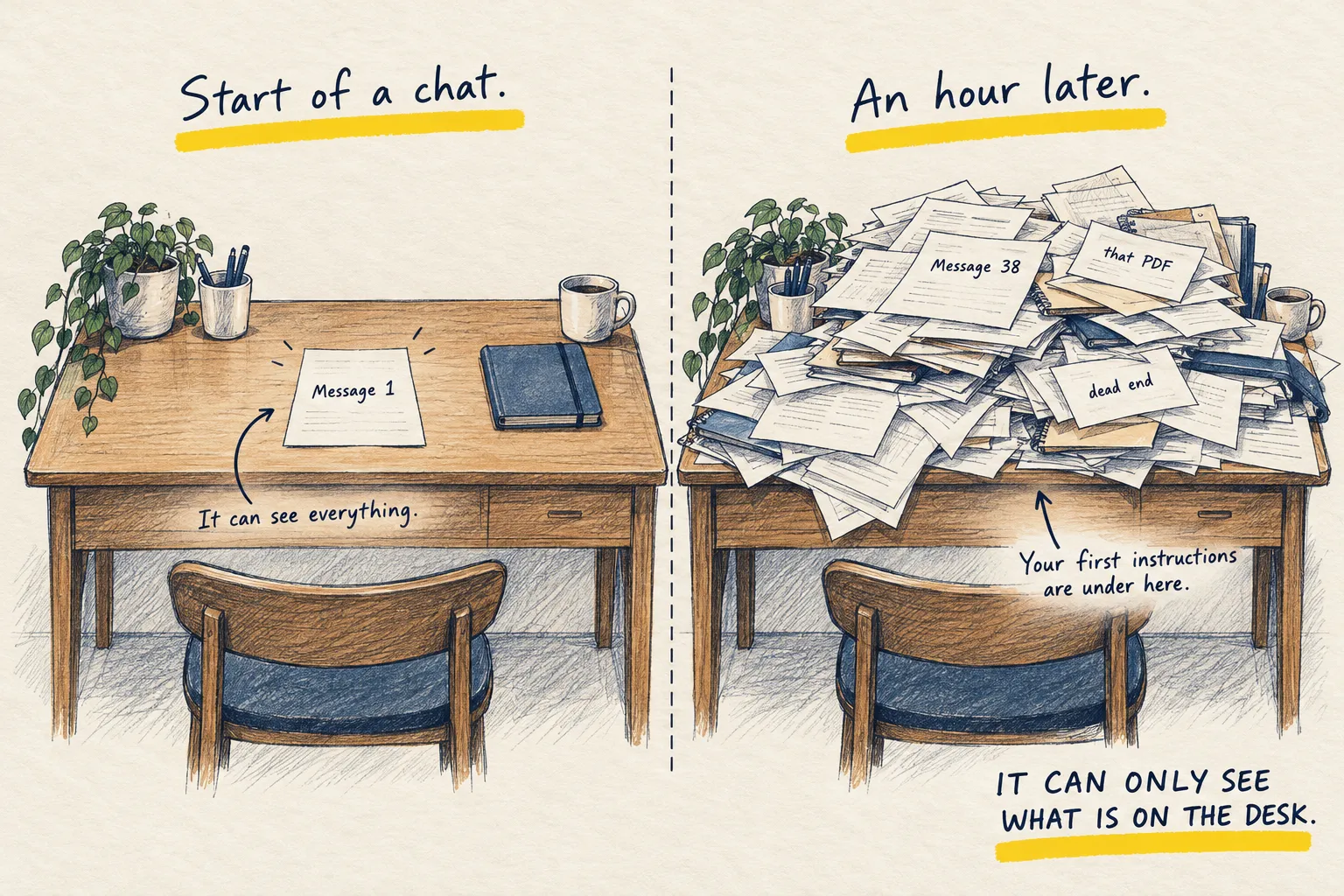
On these plans you get a certain amount of use per window, not per day. Claude’s window is five hours; Codex works the same way at the time of writing, and others are moving to it. The clock starts with your first message and runs whether you use it or not. Then it resets.
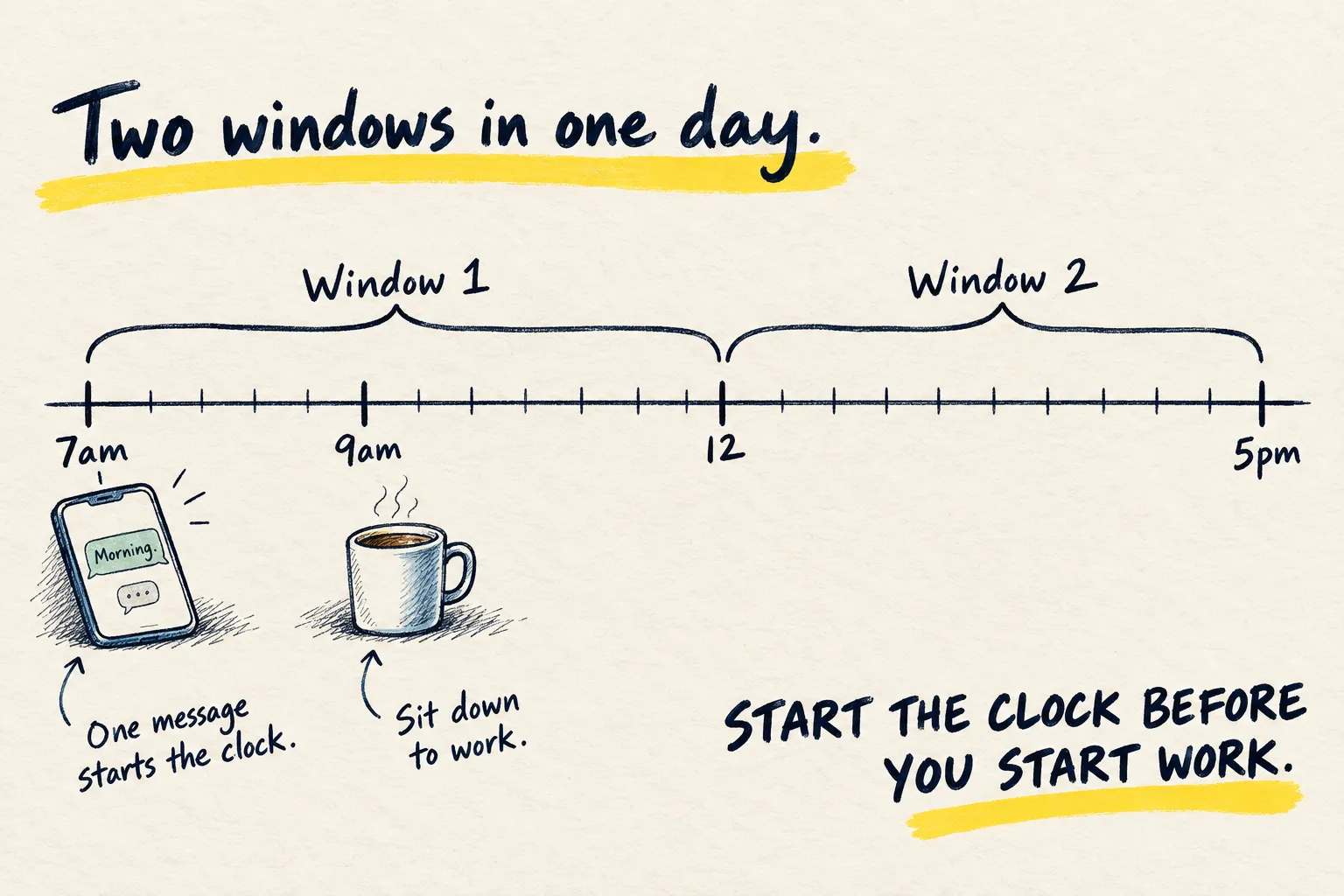
If your first message is at 9:30, your window runs until 2:30. Hit the limit at 1pm and you are sitting on your hands for ninety minutes in the middle of the afternoon. That is the bit worth fixing.
2. Move the clock
Send any message when you wake up. One word is enough. Now the window runs 7 to 12, a full second window runs 12 to 5, and both resets land at times you are not mid-task.
I do it from my phone before I have made coffee. It takes less time than reading this.
3. Paste this as the 7am message
If you want the message to do something useful rather than just start the clock, paste this. It is a small job, so it barely dents the limit.
Good morning. In three lines, tell me what day it is, one thing worth knowing about
managing my own focus today, and then stop. No follow-up questions.
How you know it worked. You get three short lines and nothing more. Later, when you check your usage, the reset time reads noon rather than the middle of your afternoon.
The honest caveat. This does not give you more. It gives you the same amount in a better shape. Most of these plans also have a weekly cap on top of the window, and if you are hitting that, see which of the two limits you hit. The answer is a bigger plan or a cheaper model for the routine work, not an earlier alarm.