Use the cheap model for the boring 80 percent
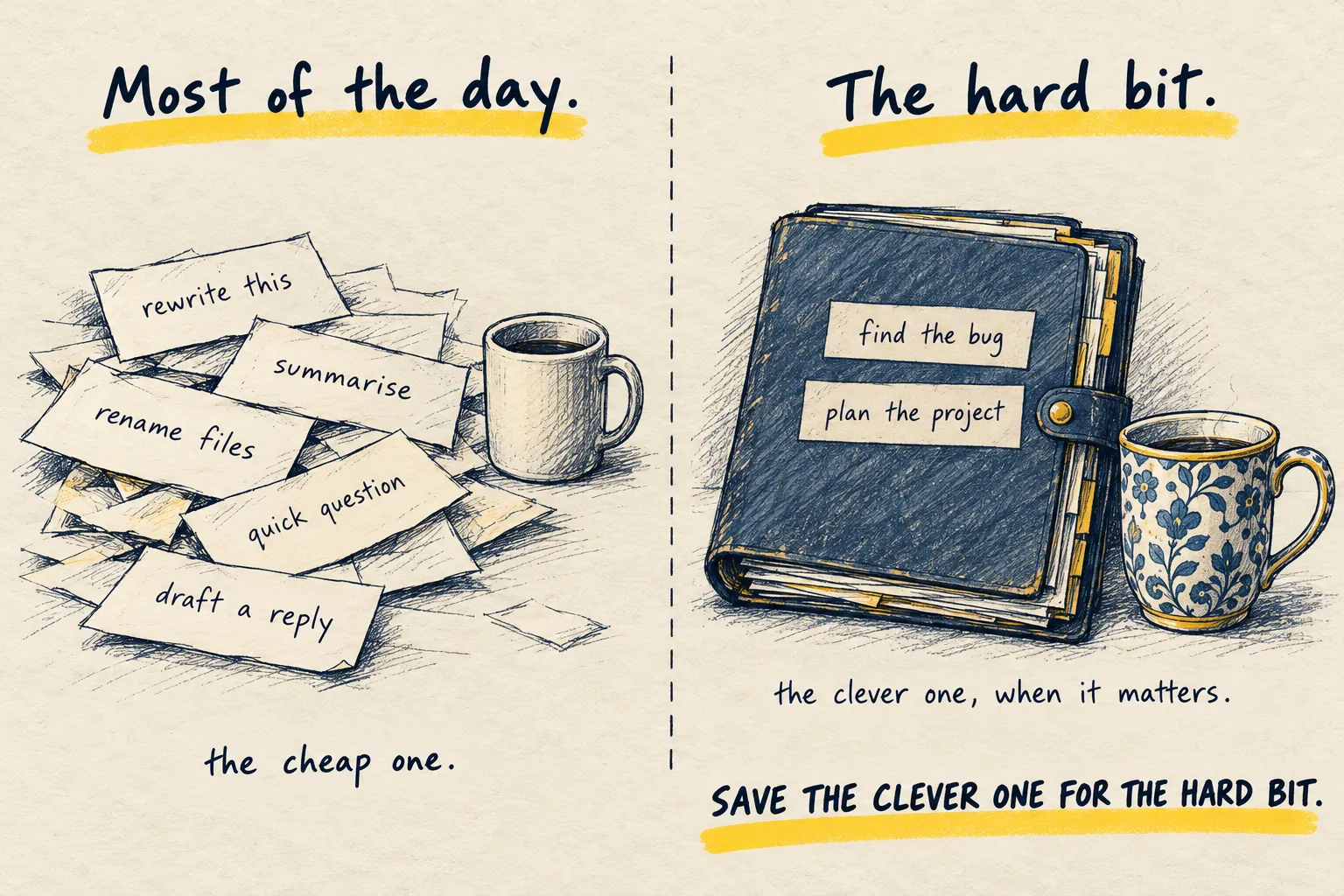
Most of what you ask an AI does not need the clever model. Switch the routine stuff to the small one: it is faster and saves your limit.

By Nick
On this page
- One decision
- Saves money
- Beginner
Before you start
1. Sort your day into two piles
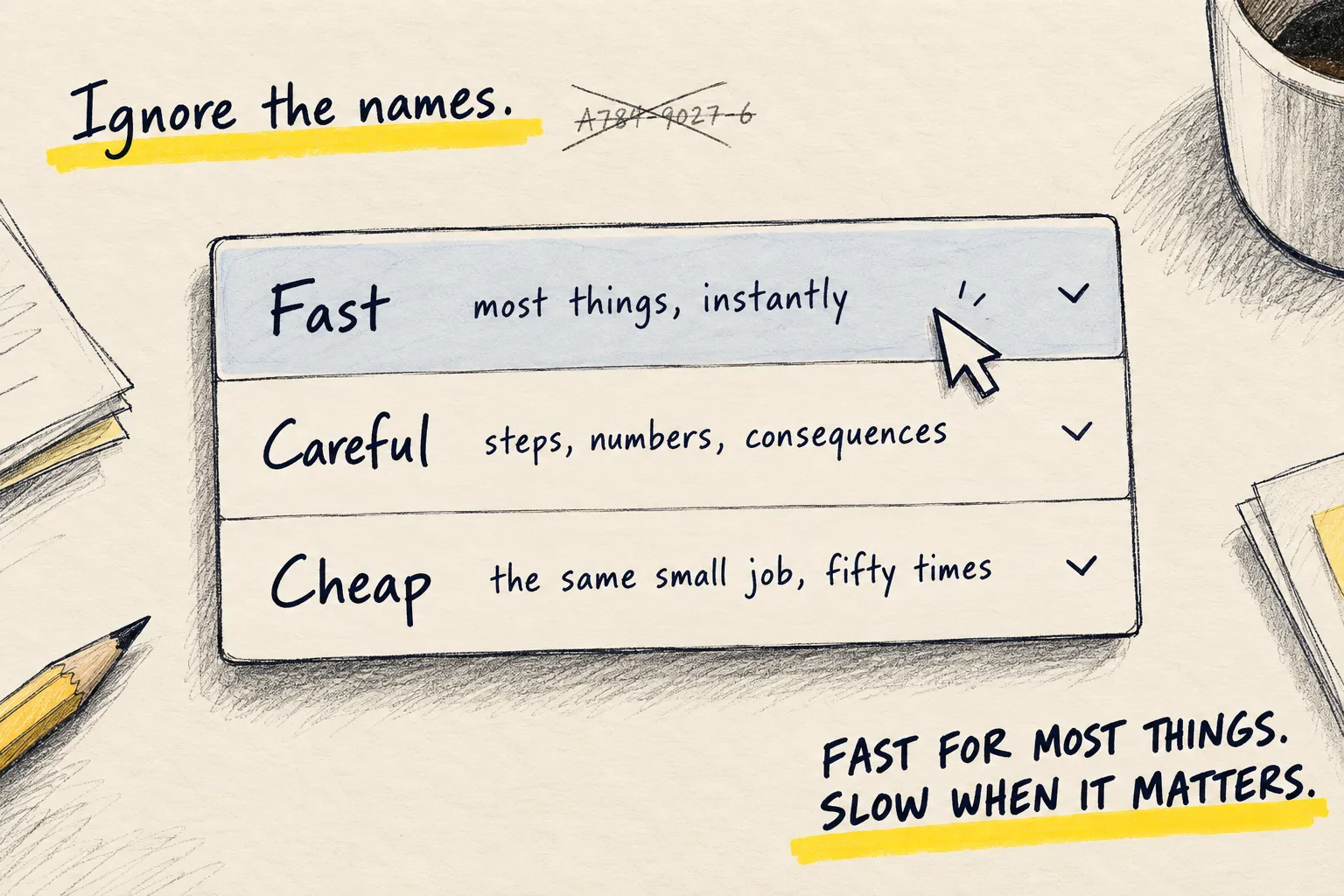
Pile one: rewrite this, summarise that, what does this word mean, draft a reply, make a list, rename these files. Fast, low stakes, easy to check.
Pile two: plan this project, find the bug, work through this contract, compare these five options with real trade-offs. Slow, high stakes, hard to check.
Pile one is most of the day. Pile two is where being wrong costs something.
2. Put pile one on the cheap model
In the app, pick the small model and leave it there. Switch up only when you hit a pile-two job. You will be surprised how rarely that is.
I run my always-on agent on a cheap model for exactly this reason. Most of what it does is wake up, check something and decide nothing needs doing. That does not need a clever model; it needs a cheap one. When a job genuinely needs thinking, it hands off to a better model and then goes back to being cheap.
3. Let the model triage for you
Not sure which pile a job is in? Ask the cheap one first.
Before you answer: is this something you can do well, or should I take it to a more
capable model? Reply in one line, then do your best with it anyway.Draft a polite reply to a late invoice, plus the prompt above
I can do this well. It is short and easy to check, so the cheap model is fine.
Hi Tom, thanks for your message. Payment for invoice 214 is on its way and should reach you by Friday. Sorry for the delay.
If the cheap one says “take this elsewhere” and it is right, that is the system working.
Common questions
Will the cheap model give worse answers?
How do I know which is the cheap one?
Does this apply to agents?
What to do next
Related reading
Setups
My current AI setup