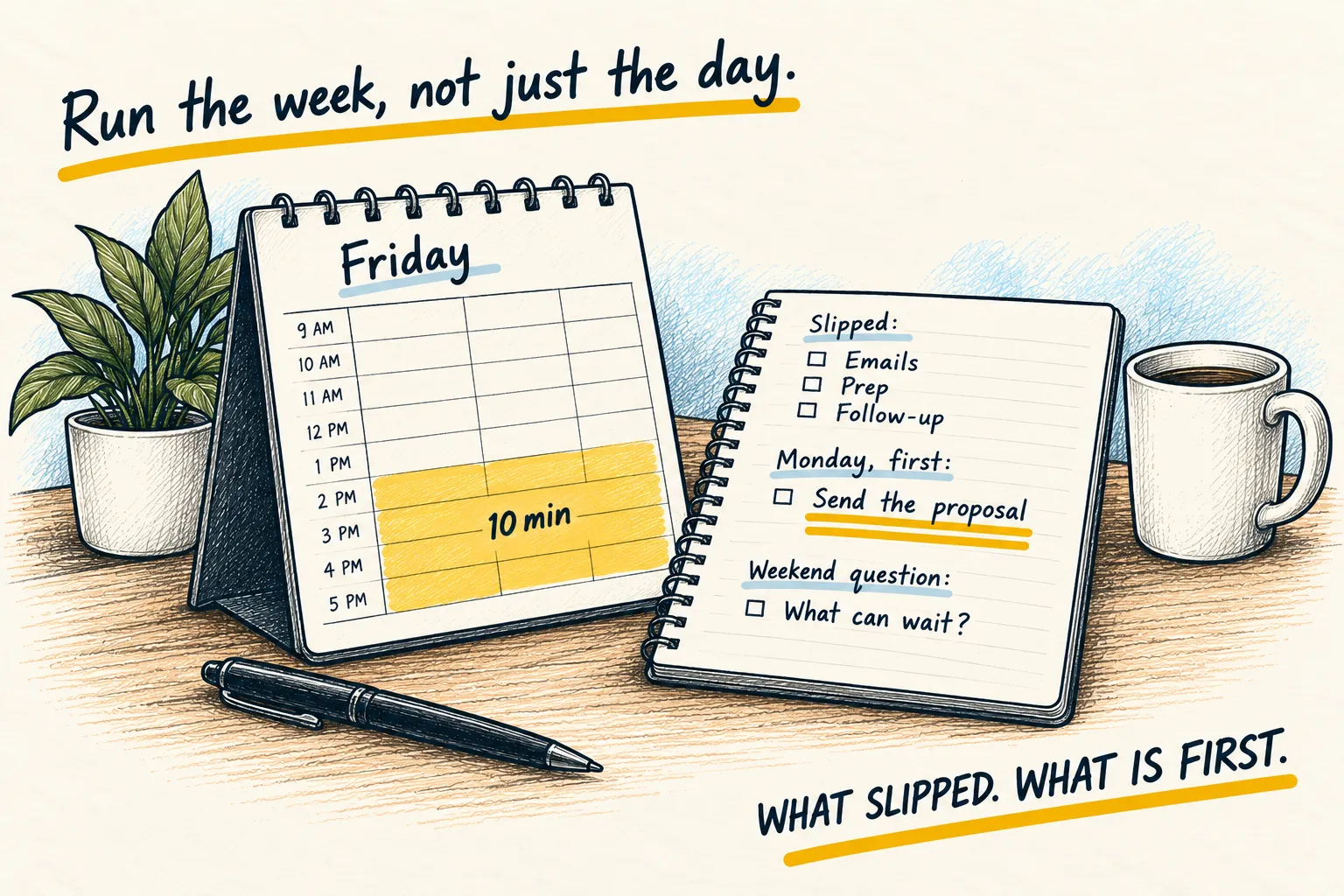
The morning brief: AI tells you your day before you look at it
One message every morning with the day's shape and the thing you are avoiding. A version for a plain chat app, and one that runs itself.

By Nick
On this page
- Five minutes to set up
- Nothing for the manual version
- Beginner
Before you start
1. The manual version
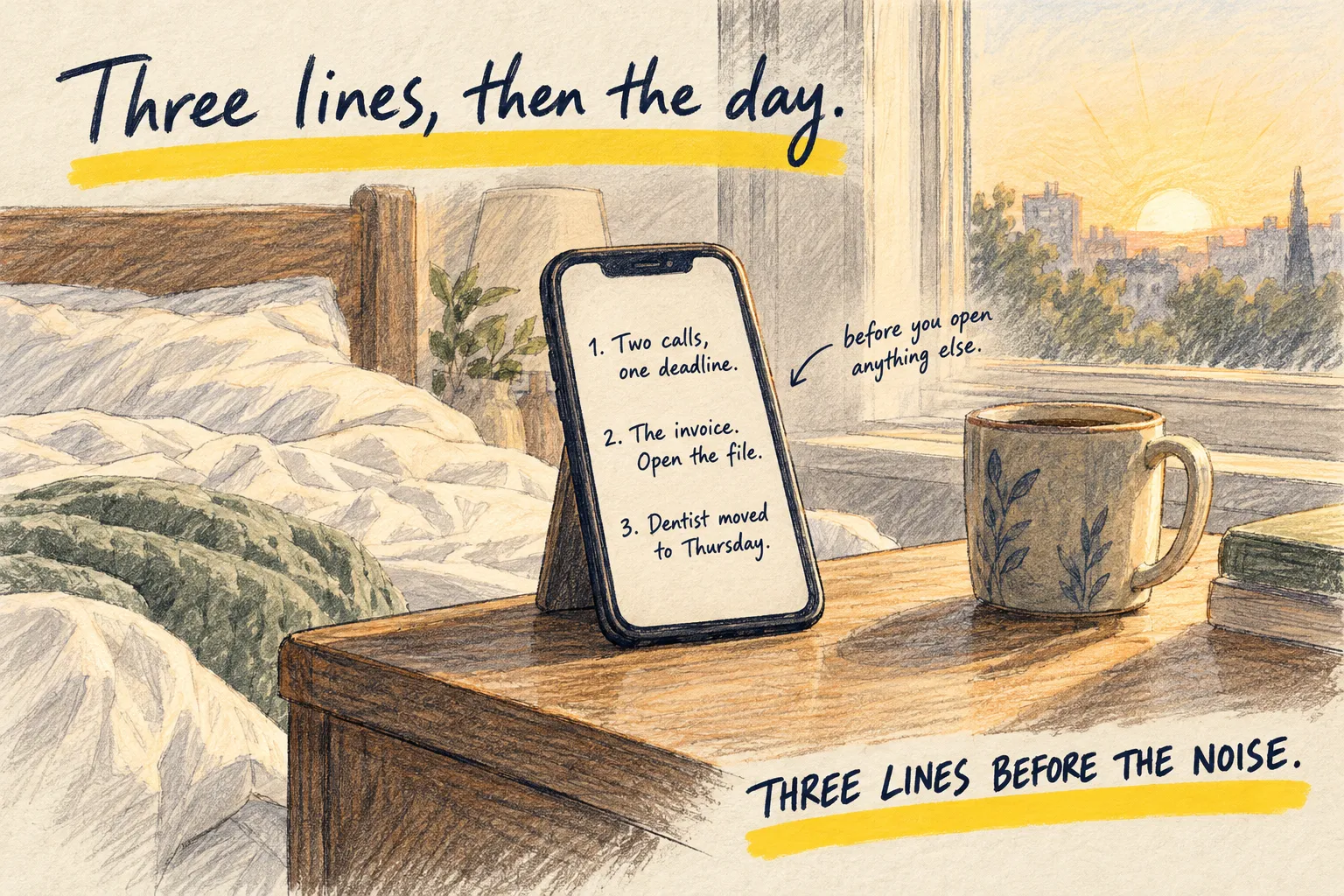
Open your AI app. Paste today’s calendar, or just type it (“dentist at 2, call with Sam at 4, need to send the invoice”). Then paste this.
Give me a morning brief in three lines and nothing else:

1. The shape of my day, in one sentence.
2. The one thing I am most likely to avoid, and the smallest first step on it.
3. One thing worth knowing today (a deadline, a clash, something I have forgotten).

No greeting, no encouragement, no list of everything.
That is it. Read it, start on line two.
2. The automatic version
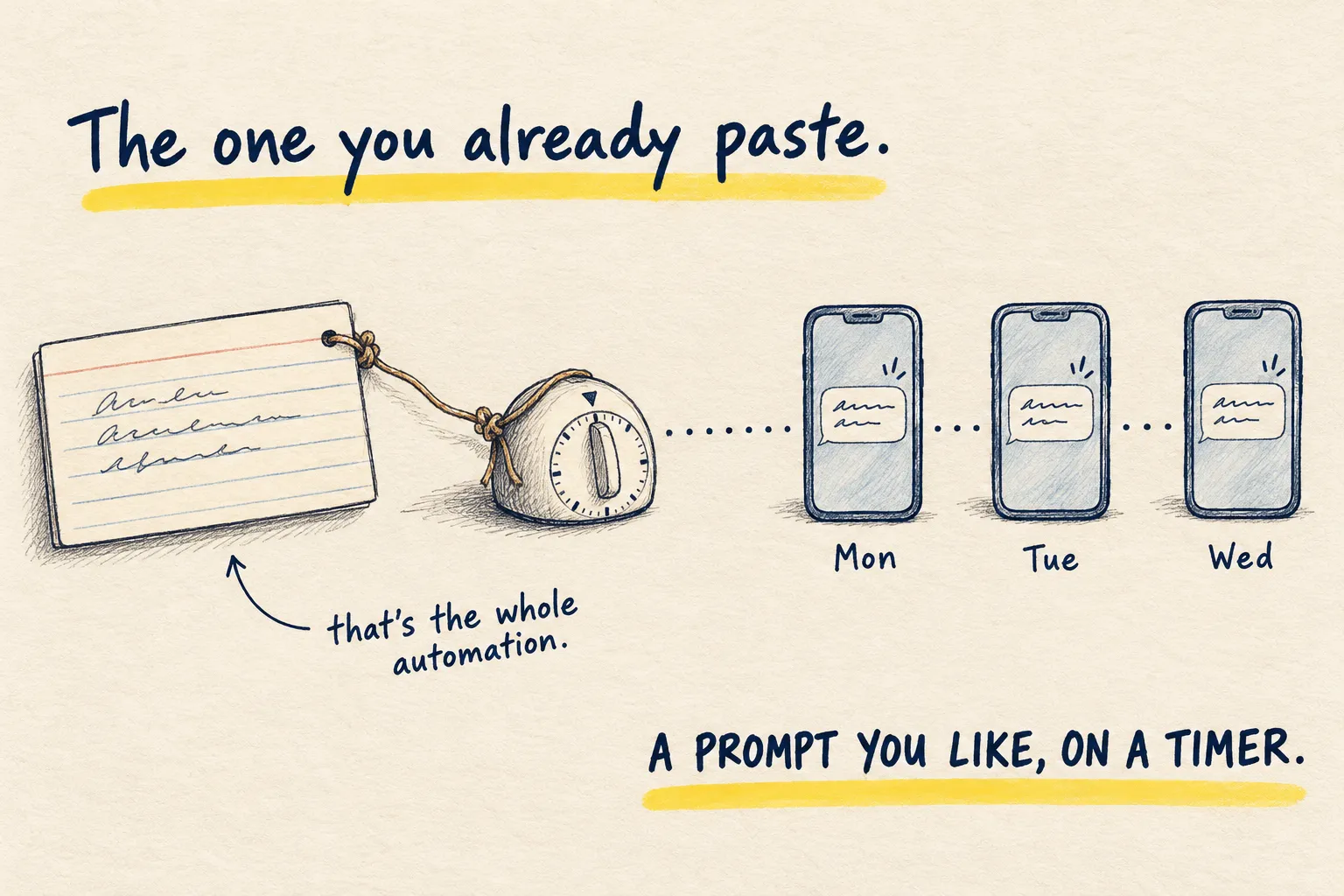
Once you have pasted that five mornings in a row, make it arrive by itself.
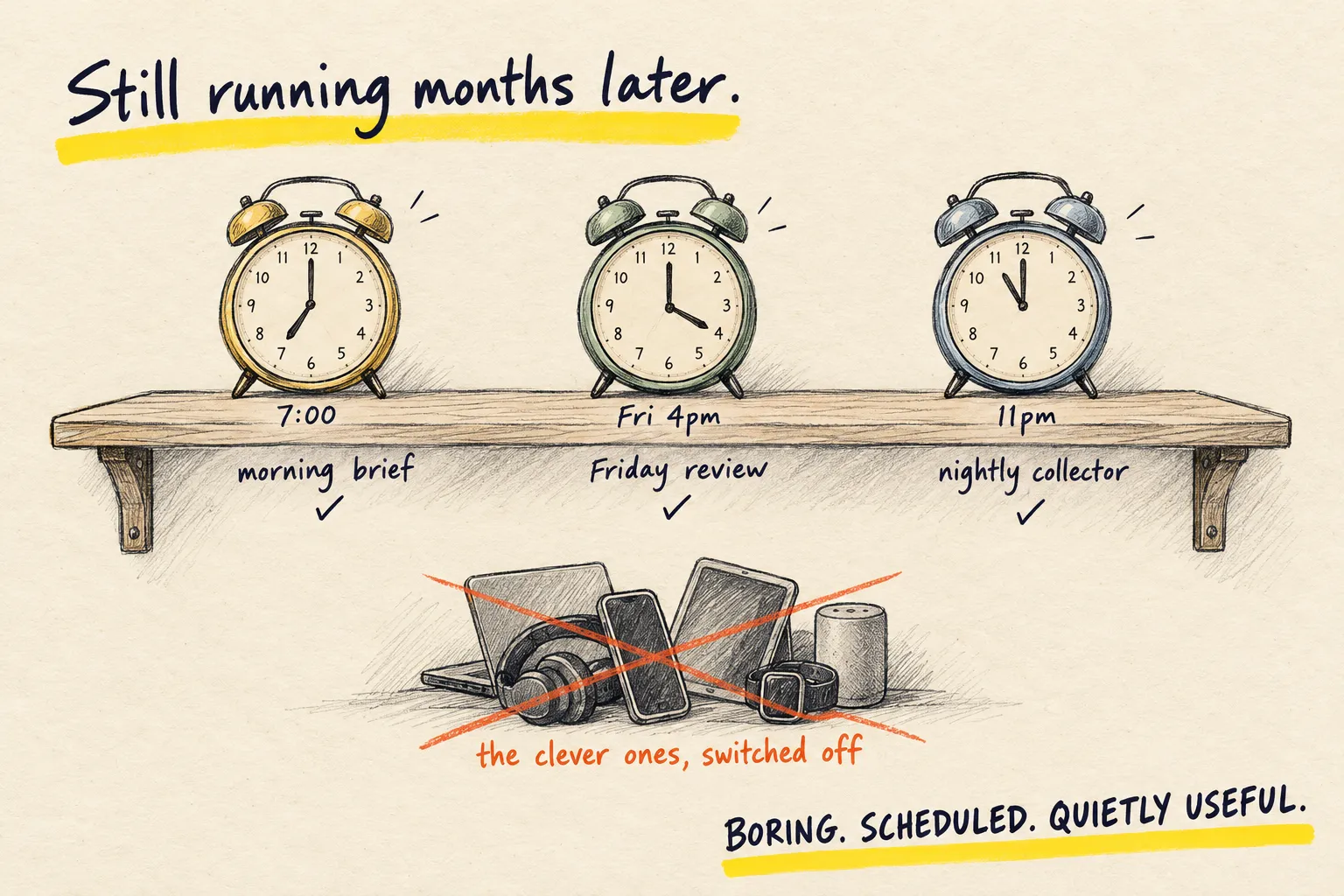
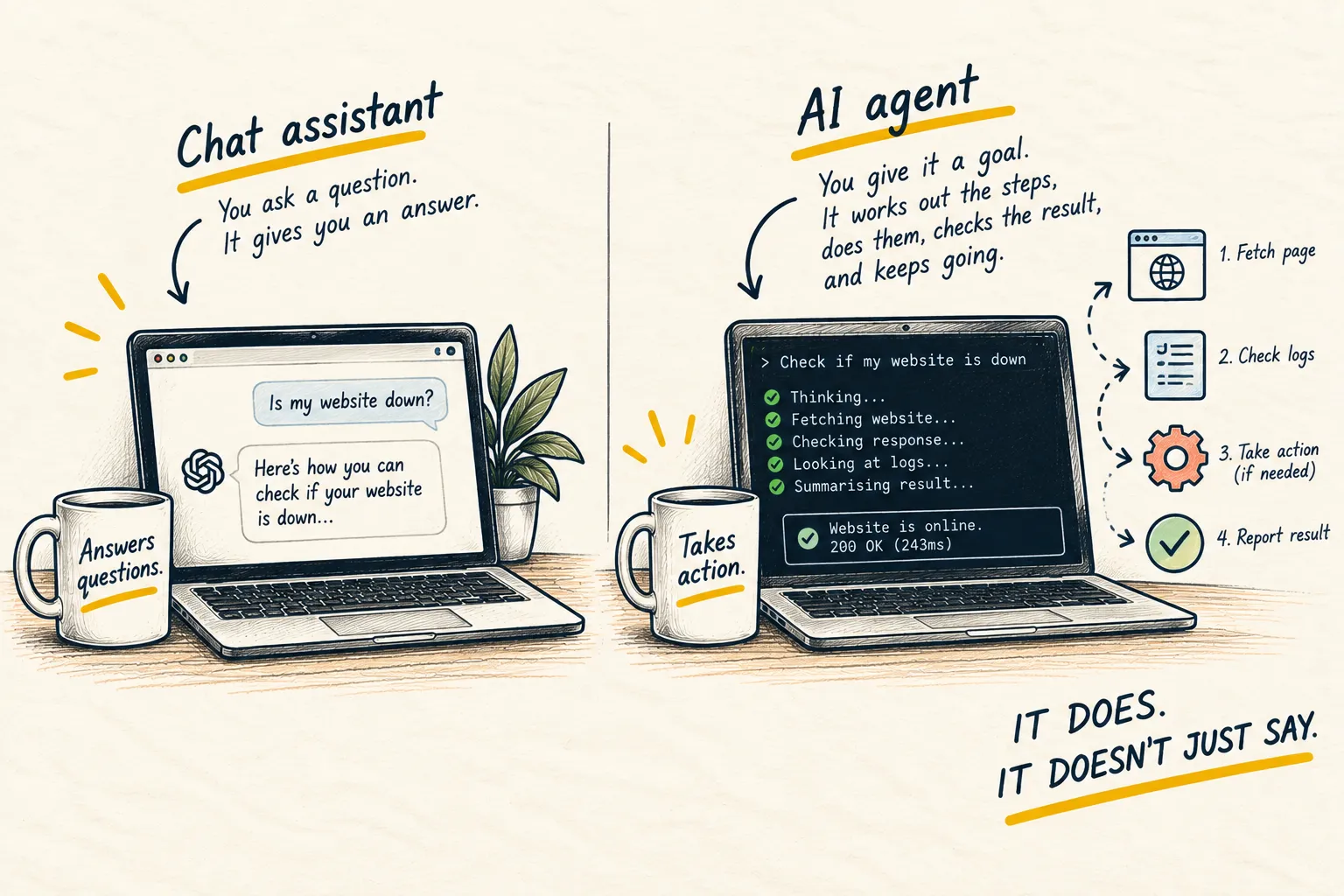
ChatGPT has Tasks: ask it to “send me this brief every weekday at 7am” and it will. Claude Code has scheduled routines that can run a prompt and message you. This brief is the first of three automations worth setting up. An agent you run yourself can do all of it and read your real calendar: that is how mine works, and what an AI agent is explains why the installed kind can reach things a chat window cannot.
3. Keep it to three lines
The temptation is to add weather, news and a quote. Resist. The brief works because it is shorter than the thing it replaces. The day you skip reading it is the day it got too long.
Dentist at 2, call with Sam at 4, invoice still unsent, plus the prompt above
- A light morning, then two fixed points: the dentist at 2 and the call with Sam at 4.
- You are most likely to avoid sending the invoice. Smallest first step: open it and type the client’s name.
- Leave time to get back from the dentist before Sam’s call at 4.
Line two is the one to start on. Do it before you open email.
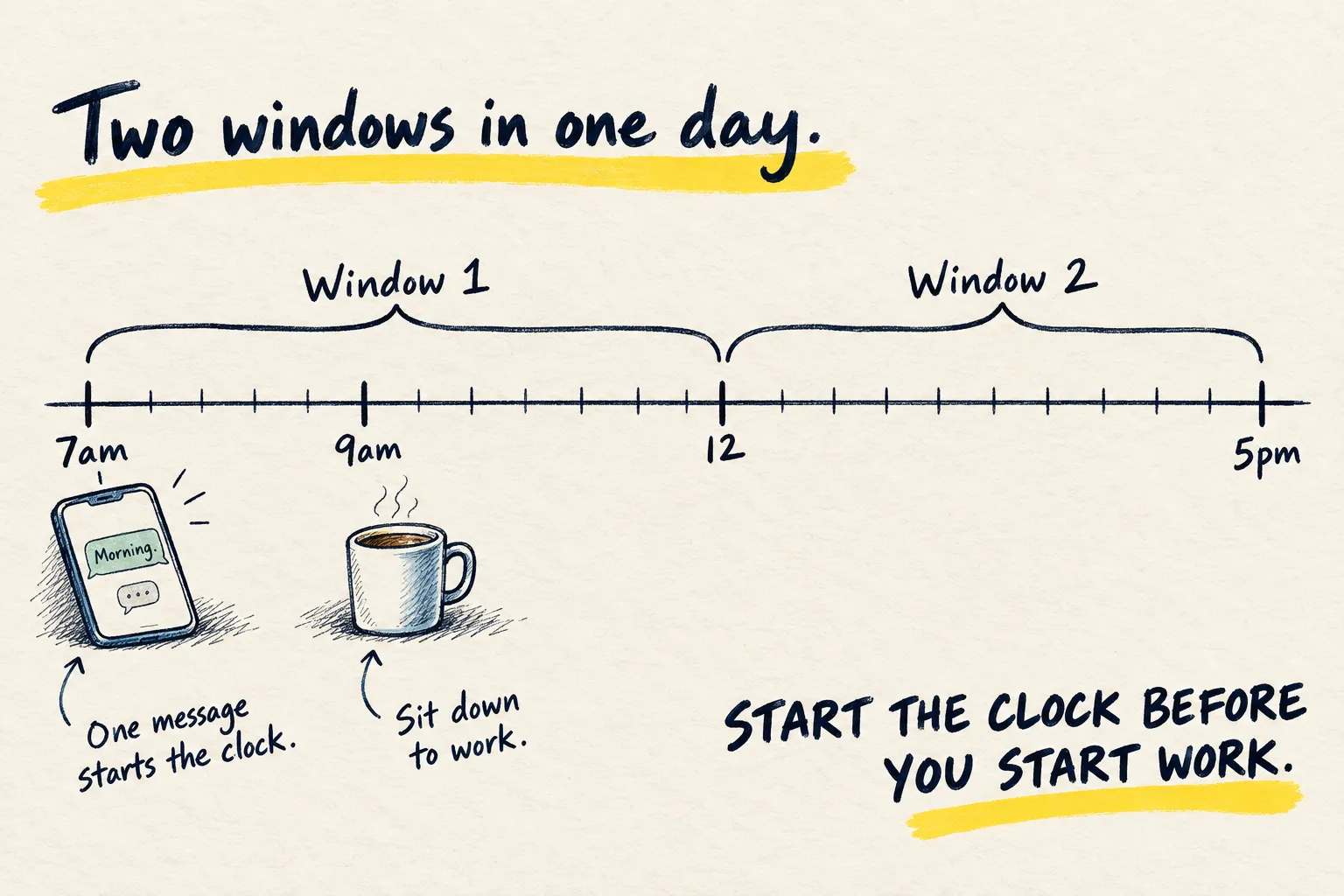
Bonus: that 7am message also starts your Claude usage window.
Common questions
Can it see my calendar?
Does this need an agent?
What do you actually get in yours?
What to do next
Related reading
Learn
What is an AI agent?
Setups
My current AI setup