My Setup
My current AI setup
The exact set of tools I use day to day, what each one is for, and what changed when I stopped writing this page from memory and actually checked.

The stack
- H Hermes
- CC Claude Code
- Cx Codex
- Cu Cursor
- El ElevenLabs
- Kl Kling
- Ra Raycast
This setup isn't perfect, but it works well for me right now. I update this page as things change.
This changes often. That is the point of writing it down: most setup posts describe a finished state that never existed, and this one is deliberately a snapshot. I went through the machine properly for this version instead of listing what I assumed was there, and the list was wrong in both directions. Two things on it were not running at all. Several things I use constantly were missing.
The box above is the whole list. The rest of this page is what each one is for.
The agents
These four do the general-purpose work, and how they divide it matters more than which one is best.
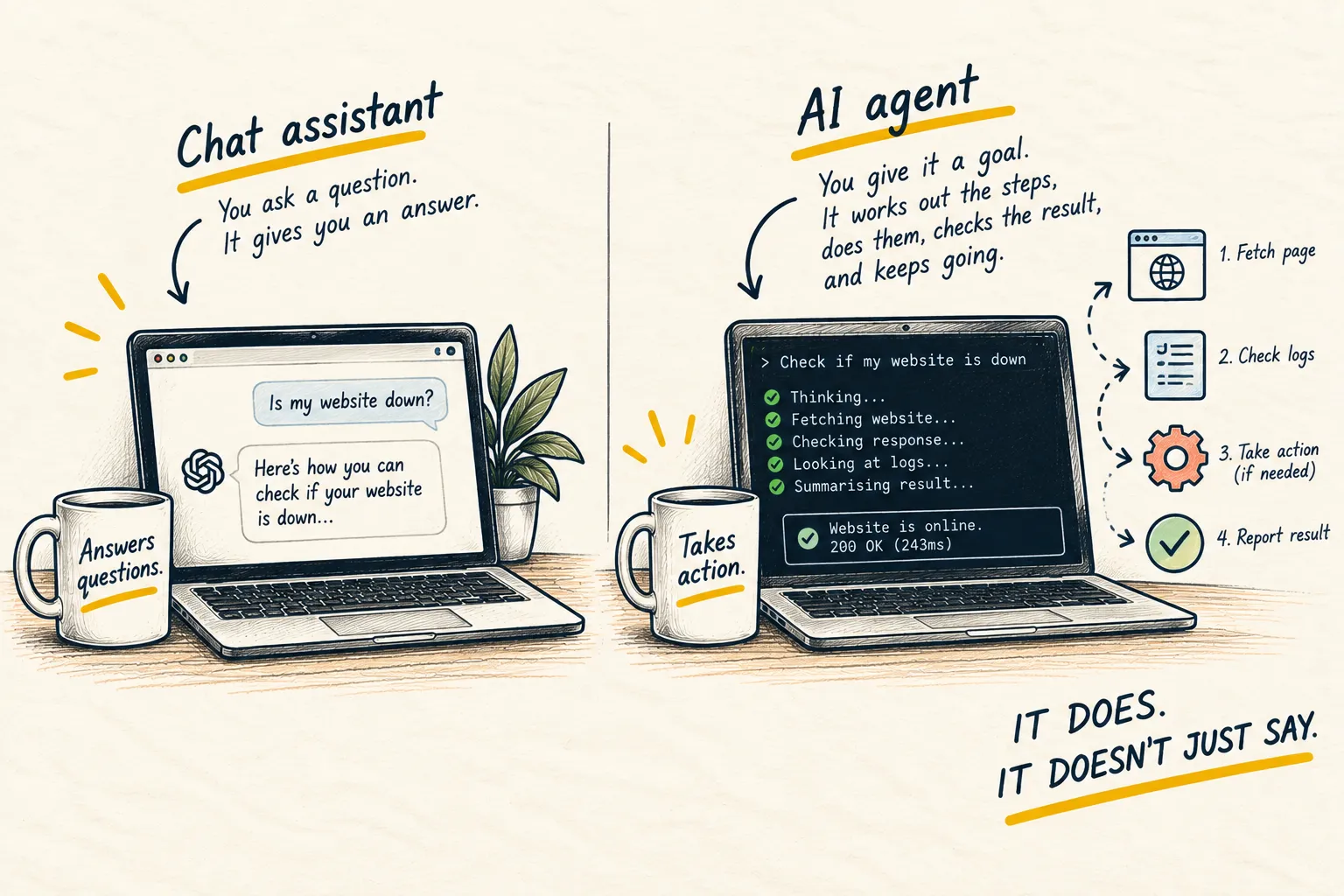
Hermes is the one that runs without me. It starts with the machine and stays up, and it owns everything that happens on a schedule: a short morning brief, a weekly review, language practice twice a day, and a nightly pass that collects things worth writing about on this site. It sends the results to a chat app rather than a terminal, so I read them on my phone like messages from a colleague. It also hands longer jobs to the others.
It is deliberately not clever. The model underneath it is a cheap one, GPT-5.6 Luna at the moment, picked on price rather than capability. Most of what a scheduled agent does is wake up, look at something and decide nothing needs doing, which does not require a good model. When a job needs real thinking, it hands off to one of the agents below.
Claude Code handles anything involving real files and real complexity, including this website. This page was edited with it.
Codex is the second coding agent, and it does double duty: it is one of the workers Hermes hands a job to, and it generates still images when I need them. It is also the part worth understanding if you are copying any of this. An agent is not a model. It is the scaffolding around one, and the two bills you expect to pay are often one.
Cursor is the same idea inside an editor rather than a terminal. I reach for it when I want to watch the work happen in the file, and Hermes uses it as a second worker on long jobs.
Four agents sounds like too many, and on the days I only write it is. The honest reason there are four is that they fail differently, and a second one is often the fastest way to find out the first was confidently wrong.
The production side
The other half of the setup exists to make one thing: a YouTube channel of long-form Spanish lessons, where each episode is an hour or more of hand-written teaching phrases turned into video. That pipeline is a script in a folder, not an app, and it calls two paid services.
ElevenLabs does the speech. Every phrase in every lesson is generated rather than recorded, which is the only reason making an hour of audio is a Tuesday rather than a month. It also reads the coaching lines in a small boxing app I built for myself.
Kling does the motion. The still background gets generated first, then Kling animates it into a short loop that sits behind the whole episode.
Neither of these is something I use casually. They are called by a pipeline, they cost credits per run, and the rule I have for myself is that nothing spends until I have looked at the thing it is about to spend on.
The desk around it
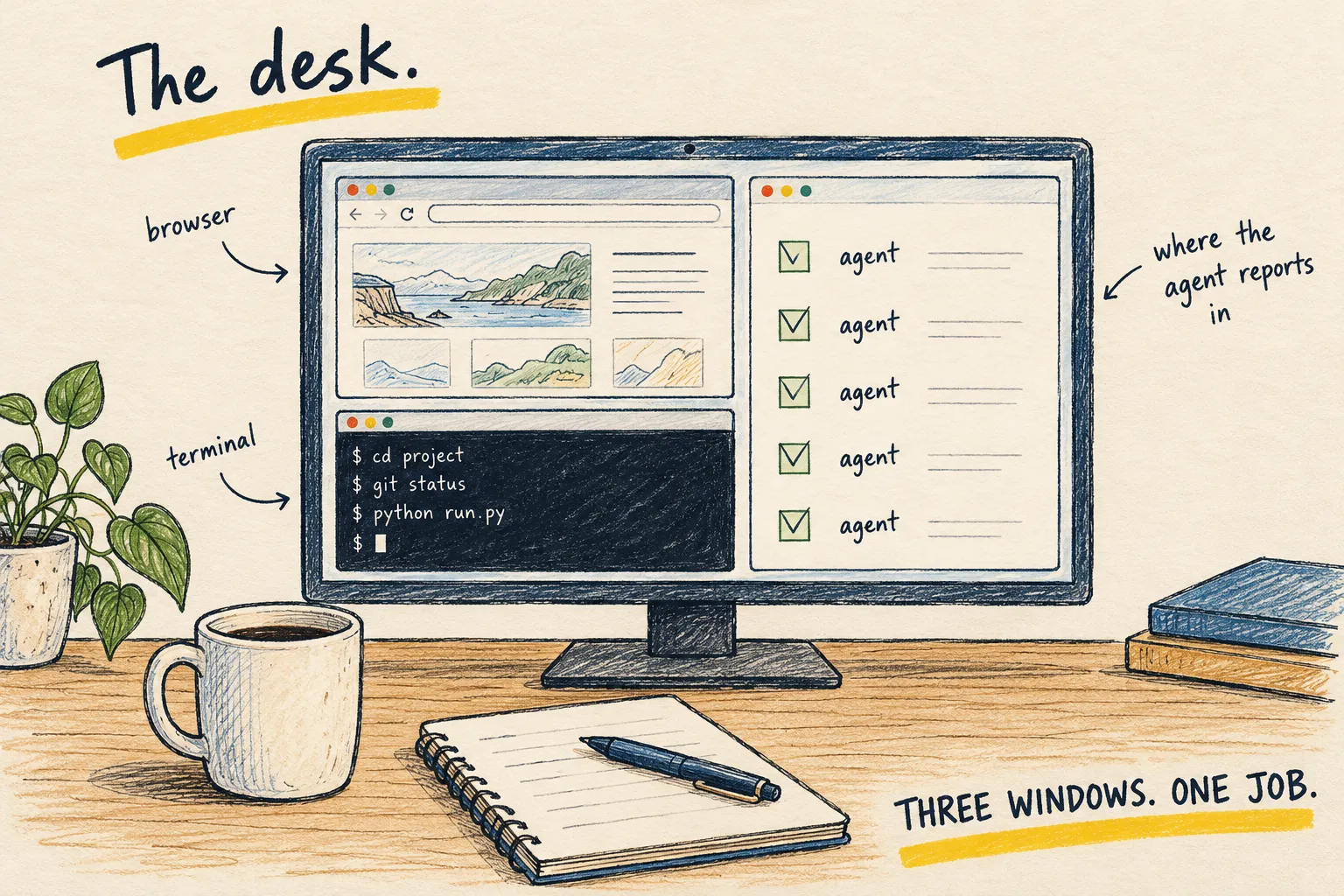
One non-AI thing is worth a line. Raycast replaced the Mac’s built-in search, because its results were better for me, so Command-Space now opens Raycast instead. I also use it to drop windows into the same three places: browser upper right, terminal lower right, Discord across the full left side. The terminal position is the one that matters, because that is where I watch live tmux sessions while Hermes drives them. Raycast puts the windows there. It is not driving what happens inside them.
Where it runs
On the Mac I already own. Hermes starts at login and keeps working in the background while I do other things.
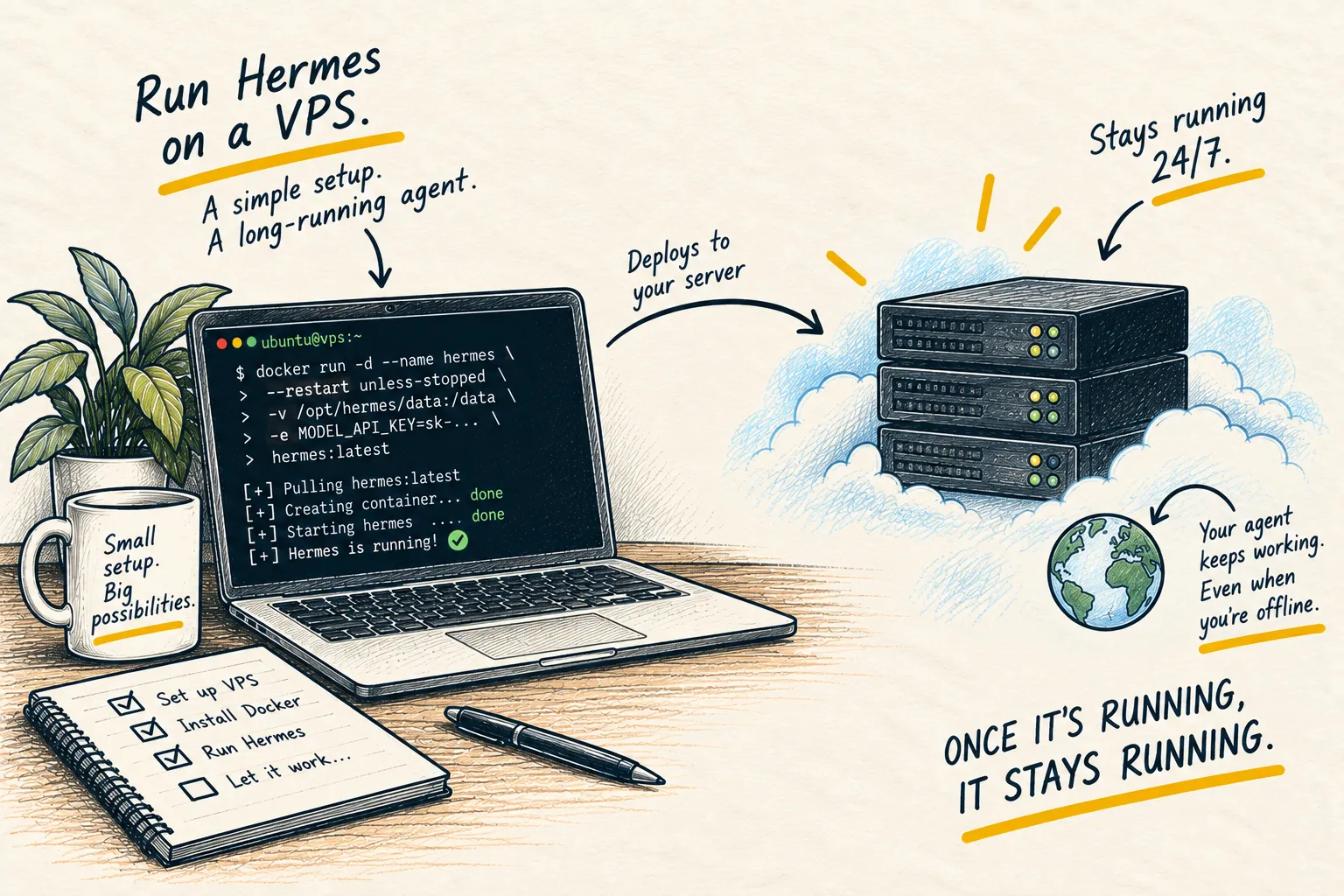
That is a real trade and I would rather name it than hide it. When the laptop sleeps, the scheduled jobs wait for it to wake up. If you want jobs that fire whether or not your machine is open, a small always-on server is the honest answer, and running Hermes on a VPS walks through it. Start Here treats that guide as optional, not the default path. I have not needed one yet, and I am not going to list a server I do not run.
What it costs
Two subscriptions cover all four agents, which is the pleasant surprise. That works because of the split above: an agent that is awake constantly is not the same as an agent that is thinking constantly, and it is the thinking you pay for.
The voice and video services are the part that varies. They bill in credits rather than a flat monthly fee, so the cost tracks how much I produce rather than how much I own. In a month where I publish nothing they cost nothing, and in a heavy month they are the largest line by a distance. I am not going to print an average, because an average of a number that swings that hard is a made-up number.
There is no hosting line, because there is no host.
What came off the list
A VPS. This page used to name a rented server as the foundation of the setup. It is still the right recommendation for anyone who wants scheduled work to be independent of their laptop, and the guide above still stands. It just is not what my own agent runs on. Vultr is the one I used, and that page now says the same thing.
Local models. This page used to say Ollama handled the private, low-stakes work on my Mac. There is no model on this machine at all right now. Ollama is still where I would tell anyone to start, and what local AI actually means still holds, but it is not part of my setup today.
What I would change
The memory setup is the weak part. It works, but it is more manual than it should be, and I have not found an arrangement I am happy with yet.
The laptop dependency is the other one. It has not cost me anything yet, which is the kind of thing that stays true until the week it does not.
The scheduled jobs are the part I would not touch. They are the least interesting thing on this page and the only part that has quietly changed how the week runs.