Cursor
Code editor with an AI agent built in. You watch the edits happen.
Use it if
- You want to see edits land in the file rather than scroll past in a terminal
- You already work in a VS Code style editor and want to keep that
- You are not comfortable letting an agent work somewhere you cannot see
Skip it if
- You prefer a terminal and already have an agent you trust there
- You do not want to move editors to get the feature
- You want one tool rather than another subscription alongside one
Cursor is a code editor with an agent living inside it. If you have used VS Code, it will feel immediately familiar, because that is roughly what it is built on.
Who it is for
People who want an agent editing their project but are not ready to let that happen out of sight. If Claude Code and Codex sound useful and also slightly alarming, this is the same capability with the work on screen.
What it actually does
The same job a terminal agent (one you type commands to) does. It reads your project, makes changes across several files, runs things, and works through the errors that come back.
The difference is where you watch it happen. A terminal agent reports what it did. Cursor shows you the file changing, which sounds cosmetic and is not, because seeing a bad edit land is much faster than reading a summary that describes it kindly.
How I use it
When I want to watch the work rather than read about it afterwards, and as a second worker my scheduled agent can hand a long job to when I would rather not sit with it. My current setup explains how that handoff is arranged.
That second use is the one worth stealing. An editor agent does not have to be something you drive by hand.
Where it fits
If the idea of an agent editing your files makes you uneasy, start here rather than in a terminal. Visibility is the thing that builds trust, and this is the version with the most of it.
If you already have a terminal agent you get on with, this is a preference rather than an upgrade.
Honest limitations
It is a whole editor, so adopting it means moving, and moving editors is a bigger ask than installing a command.
The visibility is also a trap in its own small way. Watching an agent work is absorbing, and absorbing is not the same as productive. Some jobs are better handed off and checked at the end.
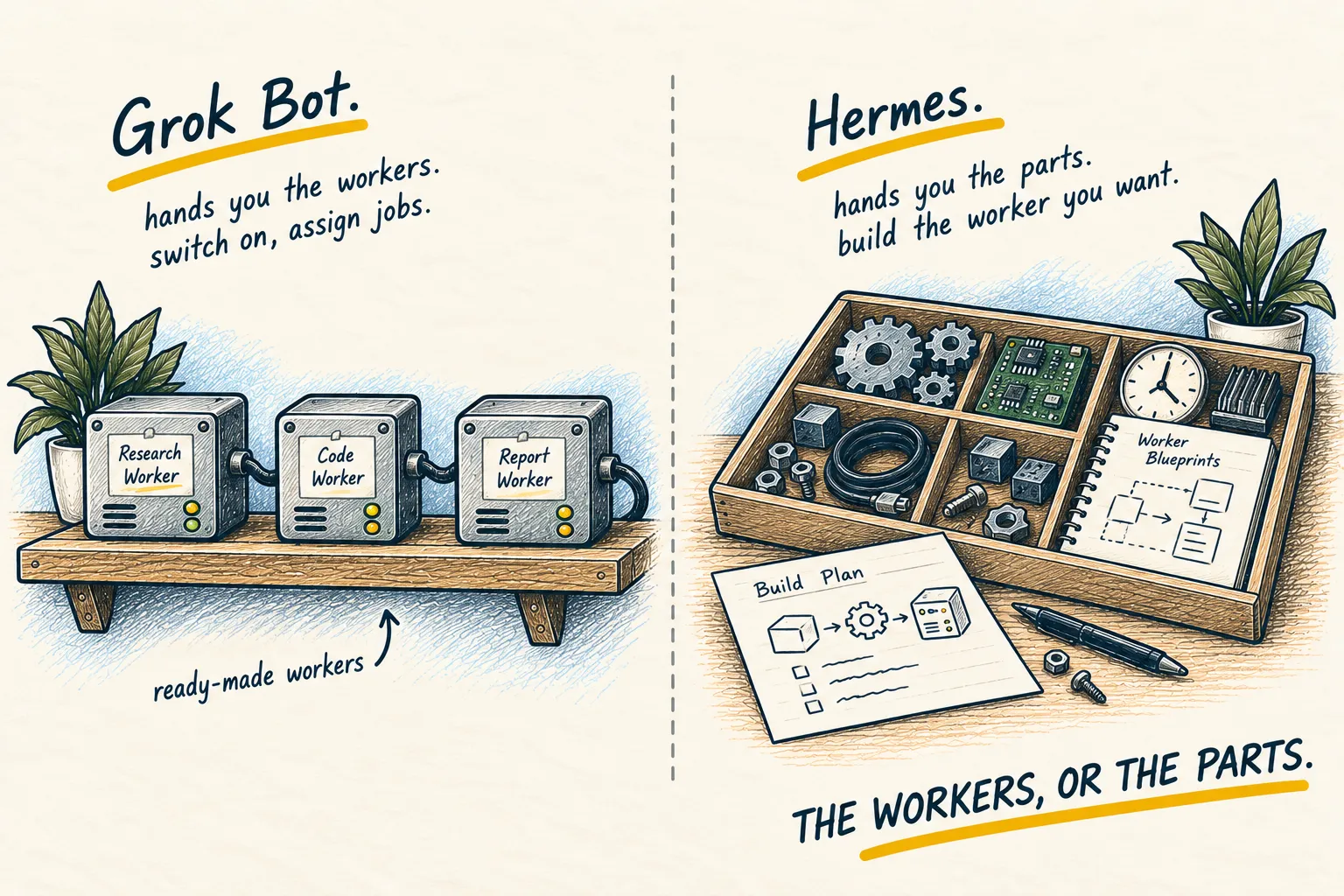
Pricing and plan contents here move more than most. At the time of writing the Cursor plan has also bundled access to other tools, which is worth checking before you buy anything separately; the Grok Bot comparison goes into why that matters.
Next step
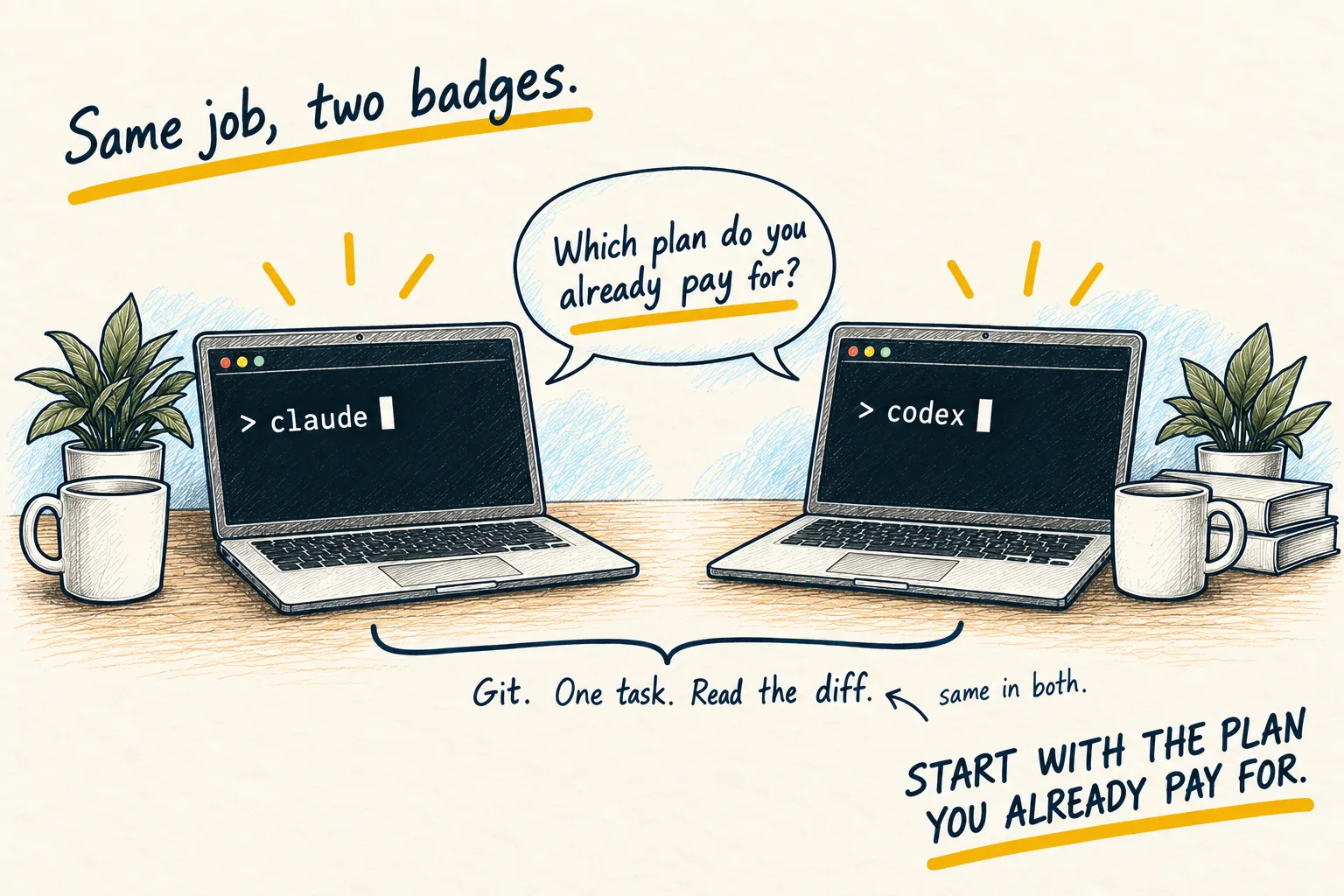
Open one real project in it and hand the agent a small job you already know the answer to. If you would rather stay in a terminal, Claude Code and Codex do the same work without moving editors.
Guides that use this

Setups
My current AI setup
Related reading
Setups
My current AI setup