Codex
OpenAI's coding agent for the terminal, on your real files.
Use it if
- You already pay for ChatGPT and want that to reach your files
- You want a second coding agent to check the first one's work
- You want one subscription that other tools can also call
Skip it if
- You have never used a terminal and do not want to start
- You are happy with one coding agent and do not want a second bill
- You need the work to happen on a machine you do not own
Codex is OpenAI’s answer to the same problem Claude Code solves. A chat window cannot see your project, so you spend your time copying code out of it and pasting errors back in.
What it actually does
You install it, open a terminal in your project folder, and type codex. From there it
reads your files, edits them, runs commands, and sees what breaks. The loop is the point.
You describe an outcome rather than a snippet, and it keeps going until the outcome exists
or it gets stuck.
The part people miss
Codex is two things wearing one name. There is the agent you type at, and there are the models underneath it. Other tools will happily call those models on your behalf, which means one subscription can power more than the one terminal you bought it for.
That is worth knowing before you pay for a second AI plan you may not need.
How I use it
Two jobs. It is my second coding agent, and its models are what my scheduled agent calls when a job fires, so the agent work and the coding work come off the same plan. My current setup shows how that split is wired, and why the thing that is awake all day is not the thing doing the thinking.
It also generates still images when I need them, which is not what you would expect from something with “code” in the name.
Where it fits
If you already pay for ChatGPT, this is the cheapest way to get an agent onto your real files, because you are not adding a bill.
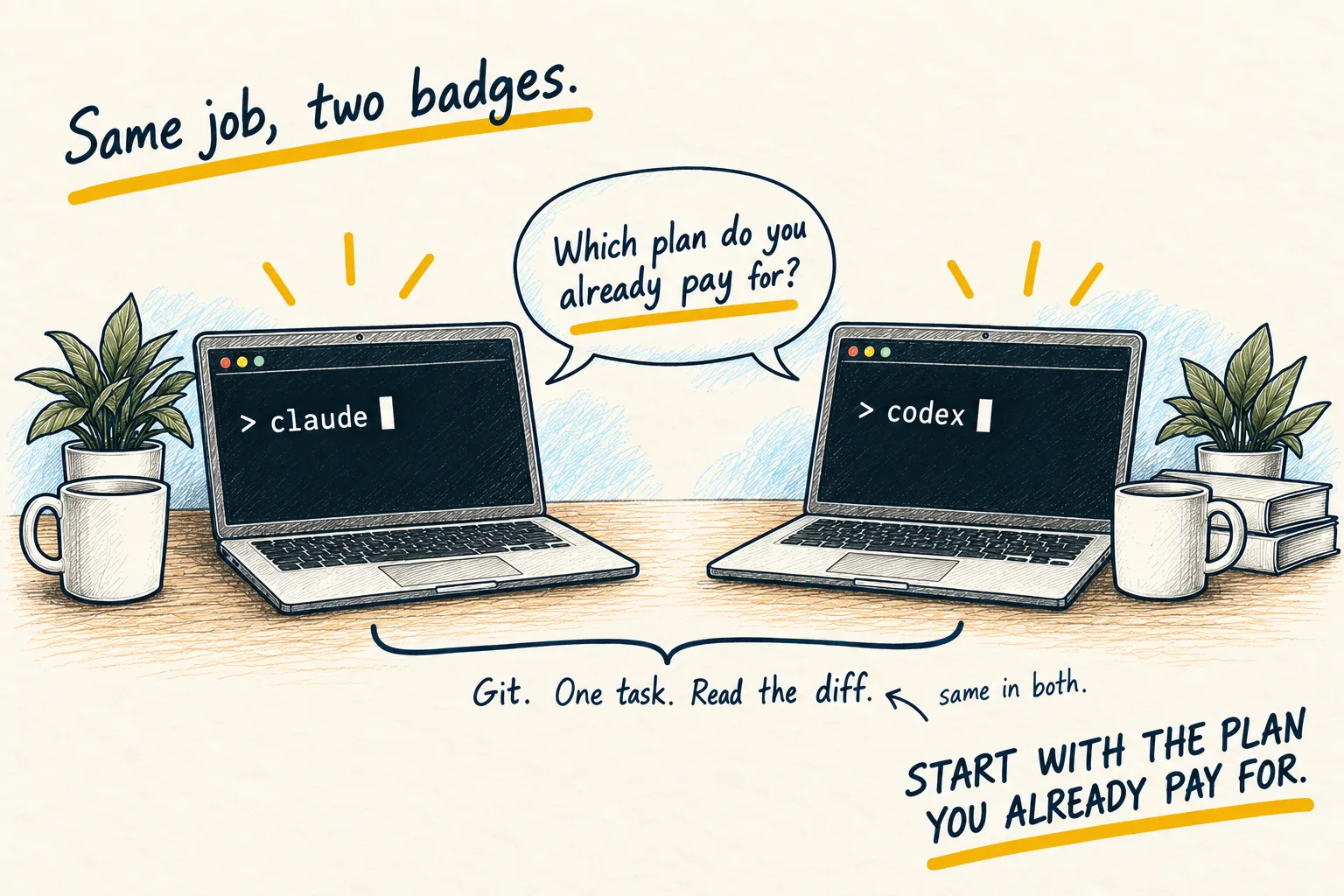
Running two coding agents is a luxury rather than a requirement. They fail differently, though, and when one of them is confidently wrong the other tends to notice.
Honest limitations
It has the failure mode every coding agent has. It is most confident in exactly the situations where it is guessing, so read the diff (the list of changes) before you accept it.
It also wants a terminal and a real project folder. If you do not have either yet, a normal chat window is genuinely fine and you have lost nothing.
What a plan includes here changes regularly, so confirm the current terms before assuming one subscription covers both the terminal agent and whatever else you point at its models.
Next step
If you would rather see edits land in a file than scroll past in a terminal, Cursor is the same job with more visibility. Claude Code is the closest direct alternative, and running one of each is the arrangement my setup ended up with.
Guides that use this

Setups
My current AI setup
Related reading
Setups
My current AI setup
-