What is the terminal, and how do I use it?
The terminal is a window where you type instructions to your computer instead of clicking. How to open it on a Mac or Windows, paste a command, and stay safe.

By Nick
On this page
The terminal is a window where you type instructions to your computer instead of clicking on things. Every Mac and Windows computer already has one. It looks bare: a blank window and a blinking cursor.
Some AI tools, like Claude Code, and anything you run on a rented server, are used this way. You don’t need to learn it. You copy a line from a guide, paste it in, and press Enter.
Open it
- Mac: press Command and Space together, type
Terminal, press Enter. - Windows: click Start, type
Terminal, and click the app called Terminal.
Run a command
- Copy the line from the guide (the grey boxes on this site have a Copy button).
- Click in the terminal window and paste: Command and V on a Mac, Ctrl and V on Windows (or right-click).
- Press Enter.
Text appears as it works. When the blinking cursor comes back on a new line, it has finished. If something seems stuck, Ctrl and C stops it.
Stay safe
Pressing Enter does what the line says, so only run commands from a guide or a person you trust. If someone you don’t know sends you a command to “fix” something, don’t run it.
Try one now. This just prints the date:
dateCommon questions
Can I break my computer by typing in it?
Do I need to learn programming?
Is Command Prompt or PowerShell the same thing?
Related reading
Learn
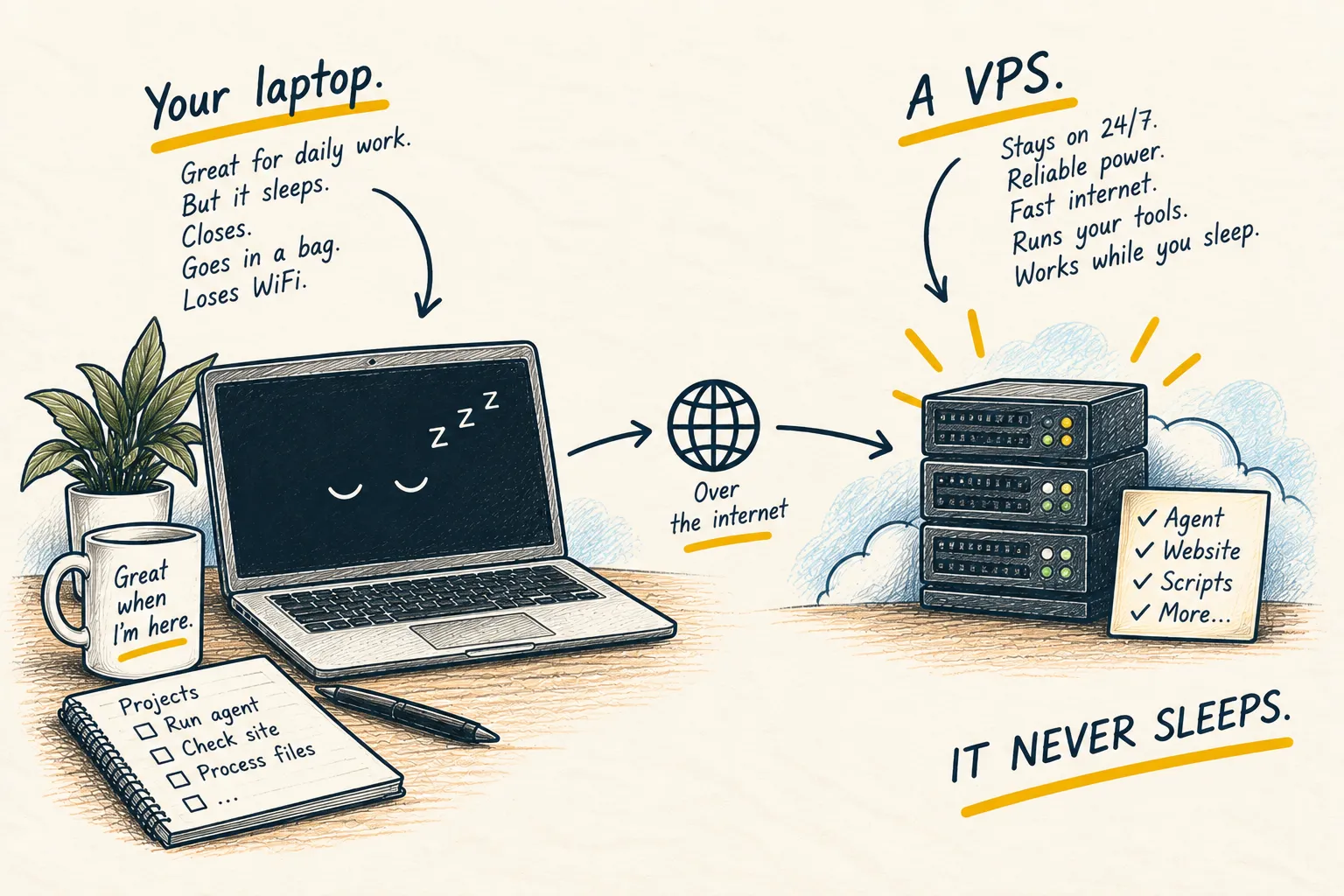
What is a VPS?