Git in four commands (so the agent can never wreck your project)
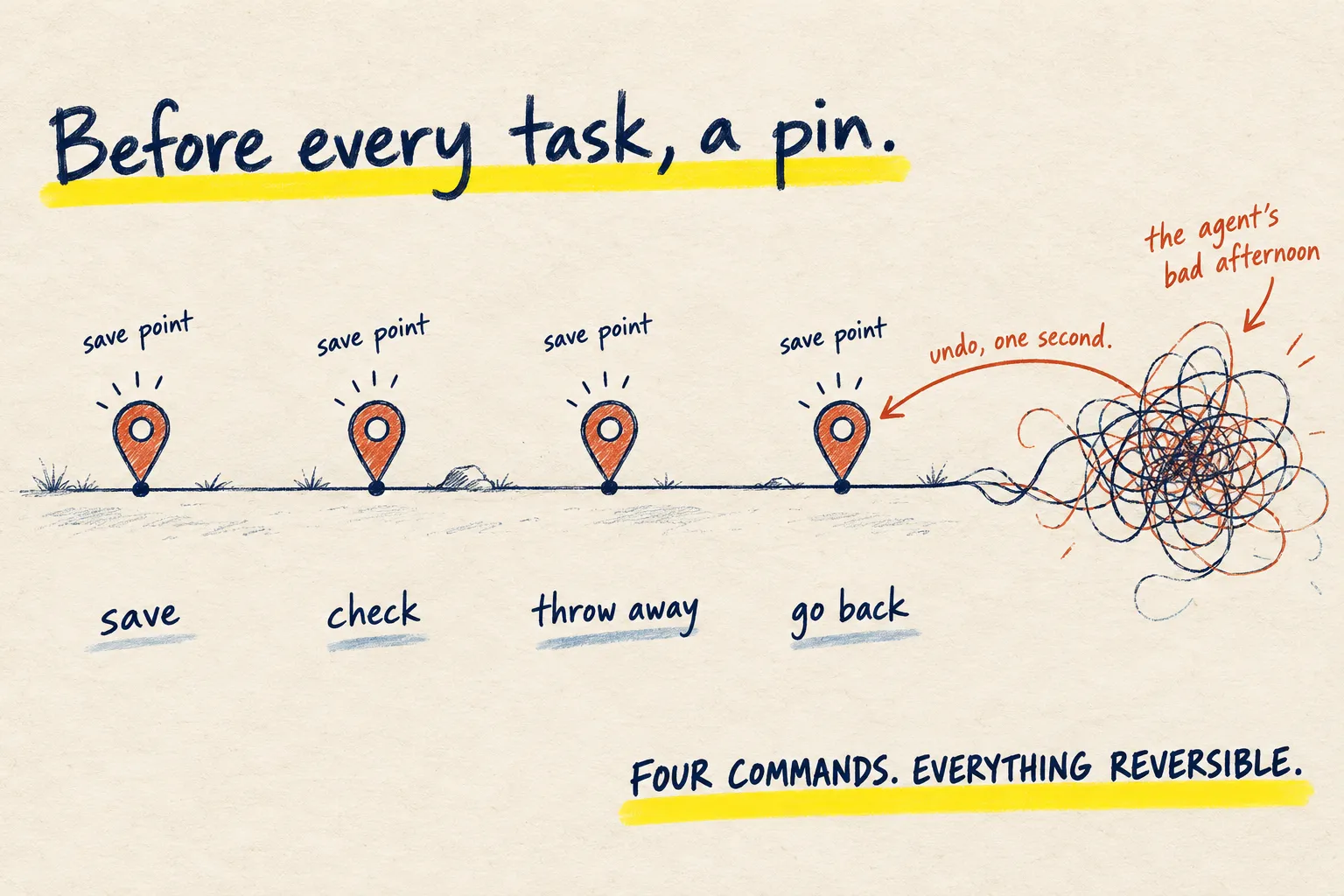
You do not need to understand Git. You need four commands that make every change an AI agent makes reversible: save point, check, undo, go back.

By Nick
On this page
- Ten minutes
- Free
- Intermediate
1. The four
Open a terminal (the window where you type commands) in the project folder.
git init                         # once per project: turn on save points
git add -A && git commit -m "x"  # make a save point (do this before every agent task)
git status                       # what has changed since the last save point?
git checkout .                   # throw away every change since the last save point
The second one is the habit. Before you hand an agent a task, make a save point. After it finishes and you are happy, make another. If you are not happy, the fourth one puts everything back in one second.
2. Let the agent set it up and keep the habit
Paste this into your coding agent in the project folder.
Check whether Git is installed and whether this folder is a Git repository. If not, set it
up, make a first commit of everything, and confirm. From now on, before you change any
file in a task, commit the current state first with a short message, and after a task
succeeds, commit again. Never force anything and never delete history. Tell me what you
did.
3. Trust the undo, not the agent
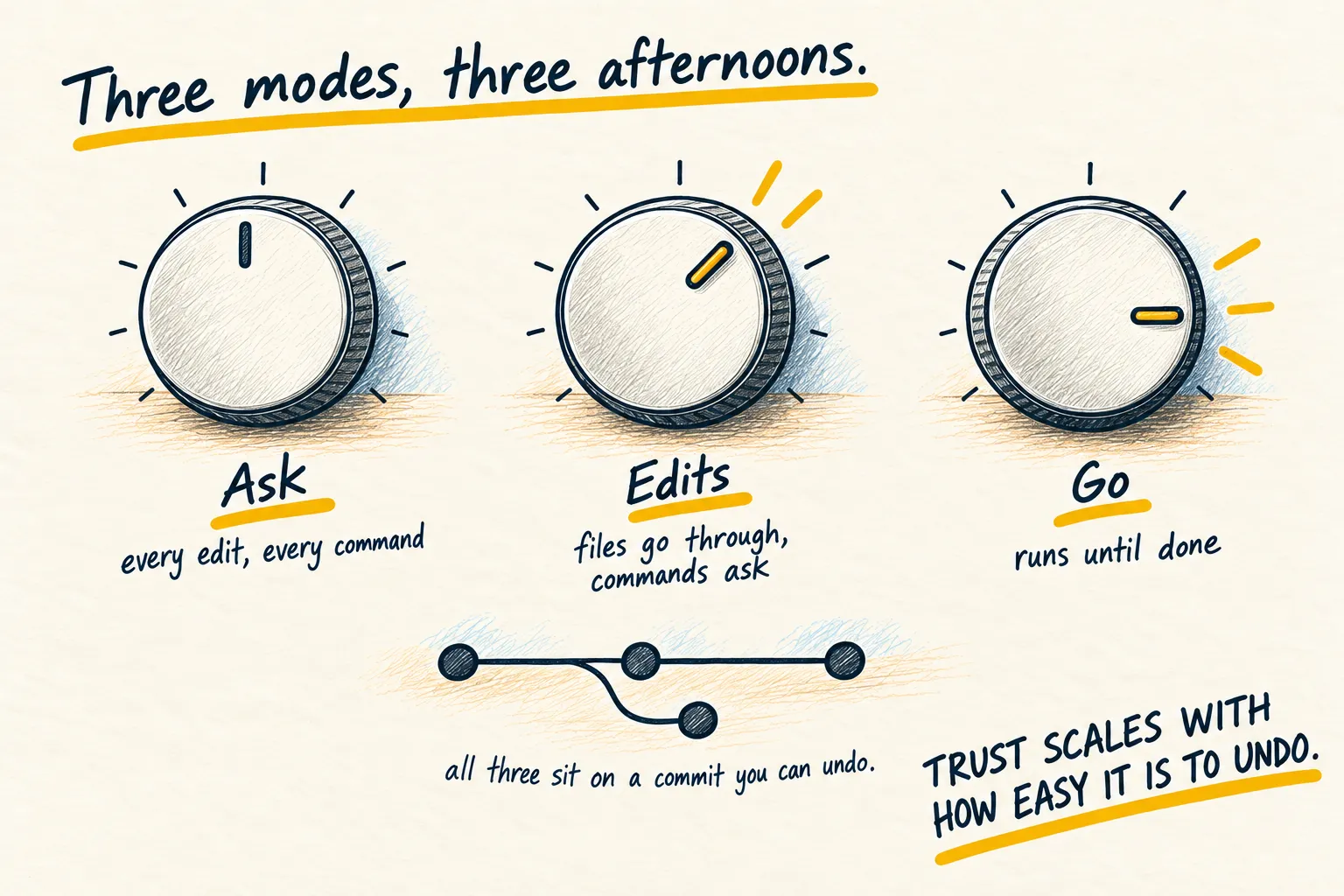
Everything on this site about coding agents assumes this is in place: one task at a time, the permission modes, all of it. Trust scales with how easy it is to undo, and this is what makes undo easy.
How you know it worked. git status says “nothing to commit” after a good task. If you
ever see “detached”, “rebase” or “force” in an agent’s output, stop and ask what it is doing.