Undo what Claude Code just did: rewind and checkpoints
Claude Code saves a checkpoint before every message you send. Press Esc twice or type /rewind to put your files back, and know the one kind of change it can't undo.

By Nick
On this page
- One minute to undo, ten to set up Git
- Nothing extra
- Beginner
Before you start
1. What a checkpoint is
Every time you send Claude Code a message, it quietly takes a snapshot of your files first. That snapshot is a checkpoint. If what came next was a mistake, you can go back to it.
It works like the autosave history in a document editor, but per message. You don’t have to turn it on.
2. Open the rewind menu
In Claude Code, make sure the prompt box is empty, then press Esc twice. Or type:
/rewindIf there’s text in the box, the first double Esc clears it instead. Your text isn’t lost: press the Up arrow afterwards to get it back.
You’ll see a list of the messages you sent in this conversation. Use the arrow keys to pick the one you sent just before the change you don’t want.
3. Pick what to put back
The menu offers a few choices. The three that matter:
- Restore code: puts your files back to how they were at that message, and keeps the conversation. Use this most of the time.
- Restore code and conversation: puts both back, as if the later messages never happened. Good when the conversation went down the wrong road too.
- Restore conversation: rewinds the chat but leaves your files alone.
If the code options don’t appear, nothing tracked changed after that message, so there’s nothing for rewind to put back.
Then check the result. Open the file, or run the thing you were building. If you use Git,
git status shows what’s still different from your last save point.
4. The catch: changes made by commands
Claude Code changes files in two ways. It edits them directly, and it runs commands in the terminal. Checkpoints track the first kind.
Anthropic’s docs are blunt about the second: a file that only a command changed “isn’t
tracked and stays as it is.” So if Claude ran rm to delete a file, or mv to move one,
rewind won’t bring it back.
A few other things rewind won’t restore, per the same docs:
- Edits you made yourself in another app.
- Most edits made by a subagent (a helper Claude Code starts for part of a job) to files the main conversation hadn’t touched.
- Files that are shortcuts (symlinks) to somewhere else. It skips those and tells you.
5. Make Git the real undo
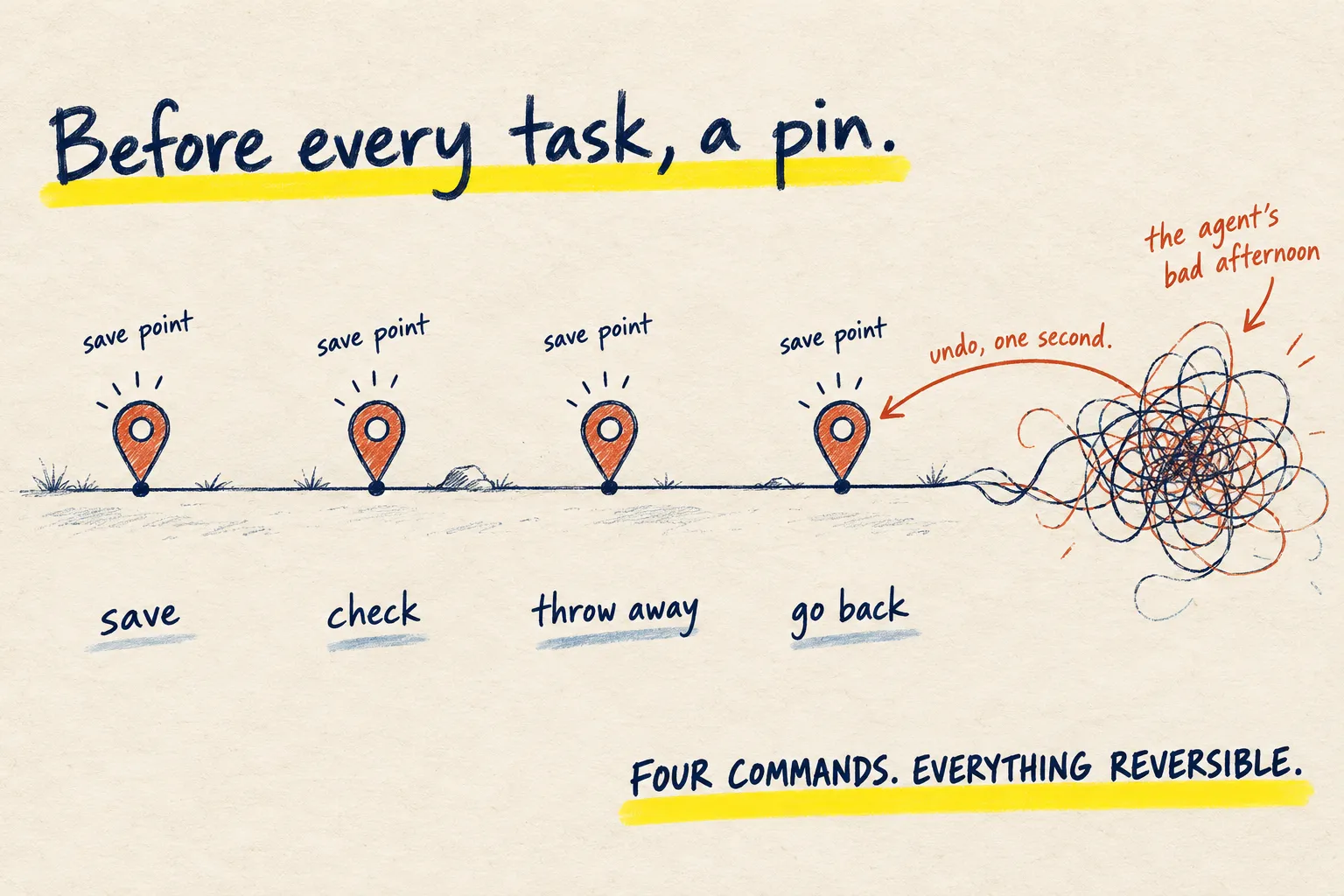
Anthropic says checkpoints are “not a replacement for version control”. Git is version control: a save-point system on your own computer. It catches everything, including what commands did, and it doesn’t expire.
The habit is one line before every task:
git add -A && git commit -m "before Claude"And the undo, if rewind wasn’t enough:
git checkout .That throws away every change since the save point. New files Claude created stay put, so
check git status and delete any you don’t want. The whole routine is on
Git in four commands.
6. Stop needing it
Undo is the backstop, not the plan. Two habits mean you’ll use it less:
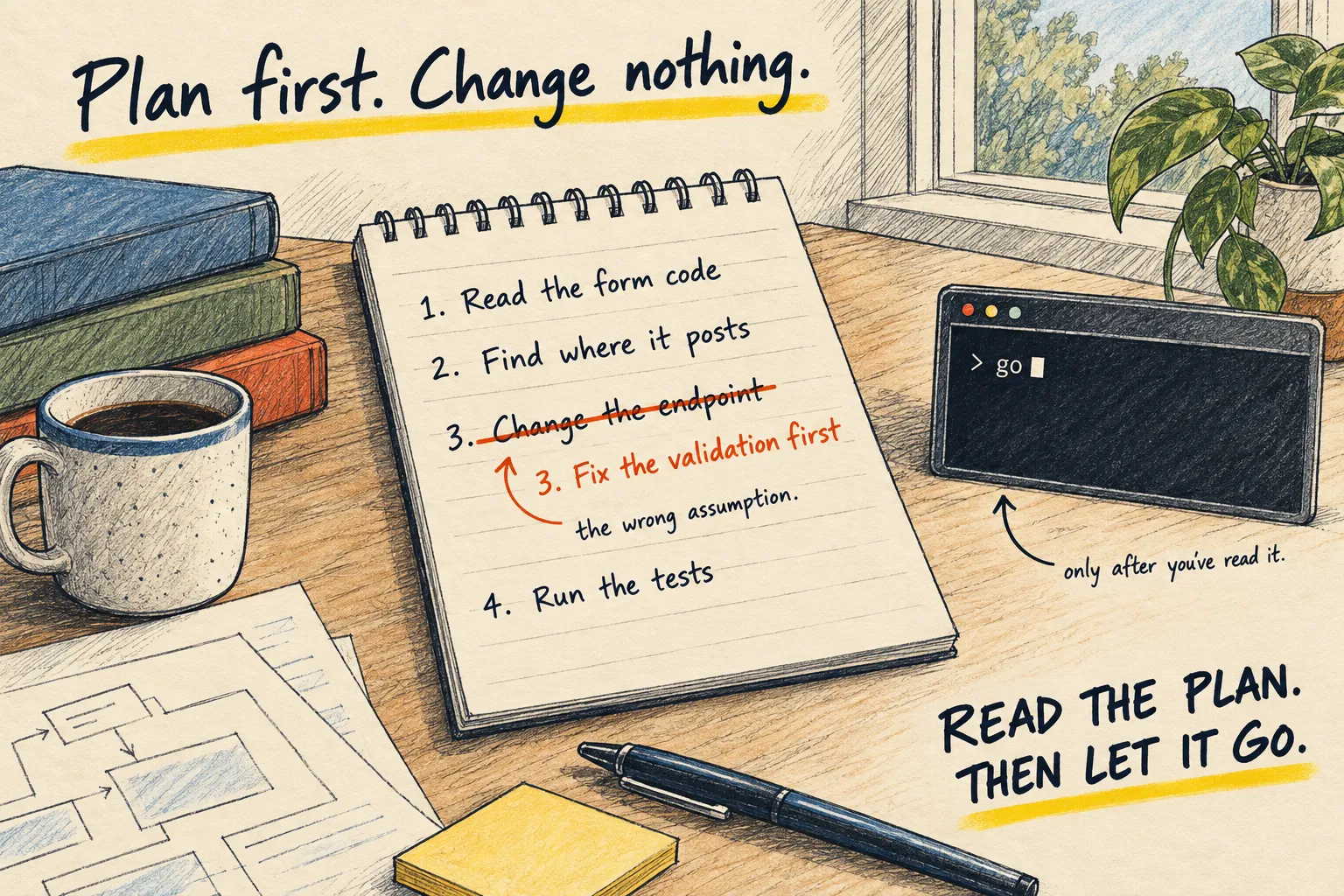
- Plan first. Plan mode has Claude Code say what it will change before it touches anything.
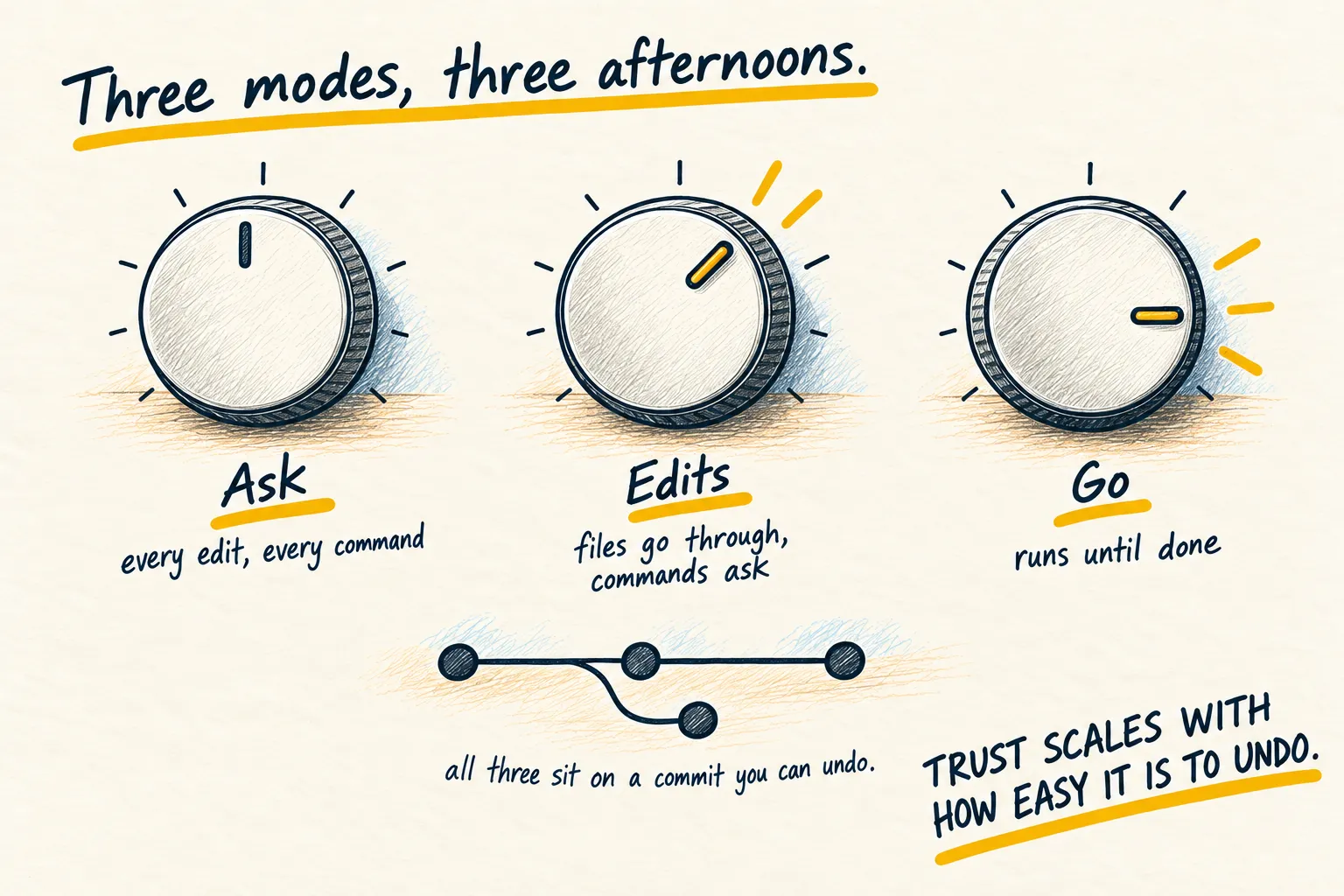
- Ask before commands. The permission modes
decide whether it asks before running things like
rm. On anything you care about, keep it asking.
What working looks like. You open the rewind menu, pick the message before the mistake,
choose Restore code, and the file is back. If it isn’t, git checkout . gets you to your
last save point, and reading the diff shows you exactly what
changed.