Make Claude Code check its own edits with hooks
A hook is a command Claude Code runs by itself at a set moment, like after every edit. Set up one that tidies each file it touches, check it works, and know how to turn it off.

By Nick
On this page
- 15 to 25 minutes the first time
- Nothing extra; it runs on your own computer
- Intermediate
Before you start
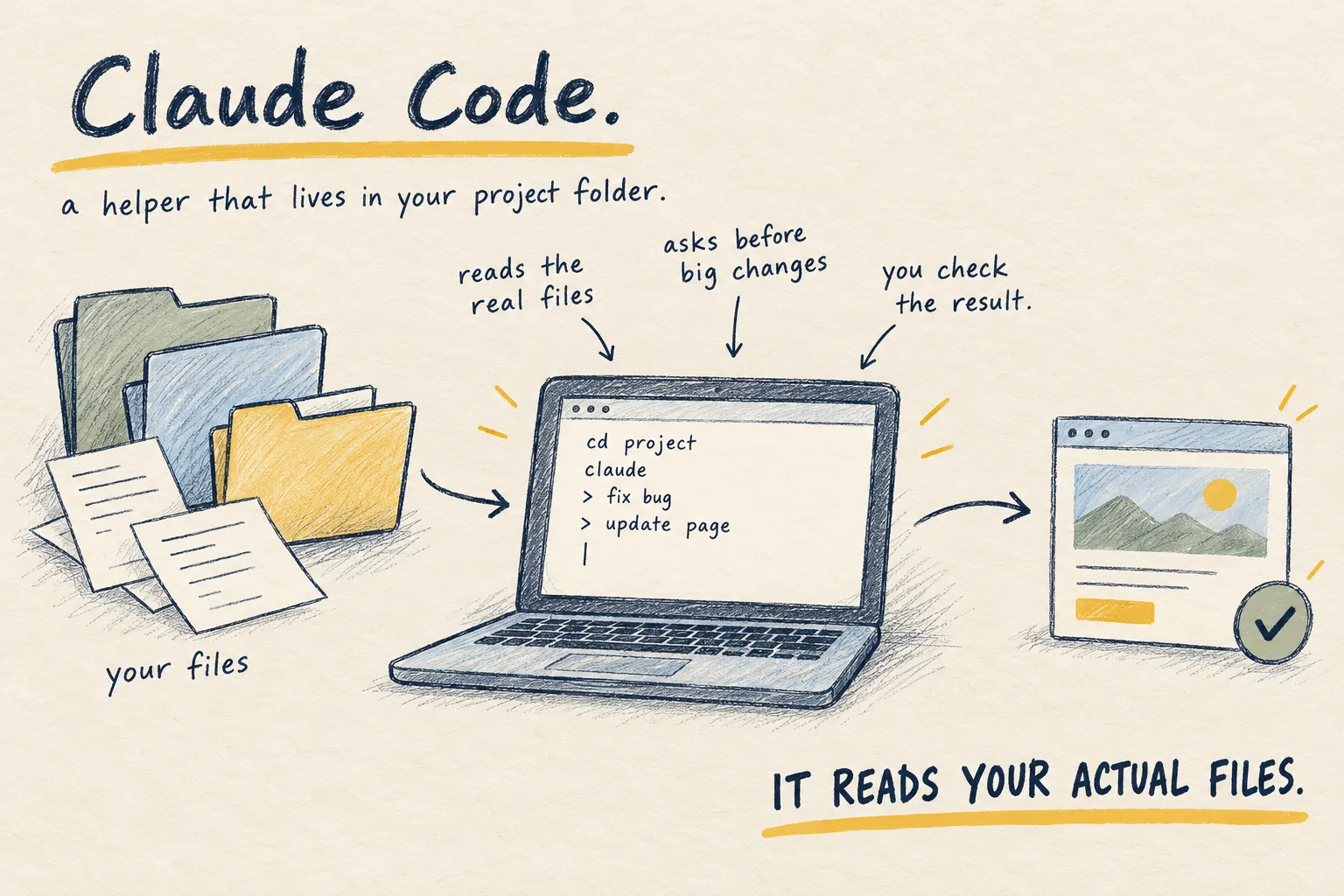
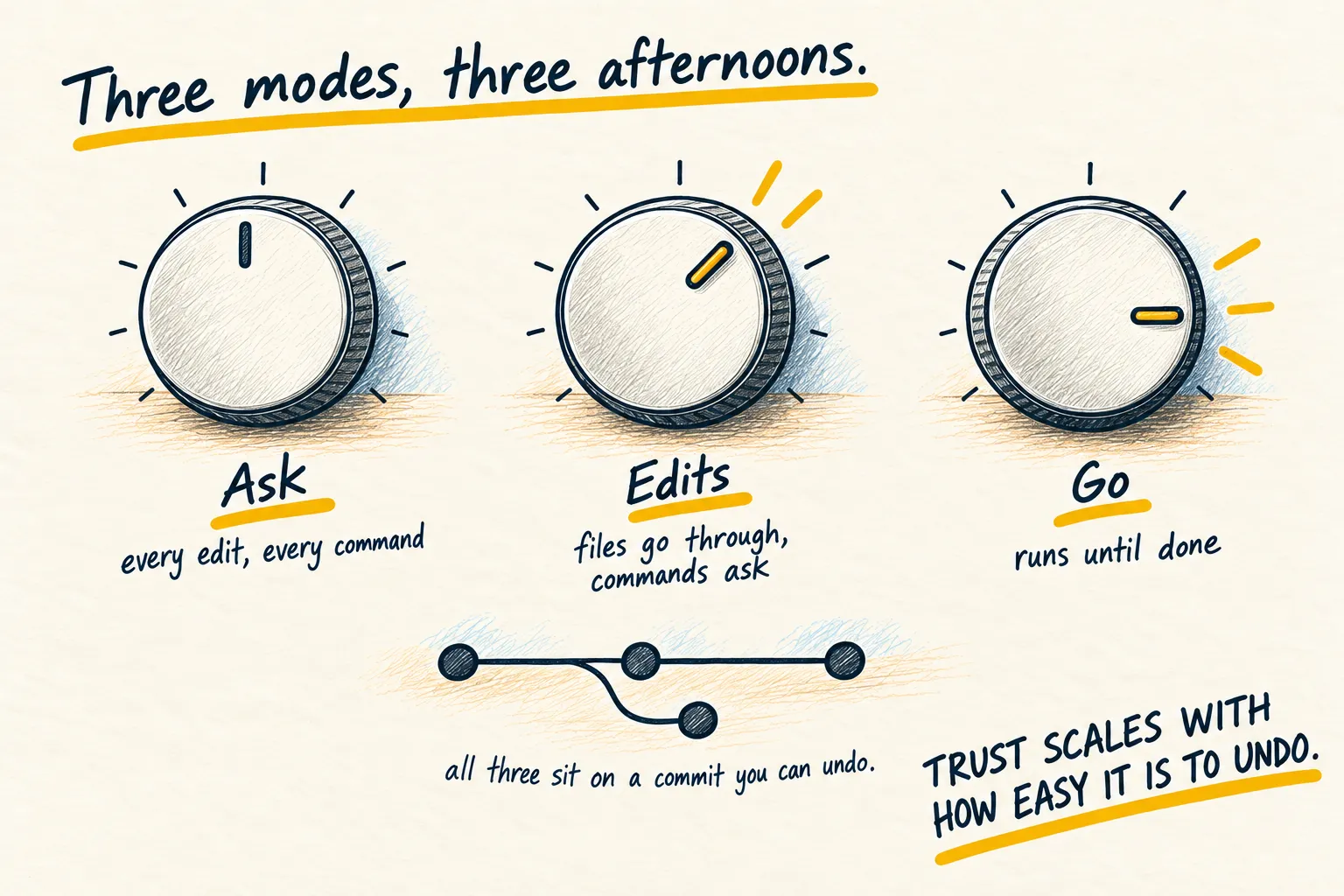
You can ask Claude Code to tidy every file it touches. It will, most of the time. A hook makes it every time, because your computer runs the command, not the agent’s memory.
1. Pick one boring chore
Good first hooks are chores with one right answer: format the file, check it for obvious mistakes, play a sound when Claude needs you. Bad first hooks make decisions or touch anything outside the project.
This guide uses formatting. If your project already uses Prettier (a common tool that tidies code layout), every edit Claude makes will come out tidied. Practise on a throwaway copy of the project, committed in Git, so you can see exactly what changed.
2. Add the hook to the project settings
Hooks live in settings files. There are three you will meet:
.claude/settings.jsonin the project: shared with anyone who has the project. Use this one..claude/settings.local.jsonin the project: just for you, kept out of Git.~/.claude/settings.jsonin your home folder: applies to every project.
Open or create .claude/settings.json in the project and add this, which is the example from
Anthropic’s own documentation:
{
  "hooks": {
    "PostToolUse": [
      {
        "matcher": "Edit|Write",
        "hooks": [
          {
            "type": "command",
            "command": "jq -r '.tool_input.file_path' | xargs npx prettier --write"
          }
        ]
      }
    ]
  }
}
In plain English: after (PostToolUse) Claude uses its Edit or Write tool, read which file it
touched, and run Prettier on that file. The command needs jq, a small tool for reading this
kind of data. If you do not have it, ask Claude Code to check and install it.
If the file already has other settings in it, ask Claude Code to merge this in for you and show you the result. Do not paste a second pair of outer braces.
3. Read what you just allowed
A hook runs with every permission your user account has. Anthropic’s documentation is blunt about it: hooks “can modify, delete, or access any files your user account can access.”
So read the command. This one reads a file name and runs a formatter on it. That is all. Claude Code also holds back project hooks until you accept the “trust this folder” prompt, which is one more reason to only trust folders you know.
4. Check it is there, then test it
Type /hooks inside Claude Code. It opens a read-only list of every hook it knows about and
which file each one came from. You should see your PostToolUse hook, labelled as a project
hook. If it is missing, the JSON probably has a typo; ask Claude to check the file.
Now test it. Ask Claude to make a small edit to a file that is laid out messily, then run
git diff. The diff should show Claude’s change and the tidy-up.
What working looks like. The edit lands already formatted, every time, without you mentioning formatting. If the command fails, Claude Code shows a short “hook error” notice and carries on; the edit is not lost.
5. Know how to turn it off
- Remove one hook: delete its entry from the settings file. There is no switch for a single hook, so delete it (Git keeps the old version if you want it back).
- Turn off all hooks: add
"disableAllHooks": trueto the settings file. - Check it is gone: open
/hooksagain and make one more edit.
Once one hook is earning its keep, the same idea scales: a check that runs the tests, a sound when Claude is waiting for you. Add them one at a time, and only for chores you would otherwise forget. Things that need judgement still belong in CLAUDE.md or a skill.