Plan mode: make Claude Code think before it touches anything
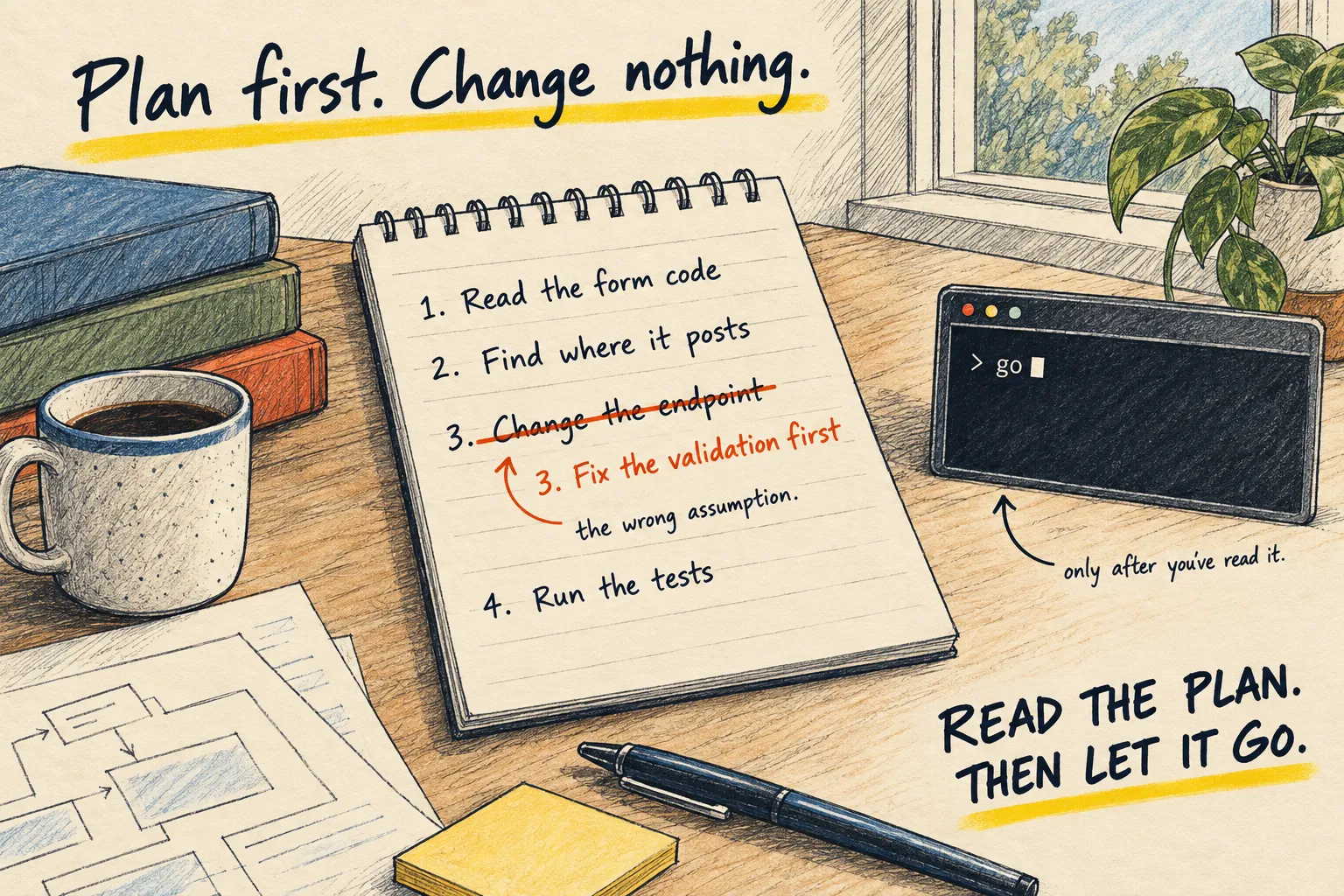
For anything bigger than a one-line fix, make Claude Code plan first and change nothing. Read the plan, fix the wrong assumption, then let it go.

By Nick
On this page
- Two minutes per task
- Nothing extra
- Intermediate
Before you start
1. When to use it
Not for a typo. For anything where you would want to see a plan from a human: a new feature, a refactor, a bug you do not understand yet, anything touching data. If the words “and then” appear in your request, plan first.
2. Ask for the plan
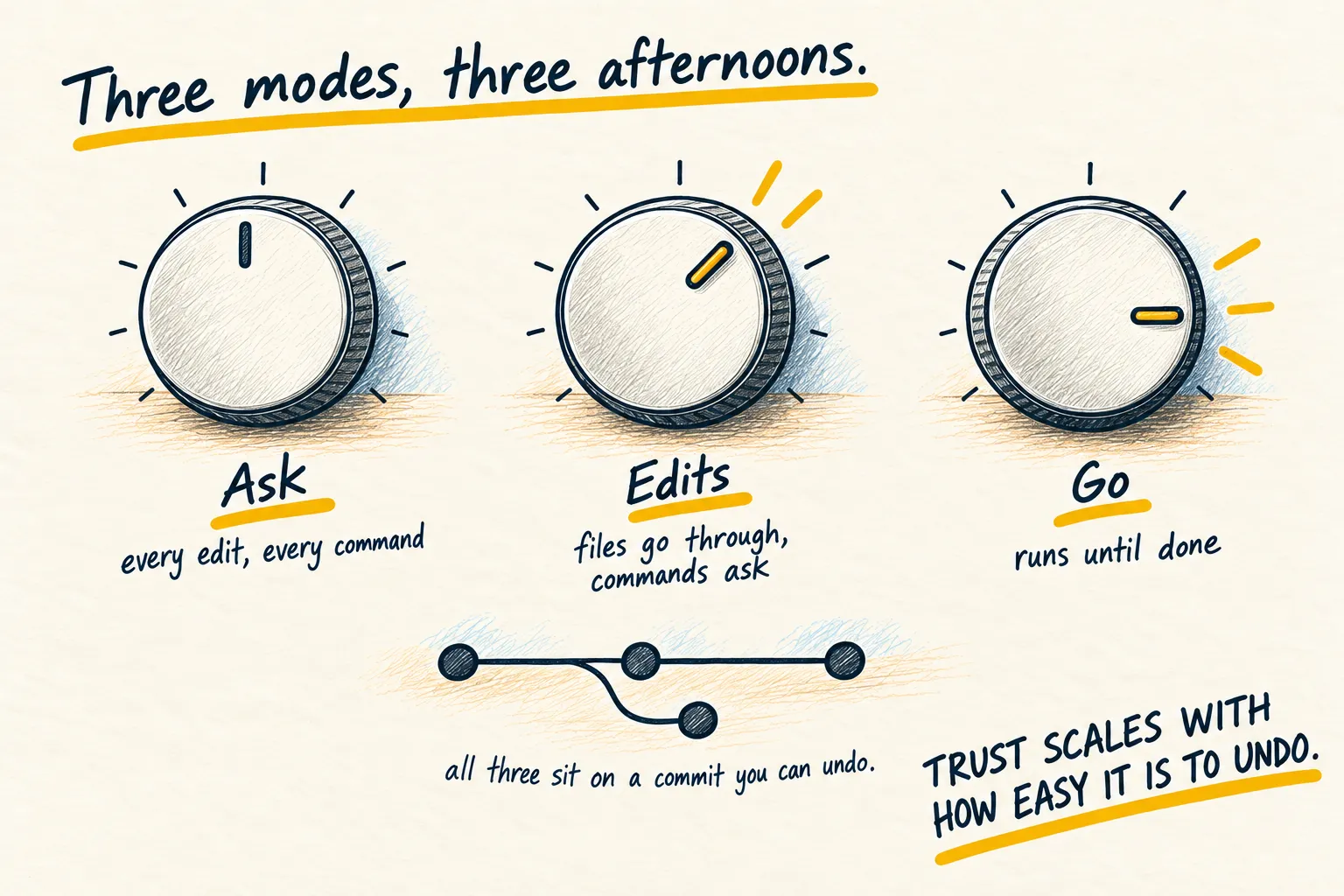
Switch to plan mode with Shift+Tab, or paste this at the start of the task. The typed version works in any coding agent. How plan mode compares with accept edits and auto mode is on the permission modes page.
Plan this first and change nothing. Read the relevant files, then give me: the steps in
order, which files each step touches, anything you are assuming that you could not confirm
from the code, and what could go wrong. Keep it short. Wait for me to say go.

The task: [describe it]
3. Read it like a reviewer
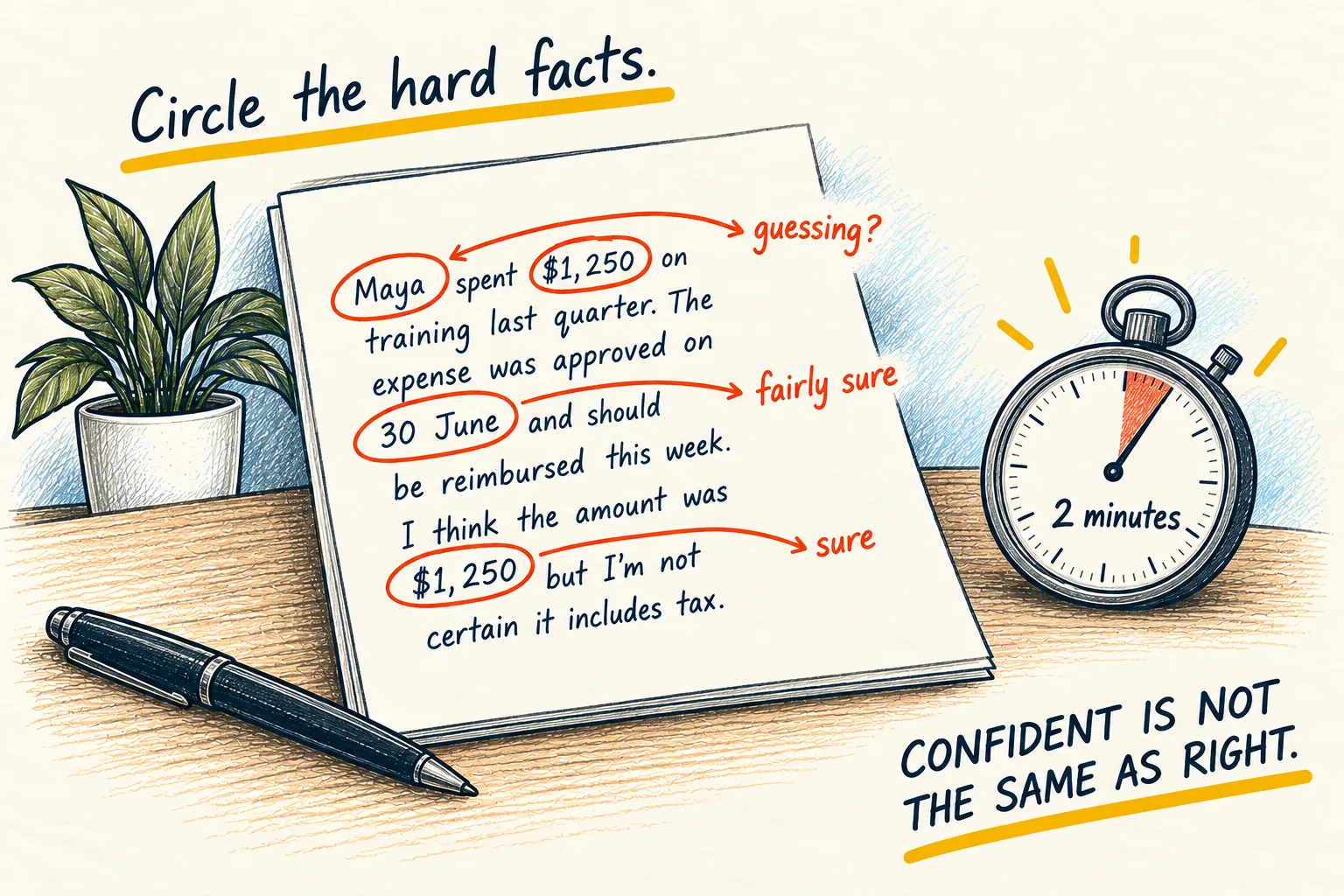
You are looking for one thing: the assumption that is wrong. “It assumes the login form posts to /api/login” and it does not. Say so in one line. It replans. Now say go.
This is the same trick as asking what you missed, pointed at the agent’s plan instead of your own.
Add a 'forgot password' link to my login page, plus the prompt above
Steps
- Add a link under the form in
login.html. - Create
reset.htmlwith an email box. - Add a
/api/resetroute inserver.jsthat sends the email.
Assuming: the login form posts to /api/login, and an email service is already set up. I could not confirm either.
Could go wrong: if there is no email service, step 3 will fail.
Say go when ready.
Look for the assumption that is wrong. Correct it in one line, then say go.
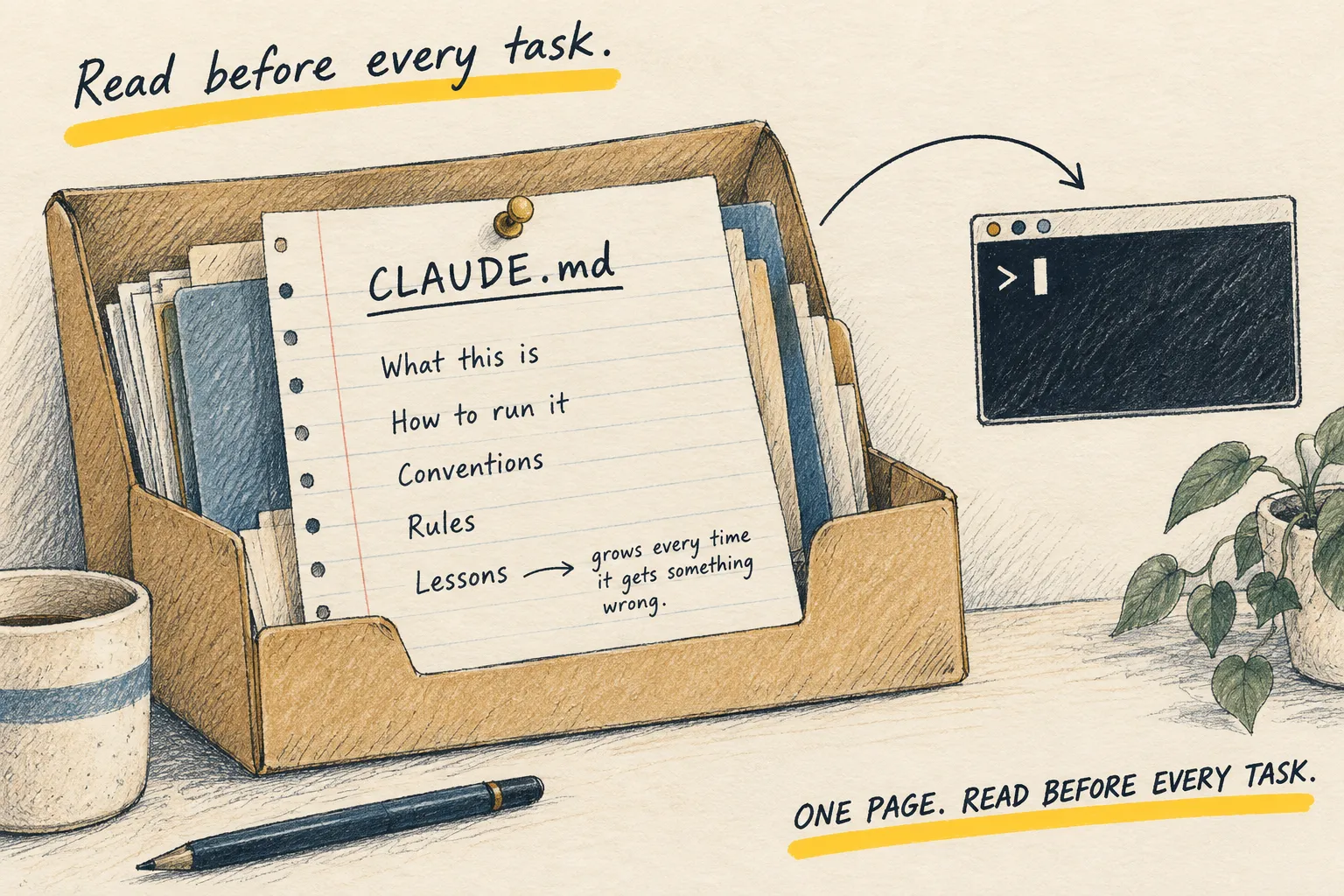
If it skips the plan and starts editing, stop it, and put “plan first for anything touching more than one file” in your CLAUDE.md so you never have to say it again.