Claude Code permissions: what each mode actually lets it do
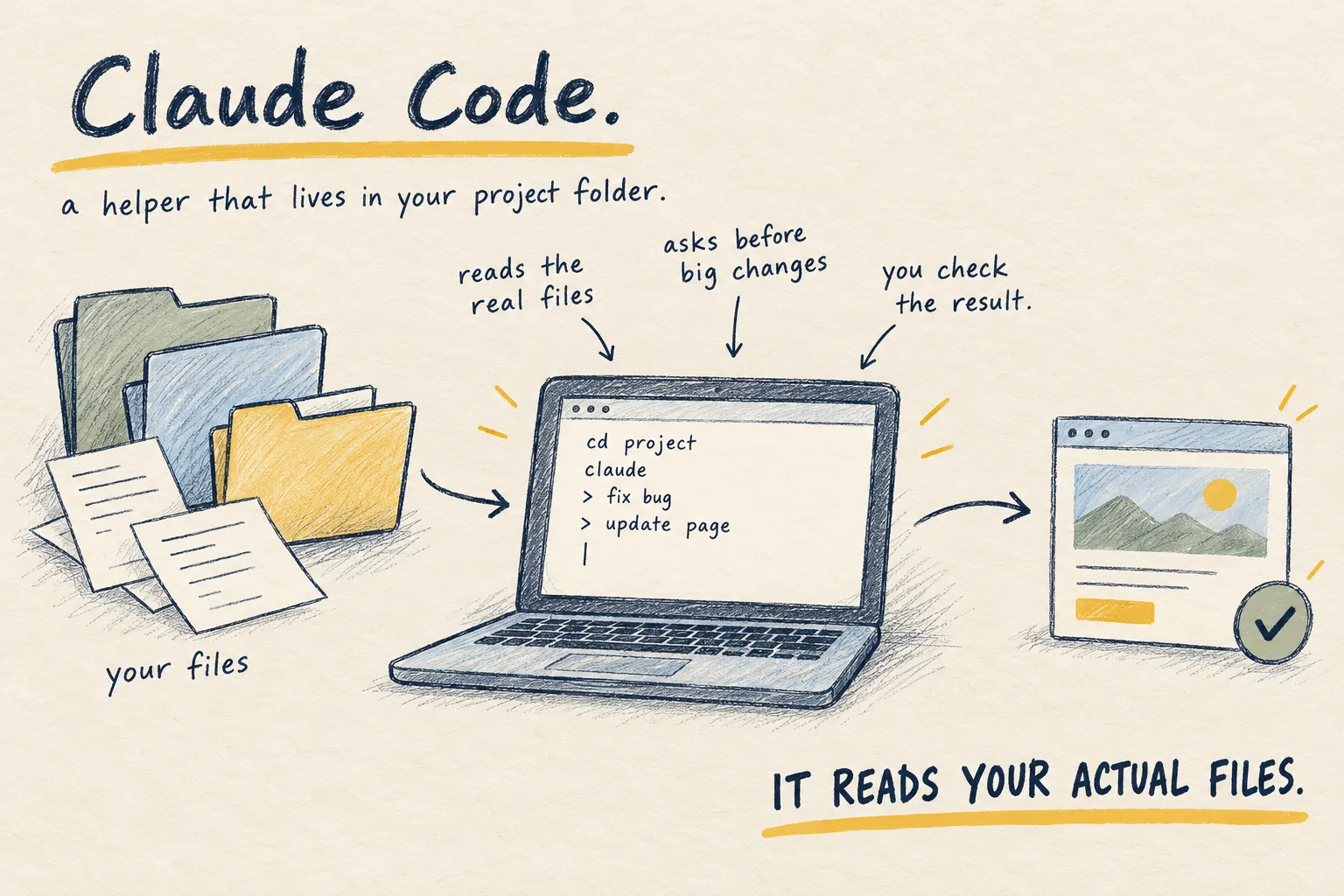
Ask every time, accept edits, or let it run: three Claude Code settings, three very different afternoons. Plan mode vs auto mode, which to use when, and the safe rule.

By Nick
On this page
- One decision per session
- Nothing
- Intermediate
Before you start
1. The three modes
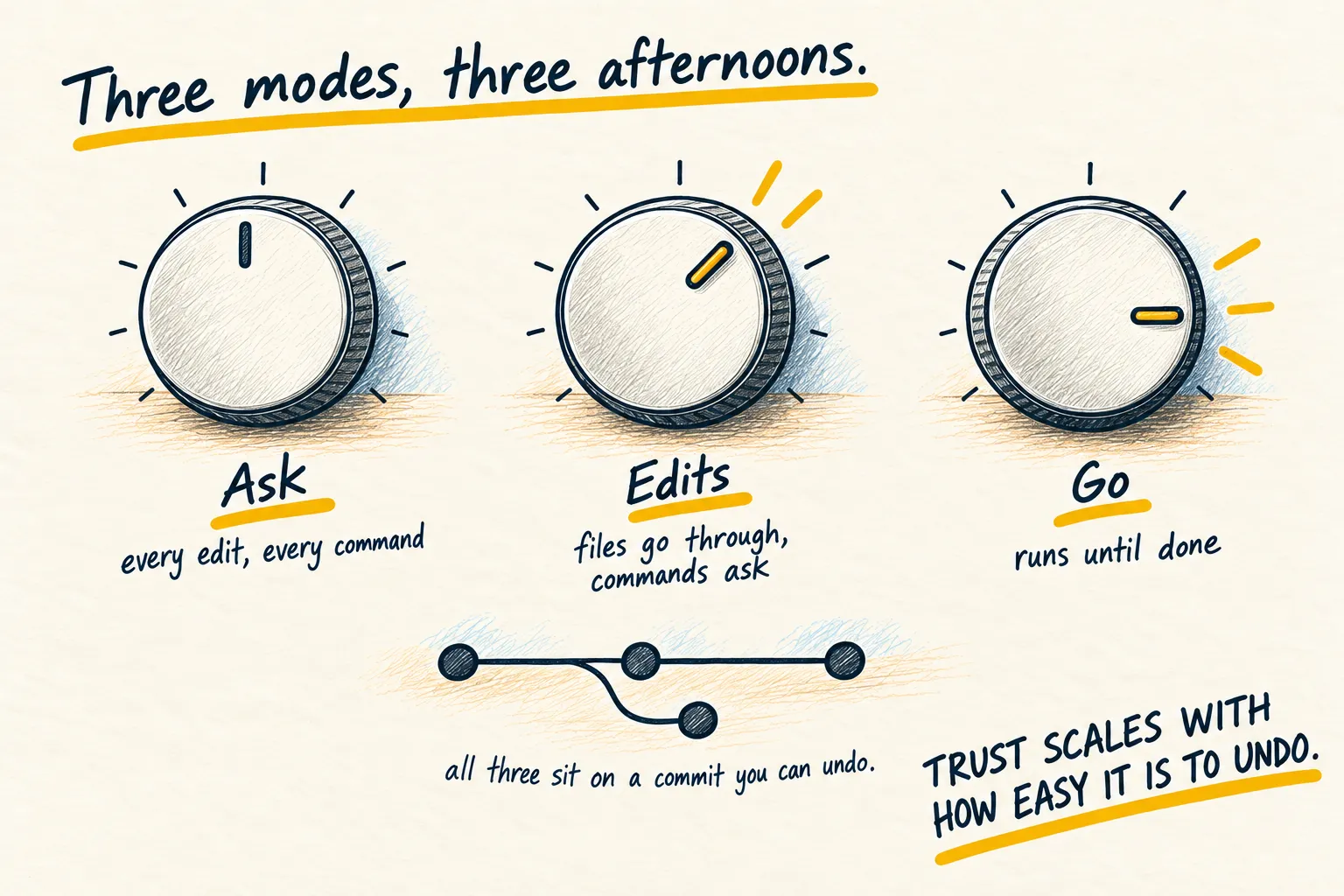
Ask every time. Every edit, every command, a prompt. Use it in your first week, in a project you do not know, or anywhere with real data nearby. Slow by design.
Accept edits. File changes go through; commands still ask. This is where I live most of the day. Reading the diff afterwards is still your job.
Run without asking. It edits and runs commands freely until the task is done. Fast, absorbing to watch, and only sane inside a Git repository with a clean commit, in a folder with nothing in it you cannot regenerate.
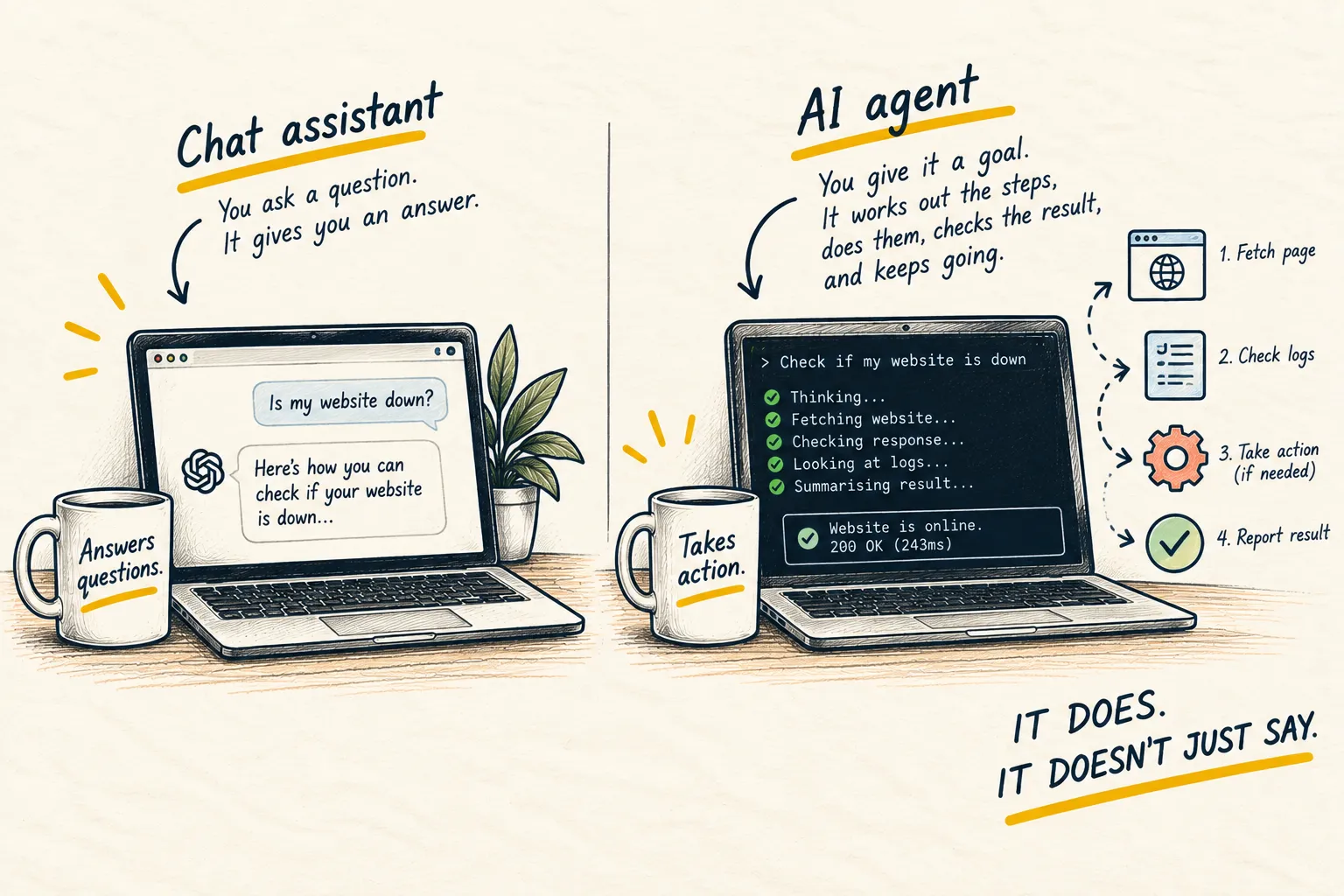
The agent page is the longer version of why this setting matters more than how clever the model is.
2. Plan mode vs auto mode vs accept edits
These are the names Claude Code shows in its status bar. Press Shift+Tab to move between them. What each one lets it do without asking, from Anthropic’s docs (checked 6 November 2026):
| Mode | Runs without asking | Use it for |
|---|---|---|
| Manual | Reading files, nothing else | Your first week, or anything sensitive |
| Accept edits | Reading, editing files, and simple file commands like making folders or moving files | Daily work you will check with the diff afterwards |
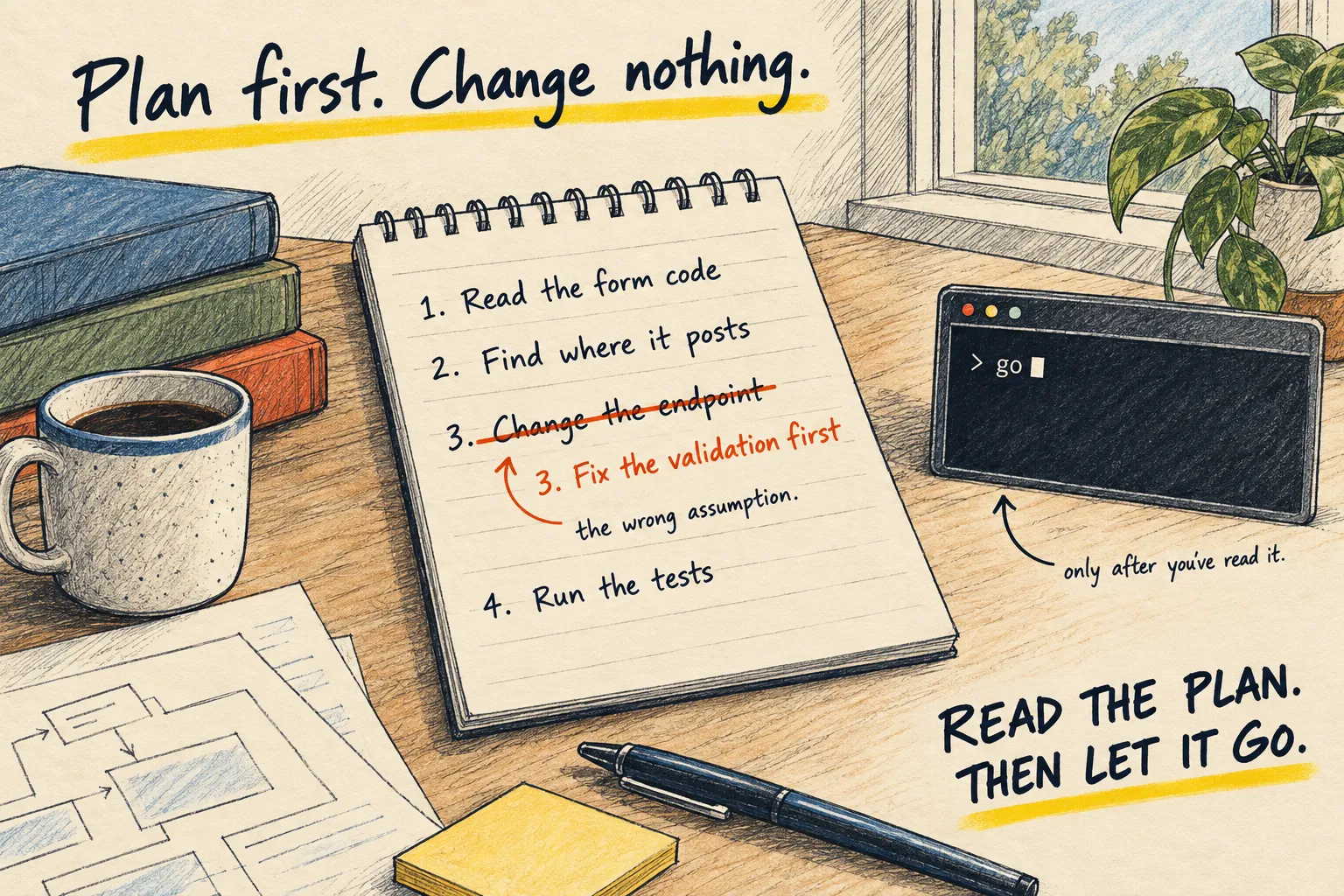
| Plan mode | Reading and looking around. No edits until you approve a plan | Anything that touches more than one file |
| Auto mode | Everything, with a second AI model checking each action first | Long jobs in a committed repo |
Plan mode is not a gentler auto mode. It is the other end of the scale: it reads, writes a plan and changes nothing. When you approve the plan, it asks how to carry on, either in auto mode or with you approving each edit. So the useful pairing is plan first, then accept edits or auto for the doing. Plan mode has the prompt and how to read the plan.
Auto mode is the “run without asking” above, with a guard. A separate model reviews each action and blocks anything that goes beyond what you asked for. Anthropic still says plainly that it reduces prompts but does not guarantee safety.
One catch. Recent versions of Claude Code start new terminal sessions in auto mode. Look at the status bar when you start, and press Shift+Tab if you want Manual, Accept edits or Plan.
3. Stop answering the same prompt
If it keeps asking about npm test, tell it that one is always fine. Paste this.
Look at the commands you have asked permission for in this session. Which of them are
safe to allow permanently in this project (read-only, or things like running tests and
the dev server), and which should keep asking? Give me the list and the settings change
to make, and do not change it yourself.
4. The one rule
Trust scales with how easy it is to undo. Committed and backed up: let it run. Uncommitted work, a shared drive, a folder with API keys in it: ask every time, or do not point it there at all. Switch modes per job with Shift+Tab, and never leave the fast one on by habit. If it has already done something you did not want, here is how to undo it.
How you know it worked. You are not clicking “yes” forty times an hour, and you are not finding out afterwards what it did. If either is true, the mode is wrong for the job.
Common questions
Is the fully automatic mode dangerous?
Why does it keep asking me about the same command?
What about Codex and Cursor?
What to do next
Related reading
Learn
What is an AI agent?