Write your first Claude Code skill for a repeated job
Stop pasting the same long prompt. Save the procedure once as a skill, run it by name, check it does what you wrote, and delete it when it stops helping.

By Nick
On this page
- 10 to 20 minutes
- Nothing extra; it uses your normal Claude Code allowance
- Intermediate
Before you start
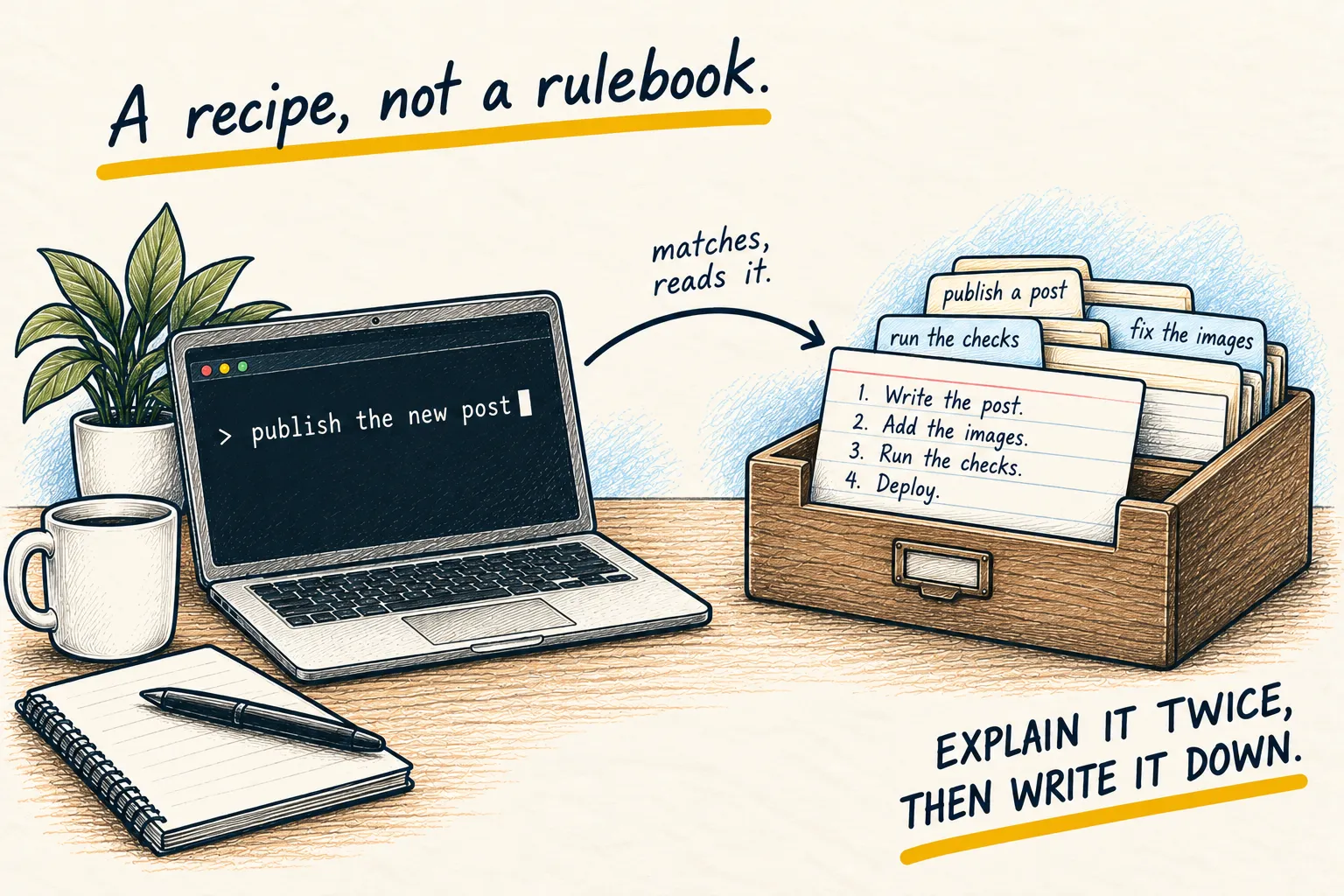
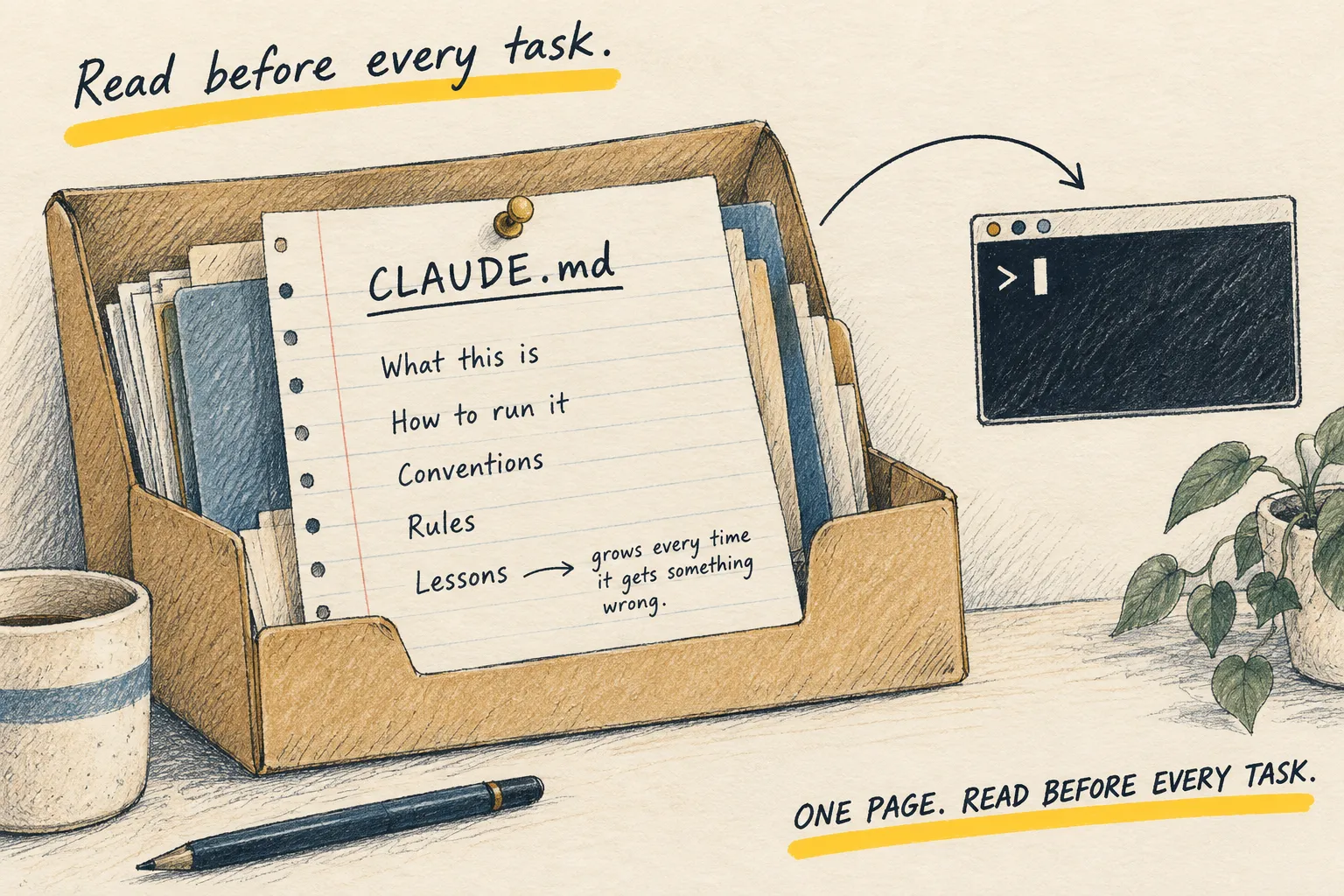
The one-page explainer covers what a skill is. This page is the practical half: make one, check it, and keep it honest.
1. Pick a job worth saving
The test is simple: you have typed the same long instructions at least twice, and you will need them again. Good first skills are small and harmless:
- Summarise this week’s changes in plain English.
- Check a draft post against your house style.
- Write release notes in the format you like.
Avoid anything that deploys, deletes or sends messages for your first one. You want to see it work before you trust it with consequences.
2. Make the folder and the file
Skills live in a folder named after the skill, with a file called SKILL.md inside:
.claude/skills/changelog-summary/SKILL.mdfor one project, travelling with it.~/.claude/skills/changelog-summary/SKILL.mdfor every project on your computer.
The folder name becomes the command, so changelog-summary runs as /changelog-summary.
3. Write the procedure
Paste this into SKILL.md and change it to fit your job:
---
description: Summarise recent changes in plain English for a non-technical reader. Use when asked for a changelog, a weekly summary or "what changed".
---

1. Look at the commits from the last 7 days with git log.
2. Group them into: new, fixed, changed. Skip anything purely internal.
3. Write one plain-English line per item. No file names, no jargon.
4. End with anything that still looks unfinished.

Limits: do not edit any files. If there are no commits, say so and stop.
The part between the --- lines is the header. The description matters most: Claude
Code reads every skill’s description all the time and uses it to decide when a skill fits
what you asked. The steps below it are only read when the skill runs, so they can be as long
as the job needs.
The “Limits” line is the bit people skip. Say what it must not do.
4. Run it and check it followed the steps
Type /changelog-summary. Then check, line by line, that it did what the file says, not what
a sensible assistant might do anyway. Did it skip internal changes? Did it avoid file names?
What working looks like. The output follows your steps in order. Change one step (say, “group into two sections, not three”), run it again, and the output changes to match. That second run is the real test that it is reading your file.
Then ask for something unrelated, like “fix the typo on the about page”, and confirm the skill
did not jump in. If it does, narrow the description, or add disable-model-invocation: true to
the header so it only runs when you type its name.
5. Keep it tidy, or delete it
- Keep secrets out. A project skill sits in the project, so anyone you share it with gets it. No passwords, keys or private details.
- Cut today’s specifics. “The March launch” will be wrong in April.
- Update it when it goes wrong. Add the fix to the skill, not to the chat, so it sticks.
- Delete it when it stops helping. Remove the folder. That is all there is to it.
If a step needs a command to run every single time, without fail, that is a job for a hook, not a skill. A skill is a recipe the agent follows; a hook is a rule your computer enforces.