How to read a diff (the changes an AI wants to make)
A diff shows what an AI coding tool wants to change: red lines go, green lines come in. How to read one in a minute, and what to check before you say yes.

By Nick
On this page
A diff is the list of changes a tool wants to make to your files, shown before and after. Claude Code, Codex and similar tools show you one before they change anything, and again when they’ve finished. Reading it is how you catch a mistake before it sticks.
What it looks like
  <h1>Welcome to Sam's Bakery</h1>
- <p>Open Monday to Friday, 9 to 5.</p>
+ <p>Open Monday to Saturday, 8 to 4.</p>- Red, with a minus: this line goes.
- Green, with a plus: this line comes in.
- No colour: unchanged, shown so you know where you are.
A line that was edited shows up as one red and one green, like the opening hours above.
What to check
You don’t need to understand every line. Check three things:
- The right files. Each file starts with its name. If you asked for a new opening time and it changed six files, ask why.
- Nothing important went red. A big block of red you didn’t ask for is the thing to stop.
- It matches what you asked. Read the green lines you can read. Words, numbers and dates are usually plain enough.
If anything looks off, say no and tell it what you saw. If it’s too long to check, ask it to explain the change in plain English, or to do it in smaller steps.
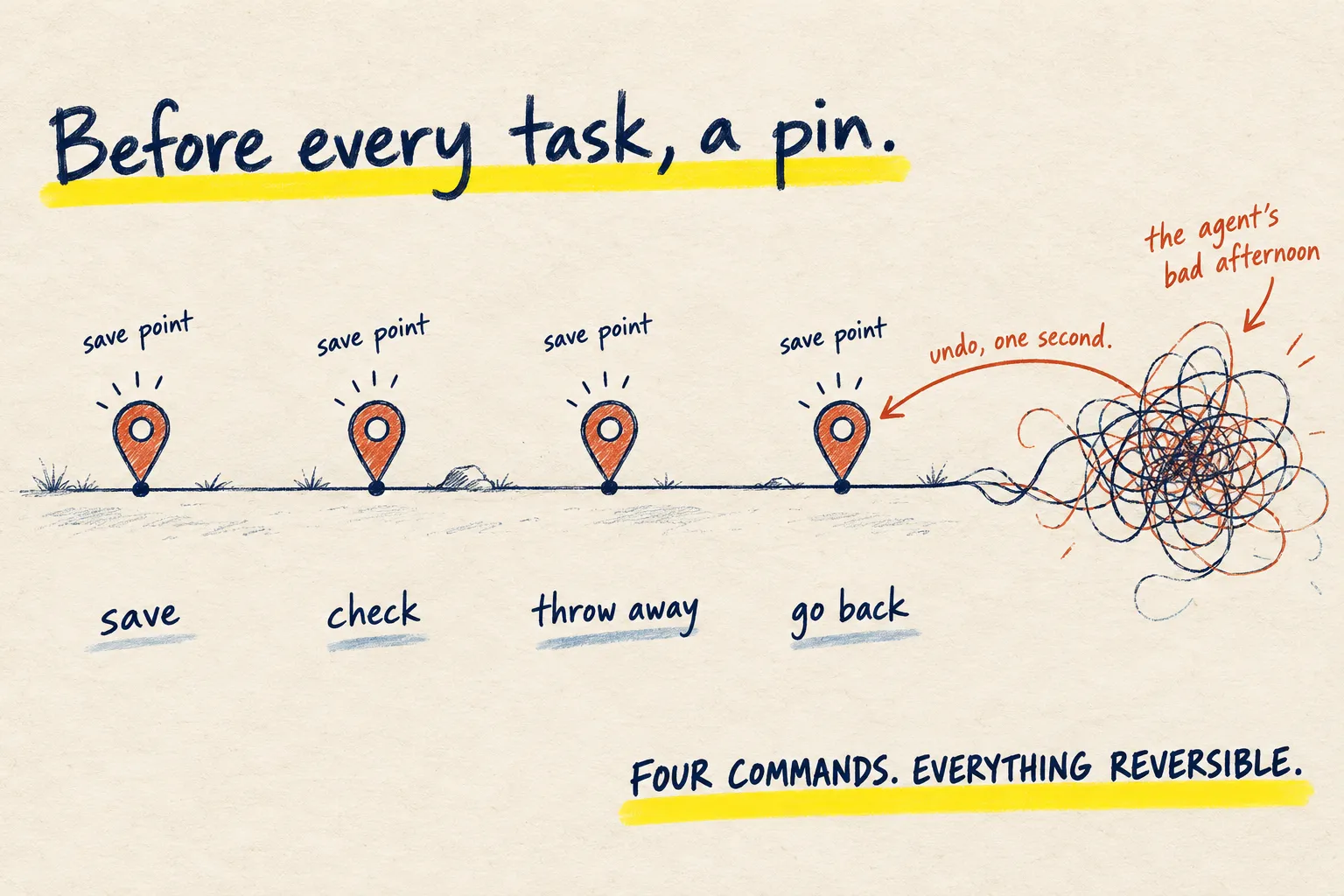
Work in a folder saved with Git, so even a change you accepted by mistake can be undone. Claude Code can also rewind its own recent edits.