Your first automation: a message that sends itself
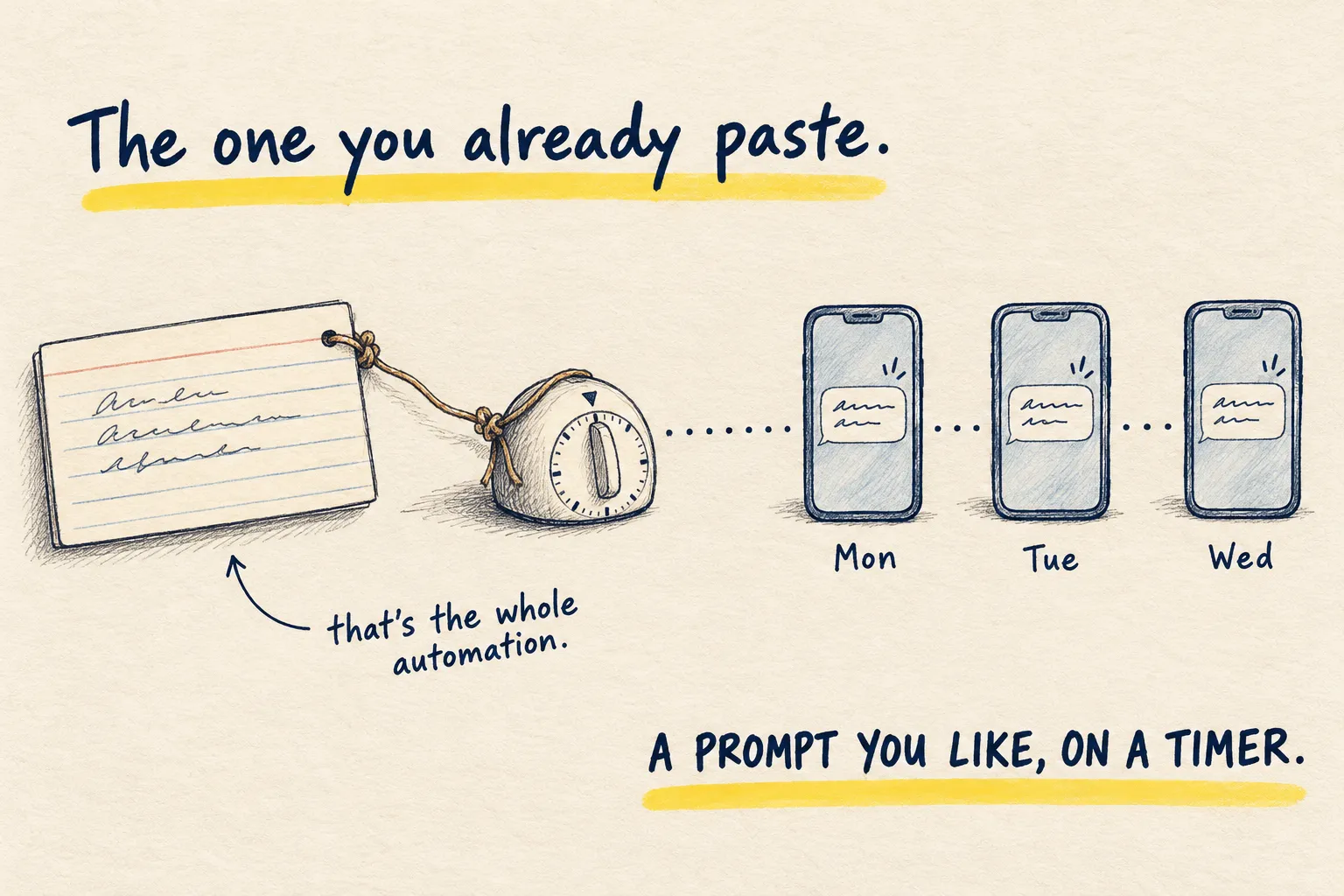
Automation sounds like a project. It is not: it is one prompt you already use, on a timer. The smallest version, and how to tell if it is worth more.

By Nick
On this page
- Ten minutes
- Nothing
- Beginner
1. Pick the prompt you already repeat
Not a new idea. An existing habit. The morning brief. A Friday “what did I say I would do this week”. A Sunday meal plan from the same five constraints. If you have pasted it three times, it qualifies.
2. Put it on a timer
In ChatGPT, say this in a normal chat and it creates a Task:
Every weekday at 7am, send me this and nothing else:

[paste your prompt here]
In Claude Code, a scheduled routine does the same job with the same prompt. An agent you run yourself, like the one in my setup, can do it and also read your calendar or your files first, because an installed agent can reach things a chat window cannot.
3. Give it a week, then judge
Three outcomes. You read it every day and act on it: keep it. You read it and never act: rewrite it shorter. You stop reading it: delete it without guilt. An automation nobody reads is a notification, and you have enough of those.
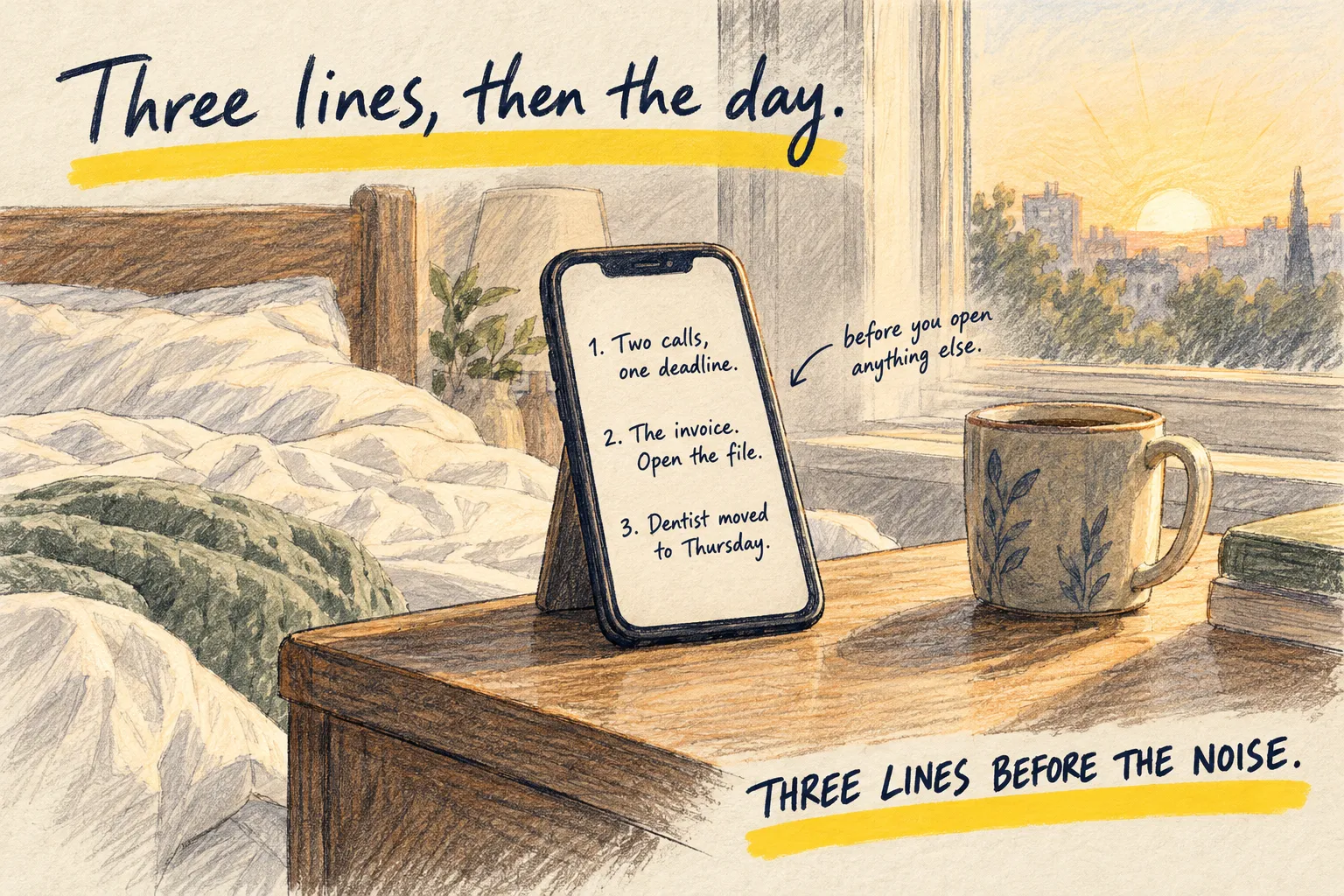
How you know it worked. The message arrives without you asking, and you read it in ten seconds. Once in the week it tells you something you had forgotten.
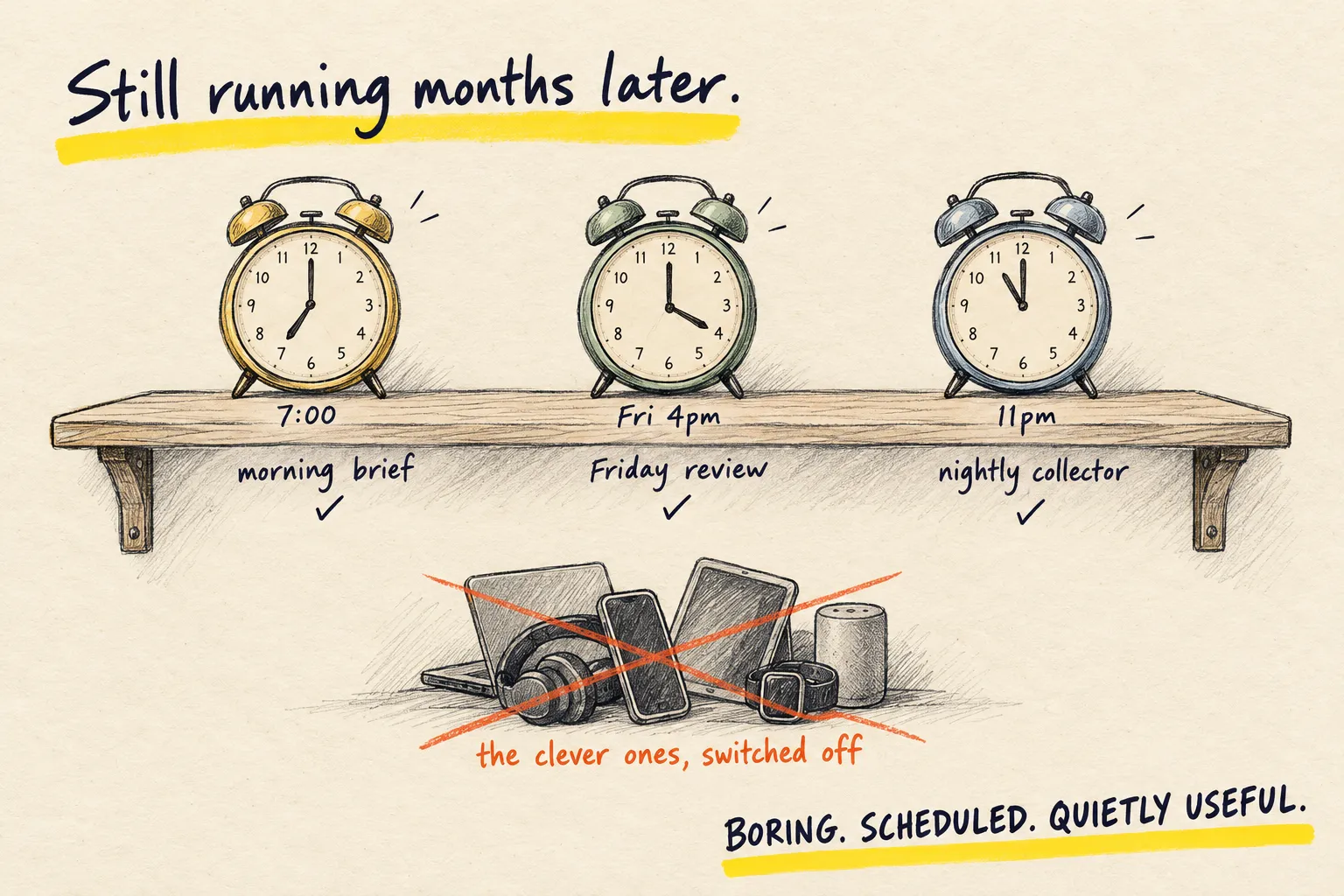
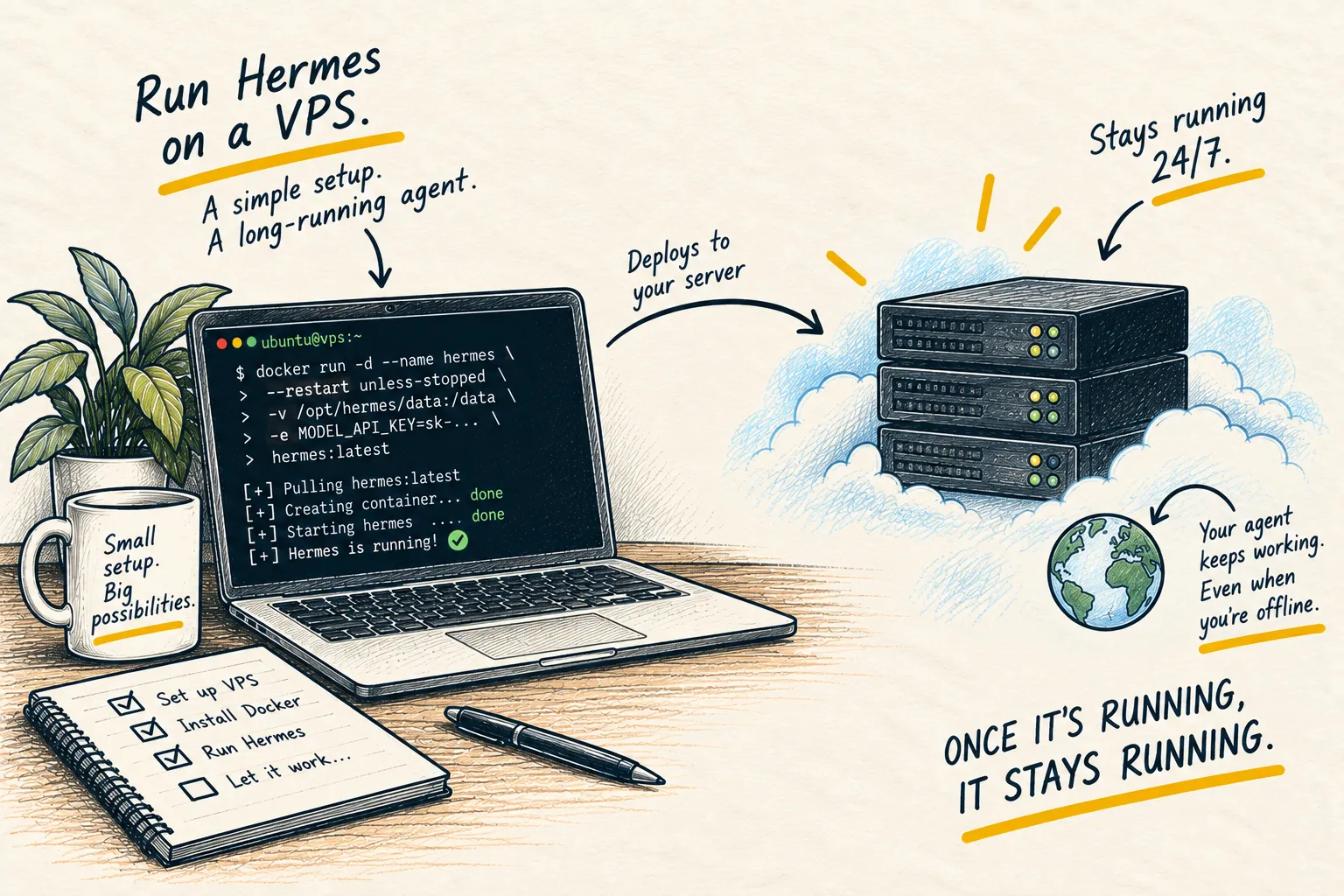
What comes next. For the next two or three, three automations that actually save time has the jobs worth copying and the prompt for each. When the prompt needs to look something up first, or do something with the answer, you have outgrown a timer and want an agent. Running Hermes is the long version; the setup page is what mine looks like in practice.
Common questions
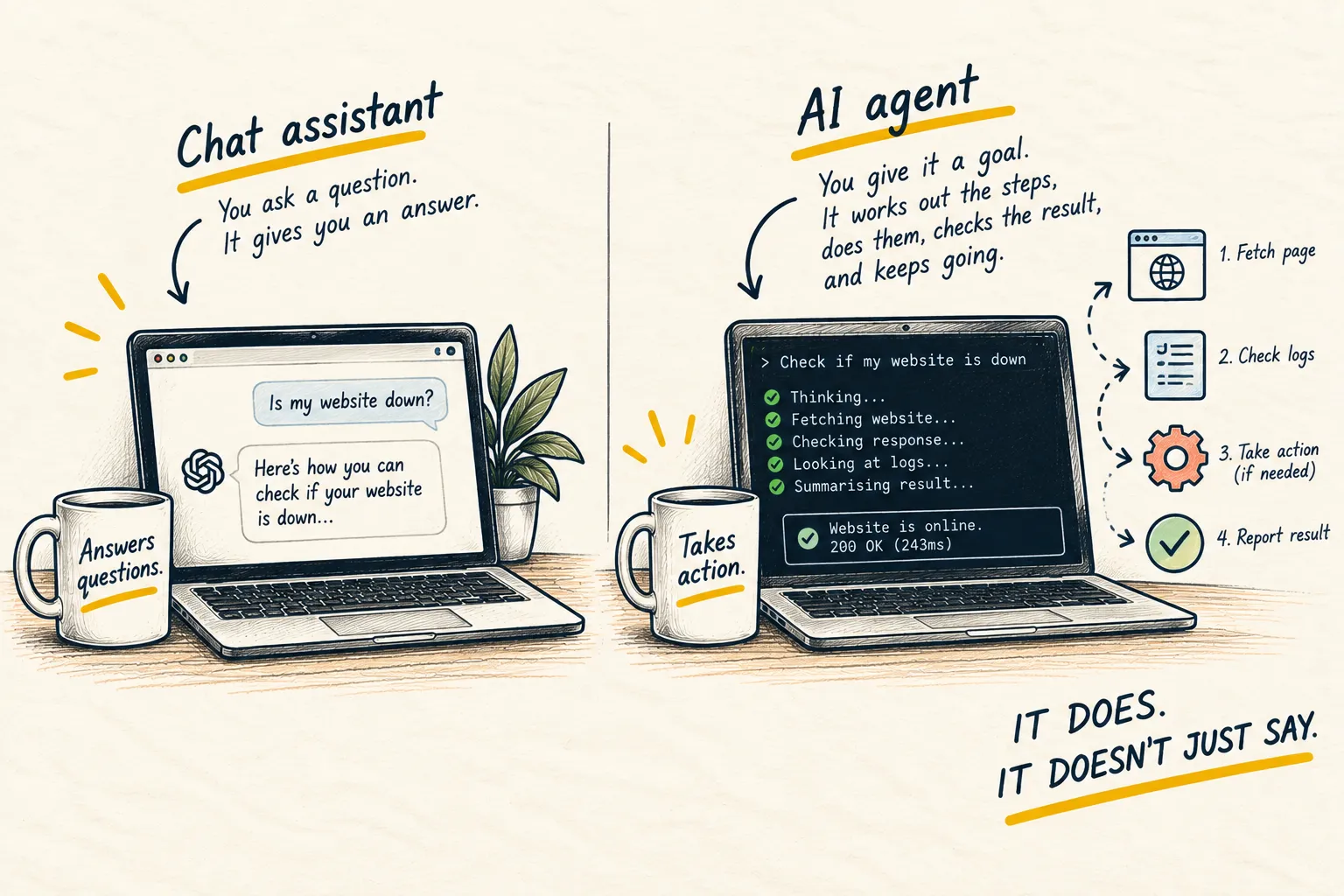
What is the difference between this and an agent?
Is Zapier or Make needed?
What should the second automation be?
What to do next
Learn
What is an AI agent?
Related reading
Setups
My current AI setup