Plan a trip, a week of meals and the packing list with AI
Prompts that plan around your real life: a trip that fits your budget and pace, a week of meals from what you have, a packing list that remembers the charger, and live translation.

By Nick
On this page
- Five minutes per plan
- Nothing
- Beginner
Before you start
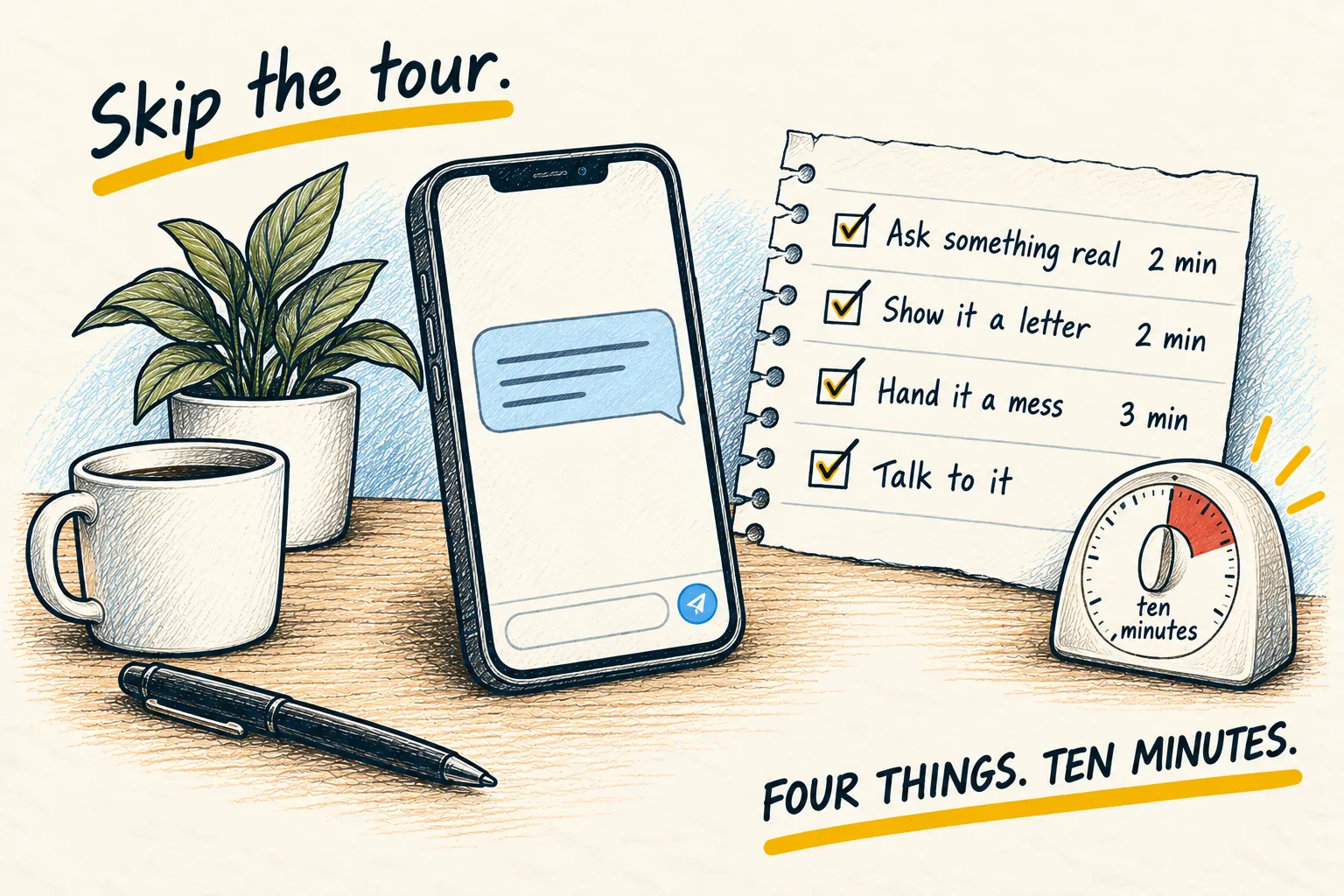
The first three are for before you go. The last one is for when you get there.
1. Plan a trip with your real constraints, not a brochure’s
The useful information is the stuff only you know: the budget, who is coming, what you cannot stand. Give it that, let it fill the rest, and ask it to flag what needs checking.
Write down the constraints, not the wishes
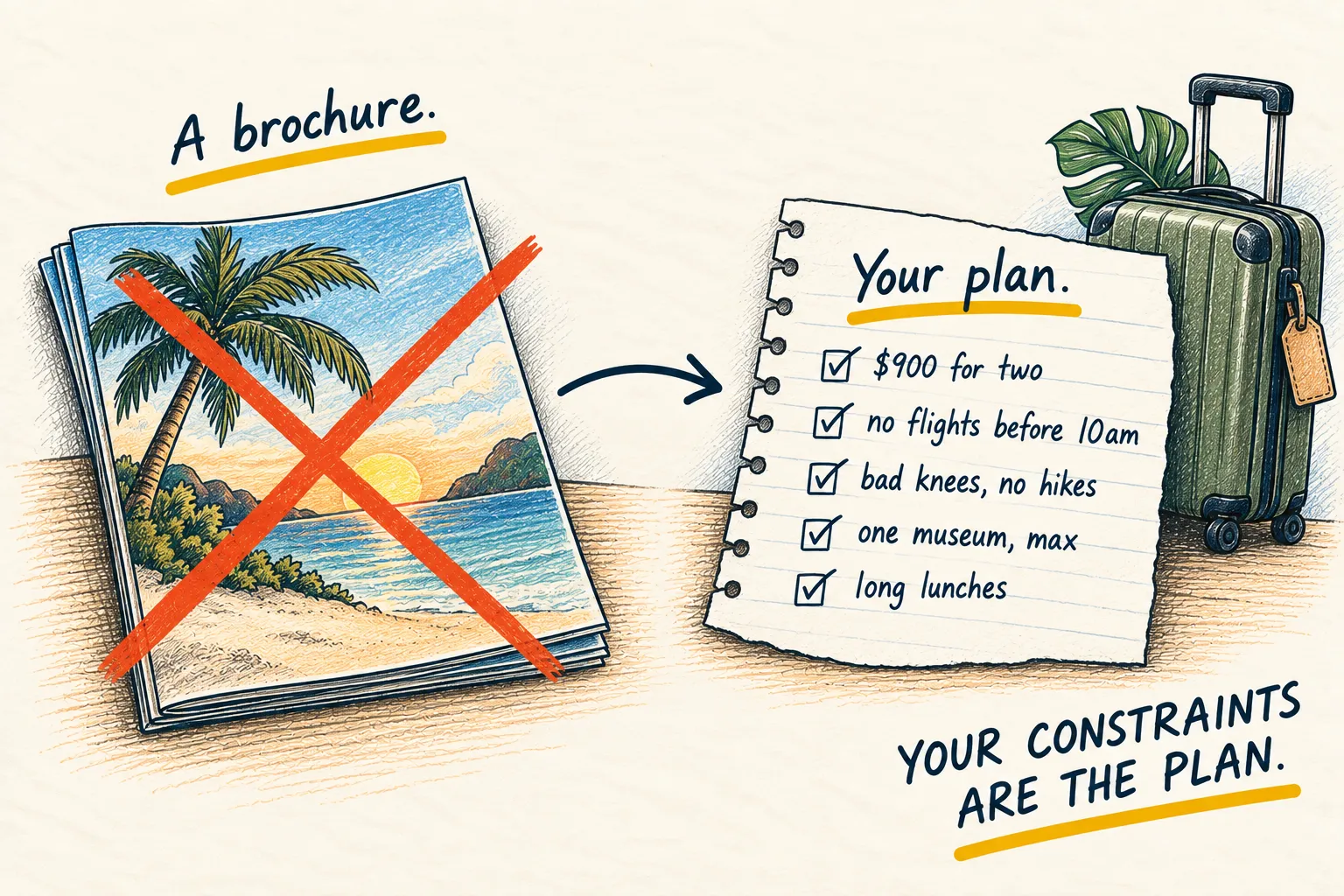
“Somewhere nice in October” is a wish and gets you a brochure. The constraints are what make a plan yours: how much, how long, who, what you will not do, what you always end up enjoying. Five lines. Be honest; nobody else reads this.
Paste this, with your five lines filled in
Plan a trip for me. Here are the real constraints:

- Dates and length: [e.g. 5 nights, first week of October]
- Budget for everything: [e.g. $900 for two people, flights included]
- Who: [e.g. two adults, one has dodgy knees, so no long hikes]
- Hard rules: [e.g. no flights before 10am, no hire car, one museum maximum]
- What we actually enjoy: [e.g. long lunches, markets, sitting by water]

Suggest two destinations that fit, and say in one line why each. For your top pick, give
a day-by-day outline that respects every rule above. Mark anything I need to check myself
(prices, opening days, booking lead times) with the word CHECK. No filler.
Push on one thing at a time
“Swap day three for something slower.” “Cheaper hotel area.” “That market is closed Mondays, redo it.” It holds all the constraints while it changes one thing, which is exactly what you cannot do with a brochure.
5 nights, $900 for two, no hire car, bad knees, plus the prompt above
Two that fit:
- Valencia: flat, walkable, markets and a beach, no car needed.
- Seville: flat old town, long lunches, plenty of sitting by the river.
Top pick, Valencia:
- Day 1: Land after 10am, central market, long lunch. CHECK: opening days.
- Day 2: Old town on foot, your one museum. CHECK: closing day.
- Day 3: Tram to the beach, slow lunch by the water.
…
Your rules show up in the plan. The CHECK marks are what to confirm before you book.
If it has quietly ignored a rule, say “you broke the no-hire-car rule” and it will fix it.
2. A week of meals from what you actually have and like
Tell it what is in the fridge, what the week looks like, and what people will not eat. Ask for seven dinners and a shopping list that leaves out what you already have. Five minutes, and the “what’s for dinner” question is gone for a week.
Look in the fridge
Thirty seconds. Or photograph it in the app, which is quicker and oddly satisfying.
Paste this, filled in
Plan seven dinners for this week. Here are the real constraints:

- In the fridge and cupboard already: [list, or "see the photo"]
- Who is eating: [e.g. two adults, one child who will not eat anything green]
- Budget for the top-up shop: [amount]
- Busy nights needing 20 minutes or less: [e.g. Tuesday, Thursday]
- Hard rules: [allergies, no pork, vegetarian on Mondays, whatever applies]
- Things we actually like: [three or four]

Give me the seven dinners with a one-line description each, use up what we already have
first, and then a shopping list grouped by aisle that leaves out anything we already own.
Mark anything you were unsure about with a question mark.
Swap one, then shop
“Swap Wednesday for something with the chicken.” “Too much pasta.” It holds all the rules while it changes one thing. Then the list goes on your phone and you are done.
Photo of the fridge, two adults and a child who won't eat green, plus the prompt above
- Mon: Chicken and rice bake, using the chicken thighs and rice you have.
- Tue (20 min): Cheese quesadillas with sweetcorn.
- Wed: Sausage and bean stew with the tinned tomatoes.
- Thu (20 min): Fried eggs and potatoes, with carrots on the side?
…
Shopping list
- Fresh: onions, sweetcorn, potatoes
- Dairy: cheese, eggs
Check the question marks, and that nothing you already own is on the shopping list.
Once you have run it twice, put it on a schedule.
3. A packing list that remembers the charger
Say where, how long, what kind of trip and what the weather is doing. Ask for a list grouped by bag with the forgettable things first. I have lived out of a bag for years and still use this, because the charger is still the thing I would leave behind.
Four facts
Where. How many nights. What kind of trip: beach, work, wedding, hiking, mixed. What the weather is doing, or let it look that up if your app can.
Paste this
Make me a packing list. Trip: [where], [how many nights], [what kind]. Weather: [or "look
it up for those dates"]. I am travelling with: [just me / partner / kids / a laptop for
work].

Start with a short "do not leave without" section of the things people most often forget:
documents, cards, chargers and cables, medication, adapters. Then group the rest by where
it goes: carry-on, main bag, worn on the day. Keep it tight; no "optional" padding. At the
end, give me a stripped-down reusable version with the trip-specific items removed.
Pack from the top
Do the “do not leave without” section first, tonight, before anything else goes in the bag. Everything below it is replaceable at the other end. Those are not.
3 nights in Lisbon, city break, mild, just me and a laptop, plus the prompt above
Do not leave without
- Passport and boarding pass
- Bank card, plus a backup card
- Phone charger, laptop charger, plug adapter
- Any regular medication
Carry-on: laptop, headphones, a book, a water bottle Main bag: 3 tops, 2 trousers, pyjamas, toiletries Worn on the day: comfortable trainers, light jacket
…
The thing you always forget should be in the first five lines.
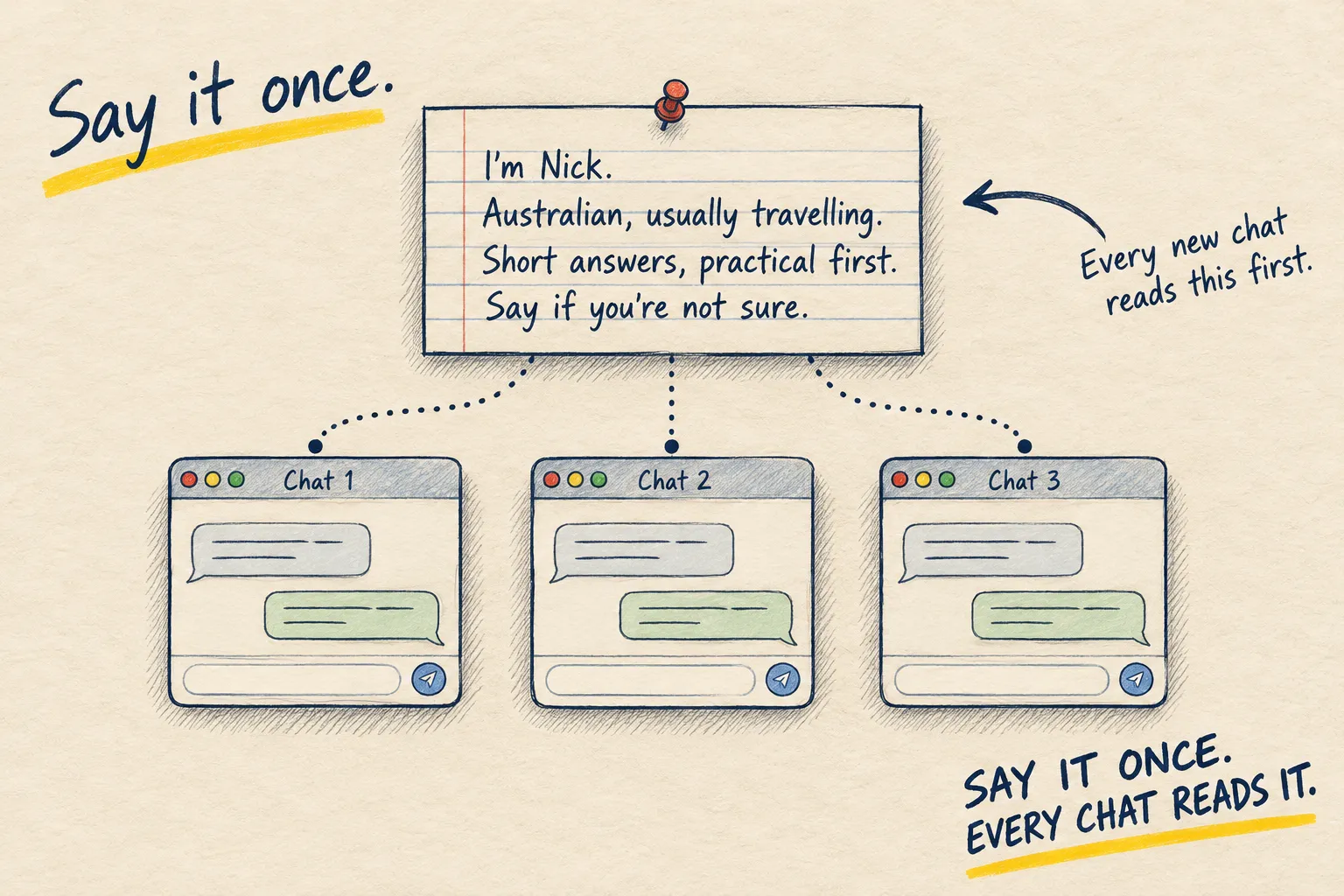
Save the reusable version in a Project or your standing instructions, and next time it is one line of dates. If the trip has a language in it, live translation is the next section.
4. Translate a conversation live, on your phone
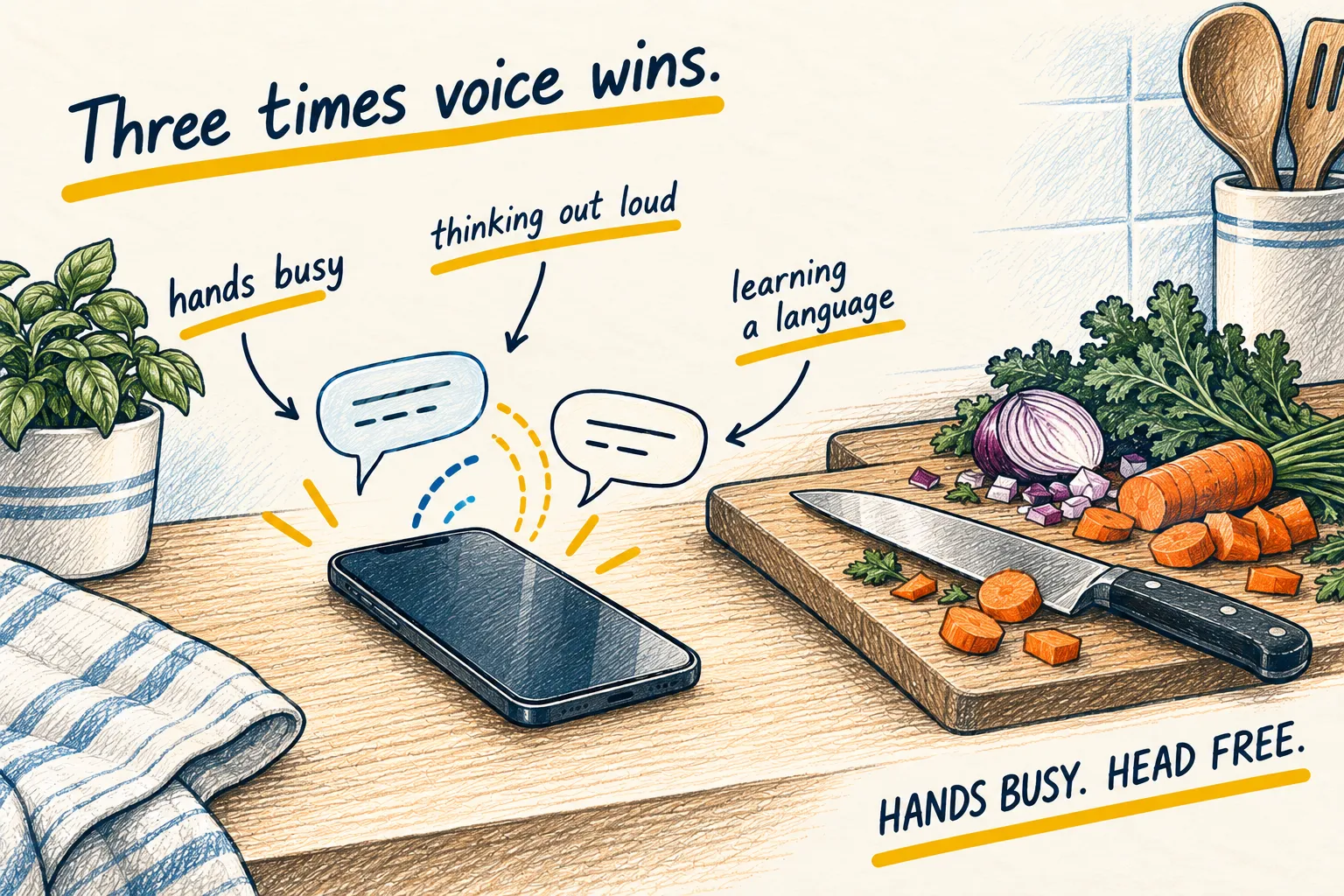
Open voice mode, say which two languages, hold the phone between you, and talk. It translates each person to the other, out loud, and tells you when it did not catch something. I have lived out of a bag in a lot of countries and this is the feature I use most.
Set it up in one sentence
Open voice mode and say this, in your own language.
Be a live interpreter between English and [the other language]. When I speak, say it in
[the other language]. When they speak, say it in English. Translate exactly, do not add
your own comments, and if you did not catch something, say "sorry, again?" in the right
language.
Hold the phone between you
Let them see it. People relax when they can see what is happening. Speak in short sentences and leave a gap; it translates at the pauses.
Use it for the things that matter
“I am allergic to nuts.” “Does this bus go to the station.” “How much for the lot.” “Where does it hurt.” The small-talk is nice; the allergy sentence is why you keep it on your home screen.
Voice mode, English and Spanish: 'Does this bus go to the station?'
You (English): Does this bus go to the station?
Interpreter (Spanish): ¿Este autobús va a la estación?
Them (Spanish): No, tiene que tomar el número 12.
Interpreter (English): No, you need to take the number 12.
Them (Spanish, muffled): …
Interpreter (Spanish): Perdón, ¿otra vez?
When it mishears, it should say so rather than guess.
For a menu or a sign, show it a photo instead; reading text is even more reliable than hearing it. For anything legal or medical with consequences, get a human interpreter and use this to find one.