Talk to it out loud: voice mode, and when it beats typing
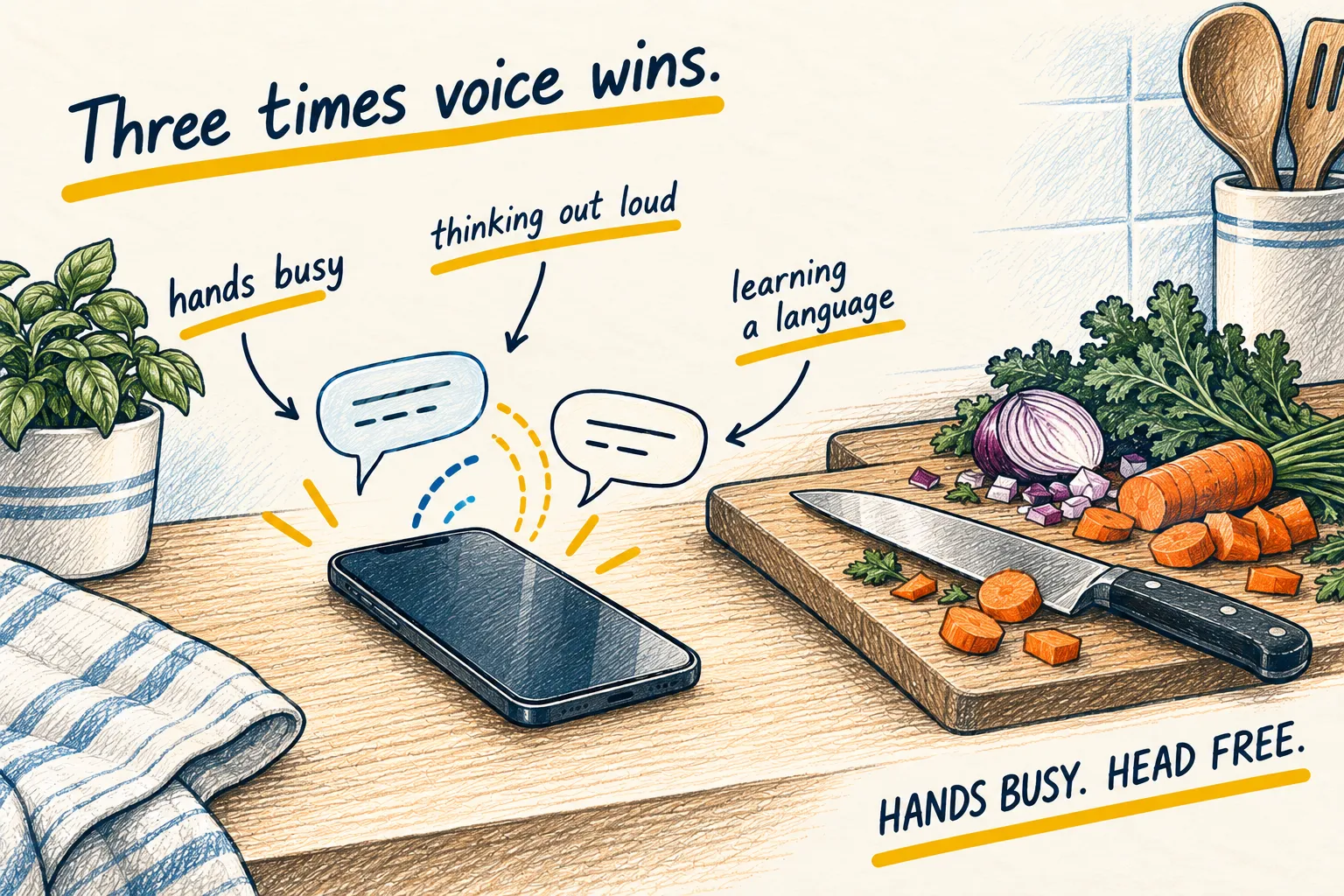
Every AI app has a voice mode, and most people try it once as a party trick. It beats typing for three specific things. Here are the three.

By Nick
On this page
- Five minutes
- Nothing
- Beginner
1. Hands busy
Cooking, driving, walking, fixing something. Tap the voice icon, put the phone down, and ask as you go: “what can I use instead of buttermilk”, “the next bit says torque to 30, what does that mean”. It answers, you keep your hands where they are.
2. Thinking out loud
Some problems are not questions yet. Voice is good at those because it lets you ramble and then asks the question you were circling. Start with this, said out loud.
I want to think something through and I do not have a clear question yet. Let me talk for
a minute. Do not answer until I stop. Then ask me the one question that would help most.
Then talk. The question it asks is usually the one you were avoiding.
3. Learning a language
The best use of all, and the one I use most. It will hold a conversation at your level, correct you gently when asked, and never get bored. Say what you want: “Spanish, beginner, correct my mistakes after each sentence, keep it to ordering in a café.” Ten minutes a day beats an hour on Sunday.
Spoken: a minute of me going round in circles about changing jobs
You’ve said three times that the new job pays more, but you haven’t said whether you’d miss your current team.
If you knew the pay would be the same, which job would you pick?
The question it asks back is usually the one you were avoiding.
If you find yourself asking it to repeat things, that answer wanted to be text: switch back.
When to type instead. Anything with numbers, code, names or a link. Anything you will need to copy. Anything in a quiet room with other people in it.