AI prompts for emails and messages: reply, shorten, sound like you
Four prompts for everyday writing: a reply you can send in a minute, a shorter version that keeps the point, a draft that sounds like you, and a voice note turned into text.

By Nick
On this page
- One minute per message
- Nothing
- Beginner
Before you start
Start with the reply prompt if your inbox is the problem. The voice prompt is worth doing once, because it makes every other draft sound more like you.
1. Draft a reply I can send in one minute
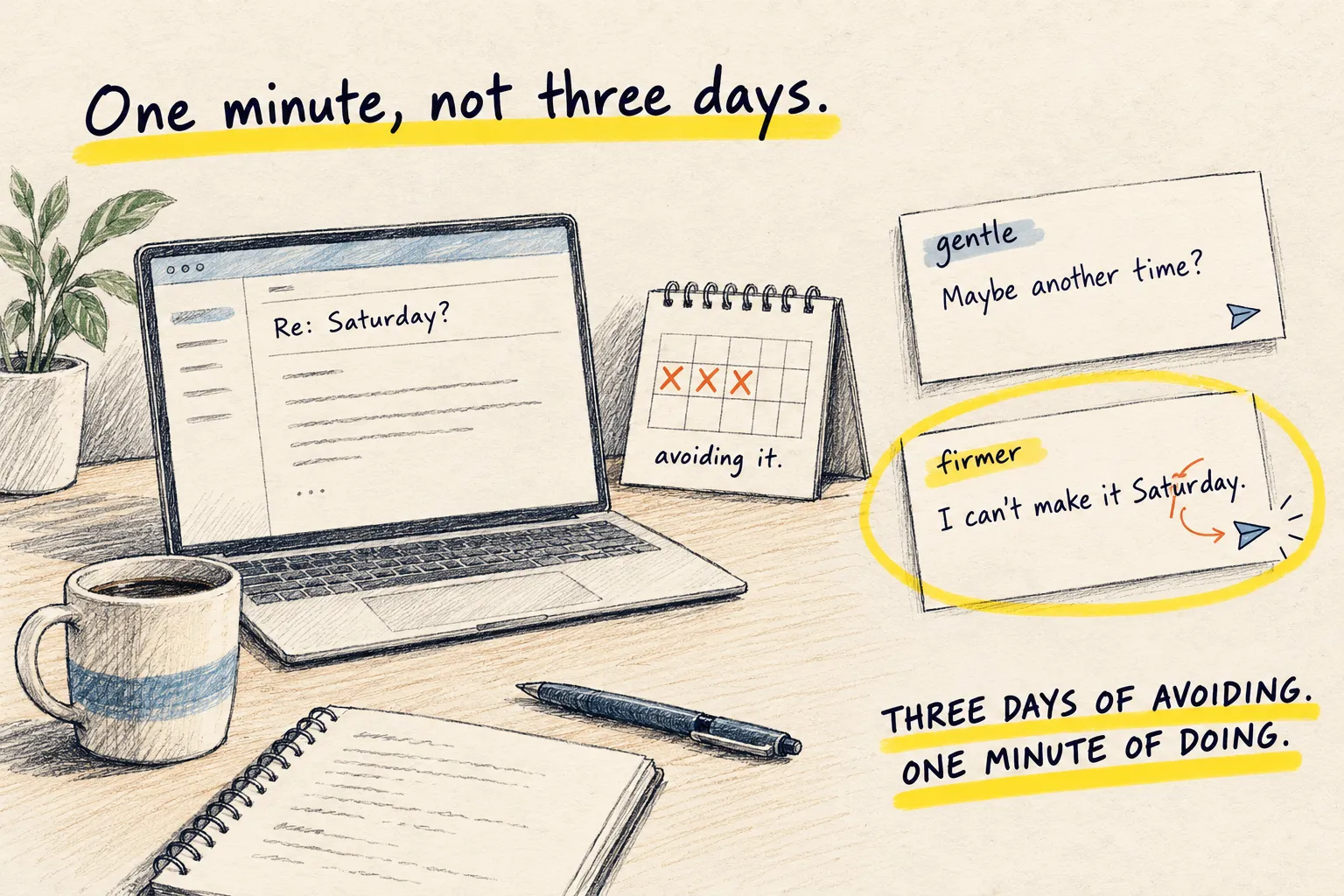
Paste the message you are avoiding. Say in one line what you want to happen. Get two short replies, one gentle and one firm. Change a word. Send. The avoiding was the expensive part.
Paste the actual message
The whole thing, not your summary of it; the thing, not a description of the thing. It will read the bit you skimmed.
Say what you want, then paste this
Below is a message I need to reply to. What I want to happen: [one line, e.g. say no to
Saturday but keep the door open / agree but push the date / ask for the invoice before I
pay].

Write two replies, both under 80 words, in plain English, in my voice, no corporate
phrases. The first gentle, the second firmer. Both should answer everything they actually
asked. Do not add apologies I did not ask for.

---
[paste the message]
Pick one, change a word, send
The word you change is what makes it yours. Then send it before you reread it a fourth time.
Maya asks if I can do Saturday; I want to say no but offer Sunday, plus the prompt above
Gentle: Hi Maya, thanks for asking. Saturday does not work for me, but Sunday afternoon is free if that helps. Let me know and I will make it work.
Firmer: Hi Maya, I cannot do Saturday. I can do Sunday from 2pm. Tell me if that suits you.
If both versions sound like a customer-service desk, show it three things you wrote and run it again.
2. Make this shorter without losing anything
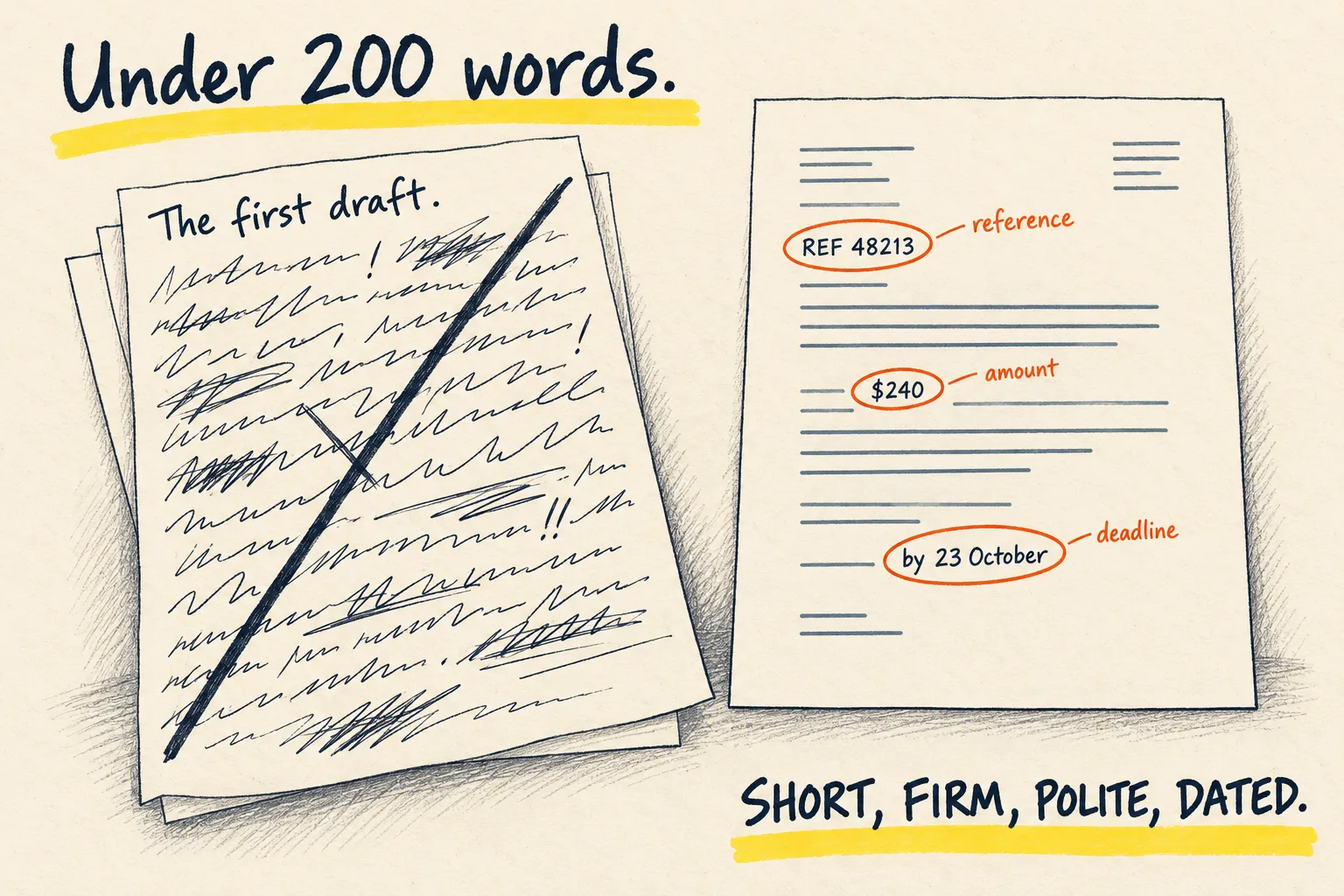
Ask it to cut your text by half, keep your voice, and list what it removed. Read the list, put back the one thing that mattered, send. Shorter is nearly always better, and the list is your safety net.
Paste the long version
Email, post, speech, report, message. Do not tidy it first; the whole point is that you do not have to.
Paste this above it
Cut the text below to about half its length. Keep every fact, decision and request. Keep my
voice and my words wherever you can; do not make it more formal. Remove repetition,
throat-clearing, and anything the reader does not need to act.

Give me the shorter version first. Then, under a line, list what you removed in a few bullet
points so I can put anything back.

---
[paste it here]
Read the cut list, not the whole thing
Scan the bullets. Nine times out of ten they are padding and you are done. The tenth time, one bullet is the thing you needed to say; copy that line back in. Send.
A rambling email to a neighbour about a fence, plus the prompt above
Hi Dave,
The fence panel between our gardens came down in Tuesday’s wind. Can we split the cost of a new one? I’ve had a quote for $180, so $90 each. Could you let me know by Friday so I can book the fitter?
Thanks, Priya
Removed:
- How the fence was put up in 2019
- Two lines apologising for the delay
- The quote, mentioned a second time
Scan the removed list. If one bullet mattered, copy that line back in.
If the short version sounds like a press release, give it three things you wrote first and run it again.
3. Get it to write in your voice, not its own
Paste three things you actually wrote. Ask it to describe how you write, then to write the new thing the same way. Keep the description: it is reusable forever.
Find three real samples
Not your best writing. Your normal writing: two emails and a message to a friend is perfect. A hundred words each is plenty. Copy them.
Paste this, with the samples underneath
Below are three things I wrote. Study how I write: sentence length, how I open and close,
words I use a lot, words I never use, how formal I am, how I handle being direct.

First, describe my voice in five short lines I could give to someone else. Then write the
following in exactly that voice, and nothing else: [say what you need written, and who it
is for].

Do not make it better than I write. Make it mine.

---
[sample 1]
---
[sample 2]
---
[sample 3]
Keep the five lines
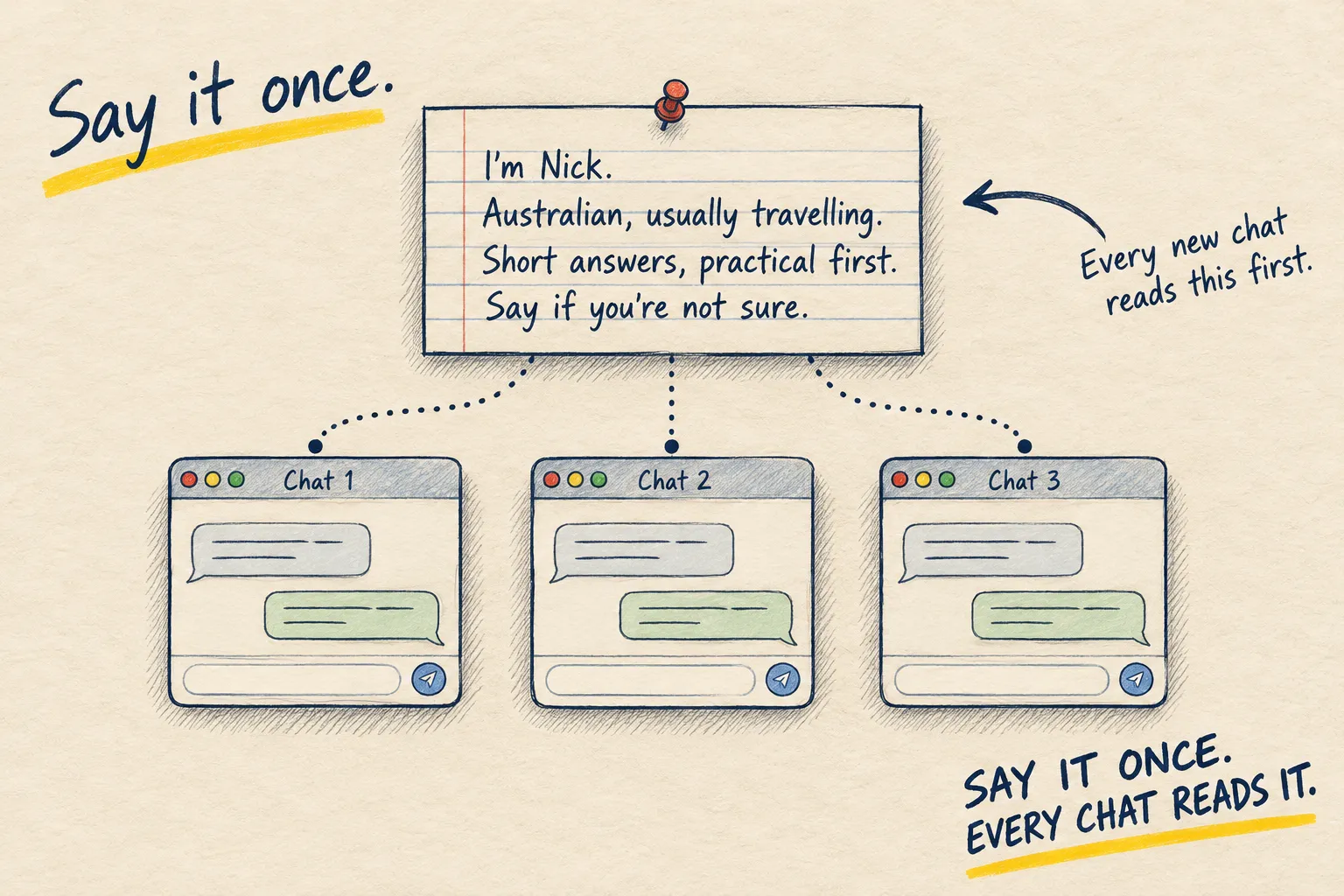
The description is the valuable bit. Save it. Paste it into your standing instructions, or at the top of a project, and you never have to find samples again. Tell it who you are shows where that box is.
Three emails I wrote, plus the prompt above and 'ask a neighbour to feed my cat'
Your voice:
- Short sentences, often under ten words.
- Opens with “Hi” and a first name, never “Dear”.
- Says “cheers” and “no worries” a lot.
- Direct about what you need, then a quick thank you.
- Never uses exclamation marks or long words.
Draft: Hi Dan, quick favour. Could you feed Biscuit while I’m away 3 to 10 June? Once a day is fine, the food is in the laundry. No worries if you can’t. Cheers, Anna
The five lines are the part to keep. Check the draft uses phrases you would really say.
If it still sounds like a press release, the samples were too polished. Give it messier ones.
4. Turn a rambling voice note into a message you can send
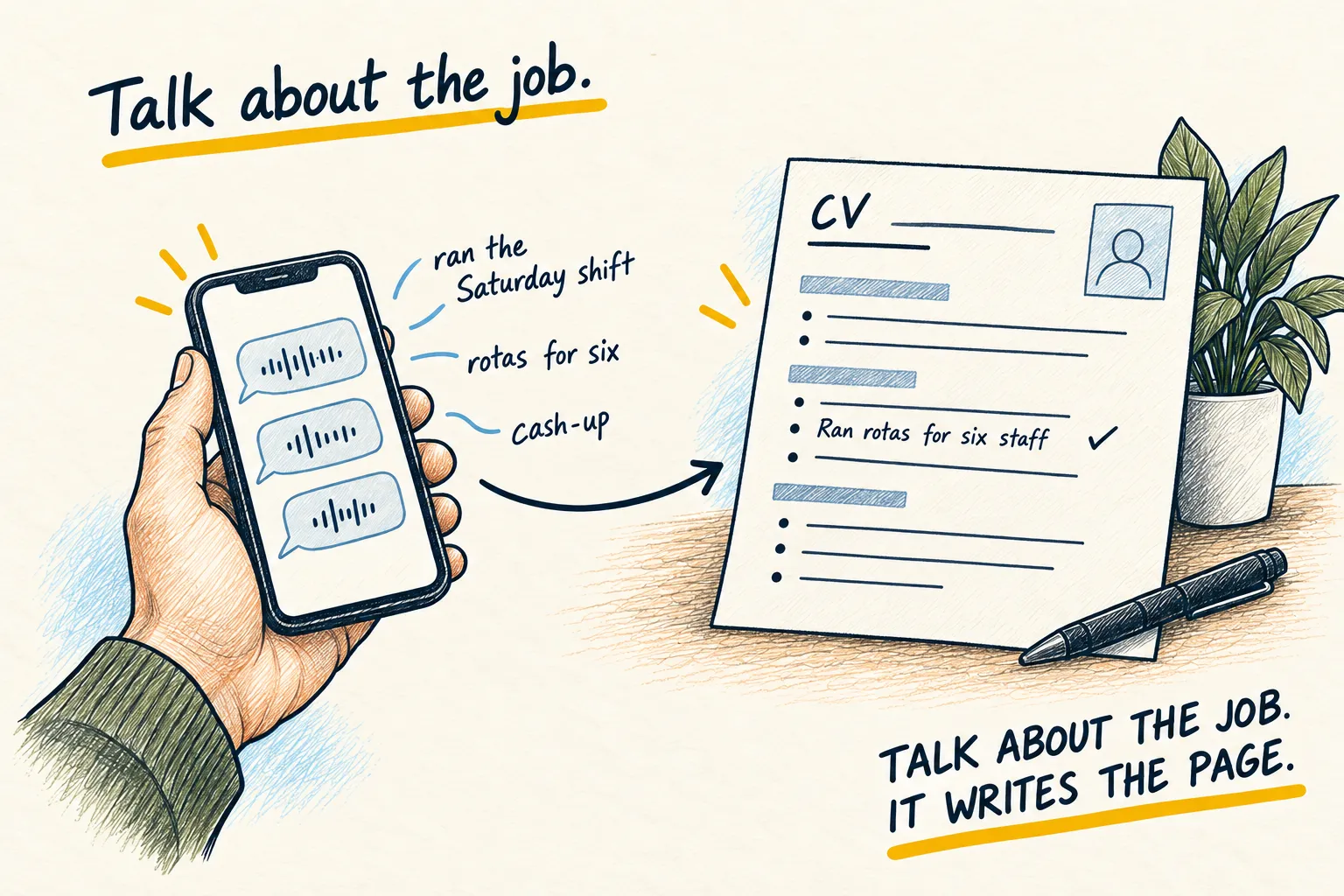
Tap the microphone, say what you want to say the way you would say it to a friend, including the ums, then paste the prompt. You get a message you can send, in your words, in a minute.
Just talk
Open a new chat, tap the microphone on the keyboard, and speak. Do not plan it. “Right, so I need to tell Dave I can’t do Saturday because of the thing with mum, but I don’t want him to think I’m flaking, and maybe suggest the week after.” Stop. The words appear as text.
Paste this underneath
That was me talking out loud. Turn it into a message I can send, in my words, not yours.
Keep it short. Keep the tone I had. Do not add anything I did not say and do not make it
more formal than it was. Give me one version, ready to copy.
Copy, glance, send
Read it once. Fix a name if dictation misheard it. Send.
Voice note about cancelling Saturday with Dave, plus the prompt above
Dave, I can’t do Saturday, sorry. Something’s come up with my mum. I’m not flaking, promise. Can we do the week after?
If it has grown a greeting, a sign-off and an apology you did not make, say “too much, strip it back” and it will.
Why this works so well. Writing from nothing is hard. Talking is easy. Editing something that already exists is easy. This turns the hard job into the two easy ones.