Grammarly
Spelling and grammar everywhere you type. The AI rewriting is the weaker half.
Use it if
- You want typos and grammar caught everywhere you type, as you type
- English is not your first language and you want a quiet second check
- You write in many apps and do not want to copy text into a chat
Skip it if
- You want real rewriting, where pasting into Claude or ChatGPT is better
- You are uneasy about a browser extension reading everything you type
- You mostly write in one app that already has a checker
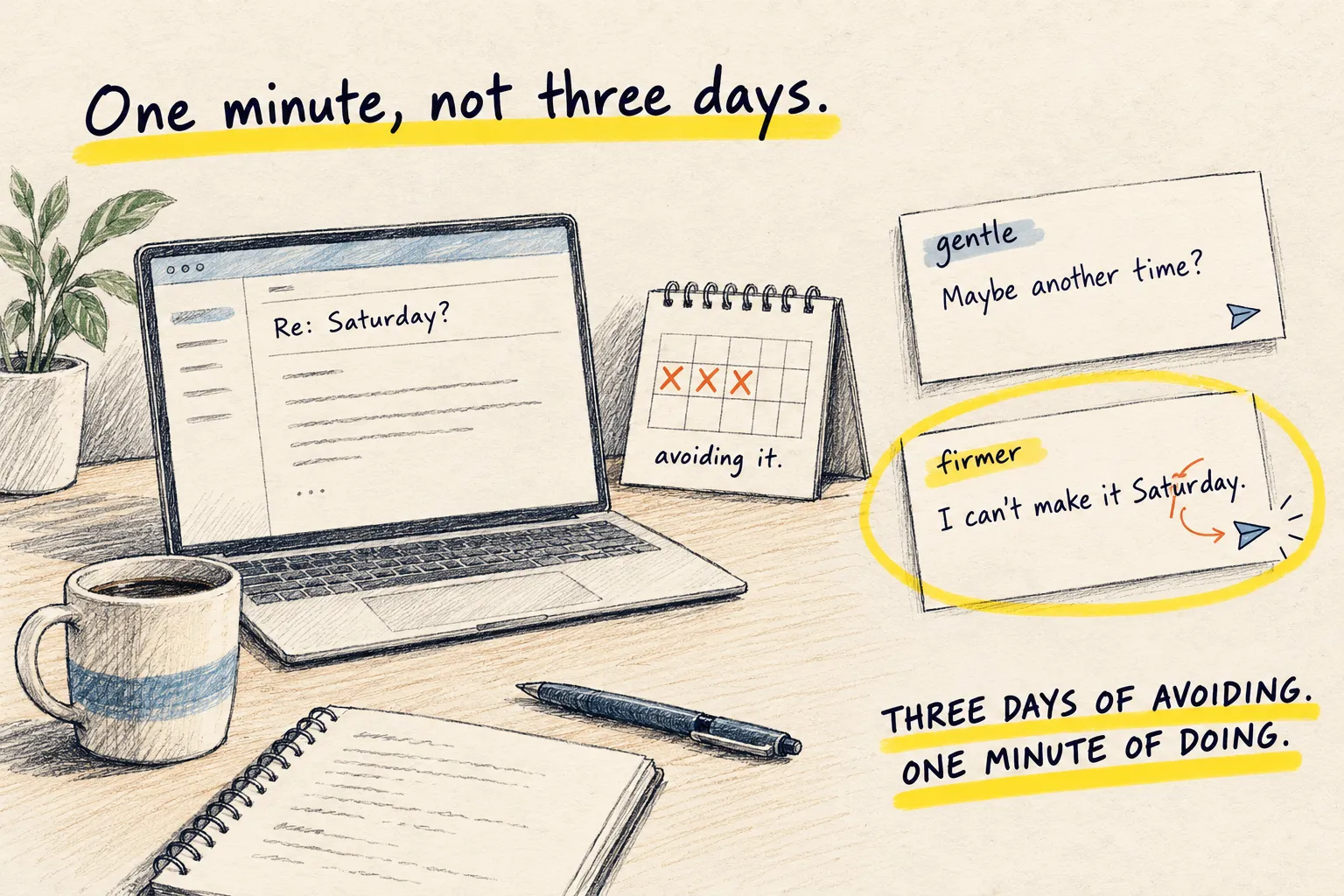
Grammarly sits in your browser and your apps and underlines things as you type: the typo, the missing comma, the sentence that runs on. That part it has done well for years. The AI rewriting, tone adjustment and “make this sound more confident” buttons are newer, and they are the part a chat app does better.
Where it fits
Catching small mistakes everywhere, without copying anything anywhere. If English is not your first language, or you type fast and fix later, the quiet underline is worth more than any rewrite button.
Where it does not
For a proper rewrite, show Claude or ChatGPT three things you wrote and ask for the fourth. You get your own voice back instead of Grammarly’s house style, which tends to sand everyone down to the same polite, slightly corporate tone.
Honest limitations
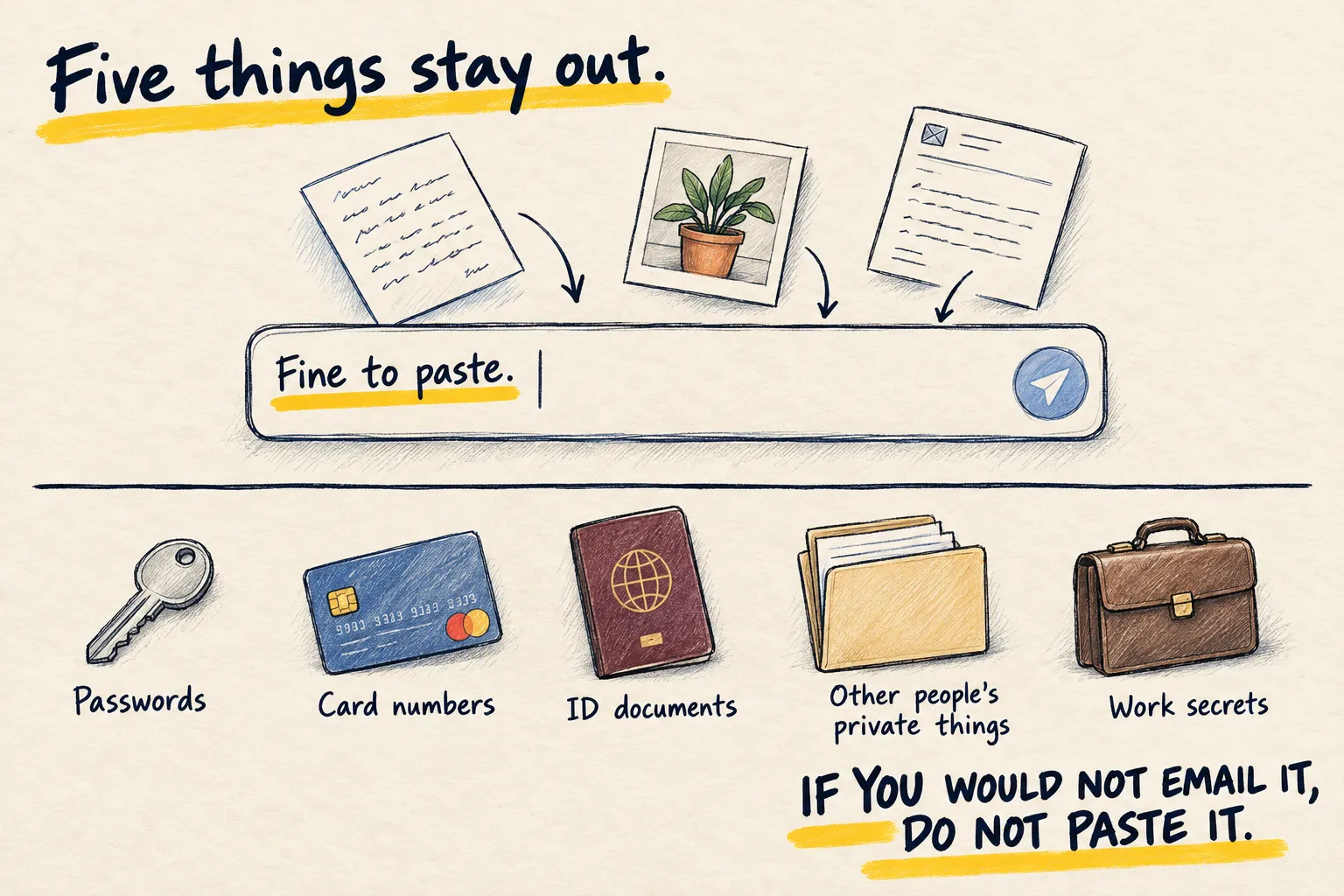
I do not use it, so this is orientation. It is a browser extension that reads what you type, in every field, including ones you might not want read; the what not to paste rules apply to it as much as to a chat. And the free tier spends a lot of effort suggesting you upgrade.
Next step
If you want the underlines, the free tier is enough. If you want better writing, that is a different job and a different page.