Claude
The plainest writer of the big assistants. Paid plans include Claude Code.
Use it if
- You mostly write, edit or think through things in text
- You want an assistant that says 'I am not sure' rather than bluffing
- You want Claude Code without a separate bill
Skip it if
- You want to make pictures, which it cannot do
- You want it to see your Gmail and Google Docs, where Gemini is built in
- You never hit the free limit and have no reason to pay
Claude is the one I write with. The answers are shorter, the prose has less filler, and it is the most willing of the big assistants to say “I am not sure”, which matters more than any benchmark once you have been burned by a confident wrong answer.
What it actually does
Chat, voice, file reading, and Projects for long jobs. Artifacts give you a document or a small working app in a side panel instead of a wall of text. Styles let you teach it your voice once; rewrite in my voice is the manual version of the same idea.
What the paid plan adds
More usage, the careful models, and Claude Code, the coding agent that built and maintains this site. Usage is metered in rolling windows, which is why the 7am trick exists. If you hit a limit, here is how to tell which one and what to do.
Where I stand on it
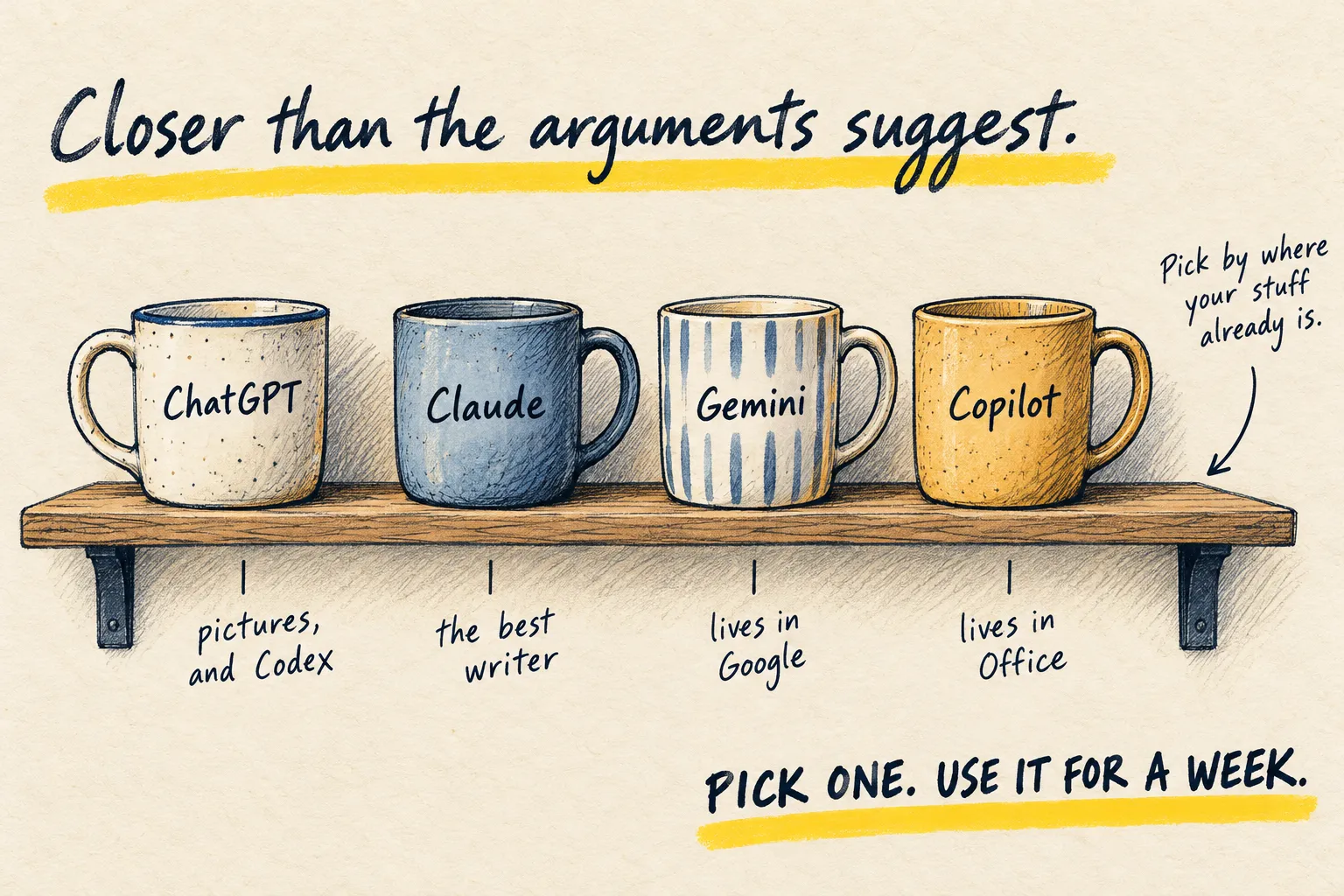
Daily, for anything that is words, and for the code behind this site. I keep ChatGPT alongside it for pictures and Codex. Which AI should you use is the comparison without the tribalism.
Honest limitations
It does not make pictures. The free tier runs out faster than ChatGPT’s if you paste long documents. And it has the same failure as every model: fluent when guessing, so the two-minute check still applies.
Next step
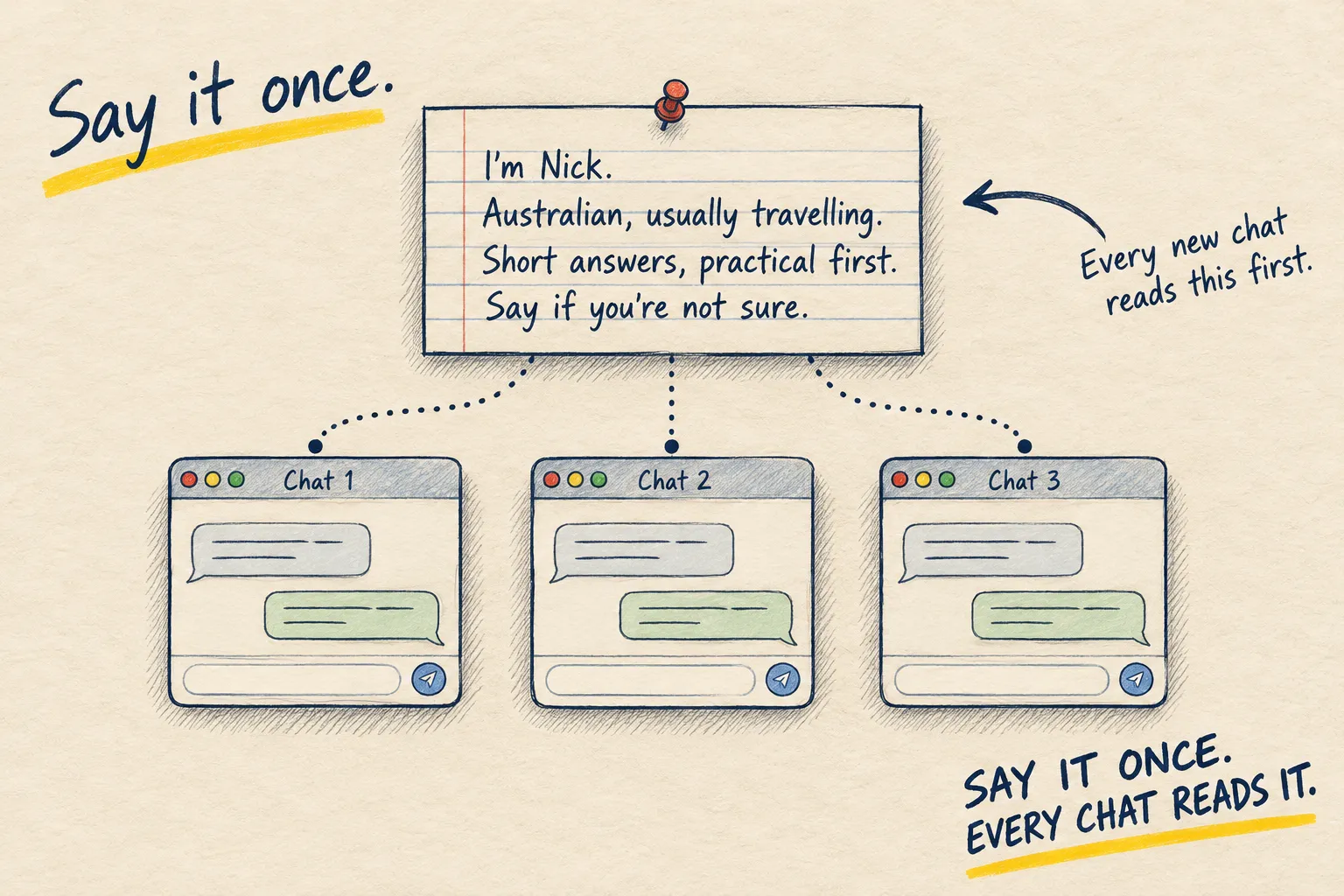
Tell it who you are, then put a long job in a Project.