Hit your Claude limit? The two limits and what to do next
Claude's paid plans have a five-hour limit and a weekly one. When each resets, how to tell which you hit, Pro vs Max, and how to make the same work use less.

By Nick
On this page
- Five minutes
- Nothing, unless you choose to pay past the limit
- Beginner
1. Find out which limit you hit
The message that you have reached your limit looks the same either way, but the wait is very different. In Claude on the web or the desktop app, open Settings, then Usage. You will see two things:
- Current session: how much of the five-hour limit you have used, and how long until it resets.
- Weekly limits: when the weekly limit resets. On Max and Ultra there is also a separate weekly bar for the Fable model.
In Claude Code, type /usage. It shows the same plan bars, plus a breakdown
of what has been using them.
Both limits are shared. The chat app, the desktop app and Claude Code all draw from the same pot, so a heavy morning in one shows up in the other.
2. If it is the five-hour limit: when it resets
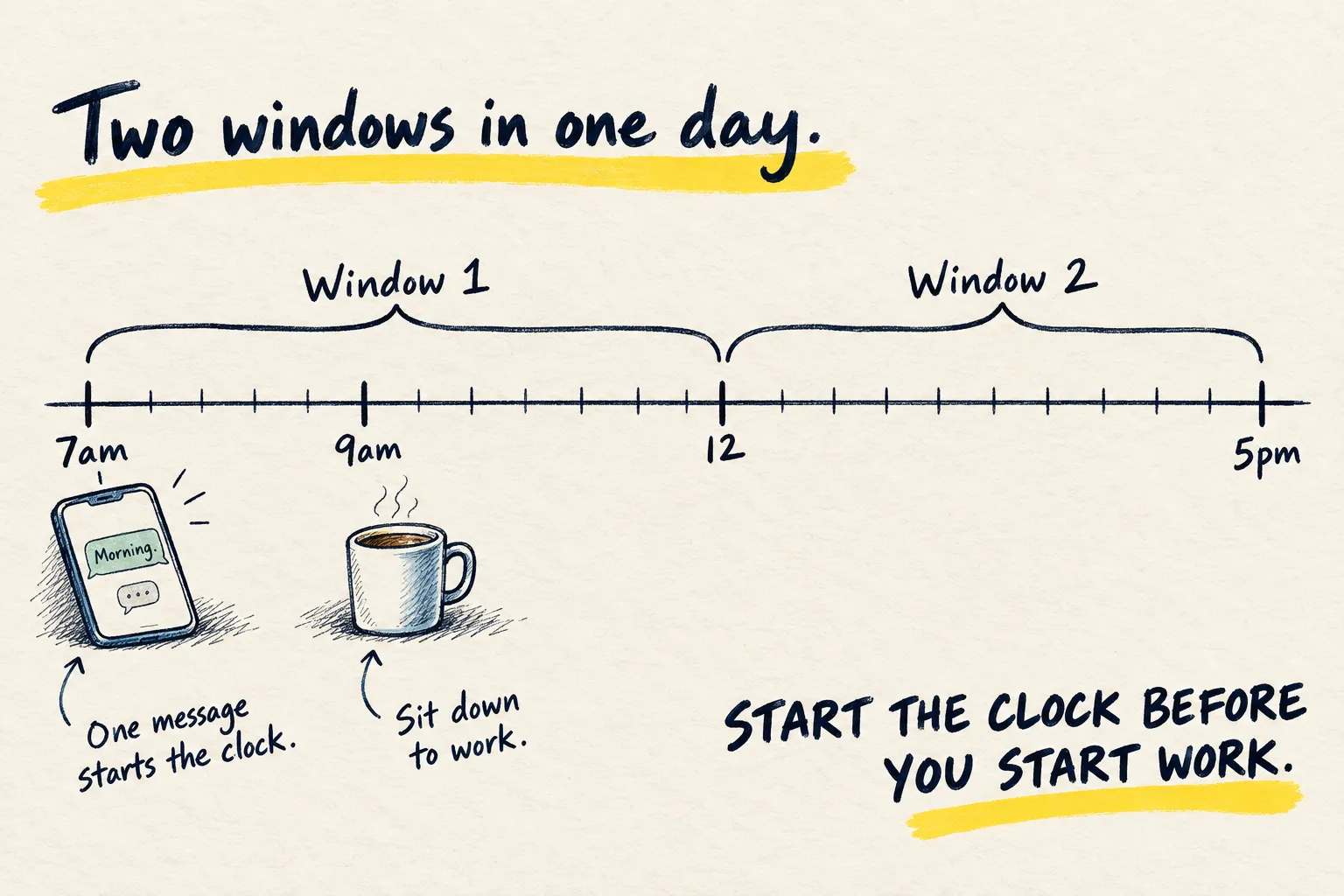
You are waiting hours, not days. The window starts with your first message and resets in full five hours later, so the reset time depends on when you started, not on the clock.
If you hit it at the same awkward time most days, send one message at 7am so the reset lands at lunch instead of mid-afternoon. It does not give you more use; it moves the gap to a time you are not mid-task.
3. If it is the weekly limit: when it resets
This is the one that hurts, because the answer is days. The weekly limit resets at a fixed day and time assigned to your account. It does not move when you start a chat, and it is not your subscription date. The usage page shows it, so note it.
Now and then Anthropic gives eligible plans a one-off limit reset. If you have one, it shows in Settings, then Usage, as Reset for free, and it puts either the five-hour or the weekly limit back to full straight away. It only works from the website or the desktop app, and once used it cannot be undone.
There are only three real ways out: wait, pay for more (step 5), or make the same work cost less (step 4). If you hit the weekly limit most weeks, read step 6 too.
4. Make the same work cost less
Anthropic lists what eats the limit: long messages, big attachments, long conversations, web search and Research, the model you pick, the effort level, and multi-step jobs like running code. Each of those has a cheap fix.
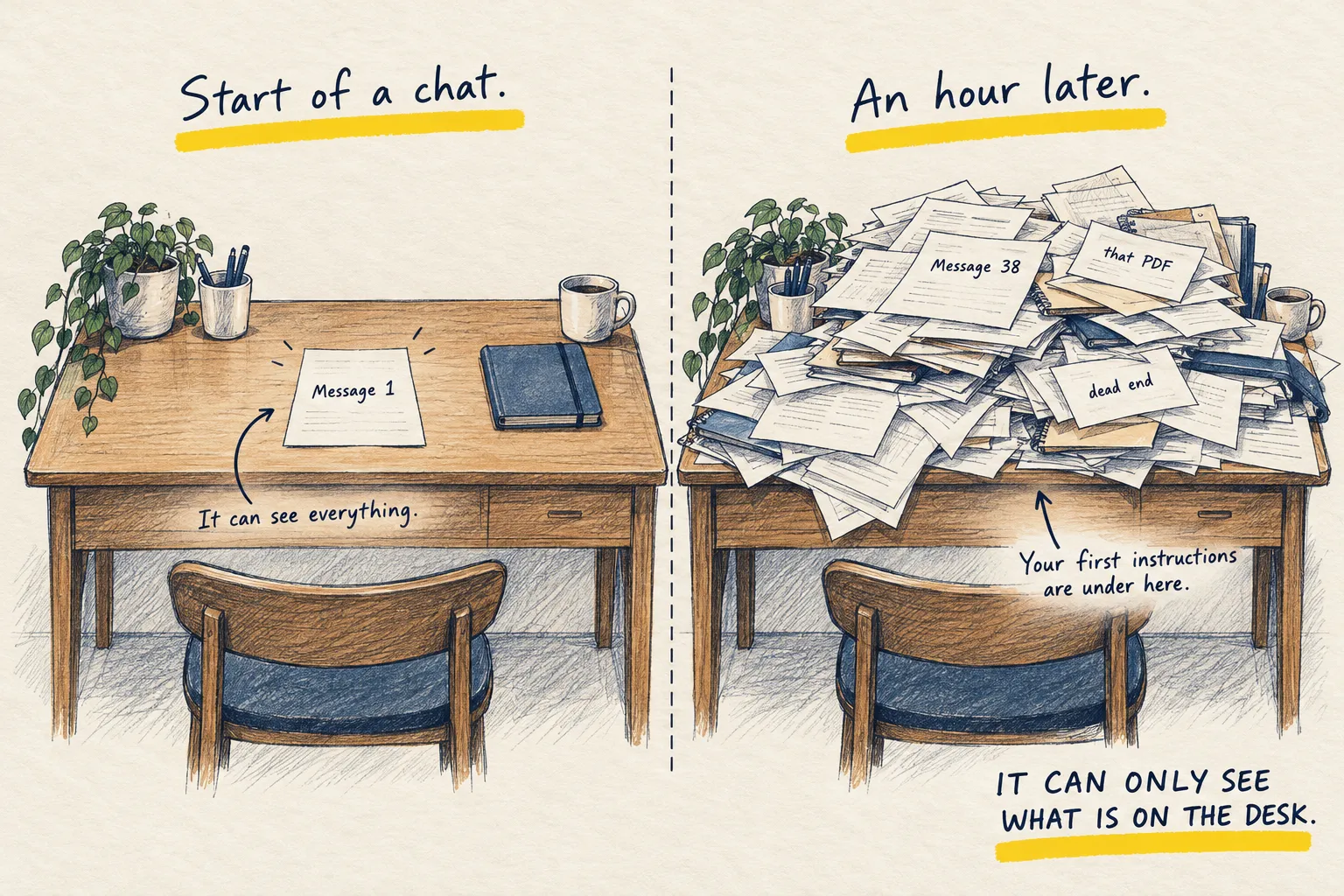
- Start a new chat for a new job. A long chat re-reads everything in it every time you send a message. Why chats get heavier, and how to carry what matters into a fresh one.
- Use the smaller model for routine work. Sorting, summarising and reformatting rarely need the top model. The cheap model for the boring 80 percent.
- Turn the effort down, and extended thinking off, when you do not need them. When thinking is worth it.
- Switch off connectors and web search you are not using in that chat. Anthropic calls tools token-intensive.
- Put documents you reuse in a Project. Anthropic says reused project content counts less against your limit while it is cached.
- In Claude Code, read the
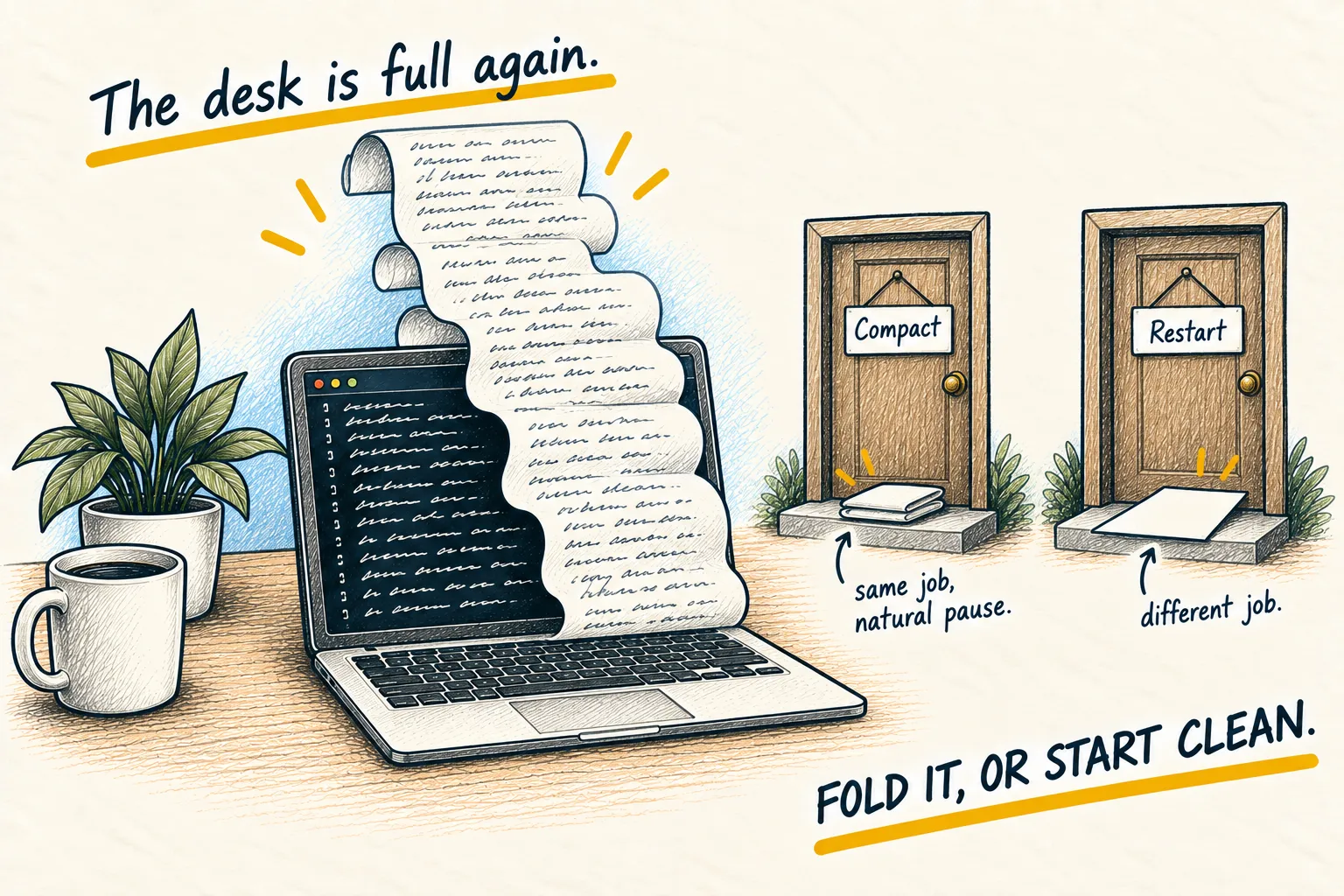
/usagebreakdown. It names what has been using your plan, such as a longCLAUDE.mdfile or a connected tool, and suggests changes. Then compact or restart long sessions and keep your CLAUDE.md short.
5. Paying past the limit: usage credits, with a cap
Pro, Max and Ultra plans can turn on usage credits in Settings, then Usage. When a limit runs out, Claude keeps working and charges you at the normal API price instead of stopping. You prepay a balance, and it is billed separately from your subscription. If you pay for Claude through the iPhone or Android app, you have to turn this on from the website.
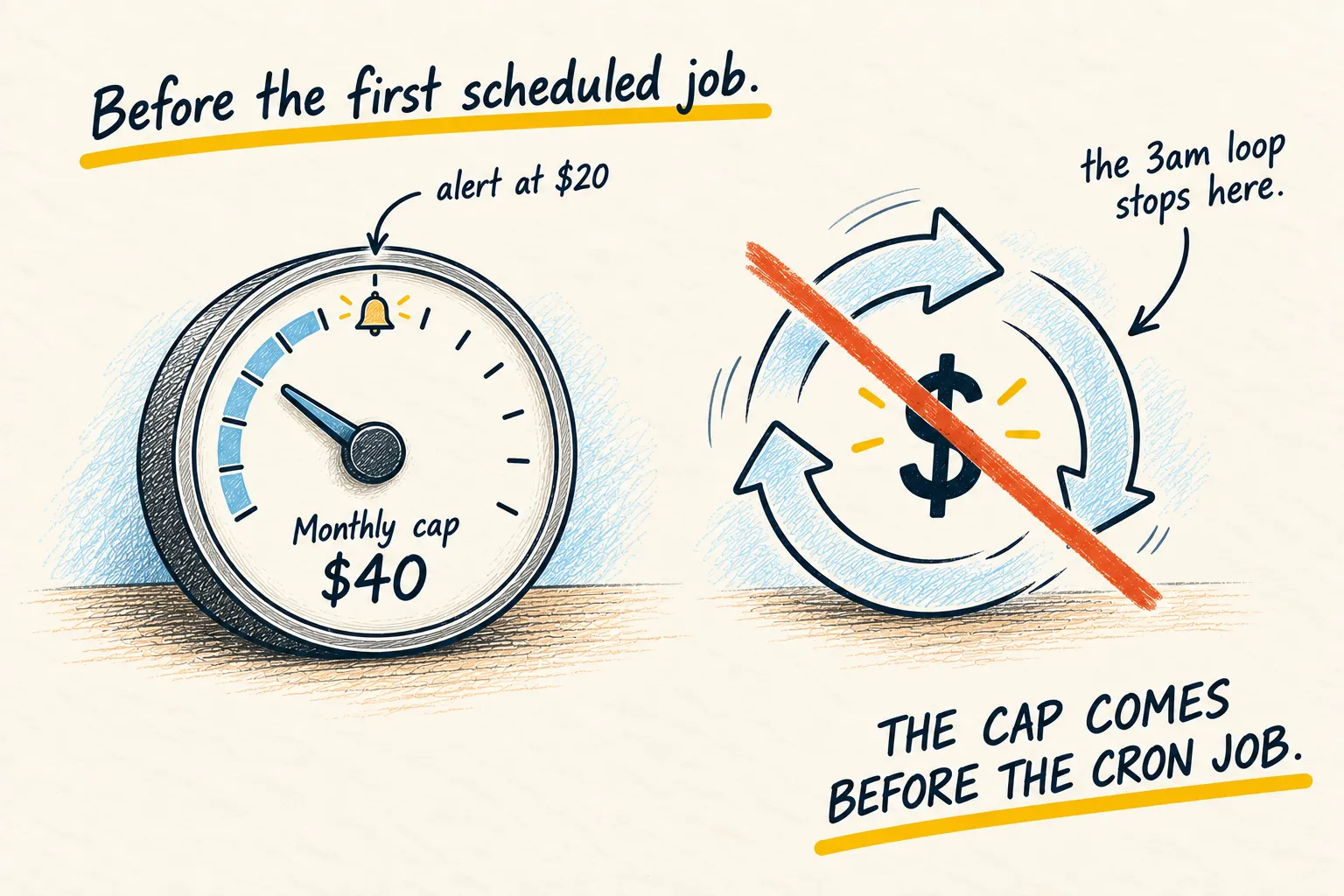
It is useful for the one deadline week. It is also the easiest way to spend money without noticing, because the work carries on exactly as before. The setting offers a monthly spend limit or “Set to unlimited”. Choose the limit, set it to a number you would not mind losing, and leave auto-reload off until you know what a normal month costs. Same rule as any spending limit.
6. Claude Pro vs Max: when a bigger plan is the honest answer
Anthropic’s prices and limits, checked on 6 November 2026:
| Plan | Price | Five-hour limit | Weekly limit |
|---|---|---|---|
| Pro | $20 a month, or $17 a month paid yearly | Yes | Yes |
| Max | $100 a month | 5 times Pro | 5 times Pro |
| Ultra | $200 a month | None, once Anthropic has verified the account | 10 times Pro |
Max and Ultra also include the Fable model, for up to half your weekly limit, and a monthly credit for Anthropic’s developer platform. Ultra is the plan that used to be called Max 20x.
If you are hitting the weekly limit most weeks after trying step 4, and the work is worth it, upgrading is cheaper and calmer than buying credits every week. Anthropic says a new plan’s limits apply as soon as you upgrade.
If you hit a limit once a month, do not upgrade. Wait for the reset and carry on.
How you know it worked. Next time you check Settings, then Usage, the session bar is filling more slowly for the same kind of work, and the weekly reset arrives before the bar does.