Get AI to explain a letter, a bill, a photo or an error
Photograph it or paste it, then use one prompt to get it in plain English: official letters, bills and statements, photos of things, error messages, and anything new to you.

By Nick
On this page
- Two minutes
- Nothing
- Beginner
Before you start
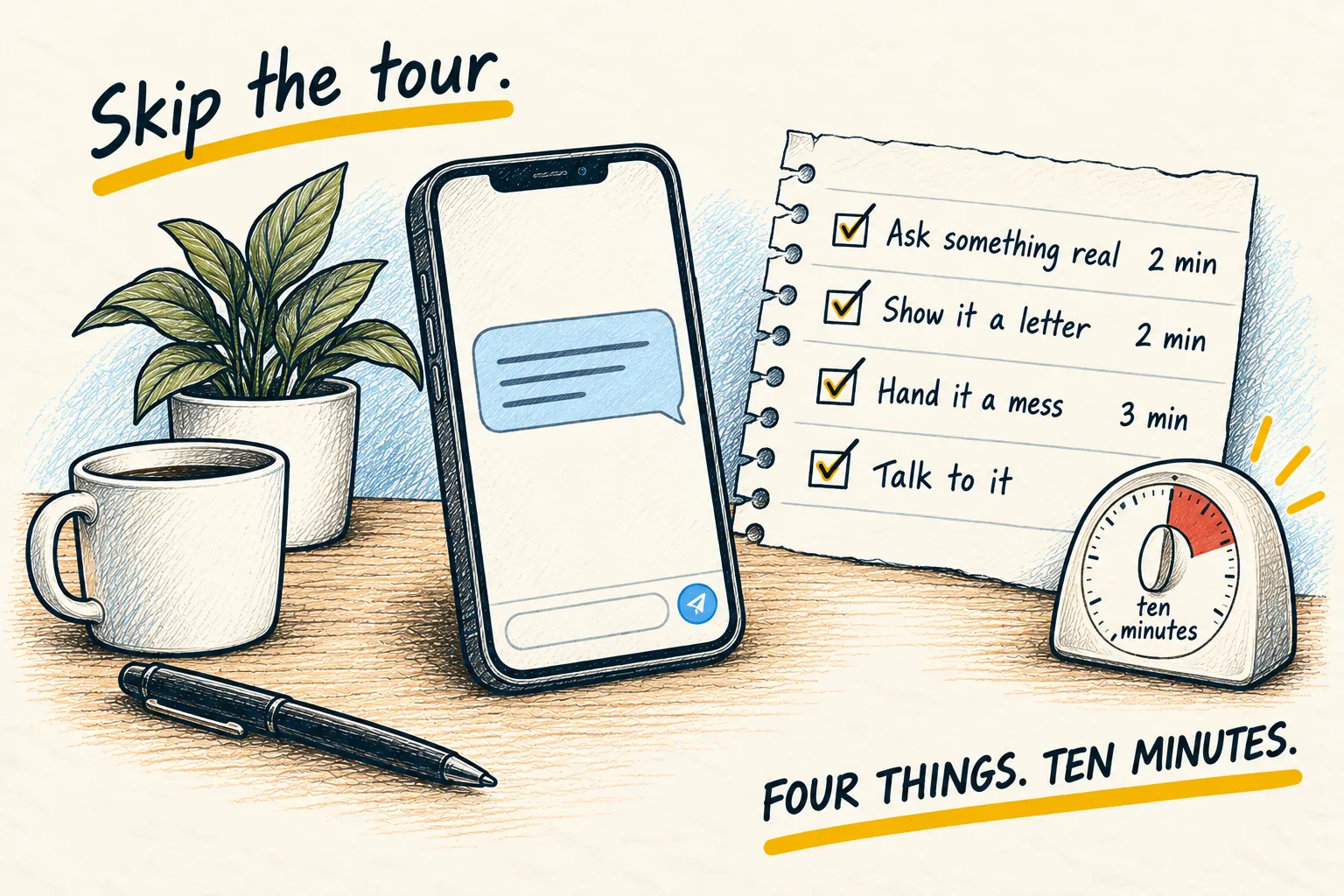
Pick the section that matches what’s in front of you. They all work on a phone, in the app you already have.
1. Understand a letter from the bank, the council or the hospital
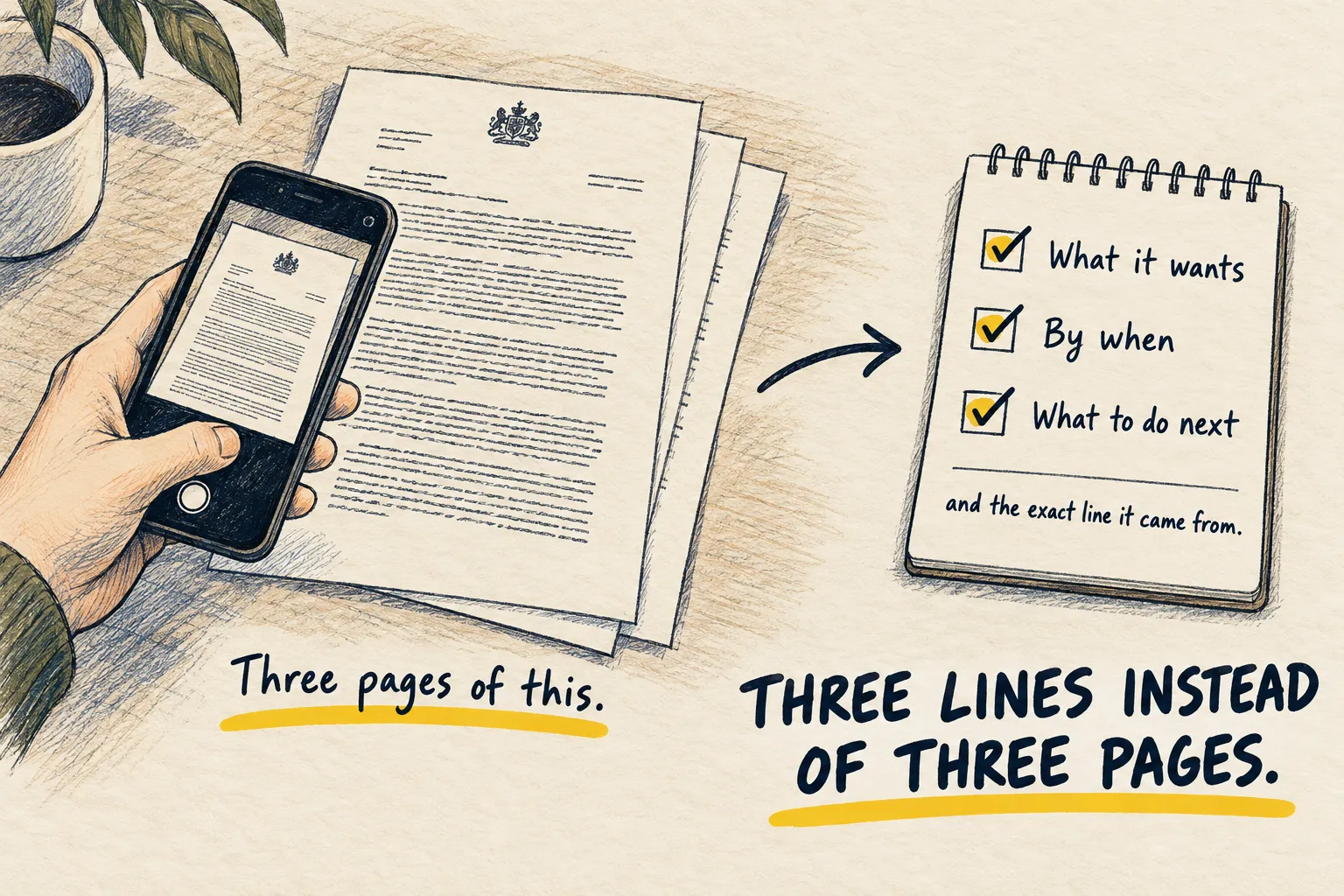
Take a photo of the letter in the app, paste the prompt below, and you get what it wants, by when, and what to do, plus the exact sentence each of those came from so you can check.
Photograph the whole page
Open the app, tap the plus or camera icon, and take the photo. Flat, good light, the whole page in frame. If it is two pages, take both; the apps accept several photos in one message.
Paste this
This is a letter I received. Please:

1. Say in one sentence who it is from and what it is about.
2. List what it is asking me to do, and by when. Quote the exact sentence each deadline
   comes from so I can check it.
3. Tell me if there is anything in it I should be worried about, or say plainly that there
   is not.
4. Give me the single next step, in one line.

Plain English. No jargon from the letter unless you explain it.
Check the quoted lines
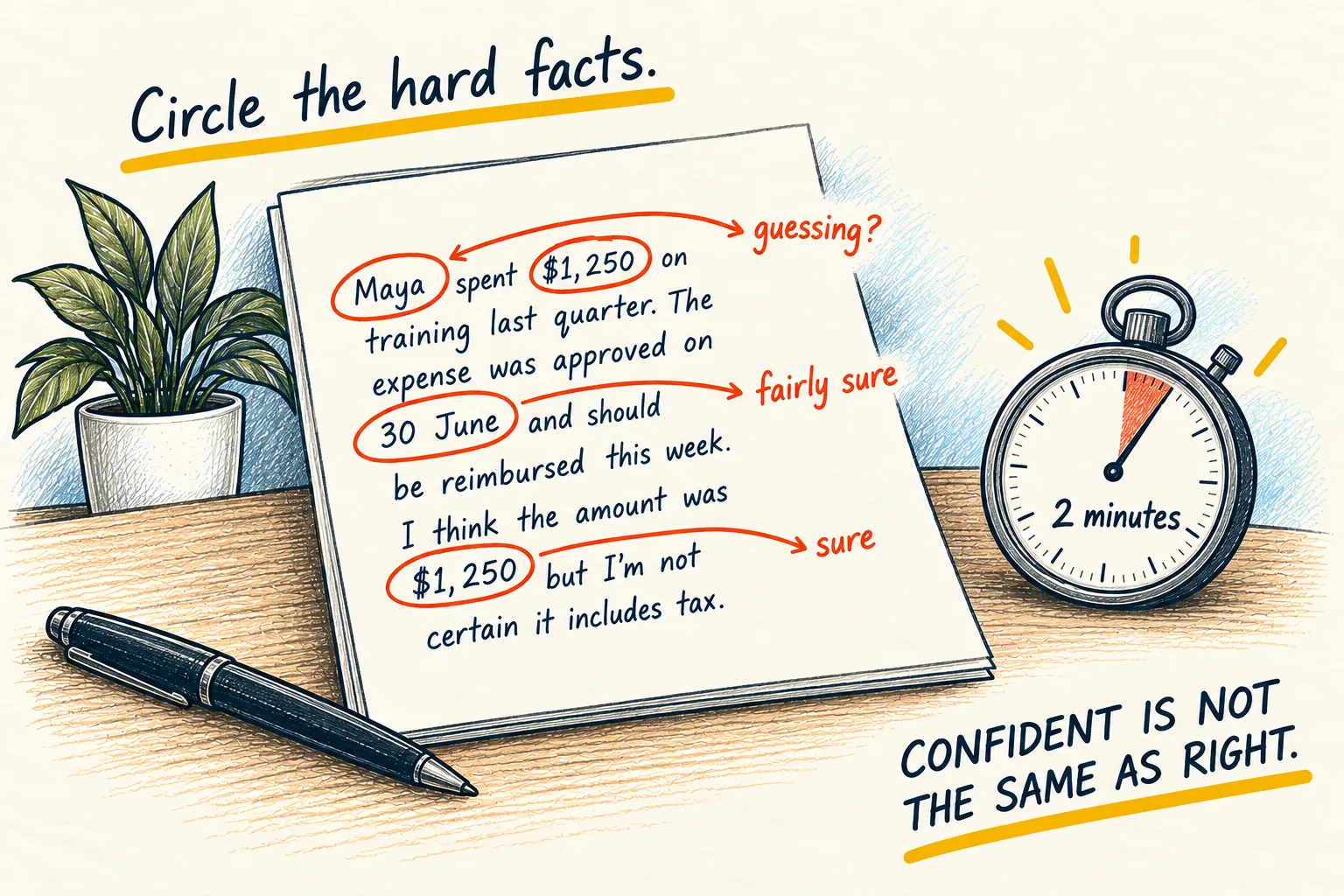
Find each quoted sentence on the real letter. Dates and amounts are where these tools slip, so that ten seconds is worth it. Everything else you can take at face value.
Photo of a parking letter from the council, plus the prompt above
- It’s from Northside City Council, about a parking fine for your car on Park Road on 2 October.
- Pay $70 by 30 October: “Payment must be received within 28 days of the date of this notice.” Pay within 14 days and it drops to $35: “The charge will be reduced by 50% if paid within 14 days.”
- Nothing worrying, as long as you pay or appeal before 30 October. After that the fine goes up.
- Next step: pay $35 online by 16 October, or appeal now if you think the ticket was wrong.
Check the two quoted lines against the paper. Dates and amounts are where it slips.
If it says it can’t read the photo, retake it closer. If it says the letter is unclear, ask: “What would you need to know to be sure?”
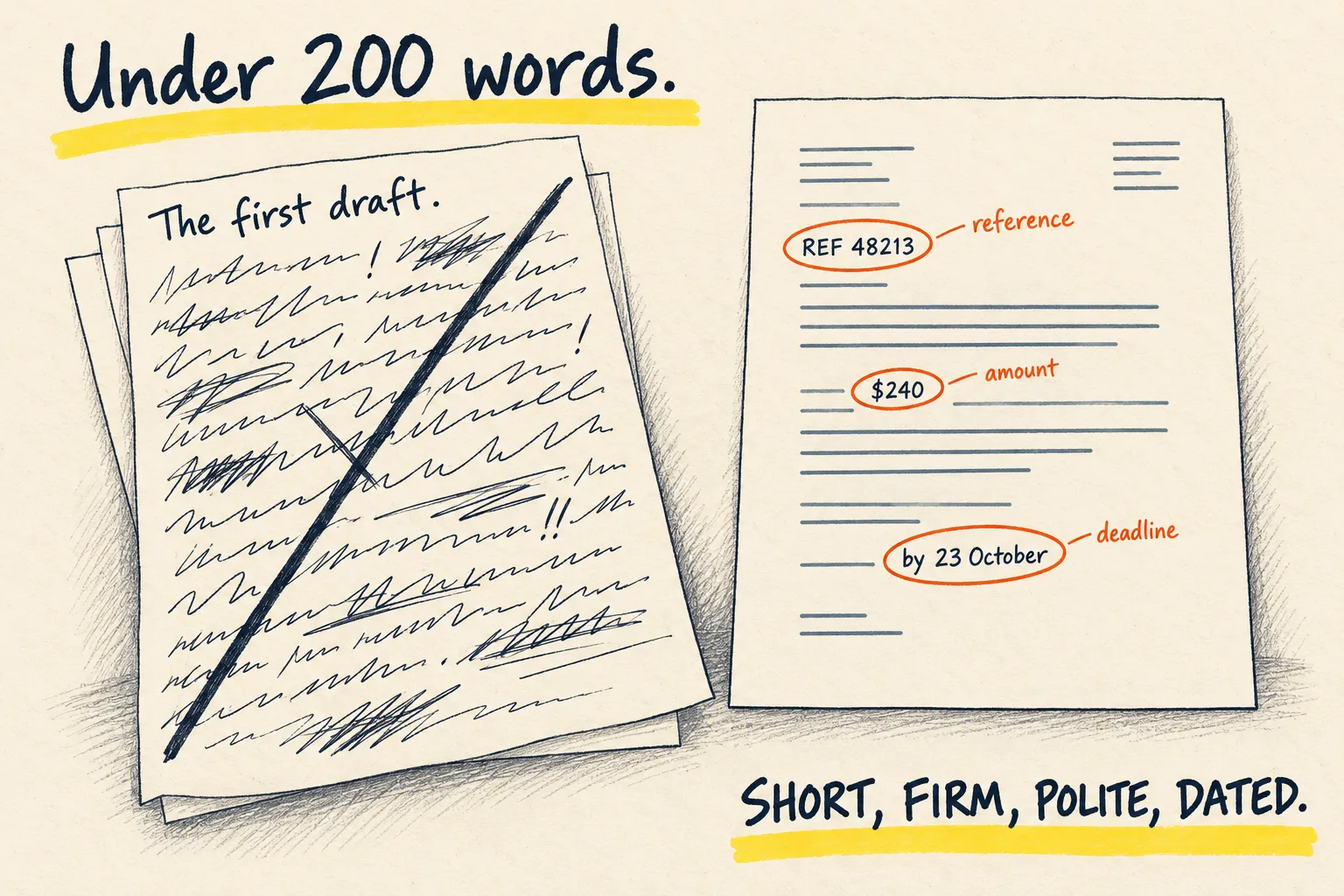
Then, if you need to reply: “Draft my reply. I want to [say what you want]. Polite, short, and quote their reference number.” That is the whole letter, done.
2. Explain this graph, this bill, this statement
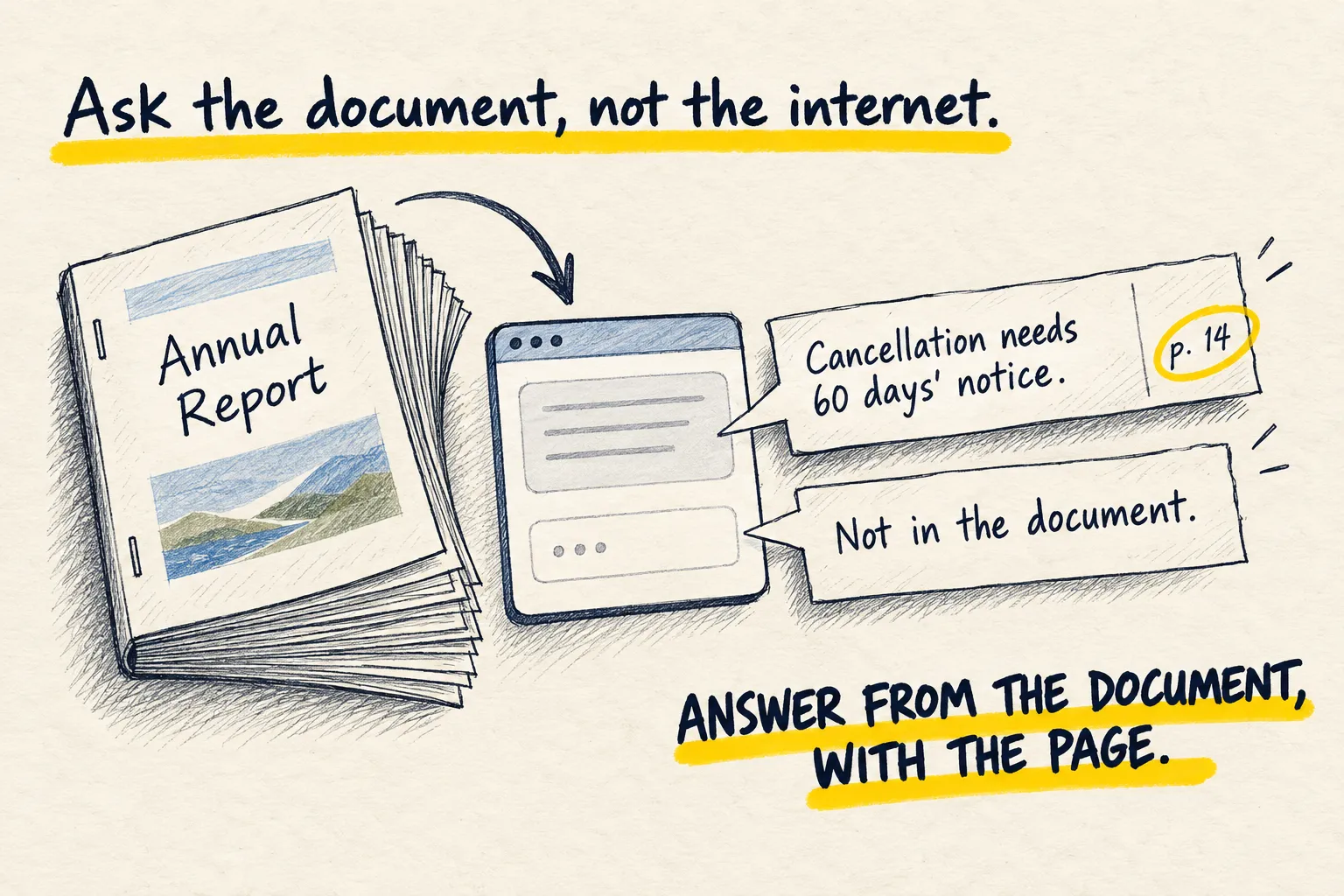
Photograph it in the app, cover the account numbers, and ask what it shows, what changed since last time, and what you should do. Ask it to quote the figures it used, then check those against the page.
Photograph it, minus the account numbers
Take the photo in the app, the way show it a photo describes. A finger over the account number and sort code costs nothing and keeps the five things out.
Paste this
This is a [bill / bank statement / chart from a report]. Tell me:

1. What it shows, in two plain sentences, as if I have never seen one before.
2. The one figure that matters most and what it means for me.
3. What has changed compared with what you would expect, or compared with the previous
   period if it is shown. Say if you cannot tell.
4. Anything I should query, and the exact words to use when I do.

Quote every figure you used so I can check it on the page. Say so if any number is
unclear in the photo.
Check the quoted figures
Find each one on the page. Numbers are where these tools slip, and ten seconds of checking makes the rest trustworthy.
Photo of an electricity bill from Brightside Energy, plus the prompt above
- This is your electricity bill for September. You used some power and owe the total shown.
- The key figure is $142.60 due by 20 October, the amount you pay.
- It is higher than the $118.30 shown for August. The bill says you used 410 units against 340.
- Query: “Please confirm my meter reading of 4,820, and why my usage rose by 70 units.”
Find each quoted figure on the page. Numbers are where it slips.
If something looks wrong, write to the company is the next page.
3. Show it a photo and ask what it is
Take the photo in the app, paste the prompt, and you get the most likely answer, the runner-up, and an honest line about how sure it is. That last line is the whole point.
Take the photo in the app
Tap the plus or the camera icon in the chat, not your normal camera. Get close, keep it in focus, and include anything that gives scale or context: the whole plant, not one leaf; the error and the window it is in.
Paste this
What is this? Give me your best answer, then the next most likely one, and tell me how sure
you are in one plain sentence. If this is something where being wrong matters (health,
safety, money, legal) say so and tell me who to actually ask. Then tell me the one thing I
should do next.
Read the sureness line first
That one sentence decides what you do with the rest. “Almost certainly a peace lily” means act on it. “Could be either, a photo of the underside would settle it” means take that photo. “I would not rely on this, see a pharmacist” means exactly that.
Photo of a droopy houseplant with yellow leaves, plus the prompt above
Best answer: a peace lily that is being overwatered.
Next most likely: a peace lily that is getting too much direct sun.
How sure: fairly sure of the plant, less sure of the cause, and a photo of the soil would settle it.
This is low stakes, so no need to ask an expert. Next step: check the soil. If it is wet two inches down, skip watering for a week.
Read the sureness sentence first. It tells you whether to act or take a better photo.
If it only describes the photo (“a green plant in a pot”), ask “what species?” or “what is the error code?” and it will commit.
Things this is quietly brilliant at
A menu in a language you do not speak. A wine label. The dashboard light. A screenshot of a setting you cannot find. Handwriting you cannot read. A recipe from a photo of what is in the fridge. The rash, with the caveat above. Once you start, you will not stop.
4. Paste the error, not your guess about the error
Copy the error exactly, or screenshot it. Paste the prompt. You get a plain-English translation, a sense of how serious it is, and one safe thing to try first.
Capture it exactly
Select the text and copy it, all of it, including the ugly bits. If you cannot select it,
screenshot the whole window. Do not retype it and do not summarise it. “Something about a
token” is useless. TypeError: cannot read properties of undefined (reading 'id') is gold.
Paste this above it
Below is an error message I got. I am not a programmer. Tell me:

1. In one plain sentence, what it actually means.
2. How serious it is: can I ignore it, should I fix it today, or has something broken.
3. The single safest thing to try first, with exactly what to click or type.
4. What to paste back to you if that does not work.

Do not give me five possible causes. Give me the most likely one and the first step.

---
[paste the error here, or attach the screenshot]
Try the one thing
Do the first step only. If it works, done. If not, paste what happened. Each round narrows it, and three rounds usually gets there. Ten possible causes in one answer never does.
Error: 'Cannot find module express', plus the prompt above
- A program you are running needs an add-on called express, and it is not installed on your computer.
- Fix it today. The program will not start until it is installed.
- Open the terminal (the window where you type commands) in that folder, type
npm install expressand press Enter. - If it fails, paste whatever the terminal says back to me.
One cause and one first step. Be wary if the fix means deleting or paying for anything.
If the suggested fix involves deleting, resetting or paying for anything, pause and ask “what happens if this is wrong?”
When you are ready for more: a coding agent on your machine can read the error, find the cause and fix it, instead of telling you how. Claude Code for beginners is where that starts.
5. Explain this like I am new to it
Paste the thing, say what you already understand, and ask for one plain explanation with one comparison to something ordinary. Then make it stop. Most explanations fail by carrying on.
Say where you are
“I am new to this” is not enough; it still has to guess how new. One line about what you do understand gives it a floor: “I can use a spreadsheet but I do not know what a formula is.” “I know what a website is but not what hosting means.”
Paste this, with the thing underneath
Explain the following to me as if I am new to it. Here is what I already understand:
[one line]. Give me one plain explanation in under 100 words, using one comparison to
something ordinary from everyday life. Then stop. Do not add caveats, history or
alternatives unless I ask.

---
[paste the text, or describe the thing]
Say “simpler” or “and then what”
If it is still too hard, “simpler” gets a better comparison. If it landed, “and then what” gets the next layer. One layer at a time is how this works; asking for everything gets you the lecture you were avoiding.
I can use a spreadsheet. Explain what an API is, plus the prompt above
An API is a way for one program to ask another for something, and get an answer back. Think of a waiter in a restaurant. You do not walk into the kitchen. You tell the waiter what you want, the waiter takes it to the kitchen, and brings your food back. The API is the waiter between your program and someone else’s.
If it is still too hard, say “simpler”. If it landed, say “and then what”.