Prepare for a doctor's appointment in ten minutes
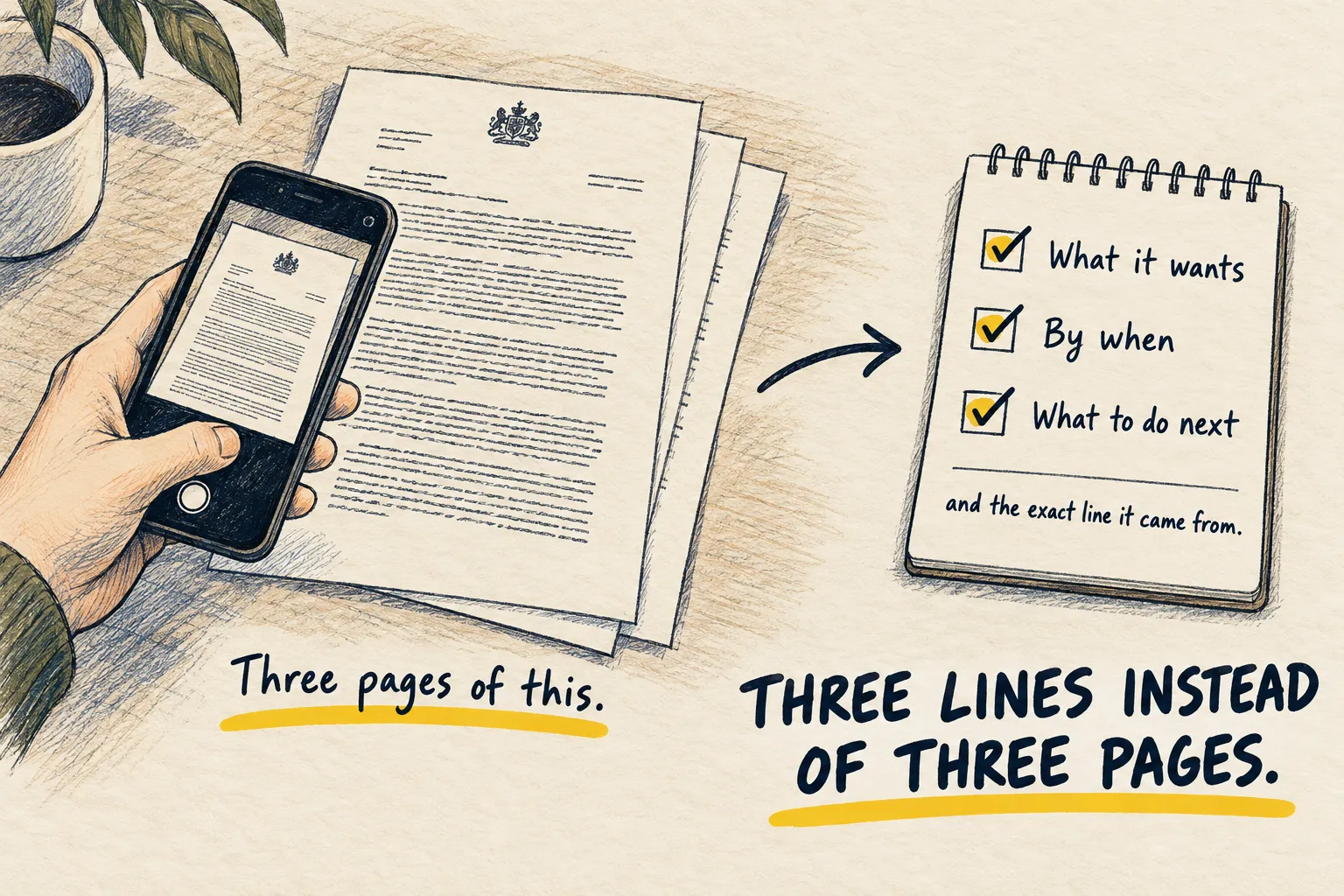
You get ten minutes with the doctor and forget half of it. Use AI beforehand to turn your worries into four clear questions and a short summary.

By Nick
On this page
- Ten minutes
- Nothing
- Beginner
Before you start
1. Ramble first
Use voice or type. Say what is going on, when it started, what makes it better or worse, what you are worried it might be, what you have already tried. Do not organise it. That is step 2’s job.
2. Paste this underneath
I have a doctor's appointment and about ten minutes with them. Above is me describing what
is going on. Do not diagnose me and do not suggest what it might be. Instead:

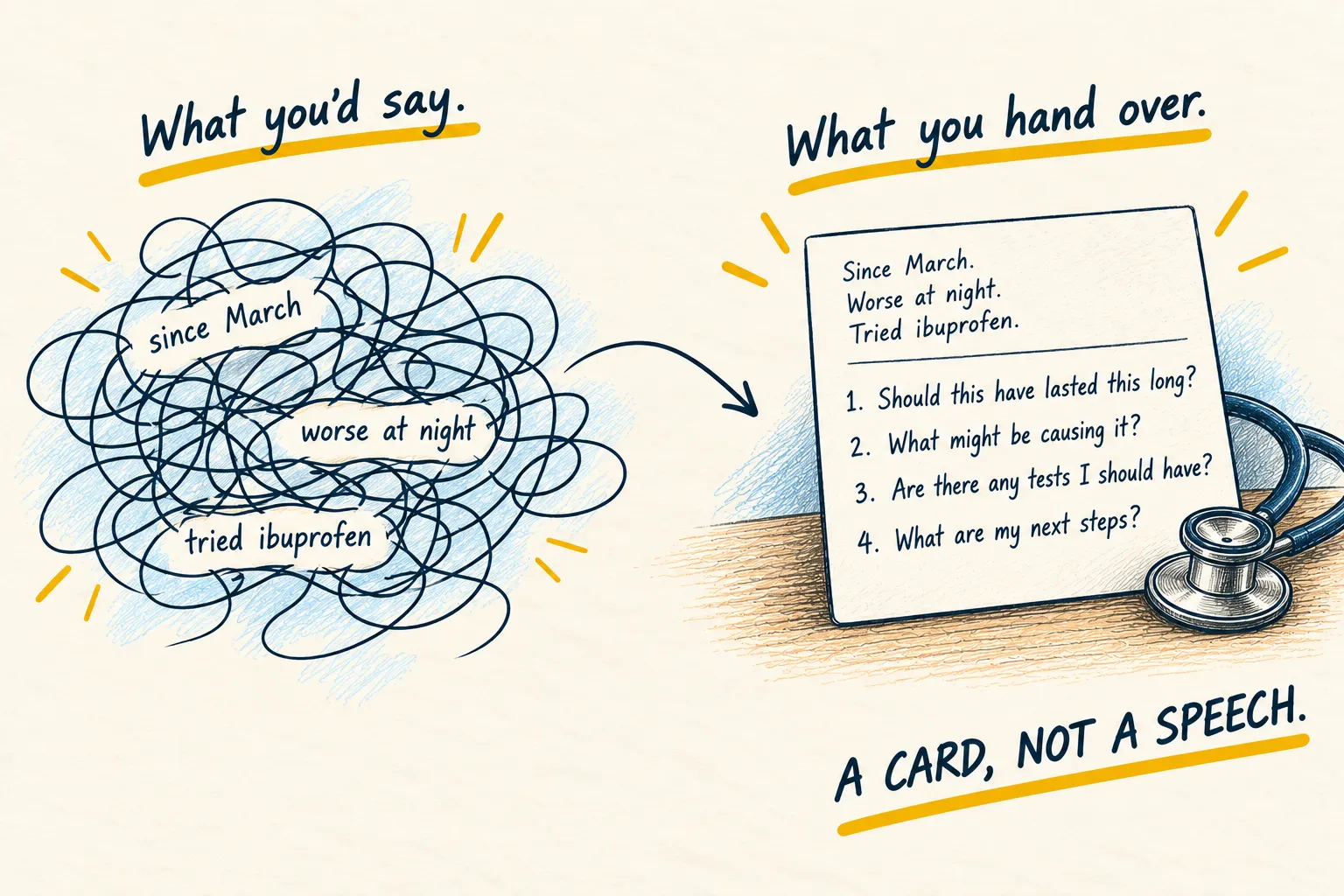
1. Write a three-line summary of my situation I could read out or hand over: what, since
   when, how it has changed.
2. List the four most useful questions for me to ask, in order of importance.
3. Tell me the two facts I should have ready that doctors usually ask for and patients
   usually forget.

Plain language, no medical terms unless I used them.
3. Put it on a card
Phone notes or paper. Read the summary out at the start. Ask the questions. Write the answers next to them. That is the appointment.
Me rambling about three weeks of headaches, plus the prompt above
Summary: I have had headaches most afternoons for three weeks. They started after a busy month at work and are worse when I look at a screen. Paracetamol helps a little.
Questions to ask:
- What could be causing headaches that come on in the afternoon?
- Which signs would mean I should come back sooner?
- Should I change anything about screens, sleep or caffeine?
- Do I need any tests?
Have ready: what medicines you take, and how many headache days you have had each week.
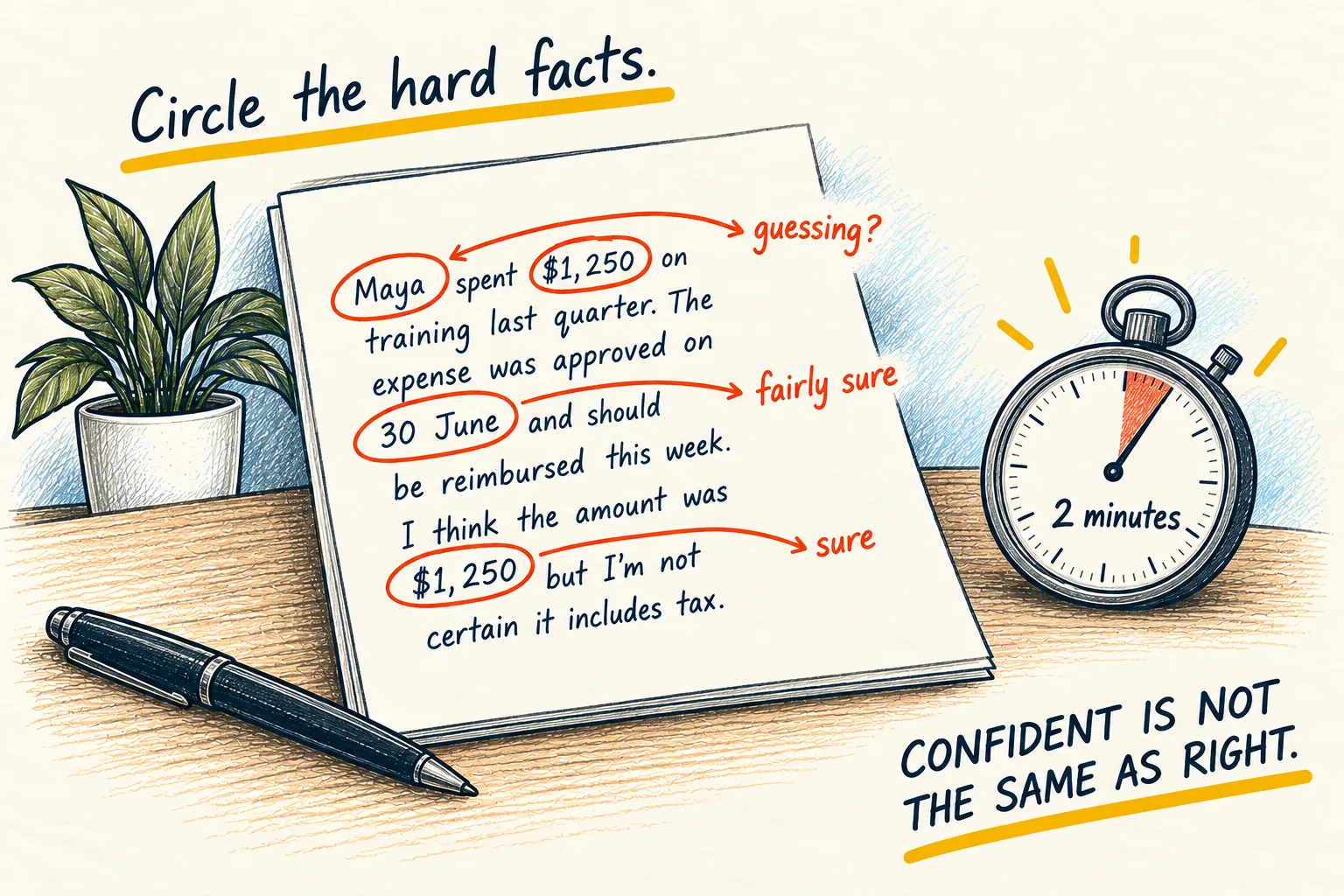
Check the summary says only what you told it. The questions should be yours to ask, not a diagnosis.
Afterwards, paste what the doctor said into the same chat and ask it to explain anything you did not follow. If a results letter arrives later, explain this letter handles that one.