What goes wrong with an always-on agent
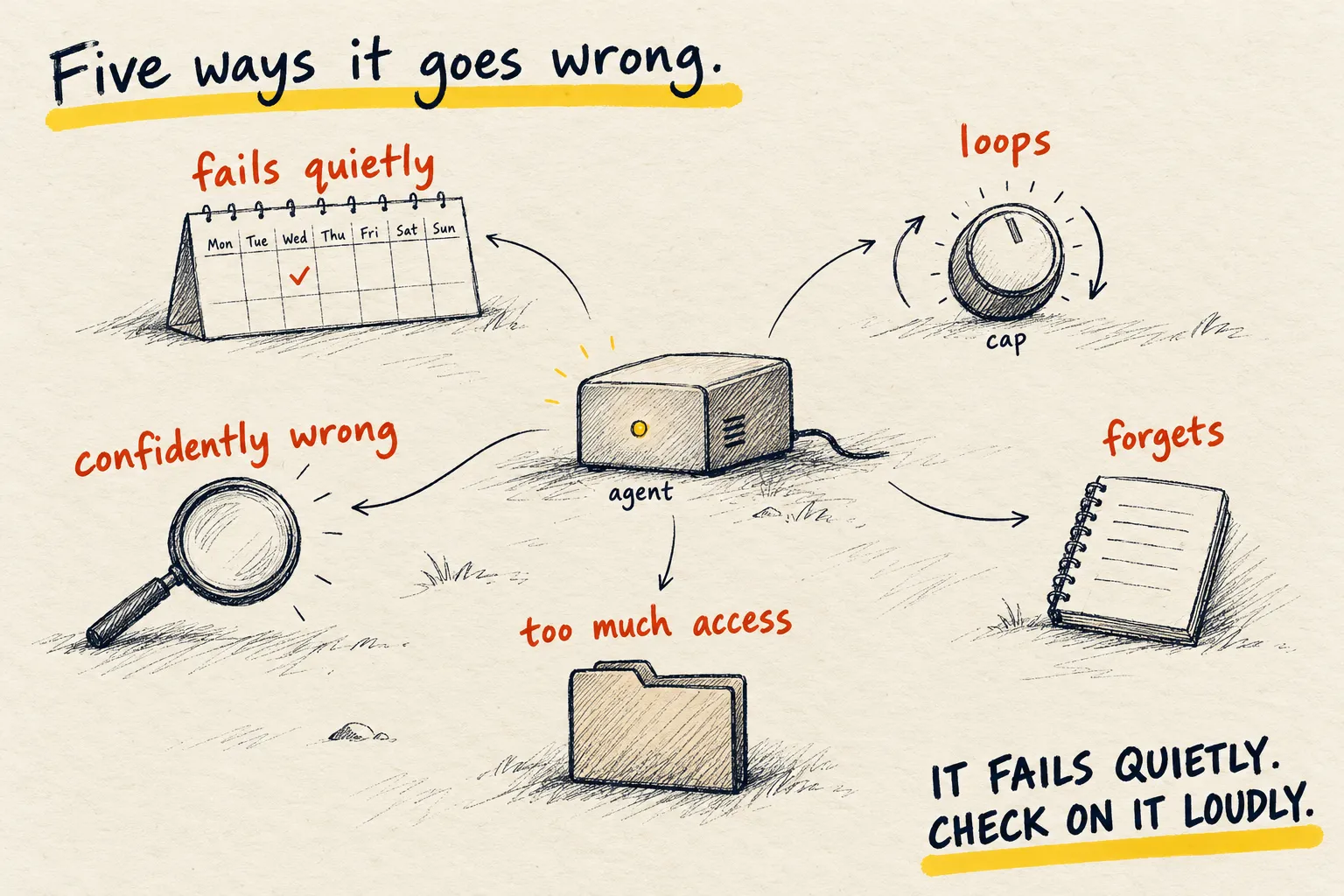
I have run one for months. It fails quietly, loops expensively, forgets, and sometimes does the confident wrong thing. Five failures and how to catch each.

By Nick
On this page
Before you start
Learn
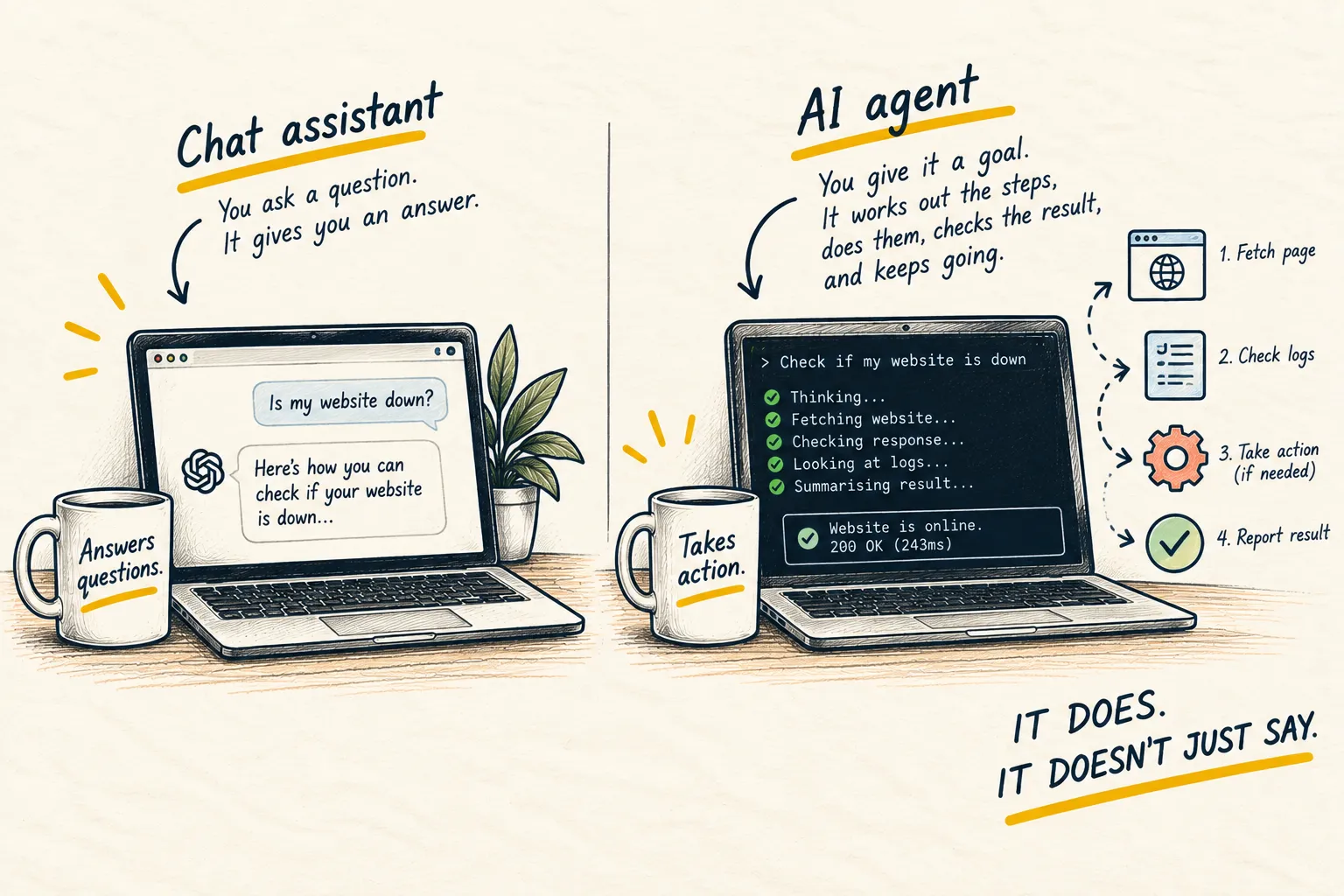
What is an AI agent?
An agent that runs while you sleep is the most useful thing on this site and the one most likely to surprise you. I have run one for months. These are the five ways it has gone wrong, and the habit that catches each.
1. It fails quietly
A chat window that breaks tells you. A scheduled job that breaks just stops, and nothing arrives, and you do not notice for a week because nothing arriving looks like a quiet week. The habit: every job sends something, even “nothing to report”. Silence is the alarm.
2. It loops expensively
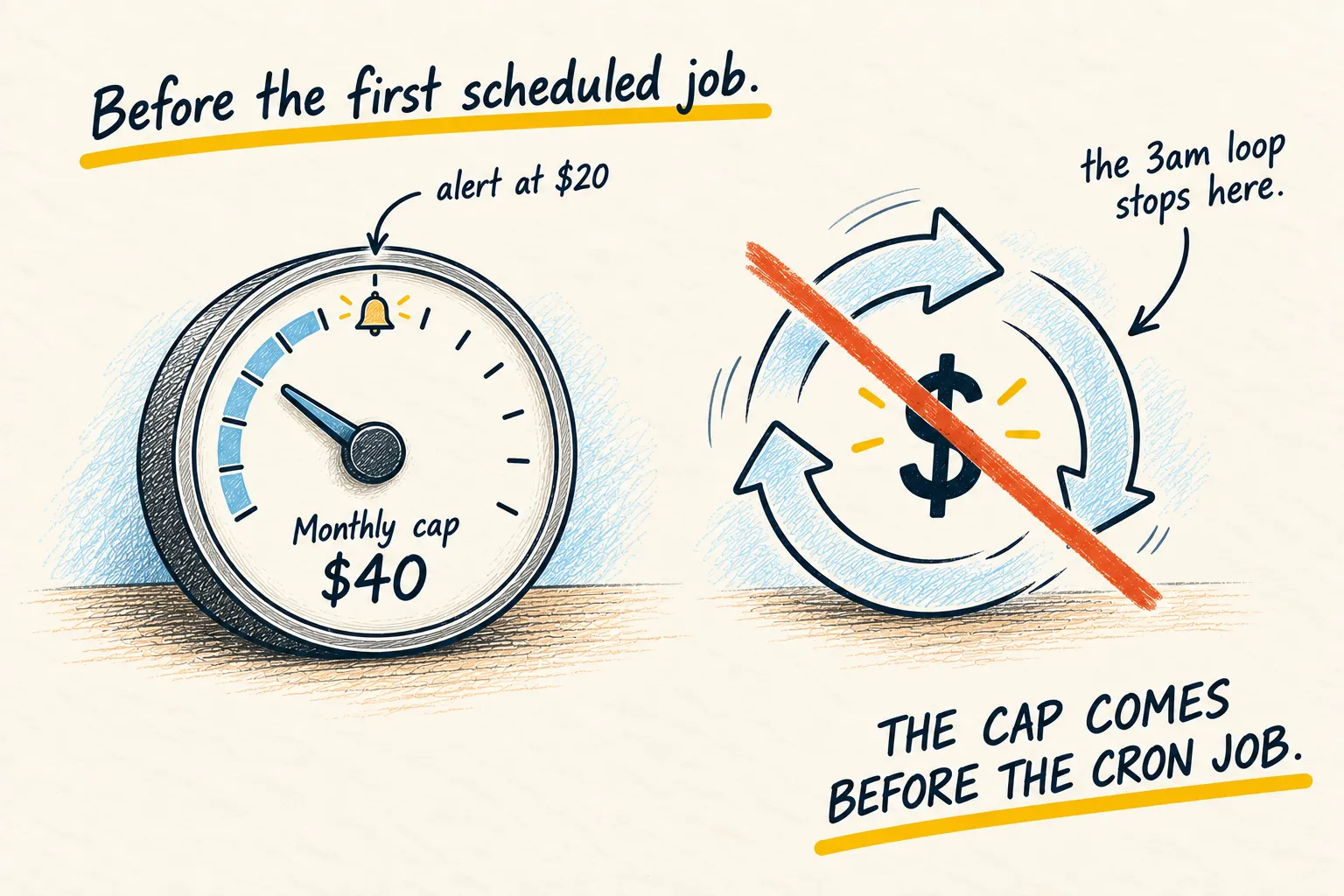
Stuck on a step, it retries. Each retry calls a model. By morning that is a number. The habit: the spending cap, before the first job, with an alert at half.
3. It is confidently wrong for a week
A cheap model running a routine job does the routine thing even when the situation changed. Mine once summarised the wrong calendar for five days because a sync had moved. The habit: read the output like it might be wrong, and once a week ask it to show its sources for one claim.
4. It forgets, or remembers the wrong thing
Memory is the weak part of every agent setup, including mine. Corrections get lost; stale facts get kept. The habit: one memory, not one per bot, and a monthly ten minutes reading what it holds. The fewer-bots lesson is the long version.
5. It has more access than the job needs
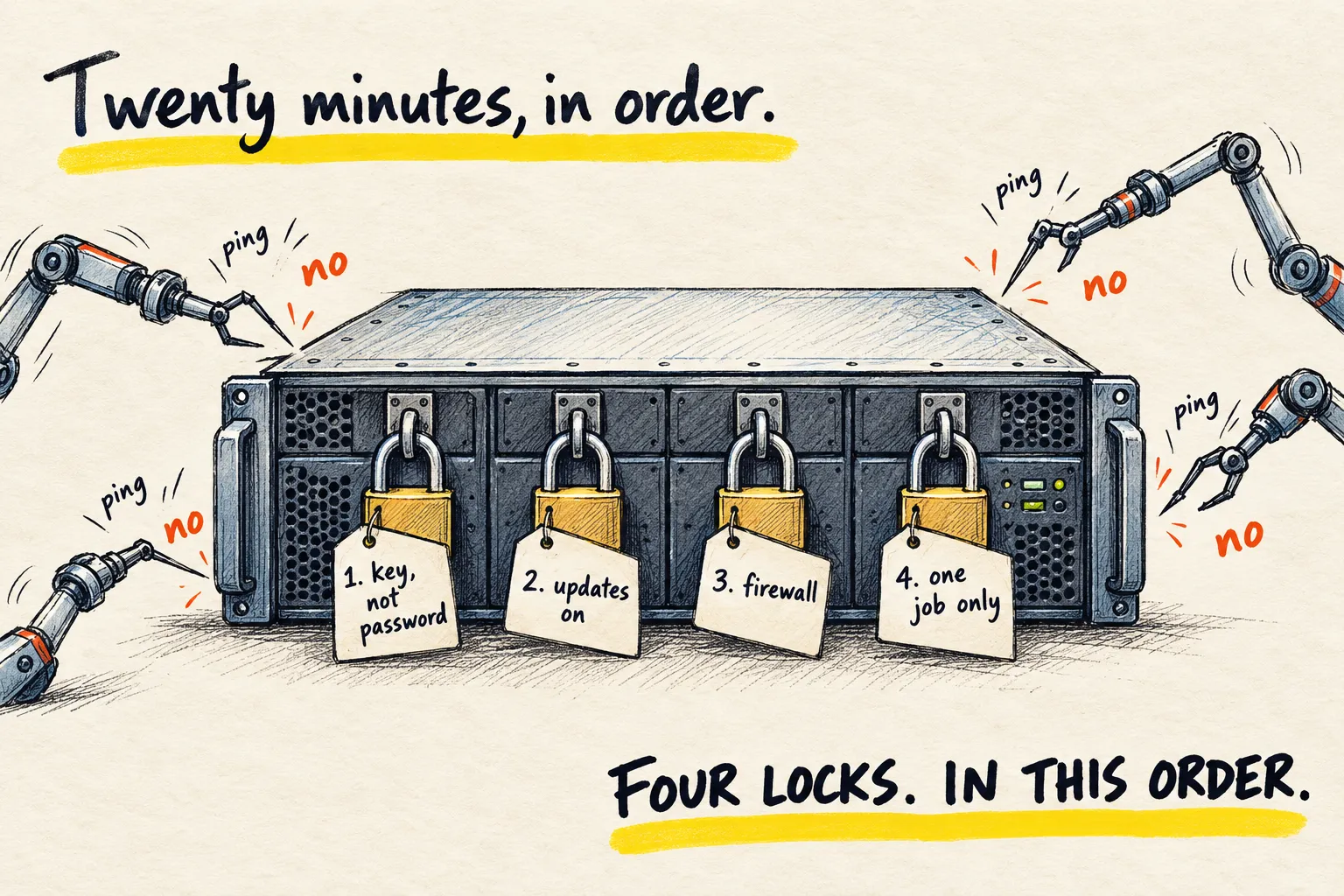
An agent that can reach your whole email can misfile your whole email. The habit: one folder, one calendar, one account, per job. The narrowest access that works, and the security basics on the box it runs on.
The weekly check, as a prompt
Weekly check. In short bullet points: every scheduled job you ran this week and whether
it succeeded; anything you retried more than twice; roughly what the model calls cost;
any fact in memory you added or changed; and anything you were not sure about but did
anyway. Be blunt. Then stop.Weekly check sent to my morning-summary bot, plus the prompt above
- Jobs run: 7 daily calendar summaries and 1 Friday inbox digest. All succeeded.
- Retried more than twice: the inbox digest, 3 times on Friday (mail server timed out).
- Model cost: about $1.80 this week.
- Memory: added “Dentist moved to 3 November”. Changed nothing else.
- Not sure, did anyway: Wednesday’s summary may have used the old work calendar.
The 'not sure' line is the one to act on. Check it every week.
Boring and working beats ambitious and broken.
Common questions
Is it worth it, then?
How often should I check on it?
Should I start with an agent?
What to do next
Related reading
Setups
My current AI setup

Learn
MCP, decoded