Basic server security for non-developers
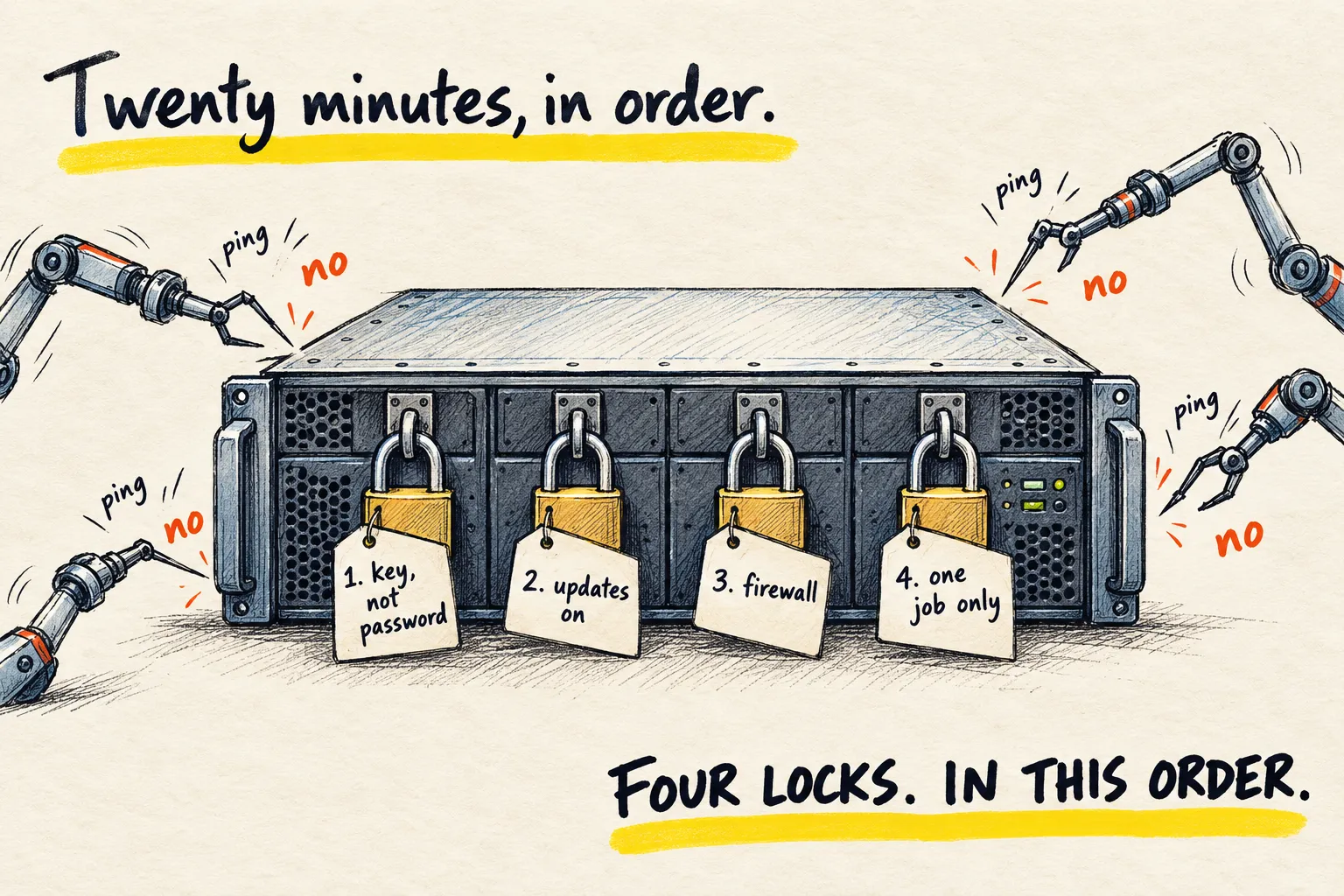
You rented a server and put an agent on it. Now robots are probing it. Four things, in order, that handle most of the risk, and a prompt to do them.

By Nick
On this page
- Twenty minutes
- Nothing
- Intermediate
Before you start
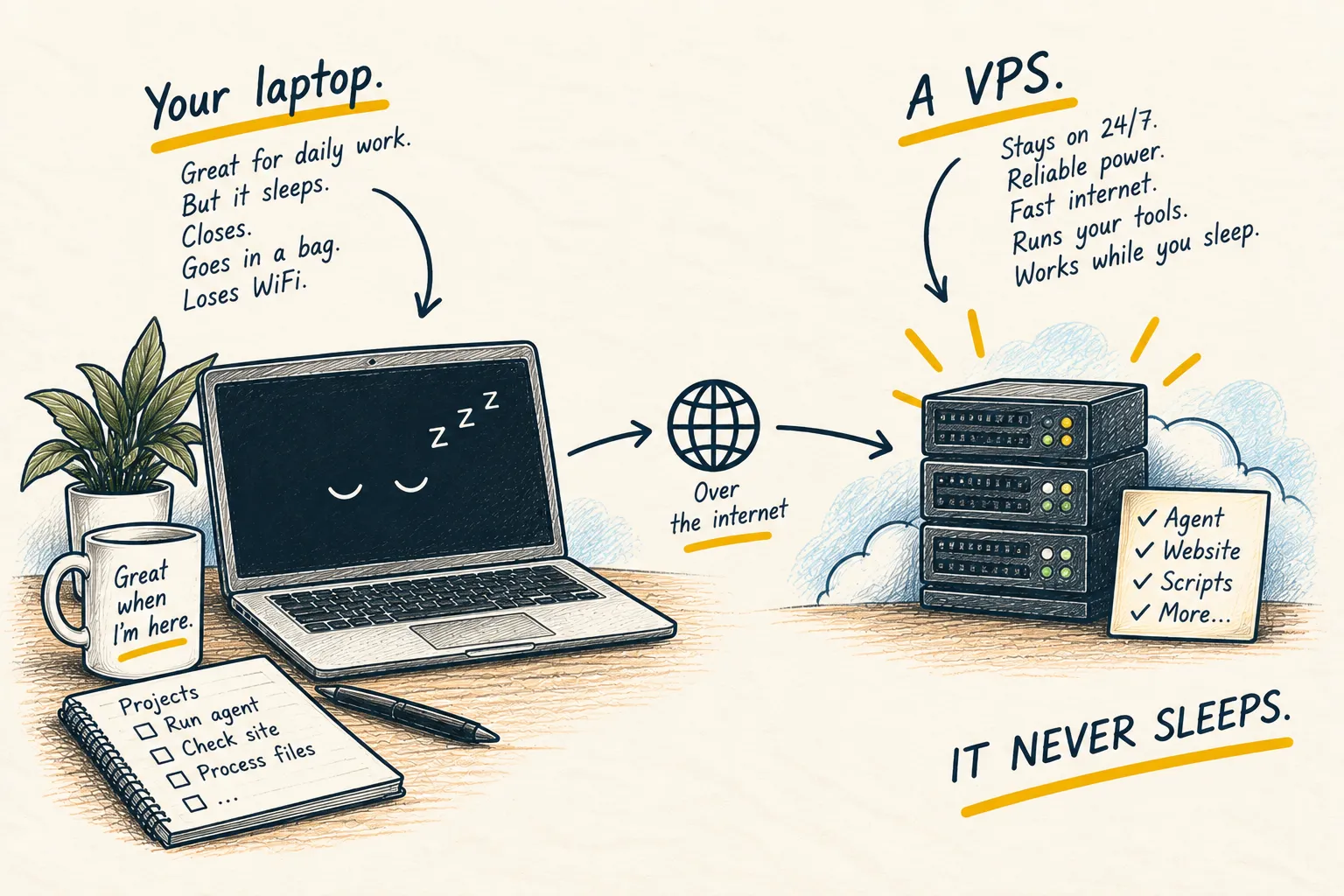
Learn
What is a VPS?
1. The four, in order
Key, not password. Password login is how small servers get in trouble. The VPS page has the prompt that sets up a key; this step turns the password off once the key works.
Updates on their own. The server should install security updates without you. Set once, forget.
Firewall: deny by default. Block every port except the ones you use: SSH (remote login), and whatever your agent genuinely needs. Nothing else answers.
One job per server. Every extra thing running is another door. If it is not needed, it is not installed.
2. Let your agent do it, with a safety rope
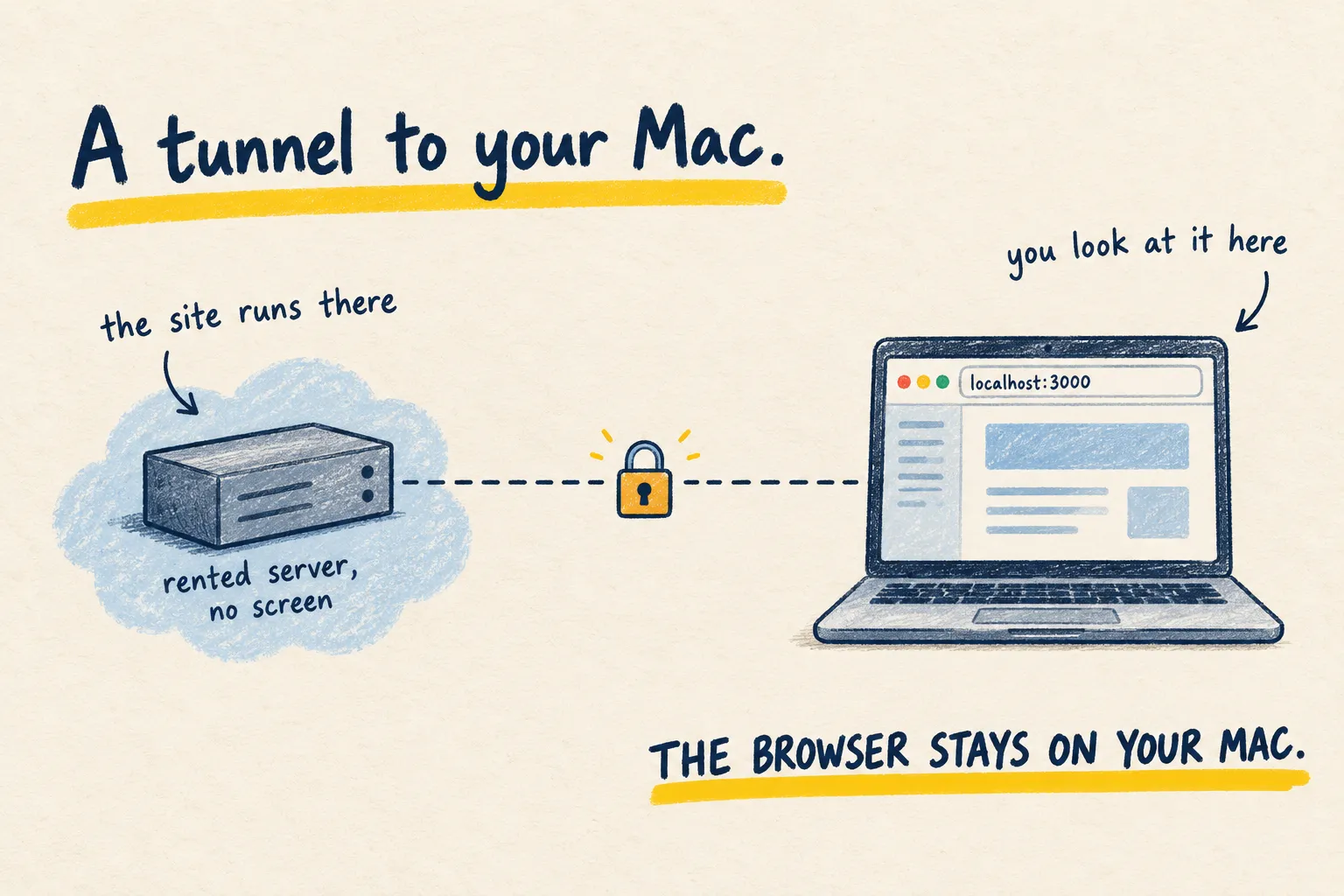
Paste this into an agent on your own machine that can reach the server, as the Hermes guide set up. Keep a second SSH session open the whole time; if a change locks you out, that session is your way back.
Harden my server at [short name], safely, one step at a time, and wait for my yes before
each change. Keep my current SSH session working throughout.

1. Confirm key login works, then disable password login for SSH.
2. Turn on automatic security updates.
3. List what is currently listening on the network. Then set up a firewall that allows
   only SSH and the ports on that list that I confirm, and denies everything else.
4. List every service running and tell me which ones you think are unnecessary. Do not
   remove any without asking.

Never ask me for a password or a private key. After each step, tell me how to confirm it
worked from a fresh terminal, and how to undo it.
3. Test from a fresh window
New terminal, connect by the short name, no password asked. Then try a port you blocked and confirm it does not answer. That is the whole check.
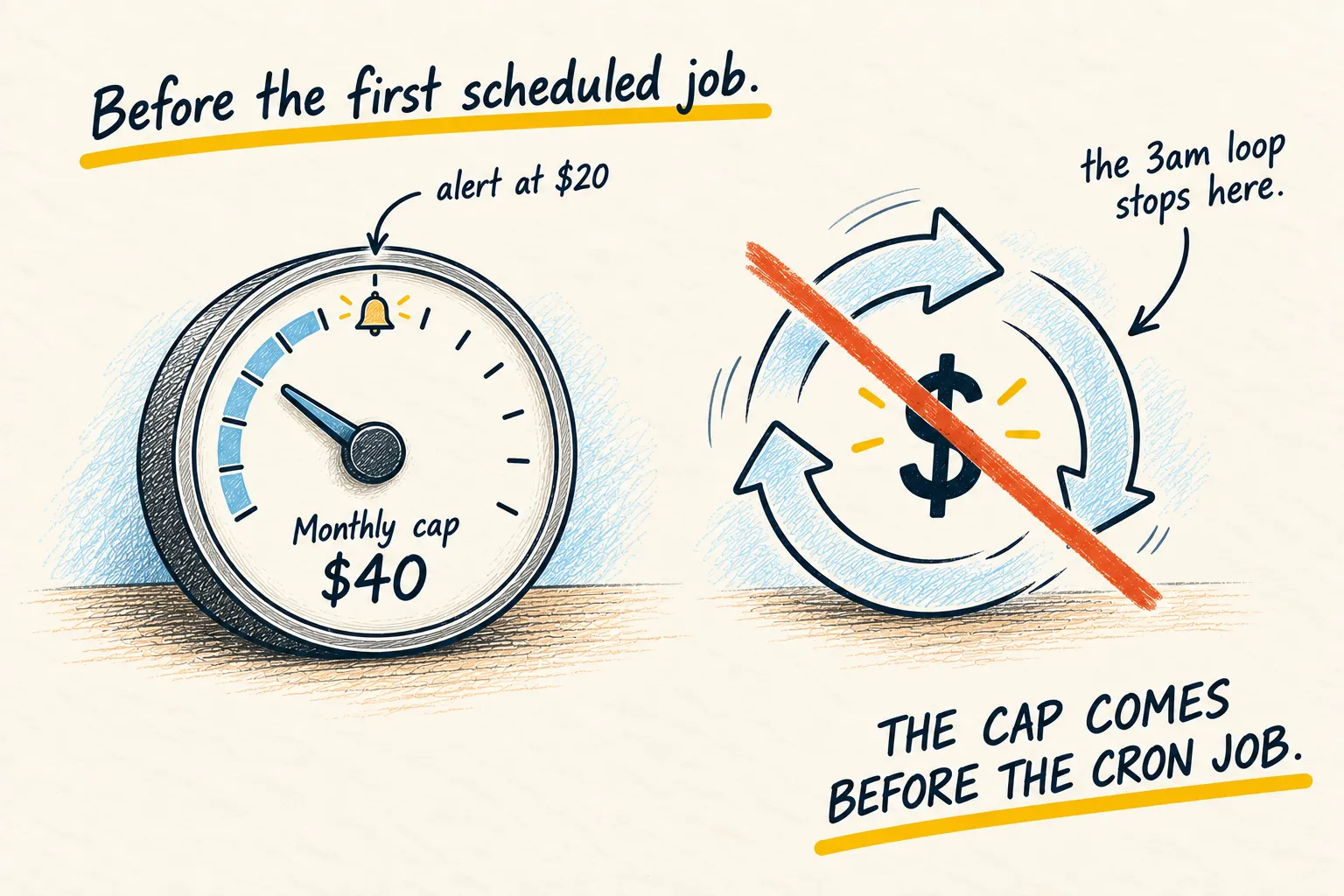
How you know it worked. Login works with your key only, updates and the firewall are on, and you can read the list of what is running in one glance. Then set the spending cap, because a secure server with an unlimited API key is still an expensive one.