What is SSH, and what is an SSH key?
SSH is how you log in to a computer somewhere else, like a rented server, from your own terminal. What an SSH key is, and the one command you type.

By Nick
On this page
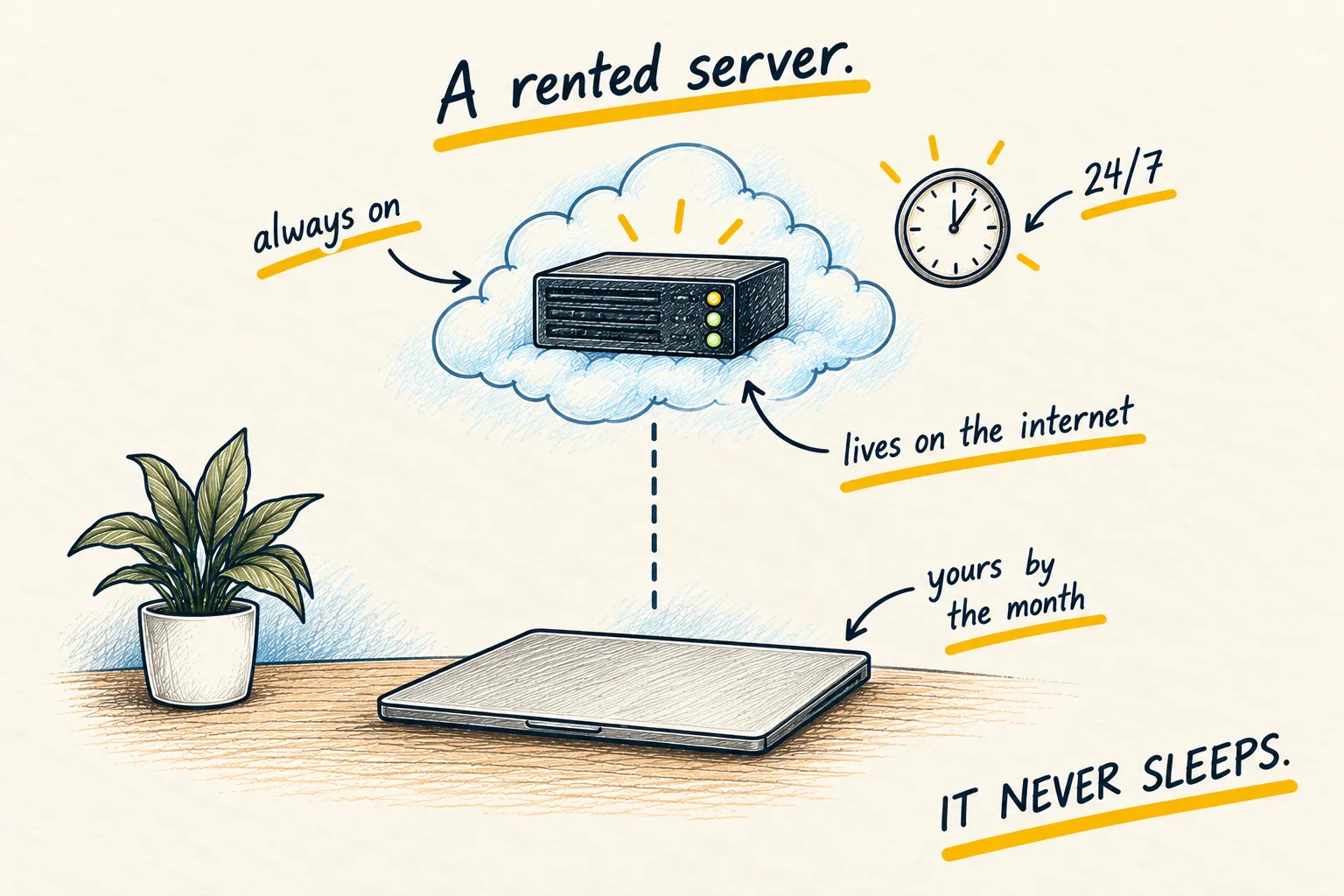
SSH is how you log in to a computer that isn’t in front of you, usually a rented server. You type one line in your terminal, and that window starts controlling the other machine. Anything you type next runs over there, not on your laptop.
The connection is scrambled (encrypted), so nobody in between can read it.
Log in
Your hosting company gives you an address (a string of numbers like 203.0.113.7) and a
username. Then you type:
ssh root@203.0.113.7The first time, it asks whether you trust this computer. Type yes. When the start of the
line changes to the server’s name, you’re in. Type exit to leave.
What an SSH key is
A key is a pair of small files that log you in instead of a password.
- The private key stays on your laptop. Never send it to anyone.
- The public key (the same name ending in
.pub) goes on the server. It’s safe to share.
When you connect, the two files prove to each other who you are. Nothing guessable crosses the internet, which is why it beats a password. Servers on the open internet get password guesses from bots all day.
To make a key, run this and press Enter at each question (or set a passphrase, a password that protects the key file itself):
ssh-keygen -t ed25519Most hosting companies let you paste the .pub file’s contents into their website when you
create a server. After that, ssh logs you in without asking for a password, and you can
turn password login off.
Common questions
Is SSH safe?
What if I lose my key?
Can I share my key file?
Related reading
Learn
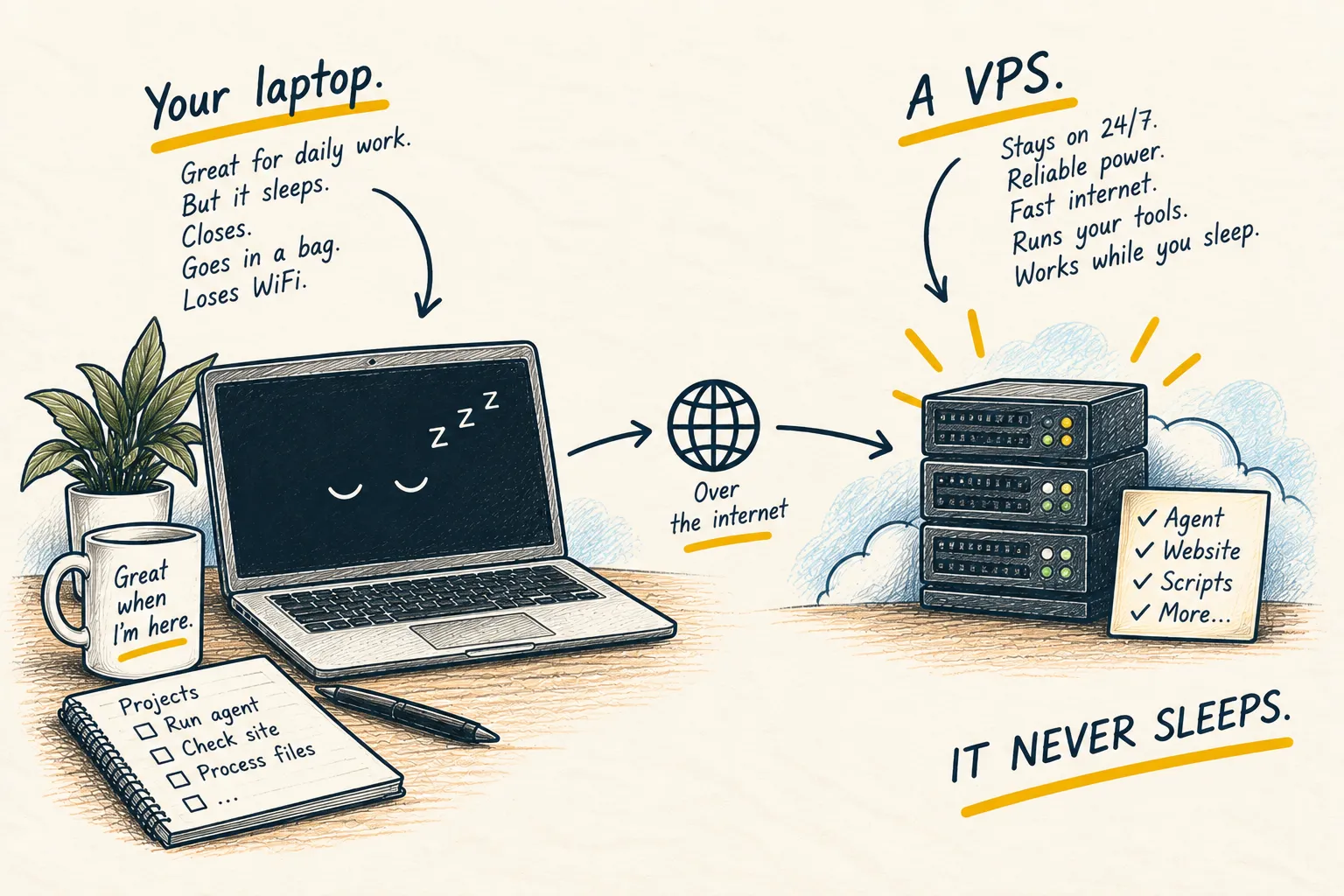
What is a VPS?