Six more AI tools worth knowing about
Canva, Microsoft Copilot, Descript, Gemini, LM Studio and NotebookLM: what each one is, who it suits and what it costs. Orientation, not reviews.

By Nick
On this page
I have not used these six much, some of them only for a look. So this is orientation, not a review: what each one is, who it suits, and where to find it.
Canva
The drag-and-drop design tool most small businesses and clubs already use, with AI for writing, generating images and resizing everything. It puts a picture on a poster in the right size, with your colours, and lets someone else edit it next month.
Use it if you make posters, social posts, menus or slides and want them to look decent fast.
Skip it if you only need a single picture, where a chat app is quicker.
If what you need is a slide deck from your notes, Gamma builds one for you.
Price: free tier covers a lot. Paid plan unlocks more AI, brand kits and premium assets.
Microsoft Copilot
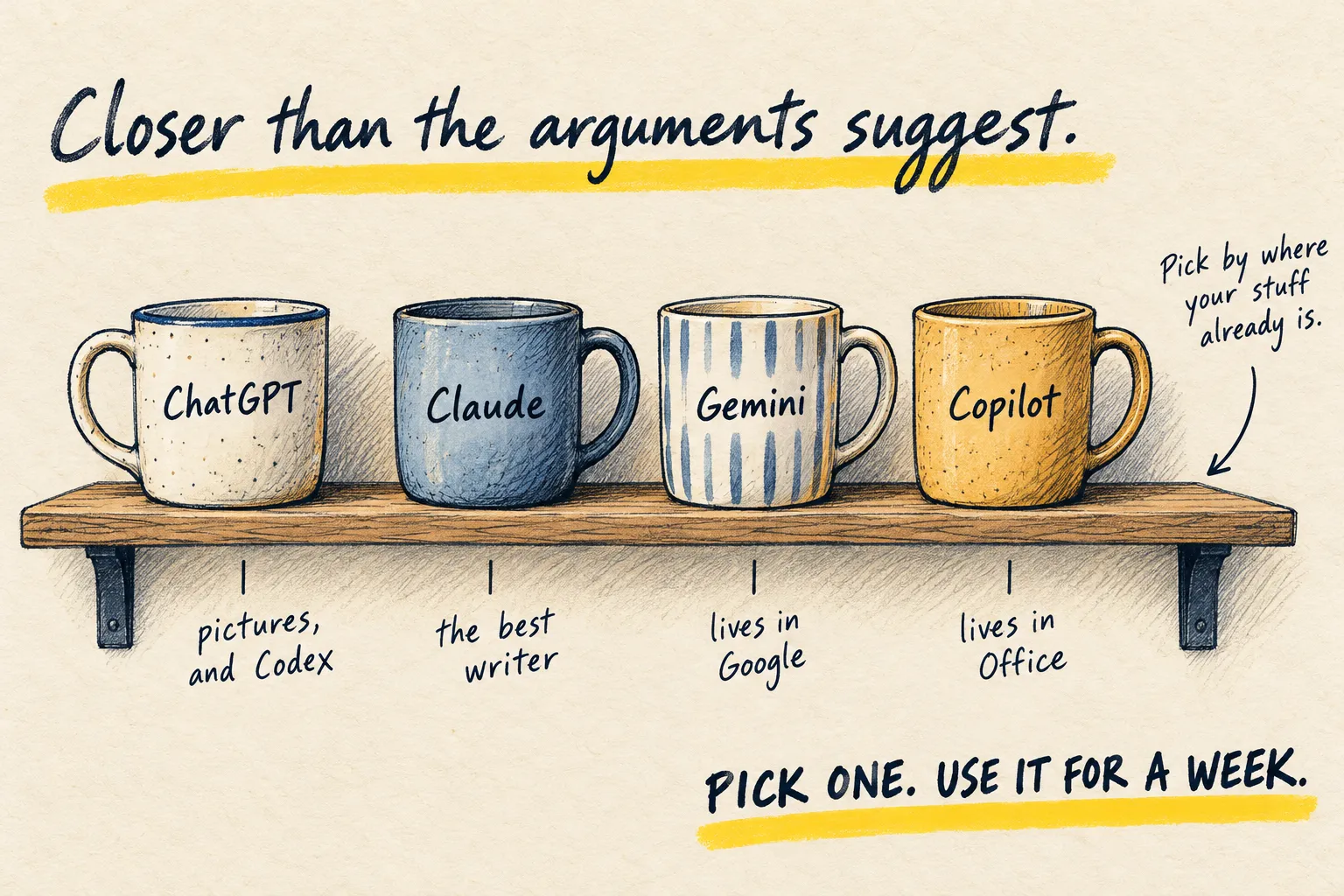
Microsoft’s assistant, built into Windows, Word, Outlook, Excel and Teams. Email and meeting summaries, first drafts in Word, a formula explained in Excel. The name has been attached to several products, so check which Copilot you have before following a tutorial.
Use it if your work runs on Outlook, Word, Excel and Teams, or your employer provides it and blocks the others.
Skip it if you are on a Mac and not in the Office world.
Price: free in Windows and the web. Paid plans add Office integration and more usage.
Descript
Record or upload, get a transcript, and edit the recording by deleting words from the text. Remove every “um” with one click, cut the long pauses, and fix a fluffed word in a clone of your own voice.
Use it if you record talking (podcasts, lessons, videos) and dread the editing.
Skip it if you generate speech rather than record it, where ElevenLabs is the tool.
Price: free tier with limited transcription hours. Paid plans add hours, export quality and voice features.
Gemini
Google’s assistant. It does the same core things as ChatGPT and Claude, and it can also see your Gmail, Calendar, Docs and Photos when you let it. “What is on my calendar Thursday” is a normal question for Gemini.
Use it if your email, calendar, documents and photos are in Google.
Skip it if you keep your life out of Google on purpose.
Price: strong free tier. Paid plans add better models, more usage and more Google storage.
LM Studio
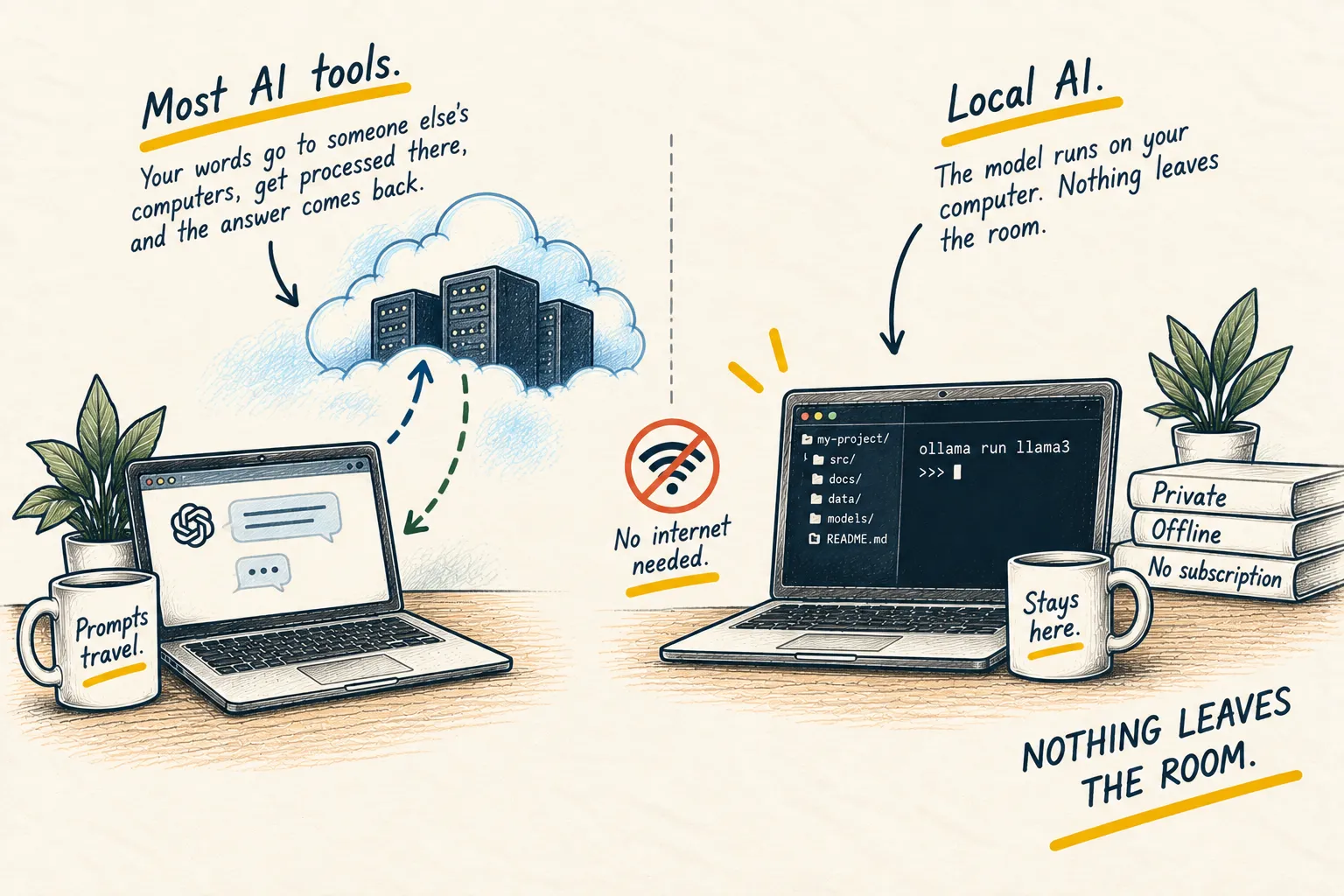
Local AI with a normal app window. Browse models, click download, chat. Nothing you say leaves the machine, and it shows which models will fit your memory before you download.
Use it if you want to try a local model and never open a terminal.
Skip it if you are comfortable with one terminal command, where Ollama is lighter, or your machine has under 8GB of memory.
Price: free for personal use. You pay in disk space and electricity.
NotebookLM
Upload your own documents, notes and links, and ask questions. It answers only from what you gave it, and every answer points at the passage it came from. It is for answering from sources, not for drafting.
Use it if you are studying, researching or preparing from a pile of material.
Skip it if you keep your material out of Google on purpose. If you only have one document, the PDF prompt in any assistant is enough.
If your notes already live in Notion, Notion AI answers from your own pages there.
Price: free with a Google account. Paid tiers raise the limits.
Related reading
Learn
What is local AI?