It can make pictures. Here is how, and what for.
ChatGPT, Gemini and others can draw a birthday card, a logo or a picture of the kitchen you cannot describe. Free, in the same chat box.

By Nick
On this page
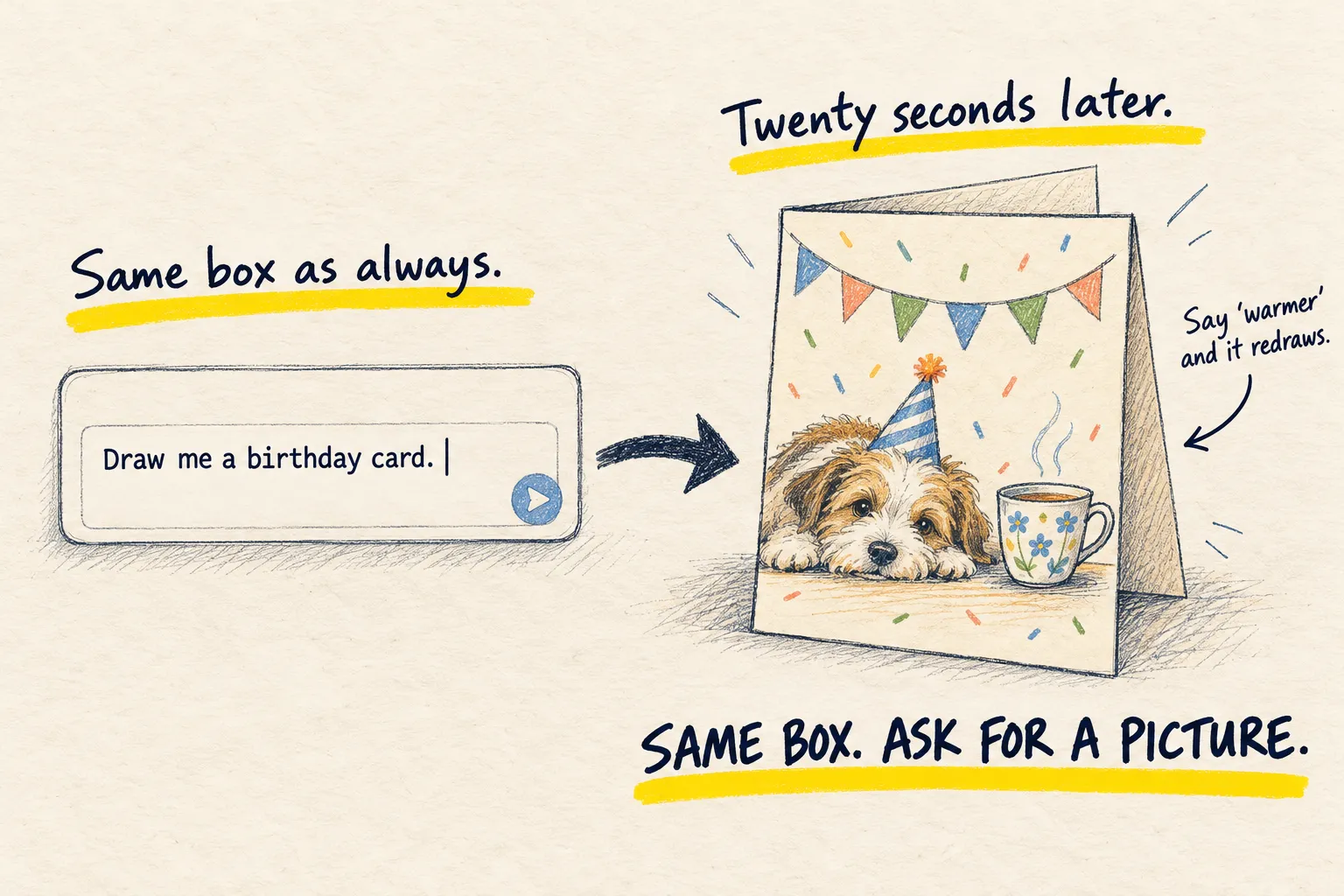
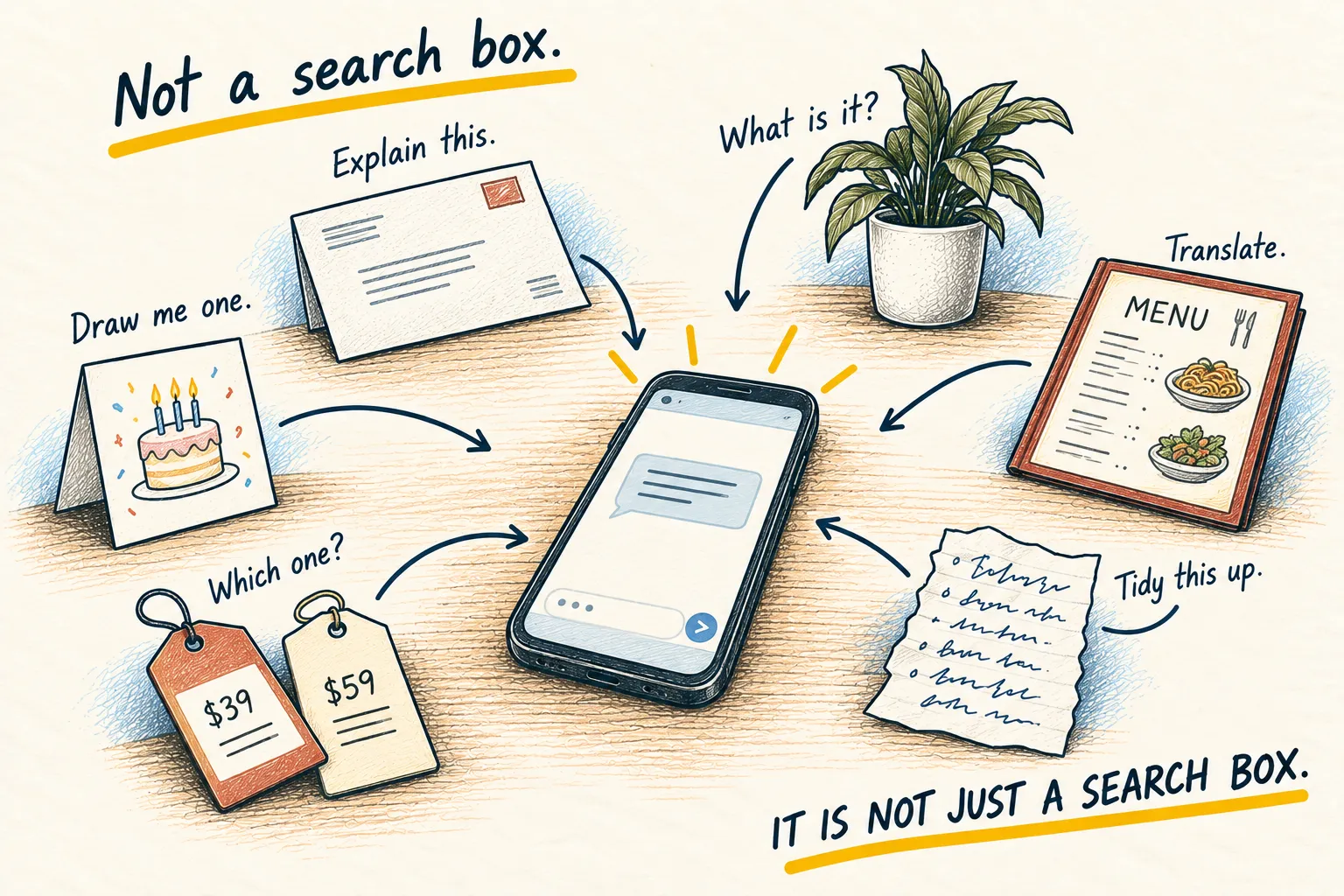
My mum used ChatGPT for a year before she found out it could draw. Nobody told her. There is no separate app, no button marked “art”. You type what you want in the same box you use for questions, and a picture comes back.
What people actually use it for
- A birthday card with the right dog on it
- A poster for the village hall, the school fair, the five-a-side
- A logo for the stall, the club, the side project
- A picture of the garden with the new fence, before you pay for the fence
- A bedtime story with the child’s name in it, illustrated
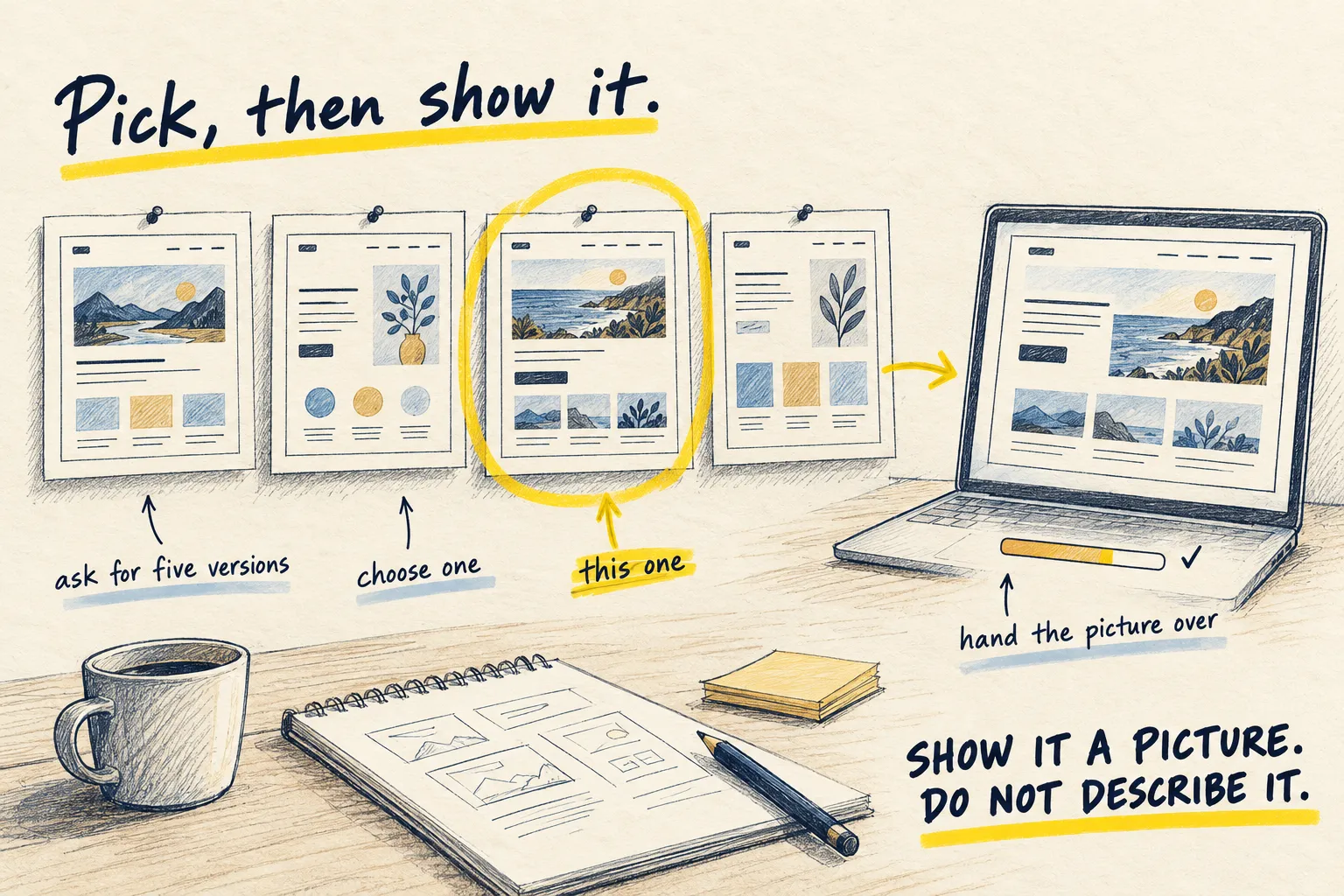
- A rough mock-up of a webpage you want built (there is a whole guide on that one)
None of it is gallery art. All of it is the kind of thing you would otherwise not bother with.
Try one now
Paste this into ChatGPT or Gemini. Change the three bits in brackets or leave them as they are.
Draw me a birthday card for [my sister]. She loves [gardening and cups of tea]. Warm,
hand-drawn style, landscape, no text on it at all. I will add the words myself.
Then say what to change, one thing at a time: “warmer colours”, “fewer flowers”, “make the mug bigger”. It redraws in seconds. Stop when you would be happy to print it.
How you know it worked. You get a picture, not a description of one. If it describes one, switch to ChatGPT or Gemini; if the text on it is garbled, ask for no text and add your own.
The one trick
Say the things only you know, and leave the rest open. “My sister, gardening, tea, warm” is enough. Describe every petal and you get your own idea drawn slightly worse than you imagined it. Give it room and it will surprise you.