Local does not mean private: the four places your data still goes
Running AI on your own machine keeps your words from the model company. It does nothing about the browser, the sync folder or a file you pasted. Four checks.

By Nick
On this page
Before you start
Learn
What is local AI?
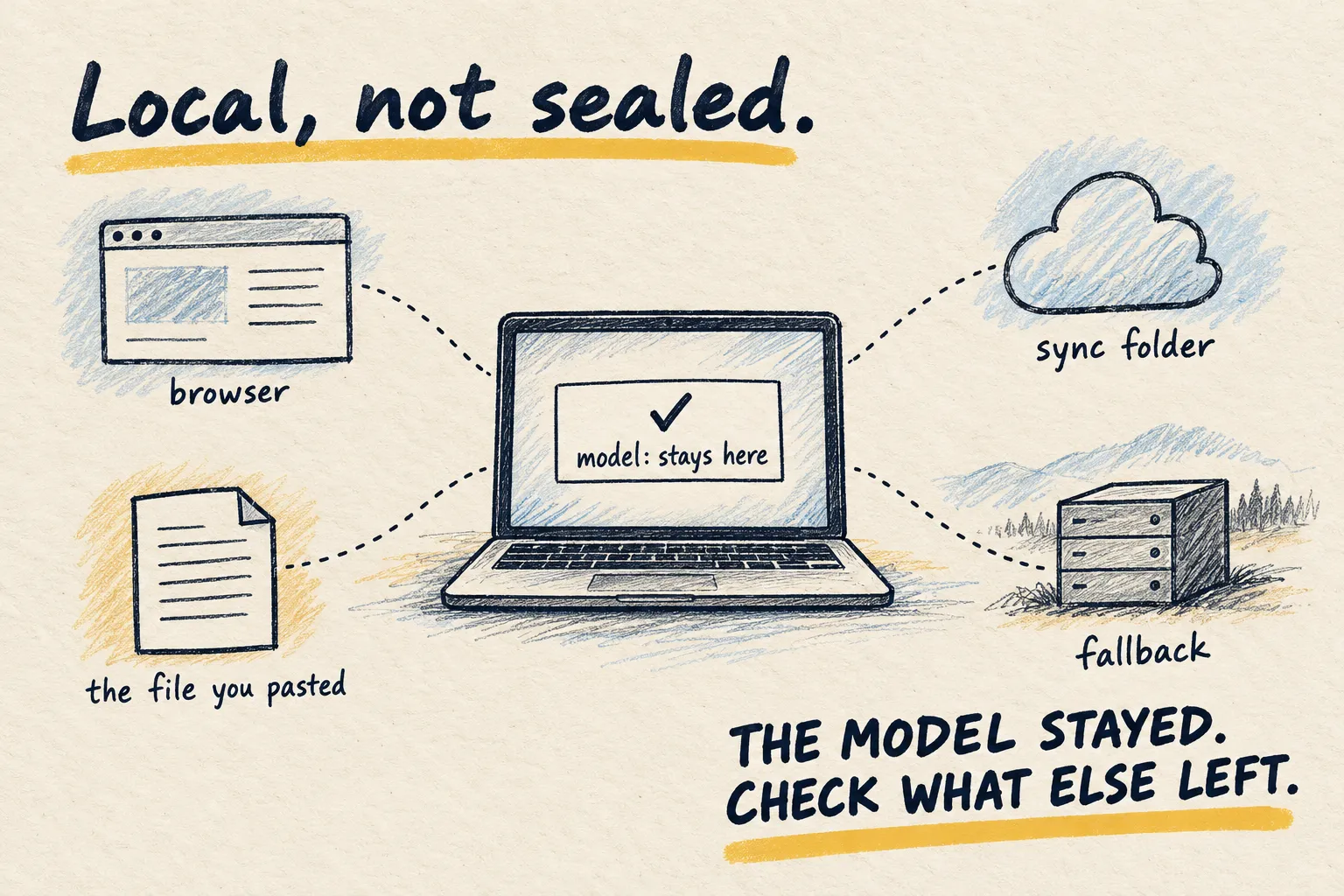
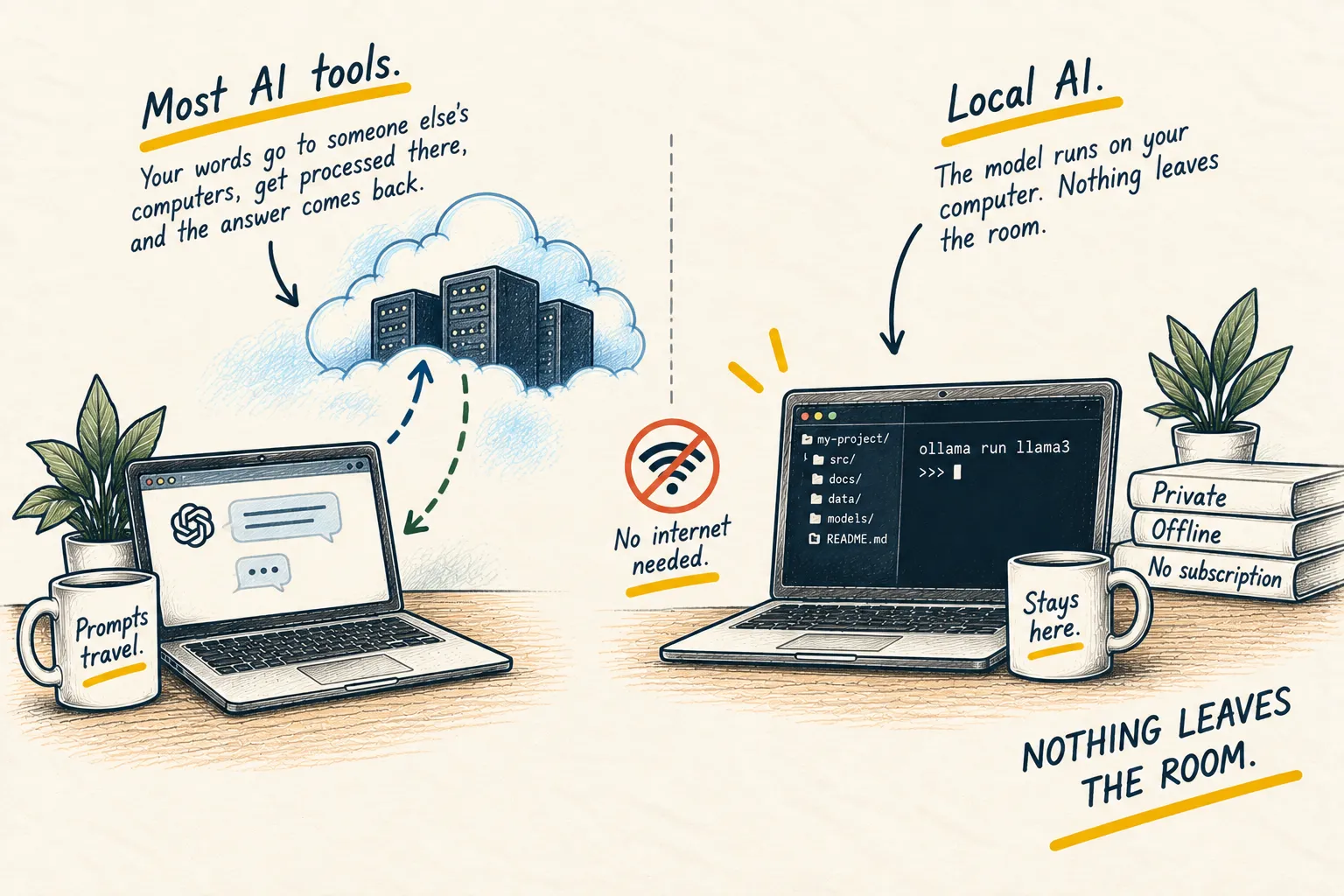
Local AI means the model runs on your machine. Your words do not go to the model company. That is a real, structural kind of privacy, and it is the biggest leak closed. It is not the only leak, and the word “local” makes people stop checking.
Four places the data can still go.
1. The browser
If the local model is driving a browser, every site it visits is a live internet service that sees the traffic. A browser signed into a Google or Apple account syncs history and passwords to that account. Local model, cloud-connected browser: the data left the room. The browser page covers using a separate profile.
2. The sync folder
A file in Dropbox, iCloud Drive, OneDrive or Google Drive is in the cloud. A local model reading it does not change that. If the point is that the file never leaves, keep it in a folder that does not sync.
3. The fallback
Some tools hand a question to a hosted model when the local one is too weak, too slow, or cannot see images. Helpful, and silent. Find the setting. Decide whether you want it. If privacy is the reason you went local, turn it off.
4. The thing you pasted
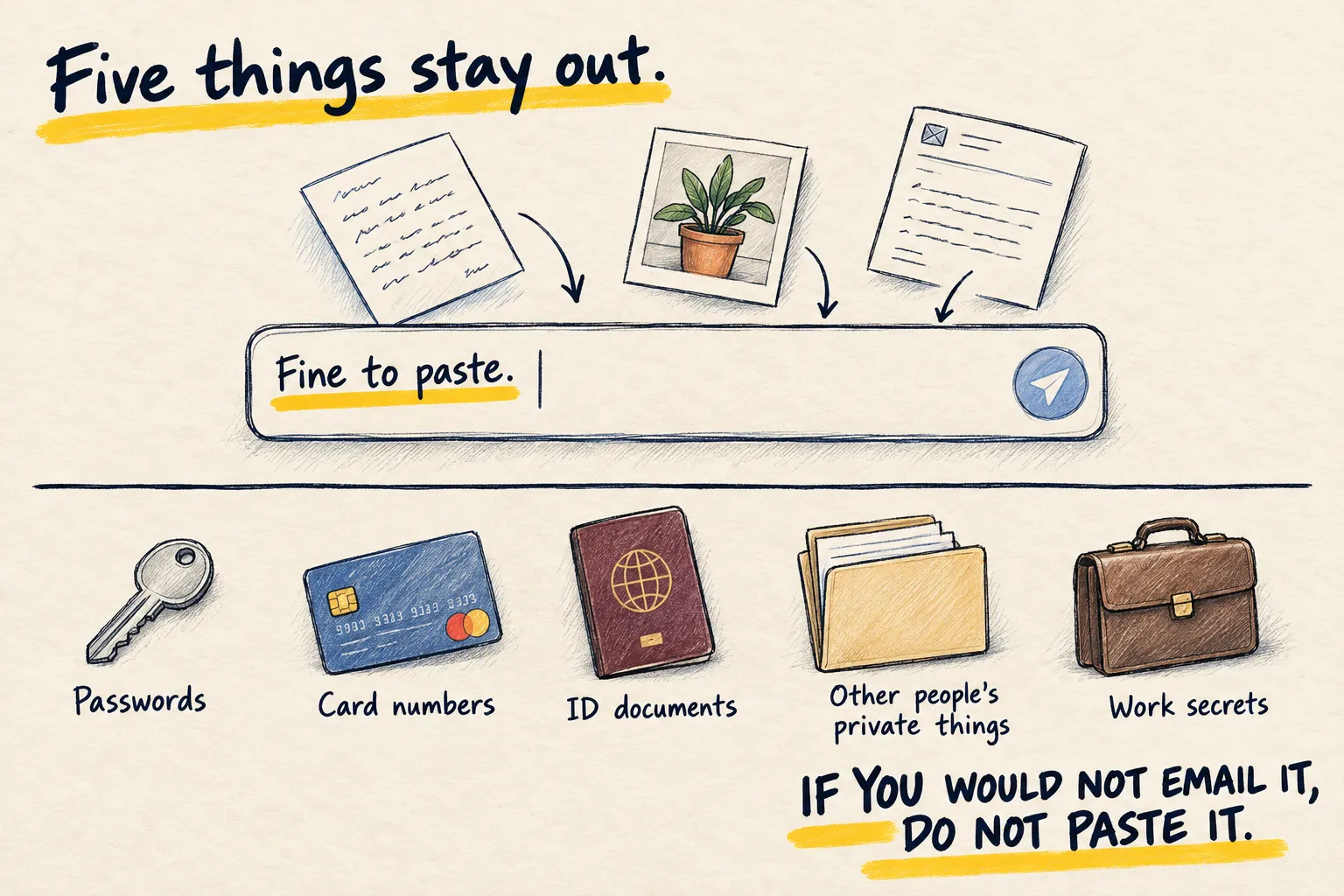
A local model can read a password you paste just as well as a hosted one, and it can end up in a log, a cache or a backup just the same. The five things stay out either way.
Check your own setup
Look at how this machine's local AI is set up and tell me, for each of these, yes or no
and where you found it: does any browser it controls sync to a cloud account; are the
folders it reads synced to any cloud service; does anything fall back to a hosted model,
and when; and is anything it reads or writes being logged somewhere I have not looked.
Do not change anything.Setup check on my home Mac mini, plus the prompt above
- Browser sync: Yes. The browser it controls is signed in to a Google account with sync on (Settings, Profiles).
- Synced folders: Yes. It reads the Notes folder, which sits inside iCloud Drive.
- Fallback to a hosted model: No. Only the local model is set up.
- Logging: Yes. Chat logs go to the ai/logs folder, which is in your nightly cloud backup.
Any “yes” is a decision, not a disaster.
Common questions
So is local AI pointless for privacy?
What is a fallback?
What about the files I give it?
What to do next
Related reading
Learn
Open source, decoded