Why does Ollama struggle with long documents?
On most computers Ollama starts with room for about six to eight pages. Check what yours is using, raise it carefully, and know when to split the document instead.

By Nick
On this page
- About 15 minutes
- Free; it runs on your own computer
- Intermediate
Before you start
1. Understand what is going wrong
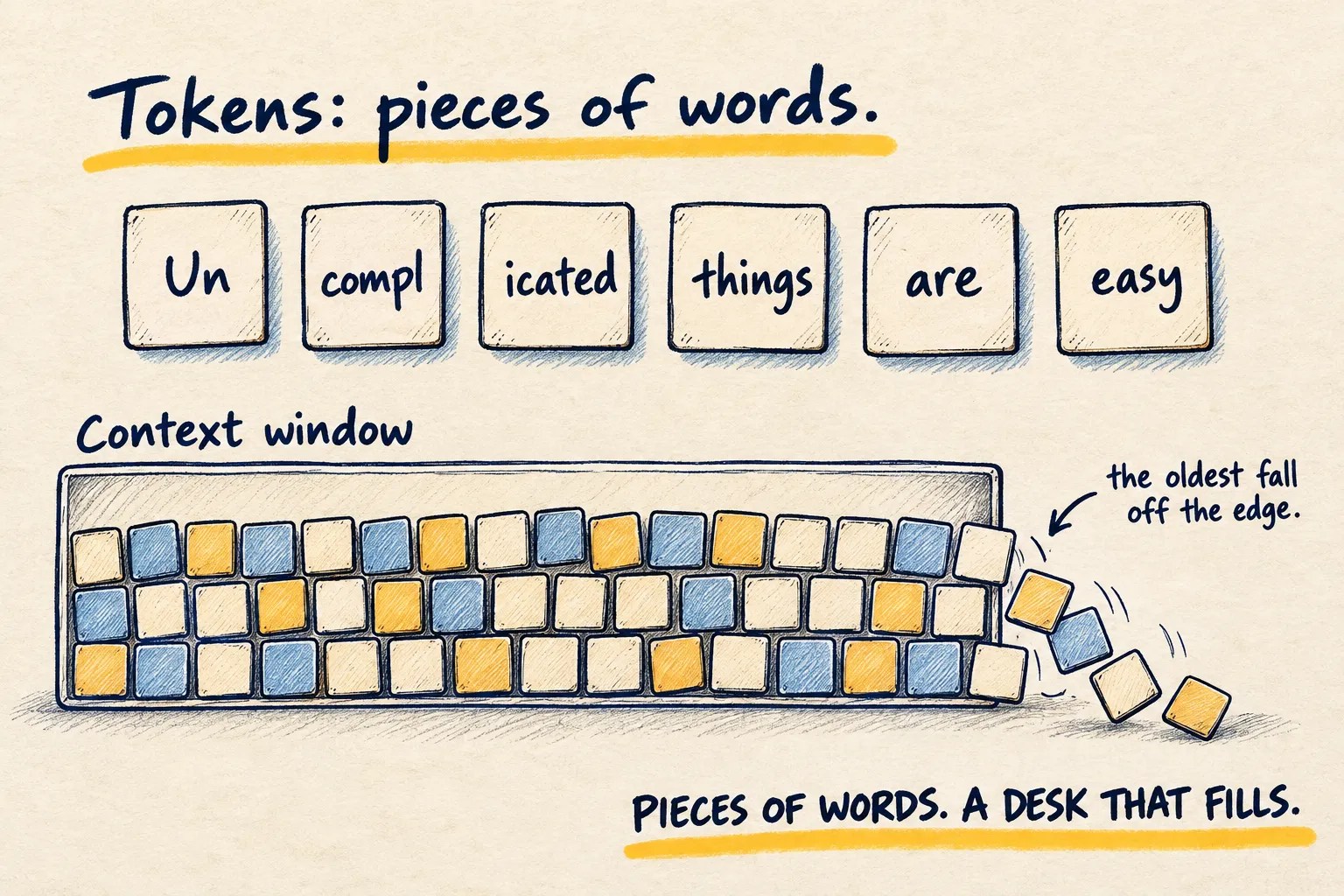
The context length is the size of the model’s desk: how much text it can see at once. Your document, your question, the chat so far and the reply all have to fit on it. When they do not, the oldest part falls off the edge. That is why a short chat goes well and a long PDF gets vague, contradicts itself or makes things up.
Ollama picks a starting size from your graphics memory. According to its documentation, under 24GB of graphics memory you get 4k tokens, 24 to 48GB gets 32k, and 48GB or more gets 256k. Most laptops are in the first group. The tokens page covers how pages turn into tokens.
2. Check what you are using now
Ask the model one question so it loads, then open a terminal and run:
ollama psYou will see a line per loaded model. The two columns that matter here:
- CONTEXT: the context length it is using, in tokens.
- PROCESSOR: where it is running.
100% GPUis what you want. A split such as48%/52% CPU/GPUmeans it did not fit in graphics memory and will be slower.
Write both down, with the model name. They are your starting point.
3. Raise it, in one of three ways
Pick one:
- The Ollama app: open Settings and move the context length slider.
- For one chat in the terminal: inside
ollama run, type/set parameter num_ctx 16384. - For everything: start Ollama with
OLLAMA_CONTEXT_LENGTH=16384 ollama serve.
16k is a sensible next step from 4k: roughly four times the room. Do not jump straight to the maximum. Ollama’s docs suggest at least 64k for coding tools and agents, but those need far more memory.
4. Check it still fits
Ask a question again so the model reloads, then run ollama ps once more. CONTEXT should show
the new number. Look at PROCESSOR:
- Still
100% GPU: good. You can try one more step up if you need it. - Now split with CPU, or answers have slowed to a crawl: step back down. A bigger desk is no use if the model has to crawl around it.
5. Test it on something you can check
Use a document you know, with nothing private in it, and ask a question whose answer is near the end:
Using only the document below, what does it say about [something near the end]? Quote the
exact sentence you are relying on. If you cannot find it, say so.

[paste the document]
Find the quote yourself. If it is real and in the right place, the bigger context is helping. If the quote is invented or vague, the document is still too long for the setting, or the model is too small to read it well. Ask the same question at the old and new setting to see the difference on your own machine.
What working looks like. ollama ps shows the new context with 100% GPU, and the model
quotes a real sentence from the end of your document.
6. When to stop raising it
If your computer runs out of room before the document fits, split it instead. Paste one chapter or section at a time and ask the same question of each. It is slower, but every part gets read.
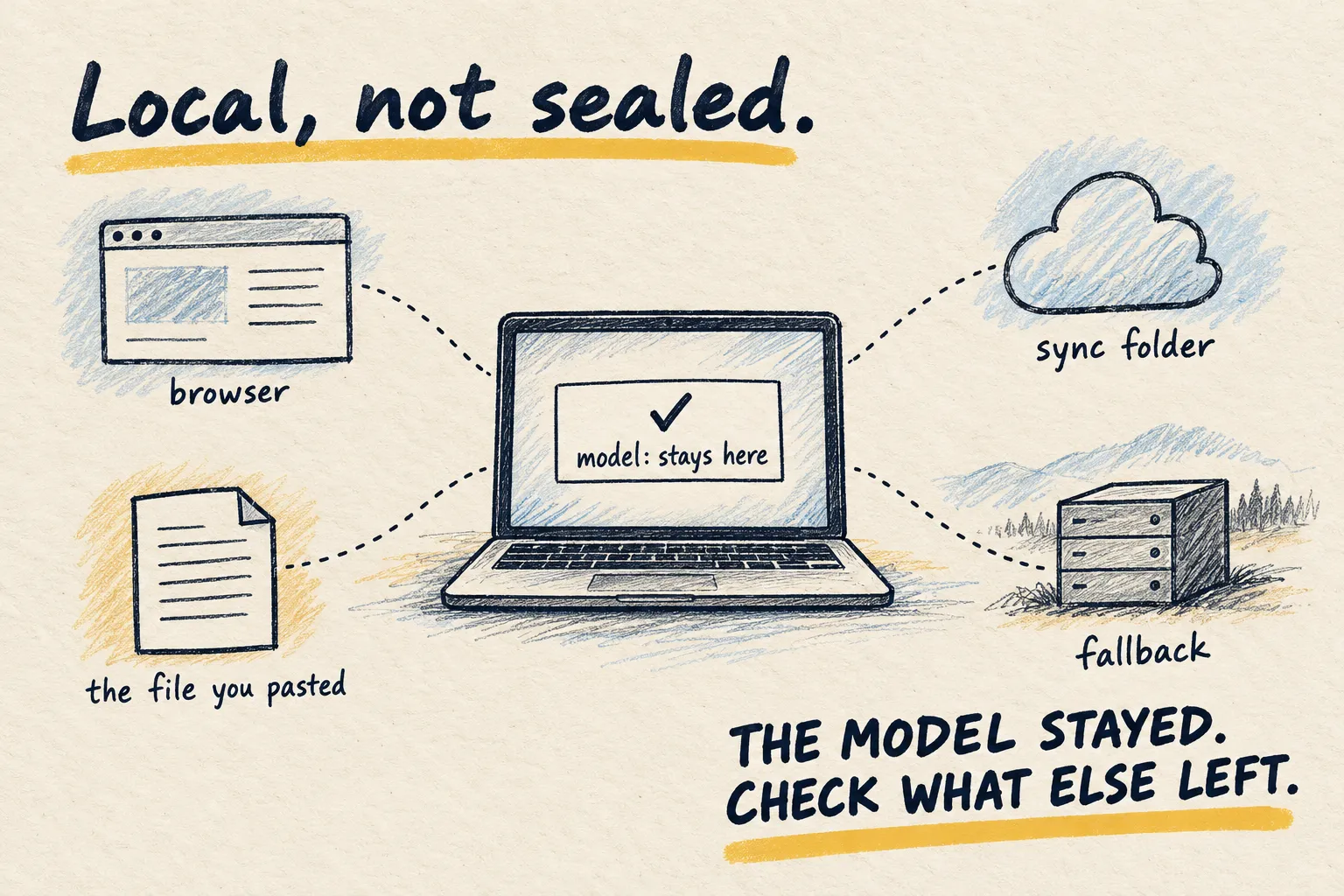
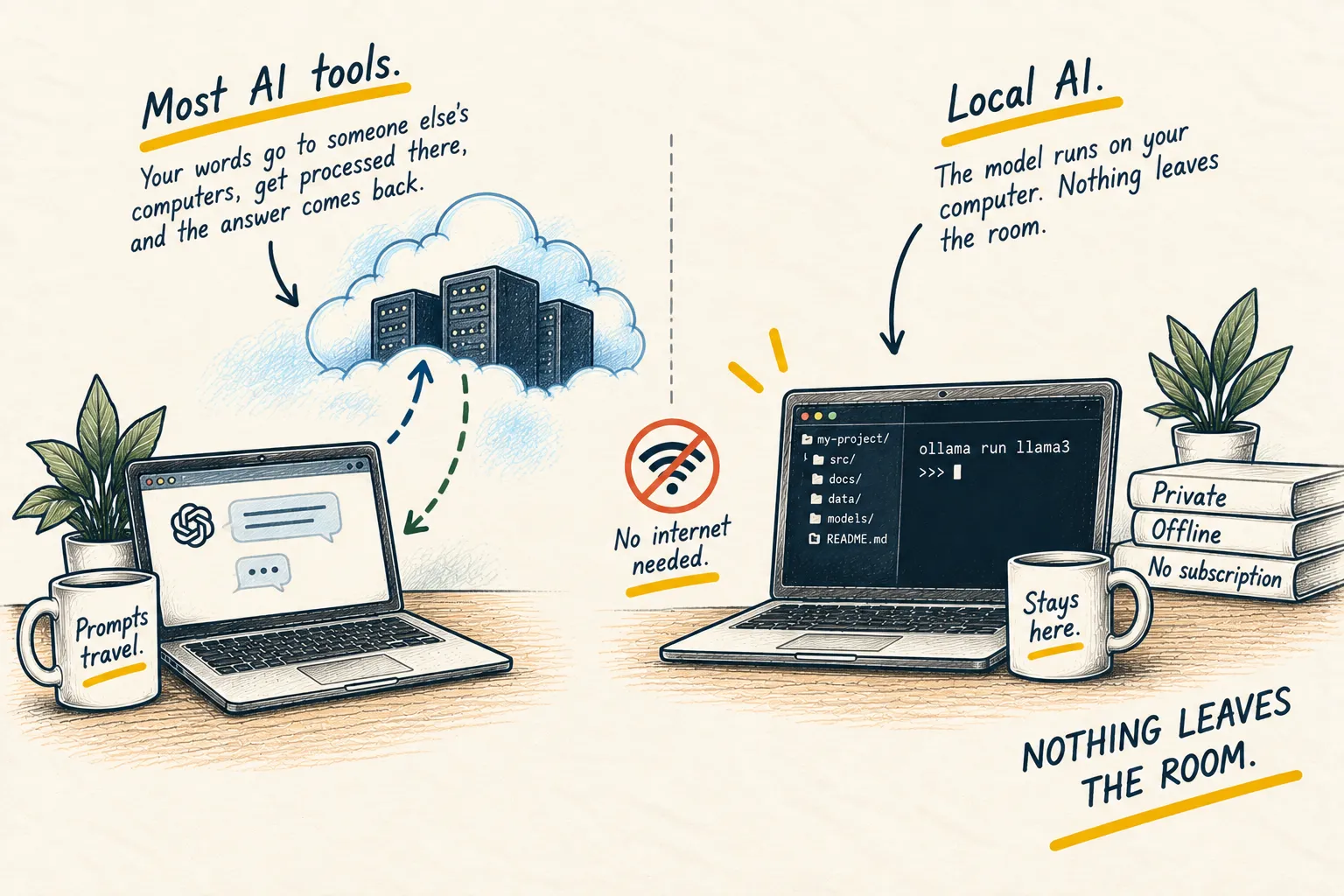
If you need to ask questions of long documents often and privacy is not the issue, a cloud tool handles far longer files; the PDF guide shows how. Remember what you give up: local and private are not the same thing, but local does mean the document never leaves your machine.
Common questions
Why does it remember the start of a short chat but not a long one?
Should I just set it to the maximum?
Is a bigger context a guarantee it reads everything properly?
Does this cost anything?
What to do next
Related reading
Learn
What is local AI?