Turn off 'use my chats to train the model'
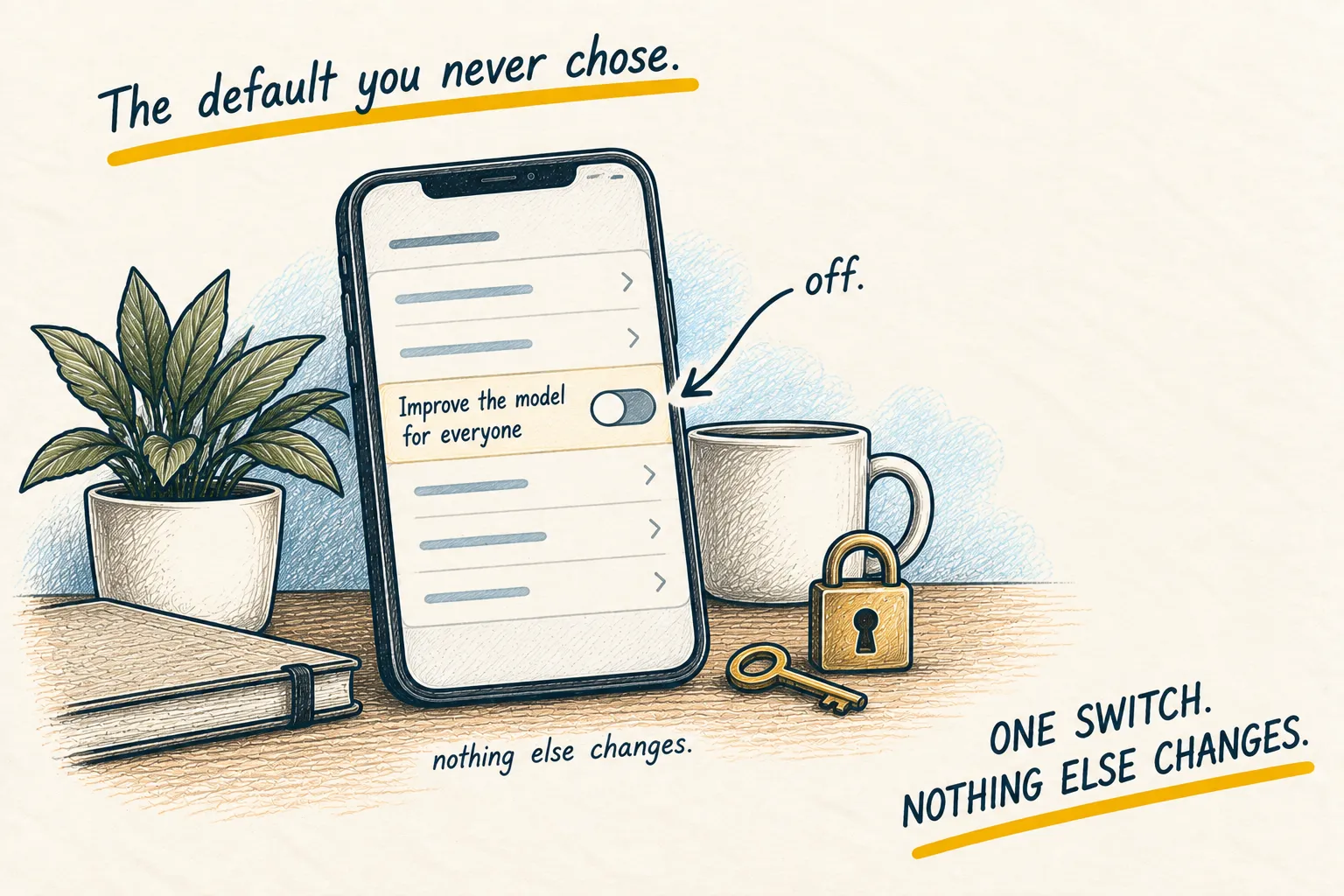
How to stop ChatGPT, Claude and Gemini training on your chats. One setting turns it off in each app and changes nothing else. Two minutes, once.

By Nick
On this page
- Two minutes per app
- Nothing
- Beginner
Before you start
1. Why bother
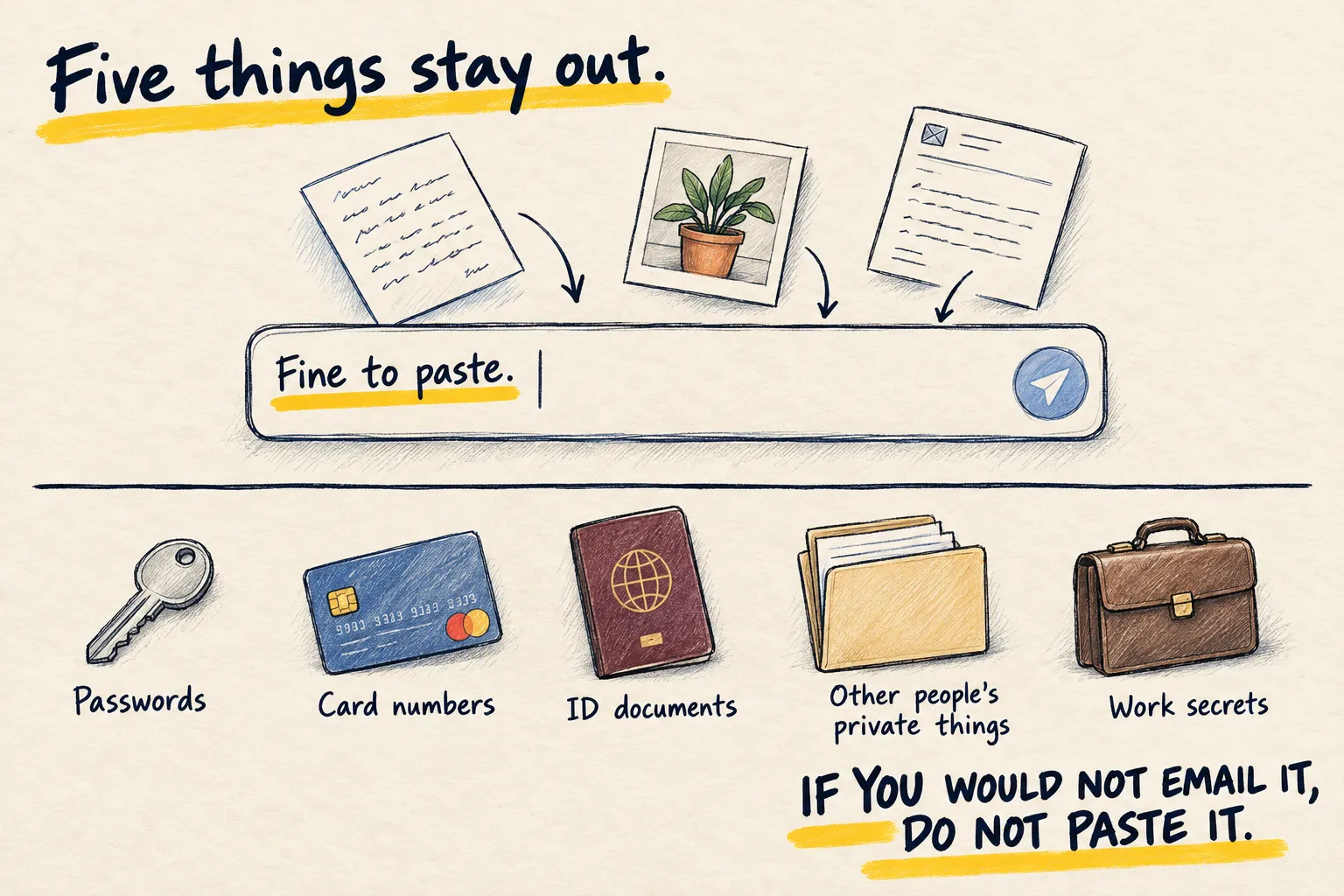
Not because anything sinister happens. Because the default is “yes” and you never chose it, and because the things you should not paste are easier to keep out when the thing you did paste is not kept for training either.
2. Find the switch
The names move about, so the quickest way is to ask the app itself. Paste this.
Where in this app's settings is the option to stop my conversations being used to train or
improve your models? Give me the exact menu path for the version I am using, say what the
setting is called today, and tell me whether turning it off changes anything else.
Follow the path it gives. If it cannot say, look under Settings for words like data controls, privacy, model improvement or training.
3. Do it in every app you use
ChatGPT, Claude, Gemini, Copilot, and anything else with a chat box in it. Then forget about it; it stays off.
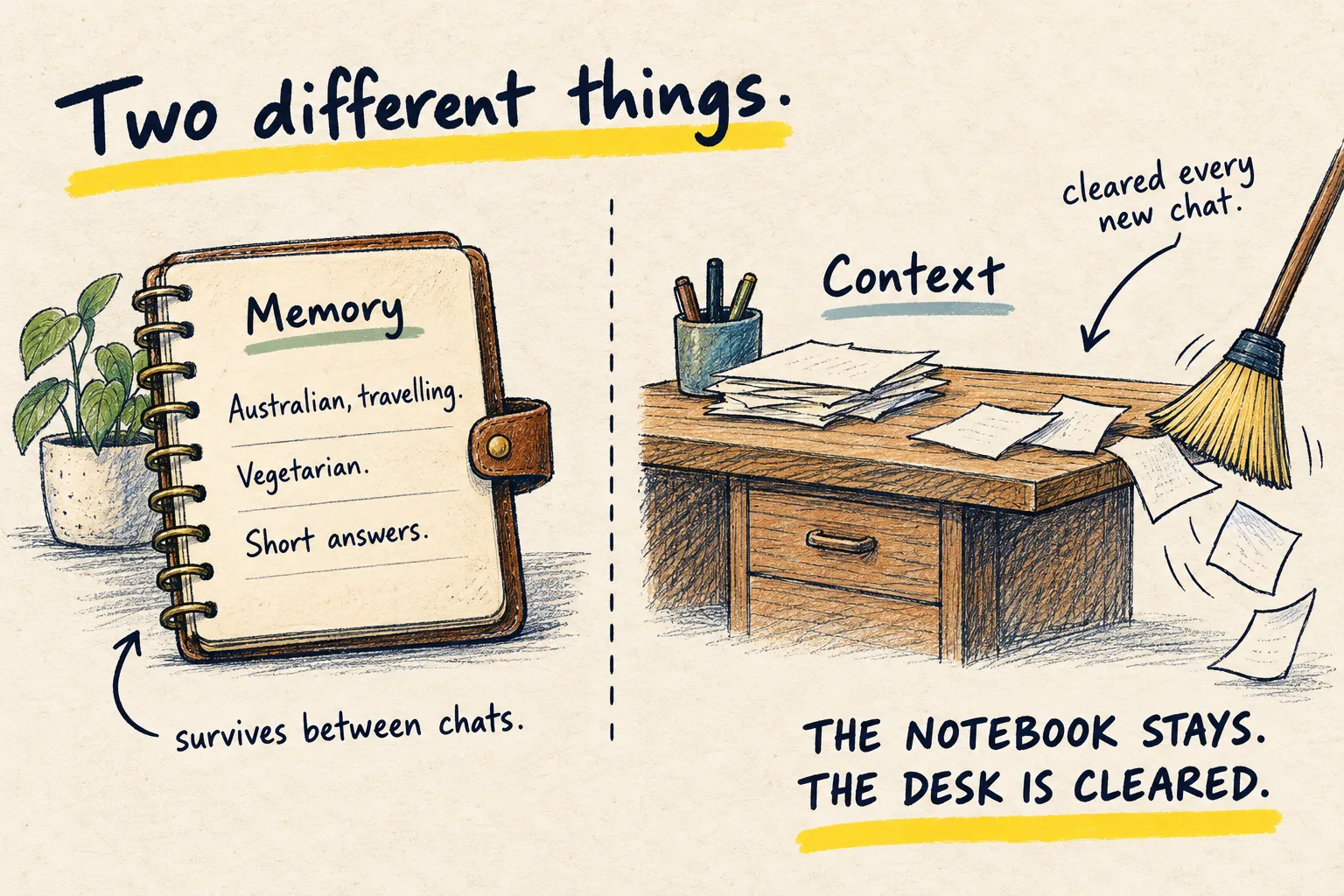
How you know it worked. The switch is off and the app works exactly as before. While you are in there, Memory is the other setting worth a look: it is on by default too.
Common questions
Does turning it off make the answers worse?
Does it delete what I have already said?
What about the paid or work versions?
What to do next
Related reading
Learn
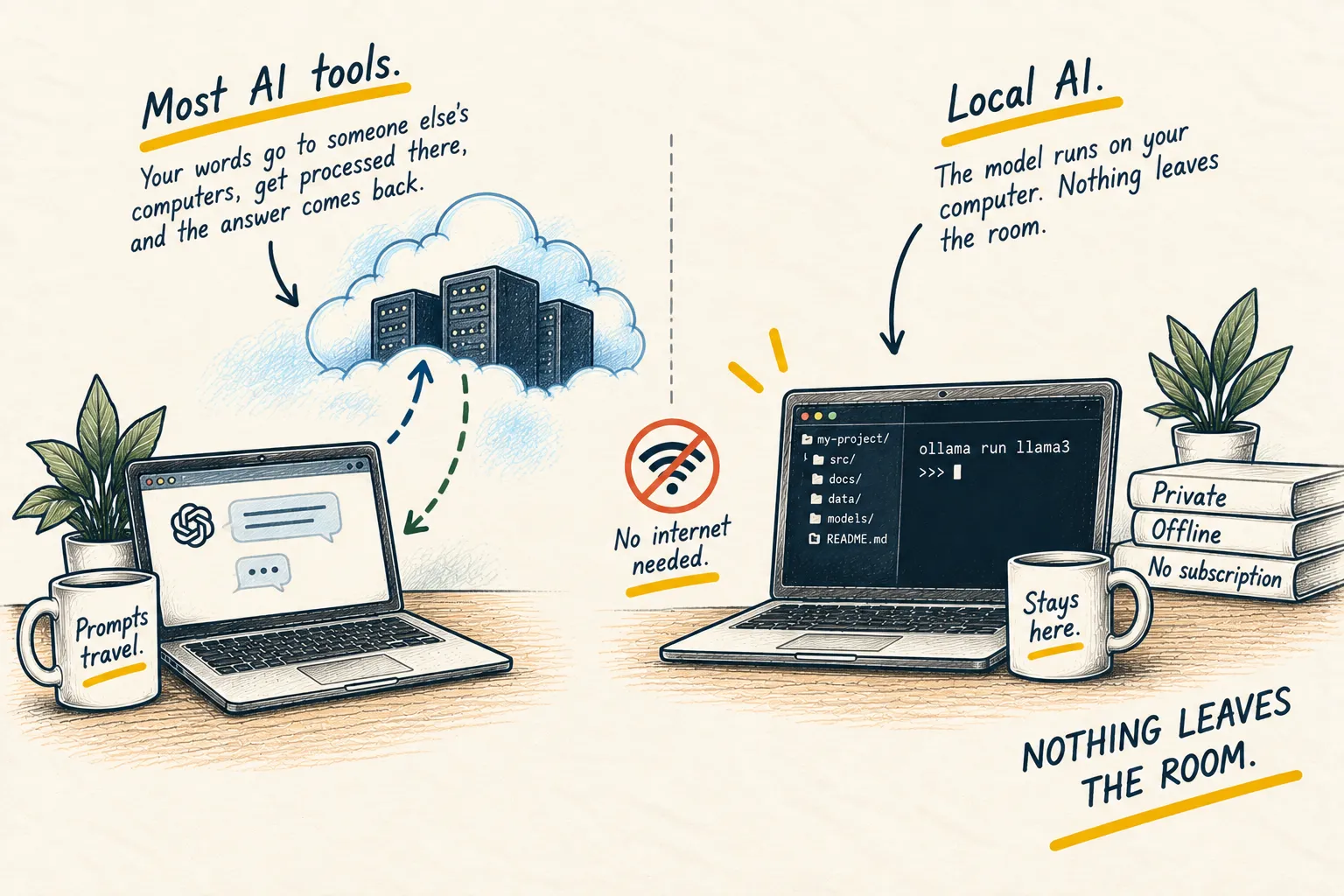
What is local AI?